
RELATED LAPTOP HUB

Explore More Laptop Guides by Use Case

This guide is part of our curated laptop collections. Explore more expert recommendations organized around specific workflows, professional needs, and everyday use cases to help you choose the right laptop for the way you work, create, study, and develop.

2026 App Development Laptop Guide • Expert Picks for iOS, Android, Web, Cross-Platform, AI & Professional Development
Expert Reviewed • CPU Performance, RAM, SSD, Battery Life, Thermals, Displays, Portability & Developer Workloads

Best Laptops for App Development in 2026: 8 Top Picks for Developers

The best laptop for app development in 2026 is not necessarily the most powerful or most expensive machine. The right choice depends on your development stack, operating system, programming tools, project size, multitasking needs, and whether you are building for iOS, Android, web, desktop, or multiple platforms.From Xcode and Android Studio to Visual Studio, VS Code, Docker, virtual machines, emulators, databases, AI development, and game engines, today's laptops can handle a wide range of professional development workloads. However, choosing the right hardware matters when projects become larger, builds take longer, and multiple development tools need to run simultaneously.

In this guide, we've selected the best laptops for app development based on real-world developer workloads, processor performance, memory capacity, storage, thermals, battery life, portability, display quality, operating system compatibility, and long-term value. Whether you're building iOS applications with Xcode, developing Android apps with Android Studio, creating cross-platform applications, working with .NET and Visual Studio, or developing games and AI-powered software, there is a laptop in this lineup designed for your workflow.The Apple MacBook Pro 14-inch with M5 Pro stands out as the best overall laptop for professional app development, combining excellent performance, 48GB of unified memory, long battery life, and access to Apple's development ecosystem. The MacBook Air 15-inch M5 is a strong choice for students, independent developers, and lighter development workloads, while the Dell Premium 16 provides a powerful Windows alternative for developers working with Visual Studio, Android Studio, and other Windows-based tools.For demanding professional workloads, the Lenovo ThinkPad P1 Gen 8 and HP ZBook 8 G1i provide workstation-class platforms, while the ASUS ProArt PX13 is designed for developers who also work with creative applications. Developers who need substantial GPU performance can step up to the Lenovo Legion Pro 5 or ASUS ROG Zephyrus G16 for game development, AI, 3D, and other GPU-intensive workloads.

Best Overall
Best for Students
Best Premium Windows
Best Professional Workstation
Best Windows Workstation
Best for Developers + Creators
Best Performance Value
Best for GPU-Heavy Development
Editor's Verdict:For most professional developers, the Apple MacBook Pro 14-inch with M5 Pro, 48GB RAM, and 1TB SSD is the strongest overall choice in 2026. It provides the performance and memory headroom needed for demanding development environments while offering excellent battery life, portability, and access to Xcode and Apple's development ecosystem.If you're a student, junior developer, or independent developer working primarily with VS Code, web technologies, lightweight mobile development, or cross-platform frameworks, the MacBook Air 15-inch M5 with 24GB RAM and 1TB SSD offers an excellent balance of performance, portability, battery life, and long-term value.Developers who prefer Windows can consider the Dell Premium 16 for a premium combination of performance, display quality, and graphics capability. For large professional projects, virtualization, containers, and demanding multitasking, the Lenovo ThinkPad P1 Gen 8 with 64GB RAM and HP ZBook 8 G1i provide more workstation-oriented platforms.For developers who combine programming with design, editing, and other creative workloads, the ASUS ProArt PX13 offers a highly versatile form factor. Meanwhile, the Lenovo Legion Pro 5 and ASUS ROG Zephyrus G16 are better suited to developers who need substantial GPU performance for game development, AI, 3D, local machine learning, and other graphics-intensive workloads.
Scroll Down to Compare the 8 Best Laptops for App Development in 2026
Best Overall Laptop for App Development (2026 Editor's Choice)

Apple MacBook Pro 14 M5 Pro

Best Laptop for Professional iOS, macOS, Cross-Platform & Software Development
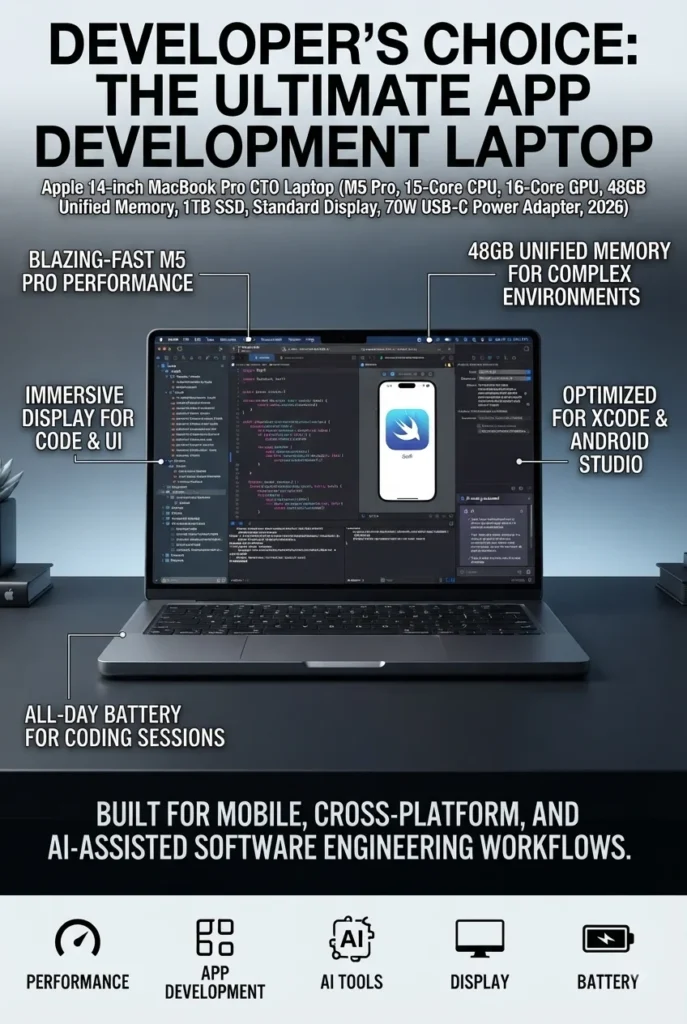
The Apple MacBook Pro 14-inch with the M5 Pro chip, 48GB unified memory, and 1TB SSD is our top recommendation for the best laptop for app development in 2026. It combines high-end processing performance, substantial memory capacity, excellent battery efficiency, a premium display, and access to Apple's development ecosystem in a compact professional machine. For developers building iOS, iPadOS, macOS, web, and cross-platform applications, it provides the performance and flexibility needed for demanding development environments.

• Ideal for professional developers working with Xcode, Swift, SwiftUI, iOS, iPadOS, macOS, web development, and cross-platform application frameworks
• Excellent for developers who need to run IDEs, browsers, terminals, databases, Docker containers, simulators, and other development tools simultaneously
• Particularly strong choice for developers who need macOS and Xcode for Apple's application development ecosystem
• The Apple M5 Pro platform provides strong CPU performance and a high-bandwidth unified architecture designed for demanding professional workloads and sustained multitasking
• The 48GB unified memory configuration provides substantial headroom for large development environments, multiple applications, local tools, simulators, containers, and memory-intensive workflows
• The 14.2-inch Liquid Retina XDR display provides a sharp 3024 × 1964 resolution, wide P3 color, excellent contrast, and ProMotion refresh rates up to 120Hz, making it well suited to long development sessions and professional creative work
• The 1TB SSD provides fast application launches, quick project access, and practical storage for source code, development environments, SDKs, virtual environments, assets, and professional files
• Apple's unified memory architecture allows the CPU and GPU to access shared memory efficiently, which is particularly useful when development workflows combine code, simulators, graphics, local AI tools, and creative applications
• The active cooling system and MacBook Pro chassis are better suited to sustained professional workloads than Apple's fanless MacBook Air models
• macOS provides direct access to Xcode and Apple's native development tools, making the MacBook Pro a particularly strong choice for developers building applications for iPhone, iPad, Mac, Apple Watch, and other Apple platforms
• The premium portable design makes it practical for developers who need workstation-level capability without carrying a traditional desktop replacement laptop
• Thunderbolt connectivity, MagSafe charging, a high-quality keyboard, and Touch ID provide a professional setup for developers working at a desk or moving between development environments

The MacBook Pro 14-inch earns our Best Overall Laptop for App Development award because it offers one of the strongest combinations of development performance, memory capacity, portability, battery efficiency, display quality, and operating-system support available to developers in 2026. It is especially compelling for developers who work inside Apple's ecosystem, where access to Xcode and macOS makes the platform uniquely suited to iOS and macOS application development.

Compared with the MacBook Air 15-inch M5, the MacBook Pro is designed for developers who regularly push their machine harder. Its Pro-class platform, active cooling, higher memory potential, and professional display make it better suited to large codebases, simultaneous development tools, simulators, containers, local workloads, and sustained compilation. The Air remains an excellent choice for lighter development and students, but the MacBook Pro is the more appropriate long-term investment for professional developers who expect their projects and workloads to grow.

• Apple M5 Pro chip• 15-core CPU configuration• 16-core GPU configuration in the listed configuration• Neural Engine and hardware-accelerated ray tracing• 307GB/s memory bandwidth• Strong single-core and multi-core performance• Designed for sustained professional workloadsThe M5 Pro gives the MacBook Pro the processing capability needed for demanding development environments. Developers can work across Xcode, VS Code, terminals, browsers, databases, simulators, and other tools without relying on a lightweight configuration designed primarily for everyday productivity.For professional developers, the biggest advantage is not simply raw benchmark performance. It is the ability to keep a complex development environment responsive while compiling projects, running simulators, managing multiple applications, and performing other tasks simultaneously.Apple specifies a 15-core CPU and 16-core GPU for this M5 Pro configuration, with 307GB/s of memory bandwidth. :contentReference[oaicite:2]{index=2}
• 48GB unified memory in the listed configuration• High-bandwidth unified architecture• Shared memory between CPU and GPU• Excellent multitasking headroom• Useful for large development environments• Better suited to demanding professional workflowsMemory capacity becomes increasingly important when developers move beyond a simple editor and browser. Modern development workflows can involve IDEs, multiple browser windows, databases, containers, simulators, documentation, communication applications, and local development services running at the same time.A high-memory configuration provides additional headroom for these workloads and can be particularly valuable for developers working with large projects, virtualization, containers, local AI tools, or multiple simultaneous environments.Apple's official specifications show that the M5 Pro platform supports configurations with substantial unified memory capacity, although the exact memory/GPU combinations vary by configuration. The specific Amazon listing used for this article should therefore be treated as the configuration being reviewed rather than as a universal M5 Pro specification. :contentReference[oaicite:3]{index=3}
• 14.2-inch Liquid Retina XDR display• 3024 × 1964 native resolution• 254 pixels per inch• Wide P3 color• Up to 120Hz ProMotion• Up to 1,000 nits sustained XDR brightness• Up to 1,600 nits peak HDR brightness• Excellent text clarityThe MacBook Pro's display is particularly useful for developers who spend many hours reading code, comparing files, working across multiple windows, or combining development with creative work.The 3024 × 1964 resolution provides a highly detailed workspace, while ProMotion can deliver adaptive refresh rates up to 120Hz for smoother scrolling and interface movement.The Liquid Retina XDR panel also makes this laptop suitable for developers who occasionally work with photography, video, UI design, color-sensitive assets, or other visual workloads alongside programming.Apple lists the display as a 14.2-inch Liquid Retina XDR panel with 3024 × 1964 resolution, P3 color, and ProMotion up to 120Hz. :contentReference[oaicite:4]{index=4}
• 1TB SSD• Fast application launches• Fast project access• Quick file operations• Suitable for development environments• Useful for SDKs, assets, and project filesThe 1TB SSD is a practical starting point for professional developers. Development environments can consume considerably more storage than the source code itself once SDKs, package managers, simulators, containers, dependencies, virtual environments, project assets, and local datasets are included.The 1TB configuration provides considerably more working room than entry-level storage options and reduces the need to constantly move development files to external storage.Developers working with large datasets, extensive virtual machines, multiple mobile simulators, game assets, or large media projects may still benefit from external storage or a higher-capacity configuration.
• macOS• Xcode• Swift and SwiftUI• iOS and iPadOS development• macOS application development• Apple platform SDKs• Simulator supportFor developers building applications for Apple's platforms, macOS is not simply another operating-system preference. Xcode is Apple's development environment for its platforms, making a Mac an essential part of the workflow for native Apple application development.The MacBook Pro is therefore particularly compelling for developers building iPhone, iPad, Mac, Apple Watch, and other Apple-platform applications.It can also serve as a powerful general-purpose development machine for web applications, backend development, cross-platform frameworks, databases, containers, and many other programming workflows.This is one of the biggest reasons the MacBook Pro ranks first in this guide: it combines high-end hardware with direct access to Apple's native development ecosystem.
• Xcode and VS Code• Multiple browser windows• Terminal sessions• Docker containers• Databases• Local development servers• Mobile simulators• Multiple simultaneous applicationsProfessional development rarely involves a single application running by itself. Developers frequently switch between their IDE, terminal, documentation, browser, database tools, communication platforms, local servers, containers, and testing environments.The combination of M5 Pro performance and a high-memory configuration gives this MacBook Pro considerable headroom for those workflows.Developers working on larger projects can also benefit from the additional performance available when compiling code, running tests, launching simulators, or managing several development services simultaneously.
• Active cooling• Professional MacBook Pro chassis• MagSafe charging• USB-C connectivity• Portable 14-inch design• Designed for demanding workloadsThe MacBook Pro is a particularly strong choice for developers who want high performance without moving to a large desktop-replacement laptop.Unlike the fanless MacBook Air, the MacBook Pro uses active cooling, making it better suited to sustained professional workloads where processors may remain under load for extended periods.Its compact 14-inch form factor also makes it practical for developers who work between an office, home, university, coworking space, or client location.
Ideal for:• iOS and iPadOS developers• macOS developers• Swift and SwiftUI developers• Professional software developers• Cross-platform developers• Web and backend developers• Developers using Docker and local services• Developers running multiple simulators• Developers working with large projects• AI-assisted development workflows• Developers who need substantial memory capacityThe Apple MacBook Pro 14-inch M5 Pro is our best overall laptop for app development because it combines professional performance, substantial memory, excellent portability, long-term platform support, and access to Apple's native development ecosystem.It is particularly compelling for developers who need Xcode, while also providing enough performance and flexibility for broader software development workloads.
Best Laptop for Students & Independent Developers (2026)

Apple MacBook Air 15 M5

Best MacBook for Students, Junior Developers & Everyday App Development
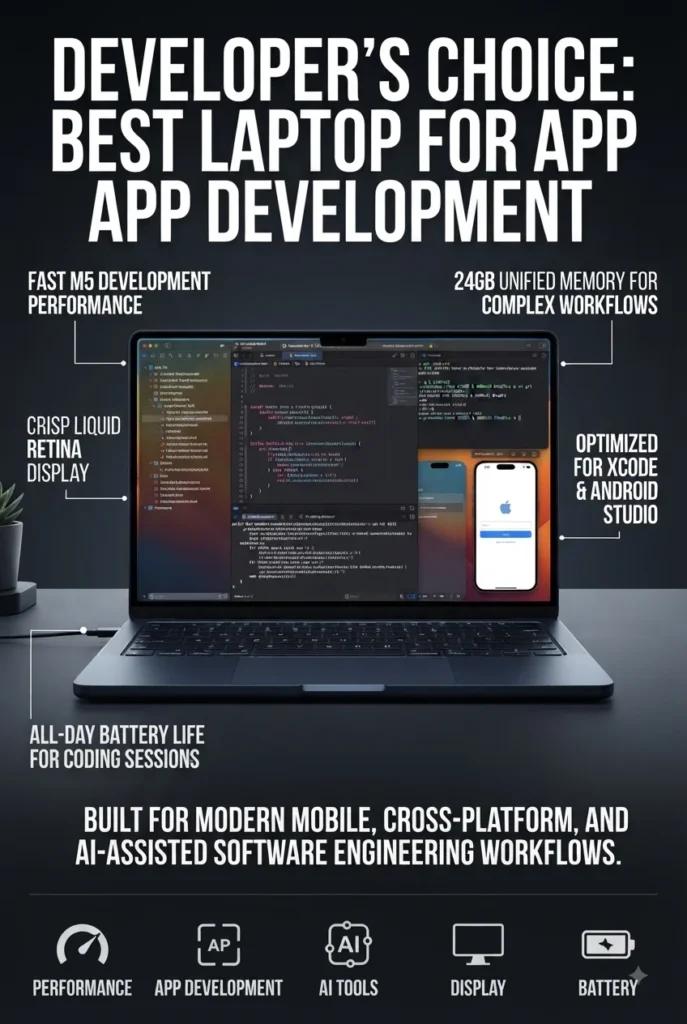
The Apple MacBook Air 15-inch with the M5 chip, 24GB unified memory, and 1TB SSD is our top recommendation for students, junior developers, and independent developers who want a large-screen Mac with excellent battery efficiency and enough performance for modern development workflows. It provides a strong balance of portability, memory capacity, storage, and everyday performance for web development, Swift, Xcode, cross-platform frameworks, VS Code, scripting, databases, and lighter mobile development without the added cost, weight, and active cooling system of a MacBook Pro.

• Excellent for computer science students, programming students, junior developers, freelancers, independent developers, and anyone learning modern application development
• Well suited to Xcode, Swift, SwiftUI, VS Code, web development, React, React Native, Flutter, scripting, Git, databases, and general software development
• Ideal for developers who prioritize a larger 15.3-inch workspace, long battery life, silent operation, and everyday portability
• The Apple M5 chip with a 10-core CPU and 10-core GPU provides responsive performance for coding, compiling smaller and medium-sized projects, multitasking, browsing, testing, and everyday development workloads
• 24GB of unified memory provides considerably more multitasking headroom than entry-level memory configurations and is particularly useful when developers run an IDE, browser, terminal, database tools, documentation, and other applications simultaneously
• The 15.3-inch Liquid Retina display provides a larger workspace for code editors, documentation, terminal windows, browser tabs, and side-by-side development tools
• The 1TB SSD provides practical storage for source code, SDKs, development environments, dependencies, applications, project assets, and personal files
• The fanless MacBook Air design provides silent operation, making it particularly comfortable for classrooms, libraries, offices, coworking spaces, and quiet development environments
• Apple's efficient architecture provides excellent battery endurance for developers who spend long periods coding away from a desk or power outlet
• macOS provides direct access to Xcode and Apple's native development ecosystem while also supporting a wide range of Unix-based developer tools and programming environments
• The 12MP Center Stage camera and Desk View support make the MacBook Air particularly useful for remote classes, developer meetings, presentations, and collaborative work
• The thin and lightweight design makes it easier to carry than most Windows performance laptops while still providing a large screen and substantial memory capacity

The MacBook Air 15-inch earns our Best Laptop for Students & Independent Developers award because it delivers the combination of performance, memory, screen space, battery efficiency, and portability that many developers actually need. It is especially attractive for students and junior developers who want to learn programming, build applications, work with modern development tools, and keep their laptop useful throughout several years of study and professional growth.

Compared with the MacBook Pro 14-inch M5 Pro, the MacBook Air is designed around efficiency and portability rather than sustained professional performance. The Air is an excellent choice when development workloads are moderate and the priority is a quiet, lightweight machine with a large display. Developers working with large codebases, frequent builds, multiple simulators, heavy containers, virtualization, or sustained workloads should step up to the MacBook Pro. For students and independent developers, however, the 15-inch MacBook Air provides an excellent balance without paying for performance they may not regularly use.

• Apple M5 chip• 10-core CPU• 10-core GPU• Apple unified memory architecture• Fast application performance• Efficient everyday multitasking• Strong performance for programming and developmentThe Apple M5 provides more than enough performance for many everyday development workflows. Students and independent developers can comfortably work with code editors, terminals, browsers, Git, documentation, databases, and development frameworks without needing the higher sustained performance of a MacBook Pro.The 10-core CPU and 10-core GPU configuration also provides enough performance for coding, compiling smaller and medium-sized projects, testing applications, and handling everyday creative and productivity workloads.For extremely large projects, frequent heavy compilation, extensive virtualization, or sustained high-load development, the actively cooled MacBook Pro remains the better choice.
• 24GB unified memory• Shared CPU and GPU memory architecture• High-bandwidth memory access• Excellent multitasking headroom• Suitable for development environments• Better long-term capacity than entry-level configurationsDevelopers often need much more than an IDE. A typical development session may include VS Code or Xcode, multiple browser tabs, terminals, documentation, Git tools, database applications, communication software, and local development services.The 24GB configuration gives this MacBook Air substantial memory headroom for those workloads.For students and junior developers, this is particularly attractive because the additional memory can help the laptop remain useful as projects become more complex and development tools become more demanding.
• 15.3-inch Liquid Retina display• 2880 × 1864 resolution• Sharp text rendering• Wide color support• Large workspace• Excellent for side-by-side applicationsThe 15.3-inch display is one of the biggest advantages of this MacBook Air for developers.Programming often requires multiple windows at the same time. A larger display makes it easier to keep a code editor open alongside documentation, a terminal, browser windows, or development tools without constantly switching between applications.The 2880 × 1864 resolution also provides sharp text rendering, making long coding sessions more comfortable.Developers who frequently work with an external monitor can still use the MacBook Air as their primary portable development machine, while the larger built-in screen provides additional workspace when working away from a desk.
• 1TB SSD• Fast application launches• Quick project access• Ample space for development tools• Suitable for SDKs and dependencies• Practical for long-term useThe 1TB SSD is an important advantage for developers because development environments can consume significant storage over time.SDKs, package managers, simulators, dependencies, local databases, project assets, virtual environments, and development applications can quickly use more space than the source code itself.The 1TB configuration provides a comfortable working environment for students and independent developers who want to keep multiple projects and development tools locally available.Developers working with very large datasets, extensive virtual machines, game assets, or large media libraries may still benefit from external storage.
• macOS• Xcode• Swift and SwiftUI• iOS and iPadOS development• Web development• Cross-platform frameworks• Unix-based development toolsThe MacBook Air provides direct access to macOS and Apple's development ecosystem, making it particularly useful for students learning Swift, SwiftUI, and Apple application development.It can also handle a wide range of cross-platform and web development workflows, including JavaScript, TypeScript, React, React Native, Flutter, Python, Git, and other common developer tools.For students learning programming, this versatility is valuable because one machine can support coursework, experimentation, web projects, mobile development, and personal applications.Developers whose primary workload involves extremely demanding builds or multiple simultaneous simulators should consider the MacBook Pro instead.
• Up to 18 hours of battery life according to the listed configuration• Fanless design• Silent operation• Thin and lightweight chassis• USB-C connectivity• MagSafe charging• Excellent for classrooms and mobile workOne of the strongest reasons to choose the MacBook Air is how easily it fits into a mobile development lifestyle.Students can carry it between classes, libraries, labs, coffee shops, and home without the bulk associated with many high-performance Windows laptops.Its fanless design also means there is no active cooling fan generating noise during normal development and productivity work, which can be especially useful in classrooms, libraries, and quiet study environments.The listing specifies up to 18 hours of battery life, although real-world endurance will vary depending on applications, brightness, networking, and workload.
• 12MP Center Stage camera• Center Stage support• Desk View• High-quality video calls• Useful for remote classes and meetings• Excellent for collaborative developmentThe 12MP Center Stage camera adds value for developers who work remotely or collaborate with distributed teams.Center Stage can automatically keep the user centered during supported video calls, while Desk View can provide a view of the workspace for demonstrations, presentations, or collaborative sessions.For students, freelancers, and remote developers, this makes the MacBook Air more versatile beyond programming itself.
Ideal for:• Computer science students• Programming students• Junior developers• Independent developers• Freelancers• Web developers• Swift and SwiftUI learners• React and React Native developers• Flutter developers• Python developers• JavaScript and TypeScript developers• General software developmentThe Apple MacBook Air 15-inch M5 is our best choice for students and independent developers because it combines a large, high-resolution display with 24GB of memory, 1TB of storage, excellent battery efficiency, and a lightweight fanless design.It is powerful enough for a broad range of development workloads while remaining more portable and less expensive than a professional MacBook Pro configuration.
Best Windows Laptop for App Development (2026)

Dell Premium 16 (XPS 16)

Best Windows Laptop for Developers Who Want OLED, Dedicated Graphics & Professional Performance
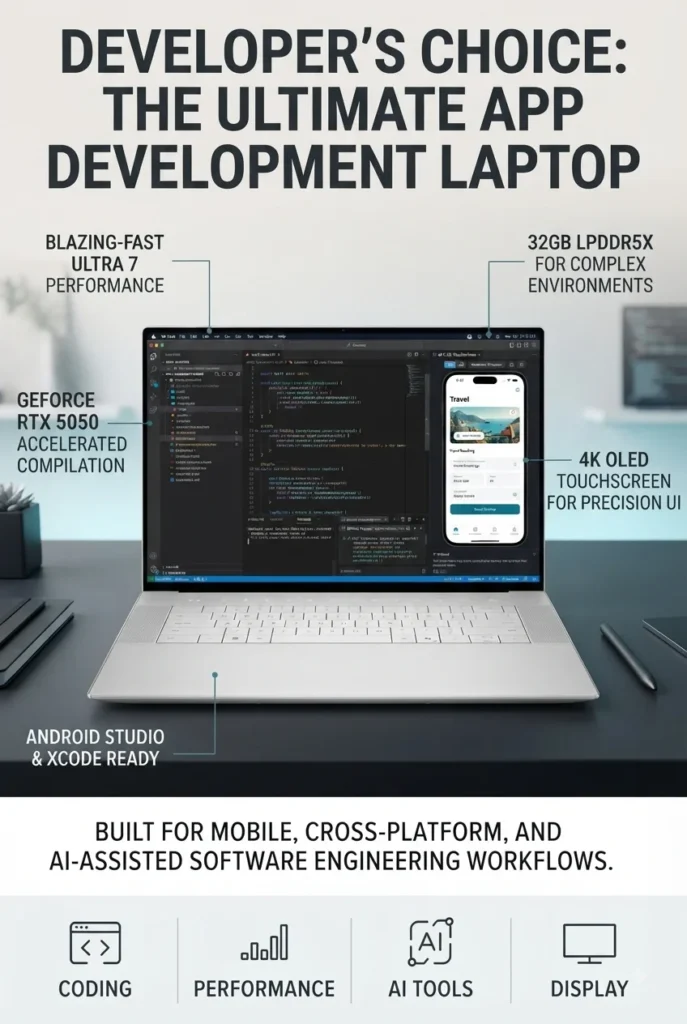
The Dell Premium 16, previously known as the XPS 16, with Intel Core Ultra 7-255H, 32GB LPDDR5X memory, 1TB SSD, and GeForce RTX 5050 graphics is our top recommendation for developers who prefer Windows and want a premium laptop with a large high-resolution OLED display, dedicated NVIDIA graphics, and substantial multitasking capacity. It is particularly well suited to application development, web development, cross-platform frameworks, AI-assisted development, creative coding workflows, and developers who regularly use GPU-accelerated applications alongside their programming tools.

• Excellent for professional developers, software engineering students, Windows developers, web developers, and cross-platform application development
• Well suited to Visual Studio, VS Code, JetBrains IDEs, .NET development, Python, JavaScript, TypeScript, React, Node.js, databases, Docker-based workflows, and other Windows development environments
• Ideal for developers who want a premium Windows experience with a large 16.3-inch OLED display, dedicated NVIDIA graphics, substantial memory, and strong connectivity
• The Intel Core Ultra 7-255H provides strong processing performance for compiling applications, running development environments, multitasking, and handling demanding productivity workloads
• 32GB of LPDDR5X memory provides excellent headroom for IDEs, browsers, terminals, databases, development servers, containers, and other applications running simultaneously
• The GeForce RTX 5050 dedicated GPU adds useful graphics acceleration for GPU-aware development tools, AI-assisted workloads, 3D applications, game development, and creative software
• The 16.3-inch 4K OLED touchscreen provides a large, high-resolution workspace that is particularly useful for viewing code, documentation, design interfaces, debugging tools, and multiple application windows
• The 1TB PCIe NVMe SSD provides fast application launches and sufficient local storage for development environments, source code, SDKs, project files, dependencies, and applications
• Three Thunderbolt 4 ports provide high-speed connectivity for external displays, storage devices, docks, and other professional peripherals
• Wi-Fi 7 and Bluetooth 5.4 provide modern wireless connectivity for development environments, remote work, cloud services, peripherals, and network-intensive workflows
• Windows 11 Pro provides a professional software environment with broad compatibility across enterprise applications, development tools, virtualization platforms, and business workflows
• The premium aluminum-style chassis, backlit keyboard, fingerprint reader, and large high-resolution display make the Dell Premium 16 suitable for both professional development and everyday productivity

The Dell Premium 16 earns our Best Windows Laptop for App Development award because it combines the flexibility of Windows with the performance and graphics capabilities expected from a modern premium development machine. Its 32GB of memory is particularly valuable for developers who routinely keep an IDE, browser, terminal, database tools, communication applications, and local services open at the same time. The dedicated RTX 5050 GPU also gives it an advantage over integrated-graphics laptops for GPU-accelerated workloads and development environments that can benefit from NVIDIA hardware.

Compared with the MacBook Air 15-inch M5, the Dell offers a more traditional high-performance Windows platform with dedicated NVIDIA graphics and broader compatibility with Windows-specific development environments. The MacBook Air remains more attractive for developers who prioritize battery efficiency, silent operation, and Apple's development ecosystem, while the Dell is the stronger choice for developers who need Windows compatibility, GPU acceleration, or a more graphics-oriented development workflow. Developers working with exceptionally demanding sustained workloads should also consider a workstation-class laptop later in this lineup.

• Intel Core Ultra 7-255H• High-performance hybrid architecture• Strong multi-core capability• Excellent application responsiveness• Suitable for compiling and multitasking• Designed for demanding professional workloadsThe Intel Core Ultra 7-255H provides the processing capability needed for modern application development. Developers can run IDEs, compilers, browsers, terminals, databases, development servers, and productivity applications simultaneously.This makes the Dell Premium 16 particularly attractive for developers working on larger projects or using several development tools at the same time.It provides a strong balance between everyday responsiveness and the multi-core performance required for compiling, testing, and running development environments.
• 32GB LPDDR5X memory• High-bandwidth memory• Excellent multitasking capacity• Suitable for large development environments• Strong long-term headroom• Ideal for professional workloadsModern development workflows can consume significant memory when an IDE, browser, database, terminal, Docker containers, local servers, documentation, and communication applications are all running together.The 32GB configuration gives the Dell Premium 16 substantial memory headroom for these workloads.For developers who regularly work with large projects or multiple development environments, 32GB is a significant advantage over entry-level 16GB configurations.
• NVIDIA GeForce RTX 5050• Dedicated graphics memory• GPU acceleration• NVIDIA ecosystem support• Useful for AI-assisted workloads• Suitable for graphics-intensive developmentThe dedicated GeForce RTX 5050 separates the Dell Premium 16 from many productivity-focused development laptops.A dedicated NVIDIA GPU can be useful for developers working with GPU-accelerated applications, AI development tools, graphics programming, game development, 3D environments, computer vision, and creative software.It also provides additional graphics performance for developers who want to use their laptop for both software development and demanding visual workloads.The RTX 5050 should not be confused with a professional workstation GPU, but it provides a meaningful advantage over laptops that rely entirely on integrated graphics.
• 16.3-inch display• 3840 × 2400 resolution• 4K OLED technology• Touchscreen support• High contrast• Large development workspaceThe 16.3-inch 4K OLED display is one of the Dell Premium 16's defining features.Developers can comfortably work with code editors, documentation, browser windows, debugging tools, terminals, and design applications on the large high-resolution canvas.OLED technology also provides excellent contrast and deep blacks, making interfaces and visual content look particularly sharp.The large display is especially useful for developers who frequently work without an external monitor.
• 1TB PCIe NVMe SSD• Fast application launches• Quick project loading• High-speed file access• Space for development environments• Suitable for SDKs and dependenciesThe 1TB SSD provides a practical amount of storage for a development machine.Developers can install multiple IDEs, SDKs, package managers, databases, development environments, applications, and project files without immediately running into storage limitations.It is also useful for developers who keep multiple repositories, local datasets, build artifacts, and testing environments on the laptop.Developers working with large virtual machines, extensive datasets, game assets, or large media collections may eventually benefit from external storage.
• Windows 11 Pro• Visual Studio• Visual Studio Code• .NET development• Python• JavaScript and TypeScript• React and Node.js• Docker and development toolsWindows 11 Pro makes the Dell Premium 16 particularly versatile for developers who need broad compatibility with Windows-specific applications and enterprise development environments.It supports popular development platforms including Visual Studio, Visual Studio Code, .NET, Python, JavaScript, TypeScript, Node.js, React, and many other programming ecosystems.Developers can also use Windows-based virtualization, containerization, cloud development tools, and enterprise software depending on their specific workflow.This broad compatibility is one of the Dell's strongest advantages over platforms that may require alternative development environments for certain Windows-focused tools.
• Three Thunderbolt 4 ports• Wi-Fi 7• Bluetooth 5.4• External display support• High-speed storage support• Docking station compatibilityThe Dell Premium 16 is designed to work well as both a mobile development machine and a desktop-style workstation.Thunderbolt 4 connectivity allows developers to connect external displays, high-speed storage, docking stations, and other professional peripherals.Wi-Fi 7 also provides modern wireless connectivity for cloud development, remote repositories, online collaboration, and network-intensive workflows when paired with a compatible network.This makes the laptop particularly flexible for developers who move between mobile and desk-based development environments.
Ideal for:• Professional Windows developers• Software engineering students• .NET developers• Visual Studio users• Web developers• React developers• Node.js developers• Python developers• JavaScript and TypeScript developers• AI-assisted development• Game development• GPU-accelerated applications• Developers who need Windows compatibilityThe Dell Premium 16 is our best Windows laptop for app development because it combines strong Intel processing, 32GB memory, dedicated NVIDIA graphics, a large 4K OLED touchscreen, 1TB SSD storage, and Windows 11 Pro in a premium design.It is particularly compelling for developers who want one laptop capable of handling programming, professional productivity, graphics-intensive workloads, and modern Windows development environments.
Best Mobile Workstation for App Development (2026)

Lenovo ThinkPad P1 Gen 8

Best Workstation Laptop for Professional Developers, AI, Engineering & Heavy Workloads
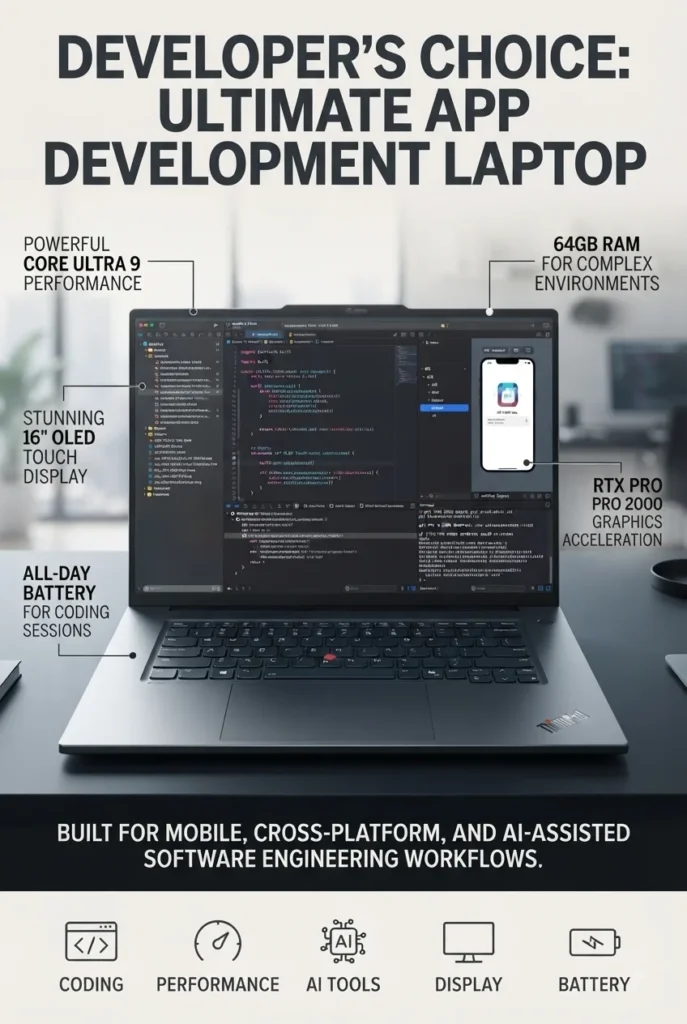
The Lenovo ThinkPad P1 Gen 8 with Intel Core Ultra 9 285H, 64GB LPDDR5X memory, NVIDIA RTX PRO 2000 Blackwell graphics, and a 2TB Gen5 performance SSD is our top recommendation for developers who need true mobile workstation capabilities. Designed for professional development, engineering, AI workloads, virtualization, large software projects, and demanding multitasking, it provides substantially more memory and professional graphics capability than mainstream productivity laptops. For developers who routinely push their hardware with complex projects, local AI workloads, containers, virtual machines, or graphics-intensive applications, the ThinkPad P1 Gen 8 provides the headroom needed to work without constantly compromising performance.

• Excellent for professional software developers, software engineers, AI developers, engineering students, researchers, CAD users, and technical professionals
• Well suited to Visual Studio, JetBrains IDEs, VS Code, Docker, virtual machines, local development servers, AI development environments, databases, and large software projects
• Ideal for developers who need workstation-class graphics, 64GB memory, large local storage, and extensive high-speed connectivity
• The Intel Core Ultra 9 285H vPro processor provides strong multi-core performance for compiling applications, running development environments, virtualization, data processing, and demanding professional workloads
• 64GB of LPDDR5X memory provides exceptional multitasking headroom for large IDEs, multiple containers, virtual machines, databases, browsers, local AI tools, and other memory-intensive applications
• NVIDIA RTX PRO 2000 Blackwell graphics provide professional GPU capabilities for AI development, visualization, CUDA-enabled workloads, engineering applications, 3D environments, and other GPU-accelerated workflows
• The 16-inch 3.2K OLED touchscreen provides a high-resolution workspace with 100% DCI-P3 color coverage, making it useful for both software development and professional visual workloads
• The 2TB Gen5 performance SSD provides substantial high-speed storage for large codebases, virtual machines, datasets, SDKs, development environments, project assets, and applications
• Two Thunderbolt 5 ports plus Thunderbolt 4, HDMI 2.1, USB-A, and SD Express connectivity provide excellent flexibility for professional development setups
• Wi-Fi 7 provides modern wireless connectivity for cloud development, remote repositories, collaboration, and network-intensive workflows
• Windows 11 Pro provides broad compatibility with enterprise software, development environments, virtualization platforms, engineering applications, and professional workflows
• ThinkPad security features including fingerprint authentication make the P1 Gen 8 well suited to professional environments where protecting development projects and business data is important

The ThinkPad P1 Gen 8 earns our Best Mobile Workstation for App Development award because it is designed for developers whose workloads go far beyond basic coding. The combination of a Core Ultra 9 processor, 64GB of memory, professional NVIDIA RTX PRO graphics, and a 2TB Gen5 SSD gives this workstation significant headroom for complex development environments, local AI experimentation, virtualization, containers, engineering applications, and large projects. It is the type of laptop that makes sense when performance capacity matters more than minimizing cost or weight.

Compared with the Dell Premium 16, the ThinkPad P1 Gen 8 takes a more workstation-oriented approach. The Dell is an excellent premium Windows development laptop with dedicated GeForce graphics, while the ThinkPad is designed around professional workloads and workstation-class NVIDIA RTX PRO graphics. Developers who primarily build websites and applications may not need the additional hardware, but users working with AI, engineering, virtualization, complex simulations, or large professional projects can benefit significantly from the ThinkPad's additional memory, professional GPU, and expanded connectivity.

• Intel Core Ultra 9 285H vPro• 16-core processor• Up to 5.4GHz listed maximum frequency• Strong multi-core performance• Professional development workloads• Excellent compiling and multitasking capabilityThe Intel Core Ultra 9 285H vPro provides the processing foundation required for demanding professional development.Developers can run large IDEs, compilers, databases, browsers, terminals, local services, containers, and other applications simultaneously while maintaining strong system responsiveness.Its multi-core performance is particularly useful for compiling larger projects, processing data, running development environments, and handling workloads that can take advantage of multiple CPU cores.For developers who regularly perform demanding work locally rather than relying entirely on cloud infrastructure, the Core Ultra 9 configuration provides valuable performance headroom.
• 64GB LPDDR5X memory• High-bandwidth memory architecture• Exceptional multitasking capacity• Large development environments• Virtual machines and containers• Local AI workloads• Long-term professional headroomThe 64GB memory configuration is one of the strongest reasons to choose the ThinkPad P1 Gen 8.Professional developers can easily consume large amounts of memory when running IDEs, browsers, Docker containers, virtual machines, databases, local services, AI development tools, and other applications simultaneously.For developers working with large projects or multiple isolated development environments, 64GB provides significantly more headroom than the 16GB or 32GB configurations commonly found in mainstream laptops.This makes the P1 Gen 8 particularly attractive for developers who want a machine capable of supporting increasingly demanding workloads over several years.
• NVIDIA RTX PRO 2000• Blackwell-generation professional graphics• Dedicated GPU• Professional graphics acceleration• AI and CUDA-capable workloads• Engineering and visualization applicationsThe NVIDIA RTX PRO 2000 is a major differentiator between the ThinkPad P1 Gen 8 and conventional productivity laptops.Professional NVIDIA RTX PRO graphics are designed for demanding technical and professional workloads, making this configuration particularly interesting for developers working with AI, computer vision, 3D environments, visualization, engineering applications, and GPU-accelerated software.Developers who use CUDA-enabled tools or local GPU acceleration can take advantage of dedicated NVIDIA graphics rather than relying exclusively on integrated graphics.This level of GPU capability is unnecessary for basic web development, but it becomes much more valuable as development workloads move toward AI, simulation, visualization, and graphics-intensive applications.
• 16-inch OLED display• 3200 × 2000 resolution• 100% DCI-P3 color coverage• Touchscreen support• 40–120Hz variable refresh rate listed• High-resolution development workspaceThe 16-inch 3.2K OLED display provides a premium workspace for both development and visual tasks.The high resolution allows developers to display more content on screen while maintaining sharp text, making it easier to work with code editors, terminals, documentation, debugging tools, and design applications.The 100% DCI-P3 color coverage also makes the display useful for developers who work alongside designers or handle visual assets, UI design, media, and creative applications.For developers who spend long hours working directly from the laptop rather than an external monitor, the display is a significant advantage.
• 2TB Gen5 performance SSD• High-speed storage• Large local capacity• Fast project loading• Space for virtual machines• Suitable for datasets and development environmentsThe 2TB Gen5 SSD gives the ThinkPad P1 Gen 8 considerably more local storage than many mainstream development laptops.Professional development environments can consume substantial storage through SDKs, package caches, Docker images, virtual machines, local datasets, build artifacts, and multiple project repositories.Having 2TB available provides much more flexibility for developers who prefer to keep large workloads locally.It is particularly useful for AI developers, engineering professionals, and developers working with large datasets or multiple virtualized environments.
• Two Thunderbolt 5 ports• One Thunderbolt 4 port• HDMI 2.1• USB-A• SD Express 7.0 card reader• Wi-Fi 7• Professional docking supportThe ThinkPad P1 Gen 8 provides an unusually strong selection of modern connectivity options.Two Thunderbolt 5 ports support high-speed peripherals, external displays, docking stations, and professional storage solutions, while the additional Thunderbolt 4 port provides further flexibility.HDMI 2.1 and USB-A also reduce the need for adapters when connecting common professional accessories.For developers who use multiple monitors, external storage, specialized peripherals, or a desktop docking setup, this connectivity makes the ThinkPad particularly practical.
• Windows 11 Pro• Visual Studio• Visual Studio Code• JetBrains IDEs• .NET development• Python• JavaScript and TypeScript• Docker• Virtualization• Enterprise development environmentsWindows 11 Pro provides broad compatibility with professional development software and enterprise environments.The ThinkPad P1 Gen 8 can serve as a powerful development platform for .NET, C++, Python, Java, JavaScript, TypeScript, web applications, databases, cloud development, and many other programming ecosystems.The workstation-class hardware also makes it particularly suitable for developers who need to run virtualization or container-heavy workflows locally.This flexibility makes the P1 Gen 8 an excellent option for professional developers who need their laptop to function as a complete mobile workstation rather than simply a coding machine.
Ideal for:• Professional software developers• Senior developers• Software engineers• AI developers• Machine learning developers• Engineering students• Researchers• Developers using Docker• Virtual machine users• CAD and technical application users• GPU-accelerated development• Large software projects• Enterprise development environmentsThe Lenovo ThinkPad P1 Gen 8 is our best mobile workstation for app development because it provides an exceptional combination of CPU performance, 64GB memory, professional NVIDIA RTX PRO graphics, 2TB high-speed storage, and extensive connectivity.It is designed for developers who need substantially more hardware capacity than a conventional laptop can provide.For basic web development or university programming assignments, this machine is likely more powerful than necessary. For professional developers working with AI, virtualization, engineering applications, large projects, or GPU-accelerated workloads, however, the additional capability can be extremely valuable.
Best Mobile Workstation for App Development (2026)

HP ZBook 8 G1i 16 Mobile Workstation

Best Professional Workstation for Developers, Engineering & Business Applications
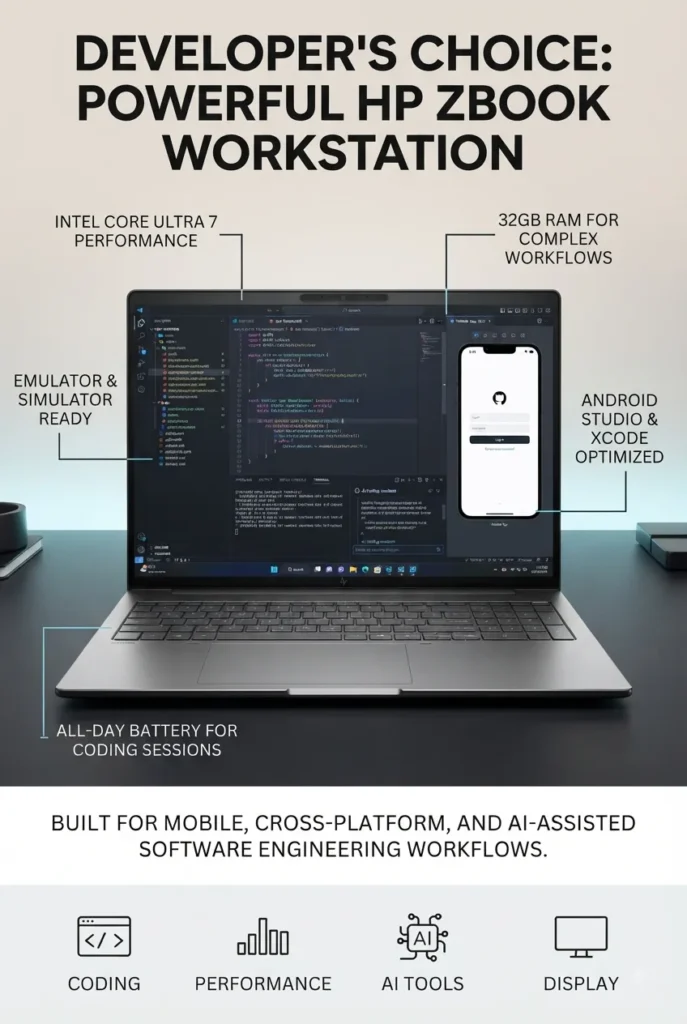
The HP ZBook 8 G1i 16-inch Mobile Workstation with Intel Core Ultra 7 255H, 32GB RAM and 1TB SSD is a strong choice for developers who need the flexibility of a professional mobile workstation without moving into the highest-priced workstation configurations. With a 16-core Intel Core Ultra 7 255H processor, 32GB of DDR5 memory, 1TB SSD storage, Intel Arc 140T graphics and additional NVIDIA graphics hardware, it provides a capable platform for software development, virtual machines, containers, enterprise applications, engineering tools, and demanding multitasking.

• Excellent for professional developers, software engineers, engineering students, IT professionals, enterprise development, and technical workflows
• Well suited for IDEs such as Visual Studio, IntelliJ IDEA, Android Studio, PyCharm, Eclipse, and other professional development environments
• 32GB of DDR5 memory provides substantial multitasking capacity for code editors, browsers, databases, containers, virtual machines, and development tools
• Intel Core Ultra 7 255H provides strong multi-core processing performance for compiling projects, running development environments, testing applications, and multitasking
• 1TB SSD storage provides fast application launches, responsive file access, and useful capacity for source code, development environments, SDKs, databases, projects, and local development assets
• Intel Arc 140T integrated graphics provide efficient graphics acceleration for everyday development and professional workloads, while the listed NVIDIA RTX 500 graphics option adds dedicated GPU capability for compatible workloads
• 16-inch WUXGA IPS display provides a practical 1920 × 1200 workspace with a 16:10 aspect ratio that is useful for code editors, terminals, documentation, and development tools
• Professional workstation design provides a more business-focused platform than a typical consumer laptop, making it suitable for developers who prioritize reliability, connectivity, and workstation-class features
• Extensive connectivity including Thunderbolt, USB-C, USB, HDMI, Ethernet, and wireless connectivity makes it easier to connect external displays, docks, networking equipment, storage devices, and development peripherals
• Expandable DDR5 memory architecture provides additional flexibility for users who may eventually require more memory for virtual machines, containers, databases, or larger development environments
• Windows 11 Pro provides compatibility with a broad range of professional development environments, enterprise software, management tools, and Windows-based programming workflows

The HP ZBook 8 G1i earns our Best Mobile Workstation for App Development award because it focuses on the needs of developers who require more than a conventional productivity laptop. Its combination of a powerful Intel Core Ultra 7 processor, 32GB of DDR5 memory, 1TB SSD storage, professional workstation design, and broad connectivity makes it particularly well suited to software development, virtualization, enterprise applications, engineering workloads, and technical projects.

Compared with thinner consumer laptops, the ZBook's main advantage is its workstation-oriented design and expandability. Developers working with multiple IDEs, local databases, Docker containers, virtual machines, emulators, or large software projects can take advantage of its 32GB memory configuration and professional connectivity. The 16-inch 16:10 display also provides useful vertical space for code and development tools, although users who prioritize color accuracy or a high-resolution display may prefer one of the OLED-equipped alternatives in this guide.

• Intel Core Ultra 7 255H processor• 16-core architecture• Up to 5.1 GHz maximum frequency• Strong multi-core performance• Suitable for professional development environments• AI-capable processor architectureThe Intel Core Ultra 7 255H provides the processing capacity needed for demanding software development workflows. Developers can work with modern IDEs, compile projects, run local services, manage databases, test applications, and multitask across multiple development tools.It is particularly well suited to workloads where sustained CPU performance matters, including software compilation, code analysis, application testing, virtualization, and technical productivity.
• 32GB DDR5 RAM• Two memory slots• Up to 64GB maximum memory according to the listed configuration• Excellent for multitasking• Suitable for virtual machines• Strong configuration for containers and development environmentsThe 32GB memory configuration is one of the strongest reasons to consider the HP ZBook 8 G1i for app development.Developers can run an IDE, browser sessions, local databases, Docker containers, emulators, communication applications, and other development tools simultaneously without being restricted by an entry-level memory configuration.The listed two-slot memory architecture also provides additional upgrade flexibility for users who eventually need up to 64GB of RAM.
• 16-inch display• 1920 × 1200 resolution• 16:10 aspect ratio• IPS technology• Anti-glare surface• 300-nit brightnessThe 16-inch WUXGA display provides a practical workspace for software development. Its 16:10 aspect ratio offers additional vertical space compared with traditional 16:9 panels, which is useful when working with code editors, terminals, documentation, and development interfaces.The anti-glare design can also be beneficial during long development sessions in office and professional environments.Developers who prioritize extremely high resolution, OLED contrast, or professional color accuracy should consider the OLED-equipped laptops elsewhere in this guide.
• 1TB SSD• Fast application launches• Quick project file access• Suitable for large development environments• Useful for SDKs and development tools• Room for local databases and project filesThe 1TB SSD provides a strong starting point for developers who need to store multiple development environments, SDKs, source-code repositories, local databases, applications, emulators, and project assets.For developers working with large datasets, virtual machines, container images, or extensive media assets, external storage can provide additional capacity when required.
• Intel Arc 140T graphics• Listed NVIDIA RTX 500 graphics hardware• Dedicated graphics capability• Suitable for compatible GPU workloads• Useful for technical and professional applicationsThe HP ZBook 8 G1i is designed as a mobile workstation rather than a conventional office laptop. Its listed Intel Arc 140T graphics and NVIDIA RTX 500 graphics hardware provide additional graphics capability for compatible professional applications.For developers, GPU acceleration can be useful when working with certain AI frameworks, graphics applications, simulation tools, GPU-enabled development environments, and other workloads that can take advantage of dedicated graphics processing.Developers whose primary workload is conventional web, mobile, or backend development may not need this level of graphics capability, but it provides useful flexibility for more specialized projects.
• Thunderbolt connectivity• USB-C• USB• HDMI• Gigabit Ethernet• Wi-Fi and Bluetooth• External display supportThe ZBook 8 G1i provides the connectivity expected from a professional workstation.Developers can connect external monitors, docks, Ethernet networks, keyboards, mice, external SSDs, testing hardware, and other development peripherals without relying exclusively on wireless connections.The inclusion of Gigabit Ethernet is particularly useful for office environments, development labs, enterprise networks, and workflows where a stable wired connection is preferred.
• Windows 11 Pro• Broad software compatibility• Professional management features• Suitable for enterprise development• Compatible with major development environments• Strong platform for Windows-based applicationsWindows 11 Pro provides broad compatibility with professional development tools and enterprise software.Developers can work with Visual Studio, Visual Studio Code, JetBrains IDEs, Android Studio, Docker, databases, cloud development tools, version-control systems, and a wide range of programming frameworks.For developers building Windows applications or working in enterprise environments, Windows 11 Pro also provides a familiar professional platform.
Ideal for:• Professional software developers• Software engineering students• Enterprise application development• Windows application development• Web and backend development• Android development• Virtual machines and containers• Database development• Engineering applications• Technical and professional workloadsThe HP ZBook 8 G1i is our recommended mobile workstation for developers who need substantial memory, professional connectivity, workstation-oriented hardware, and the flexibility to handle more demanding technical workflows.Its 32GB RAM configuration, Core Ultra 7 processor, 1TB SSD, dedicated graphics capability, and expandable memory architecture make it a strong choice for developers who expect their workloads to grow beyond basic coding and everyday productivity.
Best Compact 2-in-1 Creator Laptop (2026 Editor's Choice)

ASUS ProArt PX13

Best 2-in-1 Laptop for Creative Work, AI & Portable Performance
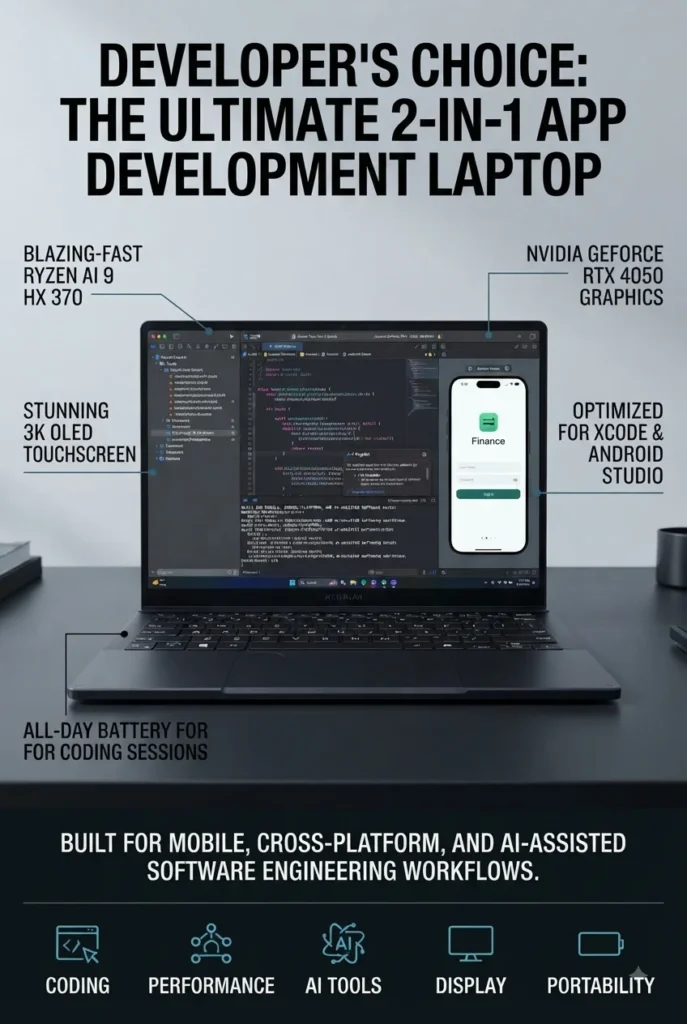
The ASUS ProArt PX13 (Ryzen AI 9 HX 370, RTX 4050, 32GB RAM, 1TB SSD) is our top recommendation for the best compact 2-in-1 creator laptop in 2026. It combines an unusually powerful AMD Ryzen AI 9 HX 370 processor, dedicated NVIDIA GeForce RTX 4050 graphics, 32GB of onboard memory, a high-resolution 13.3-inch OLED touchscreen, and a convertible design in a remarkably compact form factor. Whether you're editing photos, creating videos, working with Adobe applications, developing AI-assisted workflows, managing demanding productivity tasks, or simply want a premium portable laptop with serious graphics performance, the ProArt PX13 delivers a rare combination of creative capability and portability.

• Excellent for content creators, photographers, video editors, designers, developers, AI enthusiasts, and professionals who need strong performance in a compact 2-in-1 format
• Ideal for Adobe Photoshop, Lightroom, Premiere Pro, Illustrator, creative applications, AI-assisted workflows, productivity software, and demanding multitasking
• Combines the Ryzen AI 9 HX 370 processor with a dedicated NVIDIA GeForce RTX 4050 GPU for significantly stronger graphics performance than typical ultraportable 2-in-1 laptops
• The AMD Ryzen AI 9 HX 370 provides 12 cores and 24 threads with boost speeds of up to 5.1GHz, delivering strong performance for demanding professional and creative workloads
• 32GB of onboard memory provides substantial multitasking headroom for creative applications, large projects, browser tabs, virtual meetings, and professional workflows
• The 13.3-inch 2880 × 1800 OLED touchscreen provides sharp detail, deep contrast, rich colors, and an excellent visual experience for photo editing, video work, design, entertainment, and everyday productivity
• The dedicated NVIDIA GeForce RTX 4050 with 6GB of GDDR6 memory provides GPU acceleration for compatible creative applications, rendering workloads, AI features, and graphics-intensive tasks
• The convertible 2-in-1 design allows the display to be used as a traditional laptop or folded into alternative positions for touch-based interaction, presentations, creative work, and flexible productivity
• The 1TB PCIe NVMe SSD provides fast application launches, responsive file access, and sufficient capacity for software, documents, creative projects, and everyday files
• Wi-Fi 7 and Bluetooth 5.4 provide modern wireless connectivity for high-speed networking, peripherals, external displays, storage devices, and professional accessories
• The compact approximately 3-pound design makes the ProArt PX13 significantly easier to carry than larger creator workstations while still offering dedicated RTX graphics

The ASUS ProArt PX13 earns our Best Compact 2-in-1 Creator Laptop award because it delivers an unusually powerful combination of CPU, dedicated graphics, OLED display quality, touchscreen functionality, and portability. Most compact 2-in-1 laptops prioritize portability over graphics performance, while traditional creator workstations often become considerably larger and heavier. The ProArt PX13 occupies an interesting middle ground, providing enough hardware for serious creative and professional workloads while maintaining a highly portable 13.3-inch convertible design.

Compared with conventional ultraportable laptops that rely entirely on integrated graphics, the ProArt PX13's Ryzen AI 9 HX 370 and GeForce RTX 4050 combination provides considerably more headroom for GPU-accelerated applications and creative workflows. The 32GB memory configuration also makes it better suited to demanding multitasking than many thin-and-light alternatives. For creators and professionals who value portability but do not want to sacrifice dedicated graphics performance, the ASUS ProArt PX13 is one of the most compelling compact 2-in-1 options in 2026.

• AMD Ryzen AI 9 HX 370 processor• Zen 5 architecture• 12 CPU cores• 24 threads• Up to 5.1GHz boost speed• 24MB cache• Strong multi-core performance• Dedicated AI processing capabilitiesThe Ryzen AI 9 HX 370 provides the processing power needed for demanding creative and professional workloads while maintaining the efficiency expected from a modern premium mobile platform.With 12 cores and 24 threads, the processor is well suited to applications such as Adobe Photoshop, Lightroom, Premiere Pro, coding environments, productivity software, AI-assisted applications, multitasking, and other demanding workloads.The combination of strong CPU performance and integrated AI capabilities also makes the ProArt PX13 well positioned for modern applications increasingly incorporating AI-powered features and acceleration.
• NVIDIA GeForce RTX 4050• 6GB GDDR6 dedicated graphics memory• Dedicated NVIDIA GPU• GPU acceleration for compatible applications• Suitable for creative workloads• Stronger graphics performance than integrated-only ultraportablesThe dedicated GeForce RTX 4050 is one of the biggest advantages of the ProArt PX13 compared with conventional ultraportable 2-in-1 laptops.The RTX 4050 can accelerate compatible creative applications and graphics-intensive workloads, making the system particularly attractive for photo editing, video editing, 3D applications, GPU-accelerated effects, AI-assisted creative tools, and other professional workloads.For users who need dedicated graphics but do not want to carry a large workstation-class laptop, the RTX 4050 gives the compact PX13 significantly more performance headroom than systems relying exclusively on integrated graphics.
• 13.3-inch OLED display• 2880 × 1800 resolution• 2.8K-class visual resolution• Touchscreen functionality• Capacitive touch input• Deep OLED contrast• High-detail image qualityThe 13.3-inch OLED touchscreen is one of the defining features of the ProArt PX13. Its 2880 × 1800 resolution provides excellent image sharpness and a large amount of usable detail for creative applications, photography, video editing, design work, documents, and entertainment.OLED technology provides deep contrast and rich visual presentation, making the display particularly appealing to creators who spend significant amounts of time working with visual content.The touchscreen also adds another level of flexibility to the convertible design, allowing users to interact directly with supported applications and use the laptop in alternative 2-in-1 configurations.
• 32GB onboard memory• 1TB PCIe NVMe SSD• Fast application launches• Responsive file access• Excellent multitasking capacity• Suitable for large creative projectsThe 32GB memory configuration gives the ProArt PX13 substantial multitasking headroom for professional applications, large projects, browser tabs, communication tools, and background processes.Because the memory is onboard and the listed configuration reaches 32GB maximum, buyers should carefully consider their long-term memory requirements before purchasing.The 1TB PCIe NVMe SSD provides fast storage performance for applications, documents, media files, creative projects, and everyday data. Users working with extensive video libraries or large professional project files may still benefit from external storage.
• Convertible 2-in-1 design• 13.3-inch compact format• Touchscreen interaction• Approximately 3-pound weight• Flexible working positions• Easy to carryThe compact convertible design is what separates the ProArt PX13 from many traditional creator laptops.Users can work in a conventional laptop configuration for writing, editing, coding, and productivity, while the 2-in-1 design provides additional flexibility for touch interaction, presentations, creative work, and other scenarios where a traditional laptop configuration may not be ideal.At approximately 3 pounds, the system is also considerably easier to carry than many larger creator-focused laptops equipped with dedicated graphics.
• Wi-Fi 7 support• Bluetooth 5.4• USB connectivity• HDMI output• SD card reader• Headphone and microphone combo jack• USB hub included with this configurationThe ProArt PX13 provides modern connectivity for professional and creative workflows, including wireless networking, Bluetooth peripherals, external displays, storage devices, and memory cards.Wi-Fi 7 provides access to the latest generation of wireless networking when paired with a compatible network, while Bluetooth 5.4 supports modern wireless accessories.This particular configuration also includes a portable USB hub, which can be useful for creators who regularly connect additional peripherals and accessories.
Ideal for:• Content creators• Photographers• Video editors• Graphic designers• Digital artists• AI-focused workflows• Developers• Professionals who need dedicated graphics• Students in creative and technical fields• Users who want a compact 2-in-1 workstationThe ASUS ProArt PX13 is our recommended compact 2-in-1 creator laptop because it combines high-end mobile processing, dedicated RTX graphics, 32GB memory, a high-resolution OLED touchscreen, and a highly portable convertible design.It is particularly well suited to users who want more graphics performance than a conventional ultraportable laptop can provide without moving to a much larger workstation-class system.
Best Gaming Laptop for High-Performance Gaming (2026)

Lenovo Legion Pro 5

Best Gaming Laptop for AAA Gaming, High-Performance Work & Content Creation
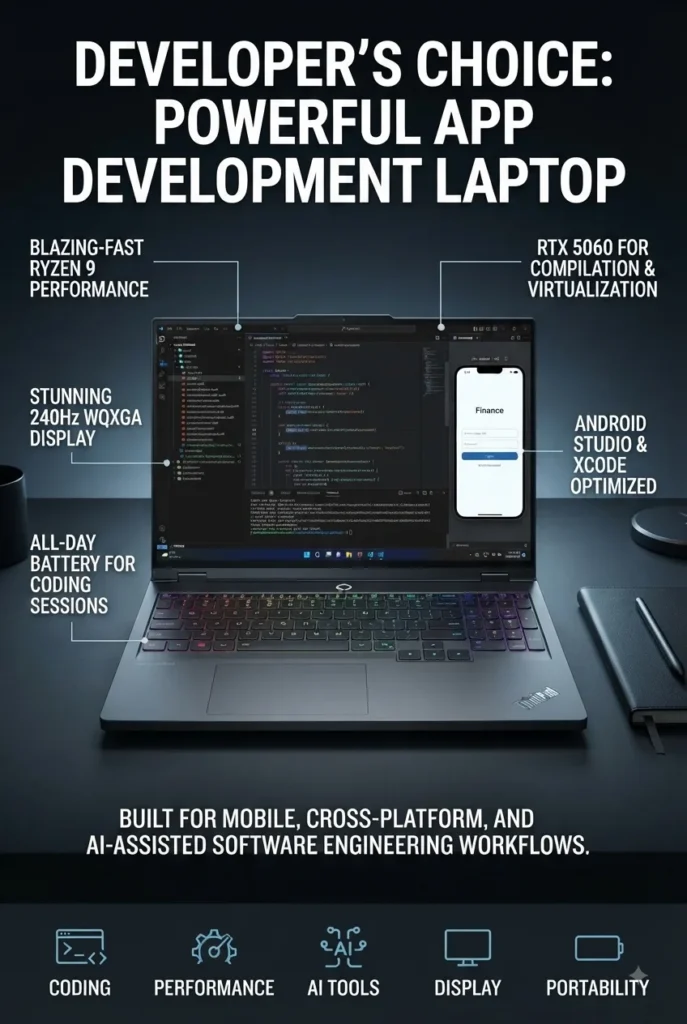
The Lenovo Legion Pro 5 16-inch (Ryzen 9 8945HX, RTX 5060, 32GB DDR5, 1TB SSD) is our recommendation for the best high-performance gaming laptop in 2026 for users who want desktop-class performance in a powerful portable system. With a 16-core Ryzen 9 8945HX processor, NVIDIA GeForce RTX 5060 graphics with 8GB of GDDR7 VRAM, 32GB of DDR5 memory, a fast 1TB PCIe SSD, and a 16-inch WQXGA 240Hz display, the Legion Pro 5 is built for demanding gaming, content creation, heavy multitasking, and performance-intensive workloads.

• Excellent for AAA gaming, competitive gaming, game development, video editing, 3D applications, engineering software, and other demanding workloads
• Ideal for gamers and power users who prioritize CPU and GPU performance over ultra-portable size and weight
• Strong choice for users who want a high-refresh-rate 16-inch display combined with dedicated NVIDIA graphics and a powerful AMD Ryzen processor
• The AMD Ryzen 9 8945HX provides 16 cores and 32 threads, delivering substantial processing power for demanding games, multitasking, content creation, and professional applications
• The NVIDIA GeForce RTX 5060 with 8GB of GDDR7 VRAM provides the dedicated graphics performance needed for modern AAA games, accelerated creative applications, and GPU-intensive workloads
• The 16-inch WQXGA display provides a sharp 2560 × 1600 resolution and an extremely smooth 240Hz refresh rate for responsive gaming and fluid motion
• 32GB of DDR5 memory provides substantial multitasking headroom for gaming, streaming, content creation, development environments, and demanding applications
• The 1TB PCIe SSD provides fast application launches, quick game loading, responsive system performance, and sufficient storage for a substantial collection of games and applications
• Wi-Fi 7, Thunderbolt 4, USB-C, USB-A, HDMI 2.1, and Ethernet provide extensive connectivity for gaming peripherals, external displays, storage devices, networking, and desktop setups
• The 24-zone RGB backlit keyboard provides customizable lighting and a gaming-focused input experience
• Windows 11 Pro provides a familiar desktop environment suitable for gaming, productivity, professional applications, and advanced workflows

The Lenovo Legion Pro 5 earns our Best Gaming Laptop for High-Performance Gaming recommendation because it combines a powerful 16-core processor, modern RTX 5060 graphics, 32GB of DDR5 memory, a high-resolution 240Hz display, and extensive connectivity in one performance-focused system. It is not designed to compete with thin-and-light laptops for portability. Instead, its purpose is to deliver sustained performance for users who need significantly more graphics and processing power than a mainstream productivity laptop can provide.

Compared with thinner gaming laptops, the Legion Pro 5 places greater emphasis on raw performance, cooling capability, connectivity, and sustained workloads. The combination of the Ryzen 9 8945HX and RTX 5060 makes it particularly attractive to gamers who also edit video, create 3D content, develop software, stream gameplay, or use demanding professional applications. The 240Hz WQXGA display further strengthens the package by providing both high resolution and high refresh rate for a more responsive gaming experience.

• AMD Ryzen 9 8945HX processor• 16 CPU cores• 32 processing threads• Up to 5.2GHz boost frequency• High-performance Zen 4 architecture• Excellent multi-core performance• Designed for demanding workloadsThe Ryzen 9 8945HX gives the Legion Pro 5 substantial processing power for demanding gaming, content creation, software development, rendering, multitasking, and professional applications.Its 16-core and 32-thread configuration provides considerable headroom when running demanding applications alongside games, browsers, communication tools, streaming software, and background processes.For users who need a laptop capable of handling both high-end gaming and productivity workloads, this processor provides considerably more CPU performance than mainstream mobile processors.
• NVIDIA GeForce RTX 5060• 8GB GDDR7 VRAM• Dedicated NVIDIA graphics• Modern RTX architecture• Hardware-accelerated ray tracing• AI-powered graphics features• Suitable for demanding gaming and creative workloadsThe RTX 5060 is the core of the Legion Pro 5's gaming performance. Its dedicated GPU and 8GB of GDDR7 VRAM provide the graphics resources required for modern games, high-resolution gaming, creative applications, and GPU-accelerated workloads.The dedicated graphics processor also makes the Legion Pro 5 significantly more capable than laptops that rely exclusively on integrated graphics.For gamers who also use applications such as video editors, 3D software, rendering tools, and other GPU-accelerated applications, the RTX 5060 provides important additional performance headroom.
• 16-inch display• 2560 × 1600 WQXGA resolution• 240Hz refresh rate• High-resolution gaming experience• Smooth motion• Responsive gameplay• Excellent screen size for gaming and productivityThe 16-inch WQXGA display is one of the Legion Pro 5's strongest features. Its 2560 × 1600 resolution provides significantly more workspace and image detail than a traditional 1080p gaming display.The 240Hz refresh rate is particularly valuable for competitive gaming and fast-moving titles because it provides smoother motion and a more responsive visual experience.The larger 16-inch panel also provides enough screen space for productivity applications, video editing timelines, development environments, and multitasking when the laptop is used away from an external monitor.
• 32GB DDR5 RAM• 5600MHz memory speed• High-capacity configuration• Strong multitasking performance• Excellent for gaming and streaming• Suitable for content creation• Substantial long-term performance headroomThe 32GB DDR5 configuration gives the Legion Pro 5 enough memory for demanding gaming and multitasking scenarios.Users can run modern games alongside browsers, Discord, streaming software, recording tools, development environments, creative applications, and other background processes without relying as heavily on virtual memory.For gamers who also use their laptop for content creation, development, engineering, or professional applications, 32GB provides a much stronger starting point than typical 16GB gaming configurations.
• 1TB PCIe SSD• Fast application launches• Quick game loading• Responsive file access• Suitable for large applications• Fast Windows performance• Additional external storage supportThe 1TB PCIe SSD provides fast storage for Windows, games, applications, documents, media, and creative projects.For gaming users, 1TB provides enough capacity to install a substantial selection of modern games while maintaining fast loading and responsive system performance.Users who maintain very large game libraries or extensive video and media collections may eventually benefit from additional internal or external storage.
• Performance-focused Legion chassis• Designed for high-performance workloads• Dedicated NVIDIA graphics• Powerful AMD processor• 24-zone RGB backlit keyboard• Gaming-focused design• Desktop replacement capabilitiesThe Legion Pro 5 is designed around sustained performance rather than ultra-portability. Its larger chassis provides the space required for a powerful processor, dedicated graphics, cooling hardware, and extensive connectivity.The 24-zone RGB keyboard adds customizable gaming aesthetics while providing a full keyboard layout suitable for gaming and productivity.This design makes the Legion Pro 5 particularly appropriate for users who want a laptop that can function as a portable desktop replacement rather than a lightweight everyday notebook.
• Thunderbolt 4• USB-C with Power Delivery• 3 × USB-A ports• HDMI 2.1• RJ45 Ethernet• Headphone and microphone combo jack• Wi-Fi 7• Bluetooth 5.4The Legion Pro 5 provides an extensive selection of ports for gaming and professional setups.HDMI 2.1 allows users to connect compatible external displays, while Ethernet provides a wired networking option for users who prioritize a stable connection during gaming or large file transfers.Thunderbolt 4 and USB-C expand compatibility with modern docks, displays, storage devices, and peripherals.Wi-Fi 7 also provides modern wireless connectivity for compatible networks and devices.
Ideal for:• AAA gaming• Competitive gaming• Game development• Video editing• 3D rendering and creative applications• Software development• Engineering and technical applications• Streaming and content creation• Heavy multitasking• Desktop replacement useThe Lenovo Legion Pro 5 is our recommended high-performance gaming laptop for users who need substantial CPU and GPU power in addition to a high-refresh-rate display.Its combination of the Ryzen 9 8945HX, RTX 5060, 32GB DDR5 memory, 1TB SSD, and 240Hz WQXGA display makes it particularly well suited to demanding gaming and professional workloads.
Best Premium Gaming Laptop for Gaming & Creators (2026)

ASUS ROG Zephyrus G16

Premium Gaming Laptop for High-Performance Gaming, OLED Visuals & Creative Work
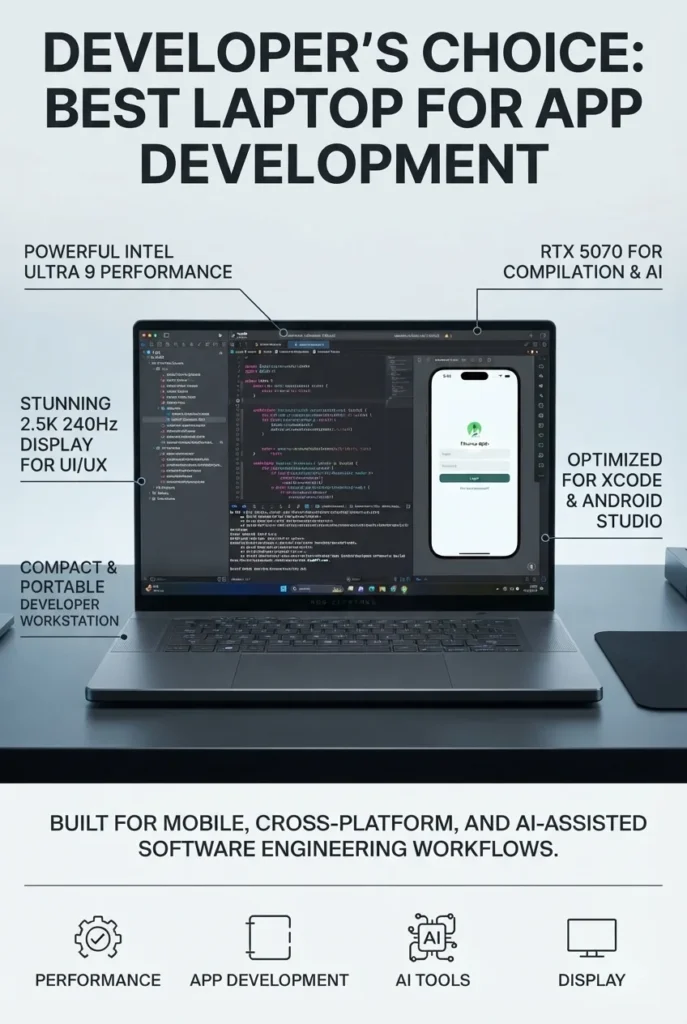
The ASUS ROG Zephyrus G16 (Core Ultra 9 285H, RTX 5070, 16GB RAM, 1TB SSD) is our recommendation for the best premium gaming laptop for gaming and creative professionals in 2026. It combines a powerful Intel Core Ultra 9 285H processor, NVIDIA GeForce RTX 5070 graphics with 8GB of GDDR7 VRAM, a stunning 16-inch 2.5K OLED display with a 240Hz refresh rate, and a remarkably thin and lightweight chassis. This combination makes the Zephyrus G16 particularly attractive to users who want serious gaming performance without the size and weight traditionally associated with high-performance gaming laptops.

• Excellent for AAA gaming, competitive gaming, video editing, graphic design, 3D applications, content creation, and demanding productivity workloads
• Ideal for users who want a premium gaming laptop that is significantly thinner and lighter than traditional performance-focused gaming systems
• Outstanding choice for gamers and creators who prioritize OLED image quality, high refresh rates, portability, and premium design
• The Intel Core Ultra 9 285H provides 16-core processing power and integrated AI acceleration through its Neural Processing Unit for demanding multitasking and modern AI-assisted workloads
• The NVIDIA GeForce RTX 5070 with 8GB of GDDR7 VRAM delivers strong dedicated graphics performance for modern AAA games, ray tracing, DLSS 4, video editing, rendering, and other GPU-intensive applications
• The 16-inch 2560 × 1600 OLED display combines high resolution, deep contrast, vibrant colors, and a 240Hz refresh rate for an exceptional gaming and creative experience
• 16GB of LPDDR5X memory provides responsive performance for gaming, productivity, content creation, and everyday multitasking
• The 1TB PCIe SSD provides fast system responsiveness, quick application launches, and ample space for games, software, documents, and creative projects
• Wi-Fi 7, Thunderbolt 4, USB-C, USB-A, HDMI 2.1, and an SD card reader provide strong connectivity for modern gaming and creative workflows
• The slim 0.59-inch chassis and approximately 4.1-pound weight make the Zephyrus G16 considerably easier to carry than many traditional high-performance gaming laptops
• The backlit keyboard, 1080p camera, microphone array, and AI noise cancellation make the system suitable for gaming, streaming, video calls, and professional communication

The ASUS ROG Zephyrus G16 earns our Best Premium Gaming Laptop for Gaming & Creators recommendation because it offers an unusually strong combination of gaming performance, OLED display quality, portability, and premium design. While larger gaming laptops may offer more aggressive cooling and upgrade flexibility, the Zephyrus G16 is a better fit for users who want one machine that can move between gaming, creative work, school, professional environments, and travel without feeling like a bulky desktop replacement.

Compared with traditional high-performance gaming laptops such as the Lenovo Legion Pro 5, the Zephyrus G16 takes a different approach. Instead of maximizing chassis size and sustained performance, ASUS focuses on creating a thinner and more refined system while still providing powerful RTX 5070 graphics and a high-end OLED display. The result is a particularly compelling choice for gamers and creators who value portability and visual quality as much as raw performance.

• Intel Core Ultra 9 285H processor• 16-core CPU configuration• Up to 5.4GHz boost frequency• Integrated Neural Processing Unit• Strong multi-core performance• Designed for demanding workloads• AI acceleration capabilitiesThe Intel Core Ultra 9 285H provides the Zephyrus G16 with substantial processing power for gaming, content creation, productivity, multitasking, and demanding professional applications.Its combination of CPU performance and integrated AI acceleration also makes the system well suited to modern applications that can take advantage of local AI processing.Users can comfortably combine gaming with browsers, communication applications, creative software, development tools, and other demanding background workloads.
• NVIDIA GeForce RTX 5070• 8GB GDDR7 VRAM• Dedicated NVIDIA graphics• Hardware-accelerated ray tracing• DLSS 4 support• AI-enhanced graphics technologies• Suitable for gaming and creative applicationsThe RTX 5070 provides the dedicated graphics performance that makes the Zephyrus G16 capable of handling demanding modern games and GPU-intensive creative applications.Its 8GB of GDDR7 VRAM provides substantial graphics memory for gaming, high-resolution visual workloads, video editing, rendering, and other applications that benefit from dedicated GPU resources.Support for technologies such as ray tracing and DLSS 4 can further improve image quality and gaming performance in compatible titles.
• 16-inch OLED display• 2560 × 1600 resolution• 240Hz refresh rate• 16:10 aspect ratio• 500 nits brightness• 100% sRGB color coverage• G-SYNC support• Deep OLED contrastThe 16-inch OLED display is one of the defining features of the Zephyrus G16.Its 2560 × 1600 resolution provides sharp image quality and additional vertical workspace compared with conventional 16:9 displays, while the 16:10 aspect ratio is particularly useful for productivity and creative applications.The 240Hz refresh rate provides exceptionally smooth motion for gaming, while OLED technology delivers deep blacks and strong contrast.For creators, the display also provides a more visually impressive environment for video editing, photography, graphic design, and other color-sensitive workflows.
• 16GB LPDDR5X memory• High-speed memory architecture• Smooth gaming performance• Responsive multitasking• Suitable for creative applications• Efficient low-power memory designThe 16GB memory configuration provides responsive performance for gaming, productivity applications, browsing, content creation, and everyday multitasking.It is well suited to users who want a balance between performance and efficiency in a thin premium gaming laptop.However, buyers who regularly work with very large creative projects, professional 3D applications, heavy virtualization, or extremely demanding multitasking workloads should consider whether the available memory configuration meets their long-term requirements.
• 1TB PCIe SSD• PCIe x4 interface• Fast application launches• Quick game loading• Responsive file access• Suitable for large applications and games• Additional external storage supportThe 1TB PCIe SSD provides fast storage for Windows, games, applications, documents, media, and creative projects.For most users, 1TB provides a practical starting point for a premium gaming and creative laptop.Gamers with large game libraries and creators working with extensive video footage or large project files may eventually benefit from additional storage through compatible internal or external solutions.
• Approximately 0.59-inch thin chassis• Approximately 4.1-pound weight• Premium Eclipse Gray design• Portable 16-inch form factor• Backlit keyboard• Designed for gaming and professional environmentsThe Zephyrus G16 stands out because it delivers powerful dedicated graphics in a considerably thinner and lighter chassis than many traditional gaming laptops.At approximately 4.1 pounds, it remains relatively portable for a 16-inch performance laptop, making it easier to carry between home, school, work, creative studios, and travel.This design makes the G16 particularly attractive to users who want gaming performance without the bulk and visual styling of a traditional desktop-replacement gaming machine.
• HDMI 2.1• Thunderbolt 4• USB-C• USB-A• SD card reader• Wi-Fi 7• Bluetooth wireless connectivityThe Zephyrus G16 provides a strong selection of modern connectivity options for gaming and creative workflows.HDMI 2.1 and Thunderbolt 4 allow users to connect external displays and other high-performance peripherals, while USB-C and USB-A ports support modern accessories, storage devices, keyboards, mice, and other equipment.The SD card reader is particularly useful for photographers, videographers, and creators who frequently transfer files from cameras and other recording devices.Wi-Fi 7 provides modern wireless connectivity for compatible networks.
Ideal for:• AAA gaming• Competitive gaming• Video editing• Graphic design• Photography• 3D applications• Content creation• Streaming• Professional productivity• Portable high-performance computingThe ASUS ROG Zephyrus G16 is our recommended premium gaming laptop for users who want a combination of serious gaming performance, excellent OLED visuals, portability, and premium design.Its RTX 5070 graphics, Core Ultra 9 processor, 240Hz OLED display, and relatively lightweight chassis make it particularly attractive to gamers and creators who need one versatile system for both entertainment and professional work.

Best Laptops for App Development in 2026

Ranked by Developer Performance, Programming Capability, Portability, Display Quality & Overall Value

Choosing the best laptop for app development depends on far more than processor speed. Developers need a system that can handle IDEs, large codebases, multiple browser tabs, databases, virtual machines, emulators, containers, local development servers, and demanding multitasking without becoming a bottleneck. We evaluated these laptops based on CPU performance, memory capacity, storage, display quality, graphics capability, portability, operating system flexibility, and overall value to help developers choose the right laptop for app development in 2026.

LaptopCPU & Key SpecsBest ForWhy It WinsEditor's VerdictBuy
Best Overall
Apple 14-inch MacBook Pro (M5 Pro)
Apple M5 Pro
48GB Unified Memory
1TB SSD
14.2" Liquid Retina XDR
App Developers
Full-Stack Development
iOS & macOS Development
Excellent combination of processing power, memory capacity, battery efficiency, portability, and developer-focused performance. The M5 Pro provides substantial performance for Xcode, Docker, development environments, large projects, databases, and demanding multitasking.Best Laptop for App Development OverallCheck Price
Best for Portability
Apple MacBook Air 15-inch (M5)
Apple M5
16GB Unified Memory
512GB SSD
15.3" Liquid Retina
Web Developers
Mobile Developers
Everyday Programming
Combines strong Apple silicon performance with a thin, lightweight design and a larger 15.3-inch display. It is an excellent choice for developers who prioritize portability while still needing enough performance for IDEs, coding, web development, testing, and everyday multitasking.Best Portable Laptop for DevelopersCheck Price
Best Premium Windows
Dell Premium 16 (Previously XPS 16)
Intel Core Ultra
High-RAM Configuration
Fast PCIe SSD
16" Premium Display
Windows Developers
Full-Stack Development
Professional Productivity
Provides a premium Windows development environment with a large high-quality display, modern Intel platform, fast storage, and strong multitasking capability. It is particularly attractive to developers who prefer Windows while still wanting a high-end, refined laptop.Best Premium Windows Laptop for DevelopersCheck Price
Best for Professional Development
Lenovo ThinkPad P1 Gen 8
Intel Core Ultra
Professional-Class Hardware
High-Capacity RAM
Fast PCIe SSD
Enterprise Developers
Software Engineers
Virtual Machines & Containers
Designed as a professional mobile workstation with the expandability, memory capacity, connectivity, and sustained performance needed for serious software engineering. It is particularly well suited to developers working with large projects, virtual machines, containers, databases, and enterprise development environments.Best ThinkPad Workstation for DevelopersCheck Price
Best Windows Workstation
HP ZBook 8 G1i 16-inch Mobile Workstation
Intel Core Ultra
Professional Workstation Platform
High-Capacity RAM
Fast SSD Storage
Professional Developers
Engineering Software
Heavy Development Workloads
A professional mobile workstation designed for demanding workloads where sustained CPU performance, memory capacity, reliability, and professional hardware support matter. It provides a strong foundation for software development, engineering applications, virtualization, and complex professional workflows.Best Mobile Workstation for Professional DevelopersCheck Price
Best 2-in-1 Developer Laptop
ASUS ProArt PX13
Ryzen AI 9 HX 370
32GB RAM
1TB SSD
13.3" 2.8K OLED Touch
RTX 4050 6GB
App Developers
Creative Developers
AI & GPU Workloads
Combines powerful AMD processing, 32GB memory, dedicated RTX graphics, fast SSD storage, and a compact convertible design. It is especially appealing to developers who also work with AI tools, GPU-accelerated applications, creative software, or demanding visual workloads.Best Compact 2-in-1 for DevelopersCheck Price
Best for GPU Development
Lenovo Legion Pro 5 16-inch
AMD Ryzen 9 8945HX
32GB DDR5 RAM
1TB SSD
16" WQXGA 240Hz
RTX 5060 8GB
Game Developers
AI Development
GPU-Accelerated Workloads
Its high-performance Ryzen 9 processor, 32GB of memory, RTX 5060 graphics, and fast 240Hz display make it an excellent option for developers who need substantial GPU performance alongside traditional programming power. It is particularly well suited to game development, graphics workloads, AI experimentation, and demanding multitasking.Best Laptop for Game & GPU DevelopmentCheck Price
Best OLED Gaming Workstation
ASUS ROG Zephyrus G16
Intel Core Ultra 9 285H
16GB LPDDR5X RAM
1TB PCIe SSD
16" 2.5K OLED 240Hz
RTX 5070 8GB
Game Developers
3D Development
AI & Graphics Workloads
Delivers an exceptional combination of CPU performance, RTX 5070 graphics, OLED display quality, and relatively compact design. The dedicated GPU makes it particularly capable for game engines, 3D development, GPU-accelerated applications, rendering, and graphics-intensive development workflows.Best High-End Laptop for GPU-Intensive DevelopmentCheck Price
Keep Exploring

Recommended Next Reads

Building a development setup? Explore our expert laptop guides for software developers, programmers, web developers, AI engineers, and GPU-intensive workloads.

Whether you're building mobile applications, developing websites, working with large codebases, experimenting with AI and machine learning, or choosing a laptop for professional software development, these guides can help you find the right hardware for your workflow.

01

EDITOR'S FINAL RECOMMENDATIONS

Our Final Laptop Recommendations for App Developers in 2026

After comparing processor performance, memory capacity, storage, display quality, portability, development workload capability, multitasking performance, and overall value, these are our top laptop recommendations for app development in 2026. Whether you are building iOS applications, Android apps, web applications, cross-platform software, or professional development environments, there is a strong option for every type of developer.

BEST PORTABLE

Apple MacBook Air 15-inch M5

The best choice for developers who prioritize portability, battery efficiency, and a larger workspace. The 15-inch MacBook Air provides a comfortable development environment for Xcode, VS Code, web development, documentation, databases, and everyday programming while remaining thin and easy to carry.

  • ✓ Apple M5 Chip
  • ✓ 15-inch Large Display
  • ✓ Excellent Portability
  • ✓ Efficient Everyday Development Performance
Best portable MacBook for app developers
BEST WINDOWS DEVELOPER LAPTOP

Dell Premium 16

A premium Windows option for developers who want a large high-end display, powerful hardware, and a polished professional design. It is particularly well suited for Windows development environments, web applications, enterprise software, IDE-heavy workflows, virtualization, and demanding multitasking.

  • ✓ Premium Windows Development Platform
  • ✓ Large 16-inch Display
  • ✓ Excellent Multitasking Capability
  • ✓ Professional Design
Best premium Windows laptop for developers
BEST MOBILE WORKSTATION

Lenovo ThinkPad P1 Gen 8

An excellent choice for developers who need workstation-class capabilities in a professional mobile platform. The ThinkPad P1 is especially attractive for enterprise development, virtualization, large projects, containers, databases, software engineering, and workflows where reliability and expandability matter.

  • ✓ Professional Mobile Workstation
  • ✓ Designed for Demanding Development
  • ✓ Excellent Multitasking Potential
  • ✓ Business-Class ThinkPad Platform
Best mobile workstation for software developers
BEST PROFESSIONAL WORKSTATION

HP ZBook 8 G1i 16-inch

The ZBook 8 G1i is designed for developers who need a true mobile workstation rather than a conventional consumer laptop. It is a strong fit for enterprise software development, virtualization, engineering applications, professional development environments, large projects, and demanding technical workloads.

  • ✓ HP ZBook Mobile Workstation
  • ✓ Professional-Class Hardware
  • ✓ Built for Demanding Workloads
  • ✓ Excellent for Enterprise Development
Best professional workstation for demanding development
BEST CREATOR-DEVELOPER HYBRID

ASUS ProArt PX13

A versatile option for developers who also work in creative applications. The ProArt PX13 combines a highly portable form factor with performance suitable for programming, app development, content creation, graphics-intensive workflows, and AI-assisted development tasks.

  • ✓ Portable ProArt Platform
  • ✓ Developer & Creator Workflows
  • ✓ Dedicated Graphics Capability
  • ✓ Excellent Hybrid Workstation
Best laptop for developers who also create content
BEST PERFORMANCE & VALUE

Lenovo Legion Pro 5 16-inch

A powerful option for developers who want strong CPU performance, dedicated graphics, high-speed memory, and a fast high-resolution display without moving into the most expensive workstation category. It is particularly useful for developers who combine software development with gaming, GPU workloads, AI experimentation, or demanding multitasking.

  • ✓ AMD Ryzen 9 8945HX
  • ✓ 32GB DDR5 Memory
  • ✓ NVIDIA GeForce RTX 5060 8GB
  • ✓ 16-inch WQXGA 240Hz Display
Best performance-focused development laptop for the money
BEST GPU-POWERED DEVELOPER LAPTOP

ASUS ROG Zephyrus G16

A premium choice for developers who need both strong application development performance and powerful GPU acceleration. The RTX 5070 makes it especially interesting for AI development, machine learning experimentation, GPU computing, graphics programming, game development, and developers who also want a high-end gaming system.

  • ✓ Intel Core Ultra 9 285H
  • ✓ NVIDIA GeForce RTX 5070 8GB GDDR7
  • ✓ 16-inch 2.5K OLED 240Hz Display
  • ✓ Excellent for AI & GPU Development
Best developer laptop for GPU-intensive workloads
QUICK DECISION

Which laptop should an app developer buy?

Best Overall

MacBook Pro 14-inch M5 Pro

Best Portable

MacBook Air 15-inch M5

Best Windows

Dell Premium 16

Best Mobile Workstation

Lenovo ThinkPad P1 Gen 8

Best Professional Workstation

HP ZBook 8 G1i

Best Creator-Developer Hybrid

ASUS ProArt PX13

Best Performance & Value

Lenovo Legion Pro 5

Best GPU Development

ASUS ROG Zephyrus G16

Laptop prices, configurations, memory and storage options, and availability can change frequently. Before purchasing, check Amazon for the latest configuration, current price, warranty coverage, and available promotional deals. Developers should also verify that their preferred operating system, development tools, frameworks, emulators, and virtualization software are fully supported by the selected laptop.

EDITOR'S FINAL VERDICT

Final Verdict: Best Laptops for App Development in 2026

After comparing processor performance, RAM capacity, SSD storage, display quality, portability, operating system flexibility, multitasking capability, development workflow performance, and long-term usability, one conclusion stands out:The best laptop for app development is not necessarily the laptop with the highest benchmark score. It is the machine that provides the right balance of sustained performance, memory, storage, developer-tool compatibility, portability, and long-term reliability for the way you actually build software.

Modern app development can involve much more than writing code. Developers may run demanding IDEs, local databases, Docker containers, virtual machines, Android emulators, iOS simulators, browser instances, API tools, build systems, and multiple development environments simultaneously.

For most professional developers, we recommend at least 16GB of RAM, a fast SSD, a modern multi-core processor, and enough sustained performance to handle IDEs, emulators, containers, and multitasking without becoming a bottleneck.
Best Laptop for App Development Overall Apple MacBook Pro 14-inch M5 Pro
Best Windows Developer Laptop Dell Premium 16
Best Workstation for Developers Lenovo ThinkPad P1 Gen 8
Best Portable Performance ASUS ProArt PX13
The simple answer:
  • Choose the Apple MacBook Pro 14-inch M5 Pro if you want the best overall development experience, especially for iOS and macOS development, Xcode, software engineering, demanding multitasking, and long development sessions.
  • Choose the Dell Premium 16 if you prefer Windows and want a premium development laptop with a large display, strong performance, and a comfortable workspace for coding, multitasking, and professional applications.
  • Choose the Lenovo ThinkPad P1 Gen 8 if you need workstation-class Windows performance for demanding development environments, virtual machines, engineering software, large projects, or professional workloads.
  • Choose the HP ZBook 8 G1i 16-inch if reliability, workstation-oriented performance, a large display, and professional Windows development workloads are more important than maximum portability.
  • Choose the ASUS ProArt PX13 if you want a highly portable machine that combines developer performance with the flexibility to handle creative applications and GPU-accelerated workloads.

Top Laptop Recommendations for App Development (2026)

BEST OVERALL

Apple MacBook Pro 14-inch M5 Pro

Our Editor's Choice for app development in 2026. The M5 Pro platform provides excellent sustained performance for IDEs, compilers, simulators, containers, multitasking, and professional development workflows. It is especially compelling for developers working within Apple's ecosystem and building applications for iPhone, iPad, macOS, and other Apple platforms.

  • ✓ Apple M5 Pro Chip
  • ✓ High-Memory Configuration
  • ✓ Excellent Development Performance
  • ✓ Ideal for Xcode & Apple Development
BEST WINDOWS CHOICE

Dell Premium 16

A premium Windows alternative for developers who prefer Microsoft's ecosystem or need access to Windows-specific development tools. Its large display and powerful hardware make it particularly attractive for coding, multitasking, browser-heavy workflows, and professional development environments.

  • ✓ Premium Windows Platform
  • ✓ Large 16-inch Display
  • ✓ Strong Multitasking Performance
  • ✓ Excellent Professional Workflow
BEST WORKSTATION

Lenovo ThinkPad P1 Gen 8

The strongest choice for developers who need workstation-class hardware and a professional Windows environment. It is particularly well suited to demanding development projects, virtual machines, engineering applications, large codebases, and intensive multitasking.

  • ✓ Professional Workstation Platform
  • ✓ High-End Development Performance
  • ✓ Excellent for Virtual Machines
  • ✓ Designed for Demanding Workloads
Choose the MacBook Pro 14-inch M5 Pro if:
  • ✓ You want the best overall laptop for professional app development
  • ✓ You develop for iOS, iPadOS, macOS, or Apple's ecosystem
  • ✓ You use Xcode, simulators, containers, and demanding IDEs
  • ✓ You value performance, battery efficiency, portability, and long-term usability
Choose the Dell Premium 16 if:
  • ✓ You prefer Windows for development
  • ✓ You want a large display for coding and multitasking
  • ✓ You regularly work with multiple applications and browser windows
  • ✓ You want a premium Windows laptop rather than a gaming machine
Before Buying Any Laptop for App Development:
  • ✓ Prefer 16GB RAM or more for serious development work
  • ✓ Choose 32GB if you regularly use Docker, VMs, emulators, or heavy multitasking
  • ✓ Prefer at least 1TB SSD if you work with large projects, SDKs, containers, and local development environments
  • ✓ Make sure your chosen operating system supports the frameworks and development tools you actually need
Editor's Final Recommendation:

A development laptop should be evaluated differently from a conventional productivity laptop. Developers spend hours compiling code, running IDEs, testing applications, managing repositories, launching emulators, working with containers, and switching between multiple tools throughout the day.

Among the laptops evaluated in this guide, the Apple MacBook Pro 14-inch M5 Pro delivers the strongest overall combination of development performance, efficiency, portability, software ecosystem, and professional usability, making it our Editor's Choice for the best laptop for app development in 2026.

Editor's Choice See Today's Best Laptop Deals for App Development

Compare current prices, RAM and SSD configurations, operating systems, warranty coverage, and availability before choosing the development laptop that best matches your programming workflow.

Check Latest Deals

EDITOR'S FAQ

Frequently Asked Questions About the Best Laptops for App Development in 2026

Choosing the best laptop for app development in 2026 requires more than comparing CPU benchmark scores. Developers need enough memory for IDEs and browser tabs, fast storage for SDKs and projects, strong sustained performance for compiling code, and compatibility with the frameworks, emulators, containers, and development tools they actually use.Below are the most common questions developers ask when choosing a laptop for app development, including RAM requirements, SSD storage, Docker, virtual machines, Android Studio, Xcode, Windows vs macOS, and whether a dedicated GPU is necessary.

The Apple MacBook Pro 14-inch with M5 Pro is our top overall recommendation for app development in 2026.

It provides an excellent combination of processing performance, memory capacity, efficiency, portability, and professional development capabilities. It is particularly compelling for developers working with Xcode, iOS development, macOS applications, simulators, containers, and demanding IDE-based workflows.

  • Excellent sustained performance for software development.
  • Strong platform for Xcode and Apple ecosystem development.
  • High-memory configurations are well suited to demanding multitasking.
  • Excellent battery efficiency for mobile development.
  • Premium display and build quality for long development sessions.
Check Price
16GB of RAM is a practical starting point for app development, while 32GB or more is recommended for professional developers running demanding workloads.

Modern development environments can consume considerably more memory than the code editor itself. Developers may simultaneously run an IDE, browser tabs, Android Studio, emulators, Docker containers, databases, local servers, communication applications, and testing tools.

  • 16GB → Good starting point for web, mobile, and general software development.
  • 24GB → Better for heavier IDE usage and multitasking.
  • 32GB → Recommended for Docker, emulators, virtual machines, and larger projects.
  • 64GB+ → Useful for professional workloads involving multiple VMs, large projects, AI development, and heavy local infrastructure.

If you plan to keep your development laptop for several years, choosing more memory can provide substantially better long-term flexibility.

Yes. 16GB can be enough for many developers, but it depends heavily on the development environment and multitasking requirements.

A developer working primarily with an IDE, browser, Git, documentation, and lightweight testing environments can work comfortably with 16GB. However, workloads involving Android emulators, Docker, virtual machines, databases, and multiple development tools can quickly increase memory usage.

  • Web development → 16GB is generally sufficient.
  • Mobile development → 16GB can work well for moderate projects.
  • Android Studio + emulator → 16GB works, but 32GB provides more headroom.
  • Docker + VMs + multiple services → 32GB or more is preferable.
  • Large professional projects → 32GB+ is recommended.

For a development machine intended to remain useful for several years, 32GB is the safer long-term choice if your budget allows it.

Yes. MacBooks are particularly strong choices for developers building applications for Apple platforms and for many cross-platform development workflows.

macOS provides access to Xcode and Apple's development ecosystem, making a Mac essential for native iOS, iPadOS, watchOS, and macOS development. MacBooks are also widely suited to web development, backend development, mobile development, programming, and software engineering.

  • Excellent platform for Xcode and iOS development.
  • Strong Unix-based development environment.
  • Excellent support for modern programming tools.
  • Strong battery efficiency for mobile development.
  • Excellent performance for IDEs, compilers, and development workflows.

If your primary goal is native Apple development, a MacBook is generally the safest choice because Apple's development environment requires macOS.

View MacBook Pro
Neither operating system is universally better. The right choice depends on the platforms and development tools you need to use.

macOS is the strongest choice for developers who need Xcode and native Apple development. Windows provides broader compatibility with Windows-specific applications, enterprise software, Microsoft development environments, and many engineering tools.

  • macOS → Best for iOS, iPadOS, macOS, and Apple ecosystem development.
  • Windows → Excellent for .NET, Windows applications, enterprise development, and broad software compatibility.
  • Linux environments → Particularly attractive for backend, cloud, DevOps, and open-source workflows.
  • Cross-platform development → Both platforms can work well depending on the frameworks being used.

If you plan to build and publish native iPhone or iPad applications, macOS should be treated as a major requirement rather than simply a preference.

32GB is not mandatory for Android development, but it is highly recommended for developers who regularly use Android Studio, emulators, Docker, and other development tools simultaneously.

Android Studio itself can run on systems with less memory, but development workloads often involve much more than the IDE. Running an Android emulator, browser, database, local server, Docker container, and other applications at the same time can significantly increase memory usage.

  • 16GB → Suitable for lighter Android development.
  • 32GB → Recommended for Android Studio plus emulator and multitasking.
  • 64GB → Better for large projects, multiple emulators, VMs, containers, and professional development environments.

If Android development is your primary workload, 32GB provides a much more comfortable long-term configuration.

No. Most app developers do not need a dedicated GPU.

Application development is primarily CPU- and memory-intensive rather than GPU-intensive. A powerful integrated GPU is generally sufficient for coding, compiling, IDEs, databases, web development, and most mobile development workflows.

  • Web development → Dedicated GPU usually unnecessary.
  • iOS development → Dedicated GPU is not required.
  • Android development → Dedicated GPU is generally unnecessary.
  • Backend development → Dedicated GPU provides little benefit.
  • Game development → A powerful dedicated GPU becomes much more important.
  • AI and machine learning → A capable dedicated GPU can be extremely valuable.
  • 3D development → Dedicated GPU recommended.

Developers who also create games, work with 3D engines, AI models, GPU-accelerated applications, or demanding creative software should consider a laptop with a dedicated NVIDIA GPU.

512GB is a reasonable minimum for serious development, while 1TB is our preferred recommendation for professional developers.

Development environments can consume significant storage. IDEs, SDKs, emulators, Docker images, virtual machines, source repositories, build files, databases, and project assets can quickly use hundreds of gigabytes.

  • 512GB → Good starting point for most developers.
  • 1TB → Recommended for professional development and long-term use.
  • 2TB+ → Better for multiple SDKs, VMs, Docker environments, large repositories, media, and local datasets.

Because many modern thin laptops have limited upgradeability, purchasing enough SSD capacity from the beginning can be a better long-term decision.

Yes. The MacBook Air M5 can be an excellent development laptop for developers who prioritize portability, efficiency, and a quieter everyday workflow.

For web development, programming, general software development, and moderate mobile development, a properly configured MacBook Air M5 can provide more than enough performance.

  • Excellent portability.
  • Strong Apple Silicon performance.
  • Excellent battery efficiency.
  • Well suited to coding and everyday development.
  • Fanless design provides silent operation.

However, developers who regularly compile large projects, run multiple containers, use virtual machines, or perform heavy multitasking may benefit from moving to the MacBook Pro M5 Pro.

Check MacBook Air Deal
The Dell Premium 16 is our preferred Windows choice for developers who want a premium combination of performance, display quality, and professional usability.

Its large display is particularly useful for developers who spend long hours working with code editors, documentation, browsers, terminals, databases, and development tools simultaneously.

  • Large display for coding and multitasking.
  • Premium Windows experience.
  • Strong performance for professional development.
  • Well suited to Microsoft and Windows-based development environments.

Developers who need workstation-class capabilities should also consider the Lenovo ThinkPad P1 Gen 8 or HP ZBook 8 G1i.

Check Dell Premium 16
Yes. Gaming laptops can be excellent development machines, although their extra GPU performance is unnecessary for most programming workloads.

Gaming laptops often provide powerful processors, large amounts of RAM, fast SSDs, and strong cooling systems. These characteristics can be useful for developers running demanding development environments, virtual machines, game engines, AI workloads, or multiple containers.

  • Excellent CPU performance.
  • Strong cooling for sustained workloads.
  • Dedicated GPU for game development and AI.
  • High RAM configurations are often available.
  • Fast SSD storage.

The trade-off is that gaming laptops are generally heavier, louder, and less battery-efficient than premium productivity or developer-focused laptops.

View Lenovo Legion Pro 5
The Apple MacBook Pro 14-inch M5 Pro is our top recommendation for professional iOS development in 2026.

Native iOS development requires Apple's development ecosystem, including Xcode. A MacBook therefore provides the most direct development environment for building, testing, debugging, and preparing applications for Apple's platforms.

  • Xcode and Apple's native development environment.
  • Strong performance for compiling projects.
  • Excellent support for iOS simulators.
  • Efficient performance during long development sessions.
  • Portable professional workstation design.

Developers building relatively small applications can use a MacBook Air, while professional developers working with large projects, multiple simulators, containers, and heavy multitasking should consider the MacBook Pro.

View MacBook Pro
The Lenovo ThinkPad P1 Gen 8 and HP ZBook 8 G1i are the strongest choices in this lineup for workstation-oriented development workloads.

Workstation-class laptops become useful when development involves virtual machines, large datasets, engineering applications, professional software, multiple development environments, or other sustained workloads beyond conventional coding.

  • Better suited to demanding professional workloads.
  • Large memory configurations are available.
  • Strong sustained performance.
  • Professional Windows development environment.
  • Useful for developers who also work with engineering or technical applications.

For conventional web and mobile development, a workstation may be unnecessary. But for developers with specialized professional workloads, the additional capability can justify the higher cost.

The best laptop depends on the platforms you develop for, your workload, your preferred operating system, and how much multitasking you perform.
  • Best Overall → Apple MacBook Pro 14-inch M5 Pro
  • Best MacBook Air → Apple MacBook Air 15-inch M5
  • Best Windows Laptop → Dell Premium 16
  • Best Workstation → Lenovo ThinkPad P1 Gen 8
  • Best Mobile Workstation → HP ZBook 8 G1i 16-inch
  • Best Portable Performance → ASUS ProArt PX13
  • Best Gaming/Developer Performance → Lenovo Legion Pro 5
  • Best Gaming Developer Alternative → ASUS ROG Zephyrus G16

For most professional developers, the Apple MacBook Pro 14-inch M5 Pro offers the strongest overall combination of performance, efficiency, portability, and development capabilities. Windows developers have excellent alternatives in the Dell Premium 16 and workstation-class Lenovo and HP models.

Check Best Developer Laptop Deal

APP DEVELOPMENT BUYING GUIDE

Common Mistakes When Choosing a Laptop for App Development in 2026

Choosing a laptop for app development is about much more than buying the fastest processor available. Modern developers may work with Android Studio, Xcode, Visual Studio Code, JetBrains IDEs, emulators, simulators, Docker containers, databases, local servers, AI coding assistants, and multiple development environments at the same time.The wrong laptop can quickly become a productivity bottleneck because of insufficient RAM, limited storage, weak sustained performance, poor battery life, an uncomfortable keyboard, or operating-system limitations. Before investing in a development laptop, avoid these common mistakes and choose hardware that can support your development workflow for years.

Editor's Insight

App development workloads can be significantly more demanding than basic programming. Running Android Studio or Xcode alongside emulators, browsers, databases, development tools, and local services can consume substantial system memory.For most professional developers in 2026, we recommend at least 16GB of RAM, while 32GB is the preferred configuration for heavier Android, iOS, cross-platform, and full-stack workflows. A modern Apple M-series, Intel Core Ultra, or AMD Ryzen processor, fast SSD storage, and a comfortable keyboard can have a greater impact on daily productivity than small differences in benchmark scores.

Buying a laptop only for basic coding

  • Writing simple code requires considerably fewer resources than building, debugging, and testing complete mobile applications.
  • Modern app developers may run Android Studio, Xcode, emulators, simulators, databases, browsers, and multiple development tools simultaneously.
  • A laptop that feels fast for basic programming can become slow once projects, dependencies, emulators, and development environments become more complex.

Better decision: Choose a laptop based on your complete development workflow rather than your current coding needs. Leave enough performance headroom for larger projects, emulators, testing, and future development requirements.

Choosing too little RAM for app development

  • Android Studio and Xcode can use significant memory, especially when combined with emulators, simulators, browsers, and other development tools.
  • Running multiple IDEs, virtual devices, databases, and local services simultaneously can quickly consume available RAM.
  • Insufficient memory can lead to slow application switching, excessive swapping, and reduced development productivity.

Better decision: Choose 16GB as the practical minimum for modern app development and 32GB if you regularly use Android Studio, Xcode, multiple emulators, Docker, virtual machines, or large professional projects.

Ignoring emulator and simulator performance

  • Mobile developers frequently test applications using Android emulators or iOS simulators.
  • Running virtual devices alongside an IDE, browser, database, and development tools can create a much heavier workload than compiling code alone.
  • Weak CPUs, insufficient RAM, and slow storage can make testing and debugging unnecessarily frustrating.

Better decision: Choose a laptop with strong multi-core performance, sufficient memory, and fast SSD storage if your workflow relies heavily on Android emulators, iOS simulators, or multiple virtual development environments.

Buying a powerful GPU you don't actually need

  • Most traditional app development workloads do not require a high-end dedicated graphics processor.
  • Code compilation, IDEs, databases, APIs, and most mobile development tools rely primarily on CPU performance, memory, and storage.
  • A dedicated GPU can increase cost, weight, heat, and power consumption without providing a meaningful benefit for conventional application development.

Better decision: Prioritize CPU performance, RAM, SSD speed, battery life, and display quality. Choose a dedicated RTX GPU when your workflow also includes AI development, local LLMs, machine learning, 3D development, game development, or other GPU-accelerated workloads.

Underestimating storage requirements

  • SDKs, development environments, dependencies, emulators, simulators, virtual machines, databases, and project files can consume hundreds of gigabytes over time.
  • Android Studio and its associated SDKs and virtual devices can require substantial local storage.
  • Professional developers working on multiple projects can quickly outgrow a small SSD.

Better decision: Choose at least 512GB of SSD storage for serious development, while 1TB is a better long-term configuration for developers managing multiple projects, SDKs, emulators, virtual machines, and local development environments.

Choosing the wrong operating system for your development path

  • The operating system can determine which development environments and platforms you can build for natively.
  • macOS is particularly important for developers who need Xcode and native iOS, iPadOS, or macOS development.
  • Windows provides excellent compatibility with Android development, Microsoft technologies, enterprise environments, and a broad range of development hardware.

Better decision: Choose macOS if native Apple-platform development is part of your career or project requirements. Choose Windows when you prioritize Android, Microsoft technologies, broader hardware compatibility, or Windows-specific development environments.

Smart Buying Advice for App Developers

Choose the MacBook Pro if:

You develop for iOS, macOS, or multiple platforms and want excellent performance, outstanding efficiency, long battery life, a Unix-based development environment, and hardware capable of handling Xcode, simulators, Docker, databases, and demanding development workloads.

Choose a Windows workstation if:

You primarily develop for Android or Windows, need broad hardware compatibility, use Microsoft technologies, rely on specialized development software, or want the flexibility of a high-performance Windows workstation with upgradeable configurations.

Key takeaway: The best laptop for app development is not necessarily the most expensive or powerful model. It is the machine that provides the right combination of CPU performance, RAM, SSD capacity, battery life, portability, keyboard comfort, operating-system compatibility, and long-term reliability for your development workflow.

After evaluating the laptops featured in this guide, these are our Editor's top recommendations for app developers in 2026:

  • Best Overall App Development Laptop: Apple MacBook Pro 14-inch with M5 Pro — exceptional processing performance, excellent efficiency, premium construction, long battery life, and an outstanding development environment for iOS, macOS, cross-platform, and professional software development.
  • Best MacBook for Portable App Development: Apple MacBook Air 15-inch with M5 — excellent performance, silent operation, long battery life, a large high-quality display, and an excellent balance for developers who prioritize portability without sacrificing workspace.
  • Best Windows Workstation for Developers: Lenovo ThinkPad P1 Gen 8 — a professional workstation designed for demanding development environments, large projects, virtualization, multitasking, and developers who need a powerful Windows platform.
  • Best Premium Windows Developer Laptop: Dell Premium 16 — premium construction, a large high-quality display, strong performance, and an excellent combination of productivity and portability for professional developers.

Need help choosing your laptop?

Not sure which option fits your workflow? Get a personalized recommendation based on your budget, performance needs, and usage.

Get personalized recommendation

⚡ Usually responds within 24 hours