
Best Graphics Cards in 2026 — Top GPUs for Gaming, AI, Content Creation & Every Budget
Looking for the best graphics card in 2026? Explore expert buying guides, GPU comparisons, and top recommendations from NVIDIA and AMD. Whether you’re building a gaming PC, upgrading your workstation, creating content, or running AI workloads, find the perfect graphics card for your needs and budget.
Which Graphics Card Should You Buy in 2026?
Choosing the right graphics card depends on your gaming resolution, budget, creative workloads, and future upgrade plans. Whether you’re building a new gaming PC or upgrading an older system, finding the right GPU is the biggest factor in overall performance.
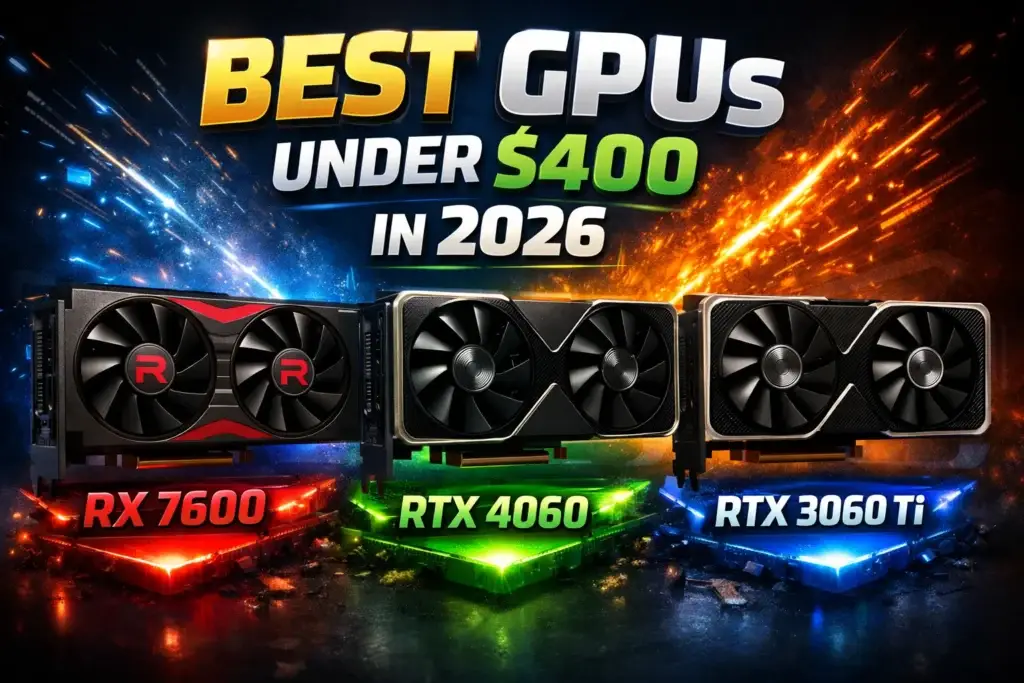
After comparing the latest NVIDIA GeForce RTX and AMD Radeon GPUs, we’ve also included essential buying guides covering complete PC builds, gaming memory, and storage to help you build a balanced high-performance system.Best GPUs Under $400
Find the best value graphics cards for high FPS gaming, comparing the latest NVIDIA RTX and AMD Radeon options.Best PC Build Under $1000
Build a complete gaming PC with carefully selected components that maximize gaming performance without overspending.Best RAM for Gaming
Discover the fastest DDR4 and DDR5 memory kits for smoother gameplay, multitasking, and higher overall performance.DDR4 vs DDR5 RAM
Learn whether DDR5 is worth the upgrade or if DDR4 still delivers excellent gaming performance in 2026.Best NVMe SSDs for Gaming
Reduce loading times and improve system responsiveness with the fastest PCIe 4.0 and PCIe 5.0 SSDs.Quick Recommendation
✔ Pair your GPU with a modern CPU, fast DDR5 memory, and an NVMe SSD for the best overall experience.
✔ Mid-range GPUs often provide the best price-to-performance ratio for 1080p and 1440p gaming.
✔ Building a balanced PC prevents performance bottlenecks and extends your system’s lifespan.
✔ Always verify your power supply, available space, and PCIe compatibility before upgrading.
⚡ Graphics card prices change frequently — always compare current deals before making your purchase.
How We Evaluate Graphics Card Recommendations
Choosing the right graphics card is about much more than comparing FPS charts or buying the most expensive GPU. At ProTechGuide, our recommendations focus on real-world gaming performance, creator workloads, power efficiency, long-term value, and overall system compatibility. Whether you're building a gaming PC, editing 4K videos, creating 3D content, or exploring AI applications, we help you find the graphics card that best fits your needs and budget.
Real-World Performance
We evaluate GPUs using real gaming benchmarks, ray tracing performance, AI capabilities, creator workloads, thermal efficiency, power consumption, VRAM capacity, and overall responsiveness—not just synthetic benchmark scores.
Independent Recommendations
Our graphics card buying guides are completely independent. Every recommendation is selected for its overall gaming experience, reliability, efficiency, and value—not because of sponsorships, advertising, or manufacturer partnerships.
Updated Throughout 2026
The GPU market evolves quickly with new architectures, driver updates, price changes, and technology improvements. We regularly update our recommendations to reflect the latest products and the best value available.
Built Around Real Gamers & Creators
Whether you're playing competitive esports titles, enjoying AAA games at 4K, editing videos, rendering 3D projects, streaming, or running AI workloads, our recommendations are tailored to real-world use cases instead of marketing claims.
Our Editorial Philosophy
The best graphics card isn't necessarily the fastest or most expensive GPU—it's the one that delivers the ideal balance of performance, VRAM, efficiency, cooling, reliability, features, and long-term value for your gaming or creative workflow.
💡 Expert Final Verdict — Best Graphics Cards in 2026
Choosing the wrong graphics card can leave you with disappointing gaming performance, unnecessary expenses, or hardware that becomes outdated sooner than expected. The best GPU isn’t always the most expensive one—it’s the one that delivers the right balance of performance, features, and value for your specific needs.
The goal isn’t buying the flagship graphics card. It’s finding the GPU that matches your gaming resolution, creative workloads, power requirements, and budget while providing excellent long-term performance.⚠️ Many buyers either overspend on high-end GPUs they never fully utilize or choose entry-level cards that struggle with modern games and demanding applications.
The best graphics card is the one that fits your workload today while giving you enough performance for the years ahead.After reviewing today’s graphics card market, one thing becomes clear:
there is no single perfect GPU for everyone.Some users simply want smooth 1080p gaming, while others need maximum performance for 1440p, 4K, video editing, AI workloads, or content creation. The right graphics card depends entirely on your budget and intended use.- ✔ Choose your GPU based on the resolution you actually play at.
- ✔ Prioritize price-to-performance rather than buying the most expensive model.
- ✔ Make sure your power supply can handle your new graphics card.
- ✔ Verify your PC case has enough clearance before upgrading.
- ✔ Consider VRAM capacity for modern games and creative workloads.
- ✔ Pair your GPU with a balanced CPU to avoid performance bottlenecks.
- ✔ Fast DDR5 memory and an NVMe SSD help maximize overall gaming performance.
- ✔ Compare NVIDIA RTX and AMD Radeon features before making your final decision.
🏆 Essential Buying Guides
👉 🥇 Best GPU Value: Best GPUs Under $400👉 🥈 Best Complete Build: Best PC Build Under $1000👉 🥉 Best Memory Upgrade: Best RAM for Gaming- ✔ You play primarily at 1080p or 1440p.
- ✔ You want the best value for your money.
- ✔ You upgrade your PC every few years.
- ✔ You prioritize balanced gaming performance.
- ✔ You play at 4K or ultra settings.
- ✔ You use ray tracing and AI-enhanced features.
- ✔ You stream or create professional content.
- ✔ You want maximum longevity.
- ✔ You mainly play esports titles.
- ✔ You are upgrading an older gaming PC.
- ✔ You want solid 1080p performance.
- ✔ Keeping costs low is your priority.