
Best RAM in 2026 — Top DDR5 & DDR4 Memory Kits for Gaming, Productivity & Every Budget
Looking for the best RAM in 2026? Explore expert buying guides, memory comparisons, and top DDR5 and DDR4 recommendations for every type of PC. Whether you're building a gaming rig, upgrading a workstation, editing videos, creating content, or improving everyday performance, find the perfect RAM kit for your needs and budget.
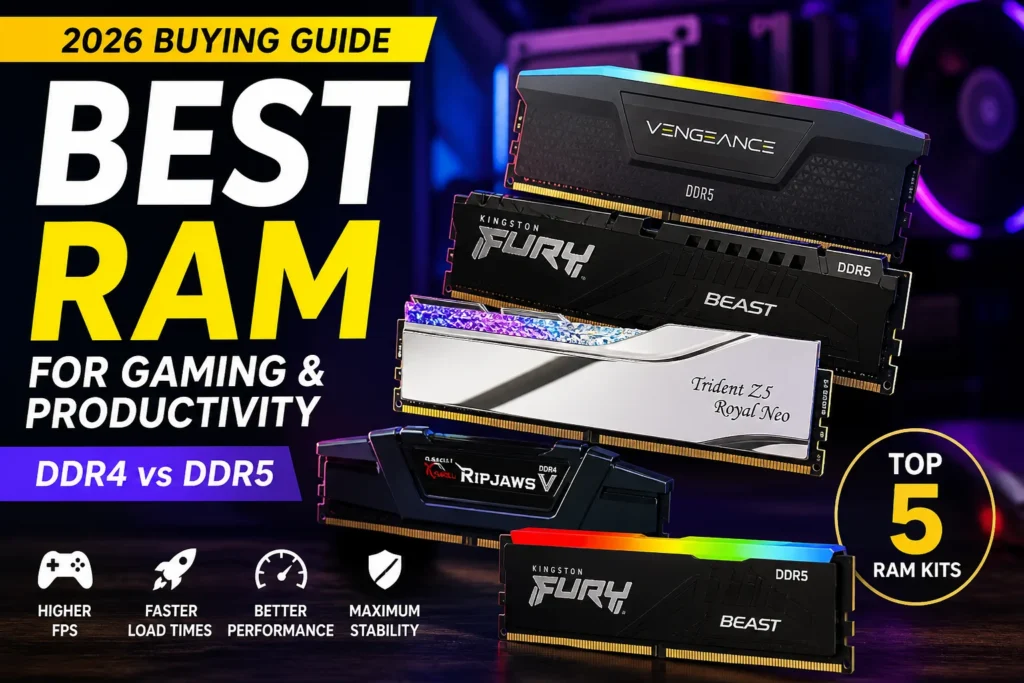
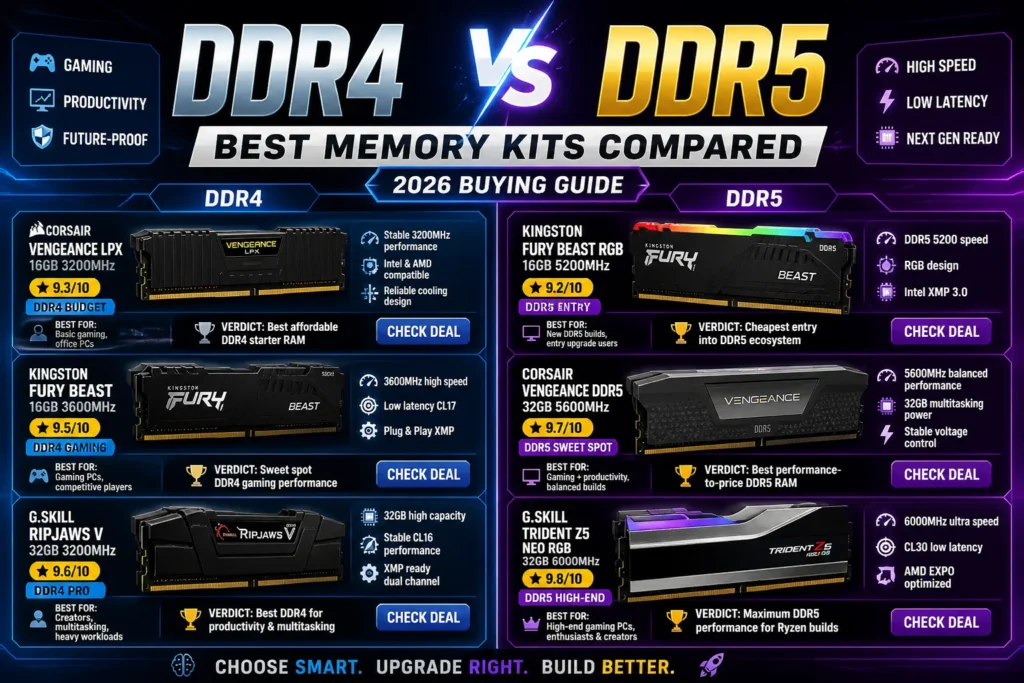
Which RAM Should You Buy in 2026?
Choosing the right RAM depends on your workload, motherboard compatibility, capacity requirements, and budget. Whether you're building a gaming PC, upgrading a workstation, editing videos, or simply improving everyday performance, selecting the right DDR4 or DDR5 memory kit can significantly improve your system.
After comparing the latest DDR5 and DDR4 memory kits, we've also included essential buying guides covering gaming memory, PC builds, processors, and storage to help you build a fast, balanced, and future-ready PC.Best RAM for Gaming
Find the fastest DDR5 and DDR4 memory kits for gaming, multitasking, and high-performance PCs.DDR4 vs DDR5 RAM
Compare DDR4 and DDR5 performance, pricing, compatibility, and determine which memory standard is right for your next PC build.Best Processors
Pair your memory with the best Intel and AMD processors for gaming, productivity, AI, and content creation.Best SSDs
Upgrade your PC with high-speed NVMe and SATA SSDs for faster boot times, game loading, and productivity.Best PC Builds
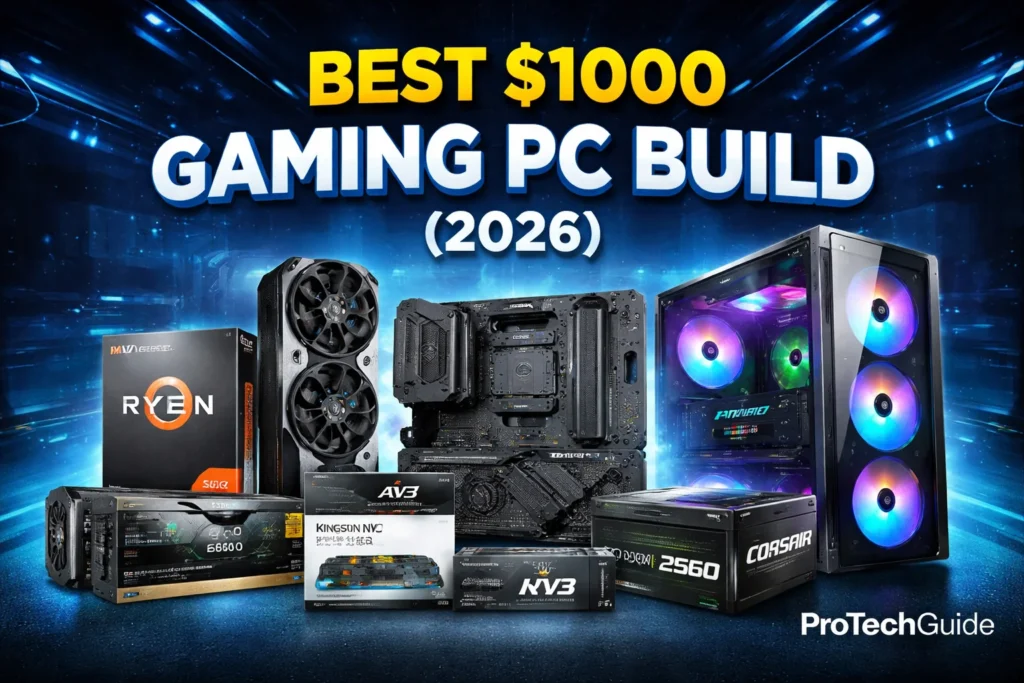
Explore complete gaming, workstation, and budget PC builds with carefully selected components that work perfectly together.Quick Recommendation
⚡ RAM prices change throughout the year — compare current deals before buying your next memory upgrade.
How We Evaluate RAM Recommendations
Choosing the right RAM is about much more than buying the highest frequency available. At ProTechGuide, our recommendations focus on real-world performance, stability, compatibility, and long-term value. We help you select the memory that best matches your processor, motherboard, workload, and budget—whether you're building a gaming PC, upgrading a workstation, or improving everyday productivity.
Real Performance Analysis
We evaluate memory kits based on gaming performance, multitasking responsiveness, memory speeds, latency (CL timings), stability, XMP/EXPO support, and real-world workloads instead of relying only on advertised specifications.
Independent Recommendations
Our buying guides are completely independent. Every RAM kit is recommended because it offers excellent performance, compatibility, reliability, and overall value—not because of sponsorships or manufacturer partnerships.
Updated Throughout 2026
Memory prices, DDR5 adoption, platform compatibility, and new product releases continue to evolve. We regularly review and update our recommendations to ensure every guide reflects the latest hardware available.
Built Around Real Users
Whether you're gaming, editing videos, programming, streaming, creating content, or simply upgrading your everyday PC, we recommend memory based on how you actually use your computer—not just benchmark numbers.
Our Editorial Philosophy
The best RAM isn't always the fastest kit on the market—it's the memory that provides the ideal combination of capacity, speed, latency, compatibility, reliability, and long-term value for your specific PC build.
💡 Expert Final Verdict — Best RAM in 2026
Choosing the wrong RAM can limit your PC's performance, reduce multitasking efficiency, or leave you paying for features you don't actually need. The best RAM isn't always the fastest or most expensive kit—it's the one that delivers the right balance of capacity, speed, latency, compatibility, and value for your specific system.
The goal isn't simply buying the highest-frequency memory available. It's choosing a RAM kit that matches your processor, motherboard, workloads, and future upgrade plans while providing reliable performance for years to come.⚠️ Many buyers either overspend on ultra-fast memory that provides little real-world benefit or purchase low-capacity kits that quickly become a bottleneck for modern games and professional applications.
The best RAM is the one that delivers the right combination of capacity, speed, compatibility, and value for your PC.After reviewing today's RAM market, one thing becomes clear:
there is no single perfect memory kit for everyone. Some users only need 16GB for everyday computing, while others benefit from 32GB or 64GB for gaming, content creation, programming, video editing, AI workloads, or professional multitasking. The right RAM depends on your budget, motherboard, processor, and intended use.- ✔ Choose the right capacity before prioritizing speed.
- ✔ Verify whether your motherboard supports DDR4 or DDR5 memory.
- ✔ Match your RAM with your CPU for the best overall performance.
- ✔ Look for balanced memory speeds and low latency instead of chasing the highest MHz.
- ✔ Buy memory in matched dual-channel kits whenever possible.
- ✔ Consider future upgrades when deciding between 16GB, 32GB, or 64GB.
- ✔ Enable XMP or EXPO profiles to unlock your RAM's rated performance.
- ✔ Balance your RAM with a fast SSD and a capable processor for the best user experience.
🏆 Essential Buying Guides
👉 🥇 Best Gaming Memory: Best RAM for Gaming👉 🥈 Best Comparison: DDR4 vs DDR5 RAM
👉 🥉 Best Complete System: Best PC Builds
- ✔ You play modern AAA games.
- ✔ You multitask while gaming.
- ✔ You want the best long-term value.
- ✔ You plan to keep your PC for several years.
- ✔ You build a high-end gaming PC.
- ✔ You use Ryzen or Intel enthusiast platforms.
- ✔ You edit videos or create content.
- ✔ You want maximum system responsiveness.
- ✔ You use your PC for everyday tasks.
- ✔ You are upgrading an older computer.
- ✔ You mainly browse, study, or work.
- ✔ Keeping costs low is your priority.