
Best WiFi Routers for Home Office and Small Business (2026 Buyer’s Guide)
From unstable connections to high-performance networking — discover the best WiFi routers that deliver fast speeds, strong coverage, and reliable internet for home offices and small businesses in 2026.
If your internet drops during meetings, slows down under heavy workloads, or struggles to cover your workspace, your router is costing you productivity every single day.
We analyzed the best WiFi 7, WiFi 6, WiFi 6E, and mesh routers to find the top-performing options for remote work, video calls, business operations, streaming, file transfers, and multi-device environments.No overpriced hype — just the best routers that actually improve speed, stability, coverage, and daily workflow for professionals, remote workers, entrepreneurs, and growing small businesses.👉 If you want stable internet, better coverage, and a router that supports real productivity, these are the best WiFi routers you should consider in 2026.
The best WiFi routers are not just about speed — they are about reliability, security, and uninterrupted performance. This 2026 guide compares the top routers for home office and small business use, helping you choose the right system for smoother workdays, stronger connections, and long-term value.
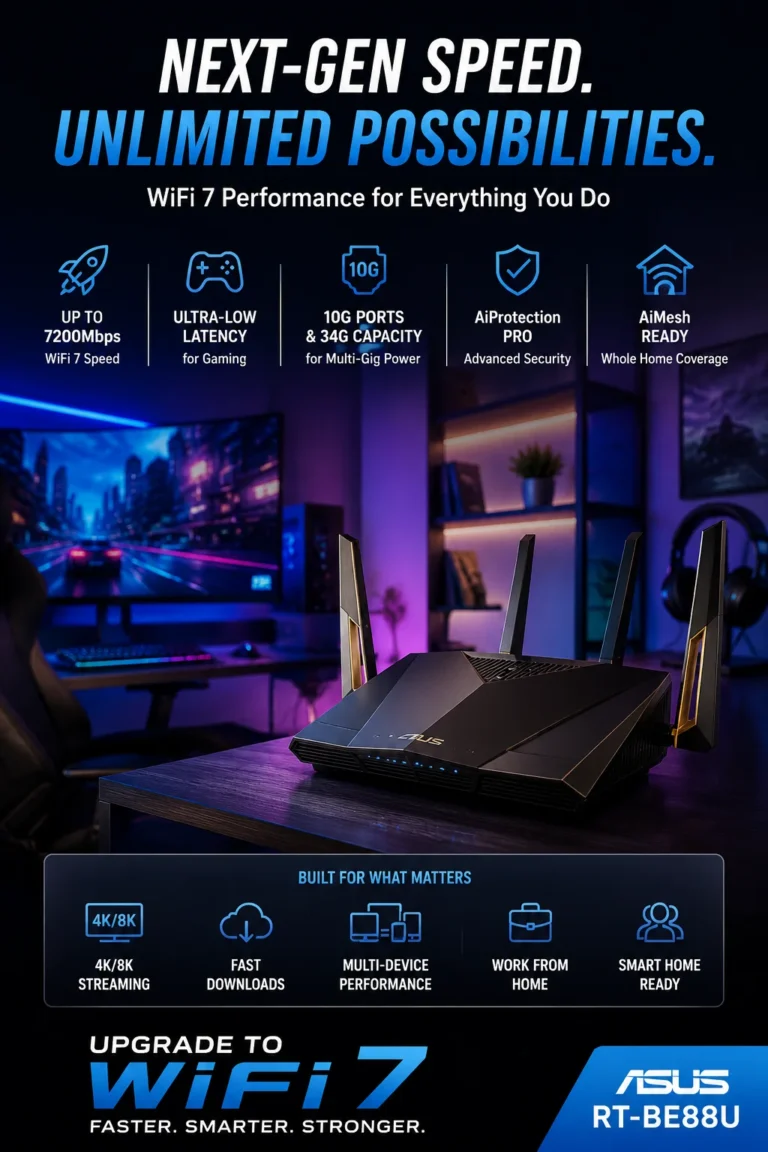
ASUS RT-BE88U WiFi 7 Router — Best High-Performance Router for Home Office & Small Business in 2026
If your business depends on stable internet, slow routers are silently killing your productivity. The ASUS RT-BE88U is built for professionals who need ultra-fast WiFi 7 speeds, enterprise-level stability, dual 10G ports, advanced VPN security, and reliable performance for demanding home offices and growing small businesses.
Perfect for remote professionals, IT users, content creators, gamers, and small business owners who need fast, secure, and uninterrupted internet for daily operations.
Key Features
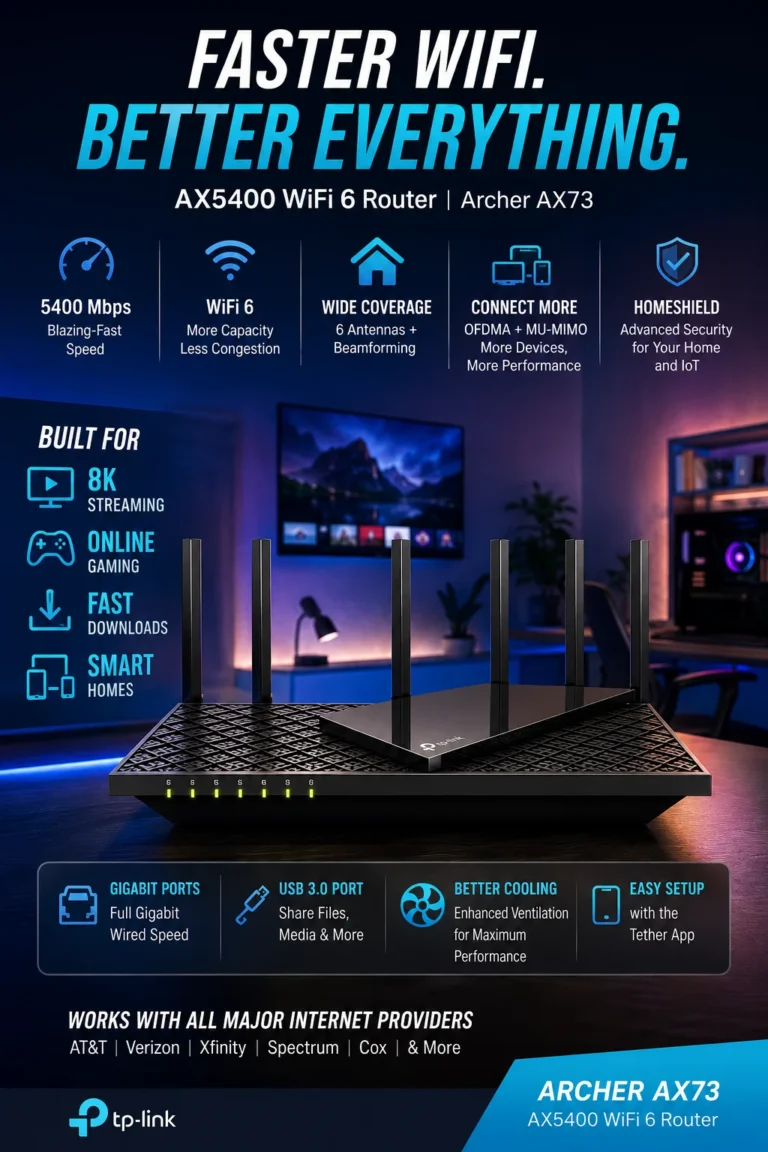
TP-Link Archer AX73 AX5400 WiFi 6 Router — Best Value Router for Home Office & Small Business in 2026
Not everyone needs an expensive WiFi 7 router. If you want fast speeds, strong long-range coverage, stable video calls, and excellent daily performance without overspending, the TP-Link Archer AX73 is one of the smartest router investments for home offices and small businesses in 2026.
📶 6 High-Gain Antennas for Long-Range Coverage
🔒 WPA3 Security + QoS + Parental Controls
🎮 Optimized for Streaming, Gaming & Video Calls
🔌 Gigabit Ports + USB Connectivity
🏆 Amazon Best Seller #1 in Computer Routers
Perfect for remote workers, families, entrepreneurs, students, and small business owners looking for strong performance, reliable coverage, and excellent value without paying flagship router prices.
Key Features
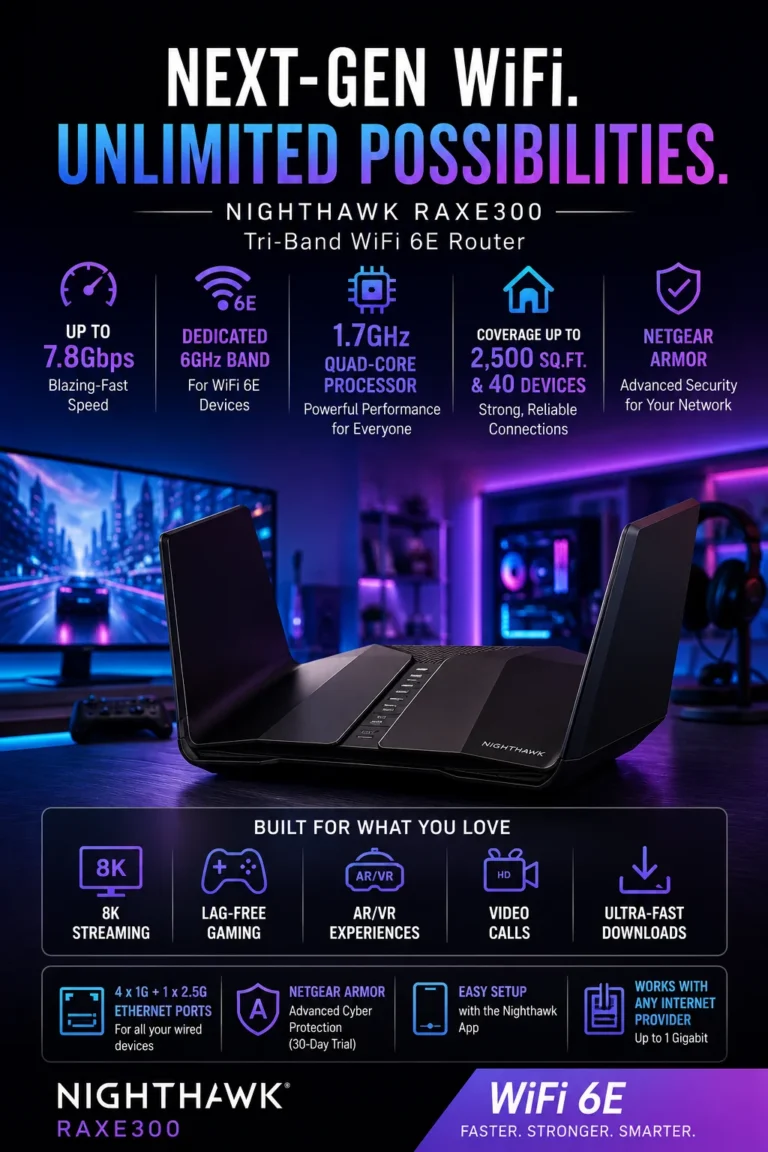
NETGEAR Nighthawk RAXE300 WiFi 6E Router — Best Premium Performance Router for Home Office & Small Business in 2026
When your business demands premium speed, low latency, and next-level stability, standard routers start becoming a bottleneck. The NETGEAR Nighthawk RAXE300 delivers ultra-fast tri-band WiFi 6E performance, a dedicated 6GHz band, powerful security features, and serious multi-device handling for demanding professionals and growing businesses.
📡 Dedicated 6GHz Band for Low Latency Performance
📶 Covers up to 2,500 sq. ft with 8 Wireless Streams
🔒 WPA3 Security + High-Level Firewall Protection
🔌 2.5G Multi-Gig Port + 7 Total Ports
🏢 Ideal for Premium Home Office & Heavy Workloads
Perfect for professionals, content creators, remote teams, gamers, streamers, and small business owners who need premium networking performance and future-ready WiFi infrastructure.
Key Features
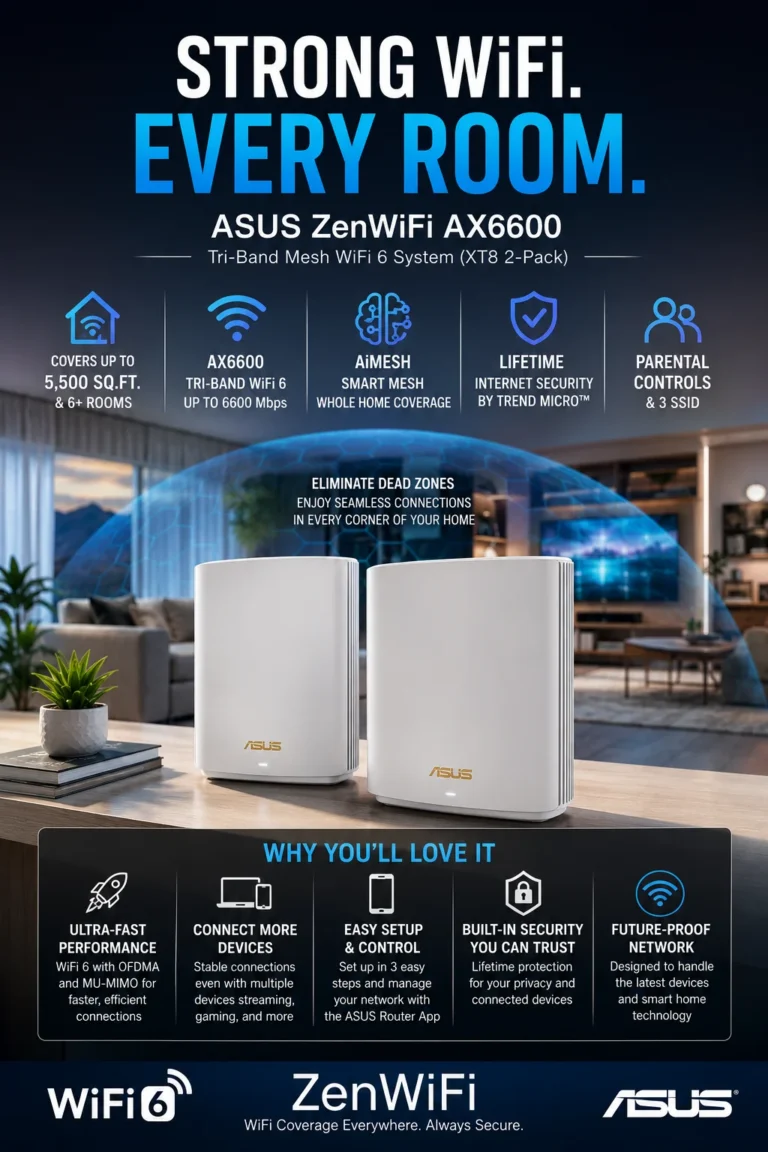
ASUS ZenWiFi XT8 AX6600 Tri-Band Mesh WiFi 6 System — Best Mesh Router for Large Homes & Small Business in 2026
If your office or home has dead zones, weak signals, and unstable connections between rooms, a traditional router is not enough. The ASUS ZenWiFi XT8 solves this with powerful tri-band mesh WiFi 6 coverage, AiMesh expansion, whole-home stability, and premium security designed for serious productivity.
🏠 Covers up to 5,500 sq. ft. and 6+ Rooms
🔌 2.5G WAN Port + Gigabit Ethernet Ports
🔒 Lifetime Internet Security + Parental Controls
⚡ 3 Separate SSIDs for Better Network Control
🏆 Perfect for Large Homes, Offices & Multi-Room Workspaces
Perfect for large homes, multi-floor offices, remote teams, families, professionals, and small business owners who need stable WiFi coverage across every room without signal drops.
Key Features
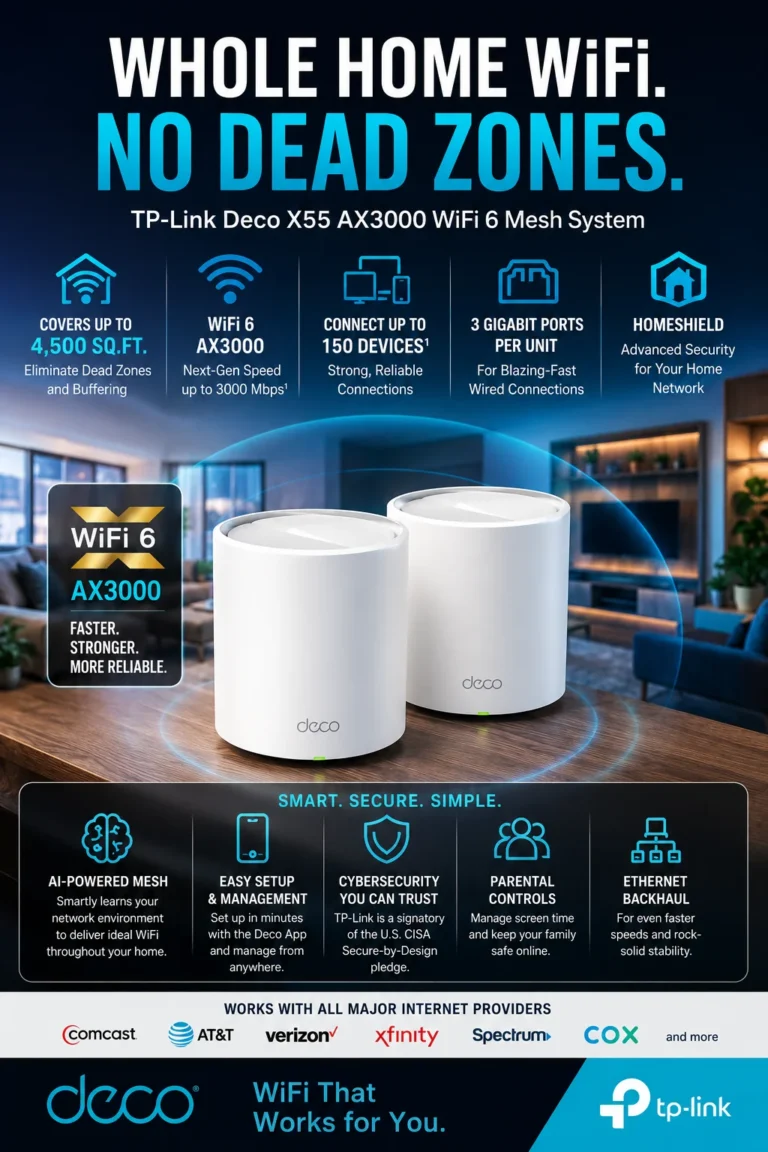
TP-Link Deco X55 AX3000 WiFi 6 Mesh System — Best Budget Mesh Router for Home Office & Small Business in 2026
If your WiFi signal disappears in certain rooms, drops during meetings, or struggles with multiple connected devices, you do not always need an expensive premium mesh system. The TP-Link Deco X55 delivers strong whole-home WiFi 6 coverage, reliable mesh stability, and excellent value for home offices and small businesses on a smarter budget.
🏠 Covers up to 4,500 sq. ft. with 2-Pack System
🔌 3 Gigabit Ports per Unit + Ethernet Backhaul
🔒 WPA3 Security + QoS + Guest Network + Parental Controls
📱 App Control + Alexa Voice Compatibility
🏆 Amazon Best Seller #1 in Mesh WiFi Systems
Perfect for families, remote workers, students, entrepreneurs, and small business owners who need reliable full-home WiFi coverage with strong performance at a more affordable price.
Key Features
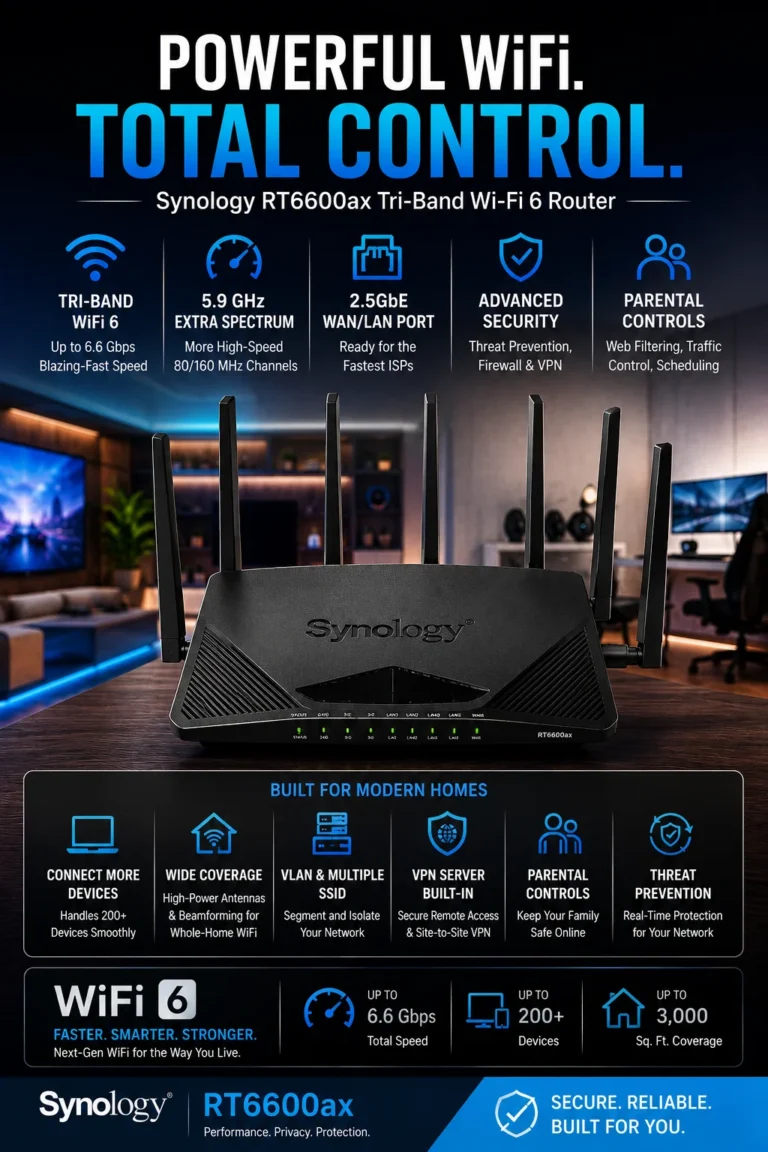
Synology RT6600ax WiFi 6 Router — Best Advanced Security Router for Home Office & Small Business in 2026
If you need more than just speed and coverage, and you care about network control, security, and business-grade management, the Synology RT6600ax is built for you. It delivers advanced firewall protection, VLAN segmentation, multiple SSIDs, VPN support, and professional-level network control for serious users.
🔌 2.5Gbps WAN Port + Gigabit Ethernet Support
🛡️ Advanced Firewall + Threat Prevention System
🔒 Multiple VPN & Enterprise-Grade Security Options
📶 VLAN Segmentation + Multi-SSID Control
🏢 Ideal for Power Users, IT & Small Business Networks
Perfect for IT professionals, small business owners, advanced home office users, and anyone who needs full control, security segmentation, and VPN-based remote access capabilities.
Key Features

Ubiquiti UniFi Dream Machine (UDM) WiFi 5 Router — Best Network Control & Small Office System for Advanced Users in 2026
If you want full network control instead of just basic WiFi, the Ubiquiti UniFi Dream Machine is built for advanced users. It combines routing, switching, and enterprise-level UniFi management into one system designed for small offices, IT users, and power users who need complete visibility and control over their network.
🔌 4-Port Gigabit Switch Built-In
📶 UniFi OS Advanced Network Management System
🛡️ WPA2 Security + High-Level Firewall Protection
📱 Full App-Based Network Control (UniFi Controller)
🏢 Ideal for IT Users, Offices & Advanced Home Networks
Perfect for IT professionals, small business owners, network administrators, and advanced users who want full control, monitoring, and enterprise-style network management.
Key Features
📶 Best WiFi Routers for Home Office & Small Business in 2026 – Ultimate High-Converting Buyer Guide
| Product | Key Performance | Why It Wins (CTR Hook) | Best For | Action |
|---|---|---|---|---|
| ASUS RT-BE88U ⭐ 9.9/10 💰 Premium / WiFi 7 | ⚡ WiFi 7 up to 7200 Mbps 🔌 Dual 10G + 2.5G + SFP+ ports 📶 AiMesh expandable system 🔒 WPA3 + VPN + enterprise firewall | 🔥 “Future-proof WiFi 7 system that eliminates lag, congestion, and network limits permanently” | Power users, IT setups, high-demand offices | |
| TP-Link Archer AX73 ⭐ 9.6/10 💰 Budget / Best Value | ⚡ AX5400 WiFi 6 📡 6 high-gain antennas 🔌 Gigabit + USB sharing 🔒 WPA3 + QoS optimization | 💡 “Best value router that instantly fixes slow internet and weak WiFi coverage” | Remote workers, families, small offices | |
| NETGEAR RAXE300 ⭐ 9.5/10 💰 Premium / WiFi 6E | ⚡ 7.8 Gbps Tri-band 📡 Dedicated 6GHz band 🔌 2.5G multi-gig port 🔒 WPA3 + firewall | ⚡ “Ultra-low latency 6GHz performance for zero lag gaming, streaming, and video calls” | Creators, gamers, heavy users | |
| ASUS ZenWiFi XT8 ⭐ 9.4/10 💰 Premium Mesh | 🏠 5500 sq. ft coverage 📶 Tri-band WiFi 6 mesh 🔌 2.5G WAN + backhaul 🔒 Lifetime security | 🏡 “Eliminates all dead zones with seamless whole-home WiFi coverage” | Large homes, multi-floor offices | |
| TP-Link Deco X55 ⭐ 9.3/10 💰 Budget Mesh | 📶 AX3000 WiFi 6 mesh 🏠 4500 sq. ft coverage 🔌 Gigabit ports 🔒 WPA3 + QoS | 💰 “Affordable mesh system that removes WiFi dead zones instantly” | Families, small offices | |
| Synology RT6600ax ⭐ 9.7/10 💰 Security Focus | 🛡️ VLAN + multi-SSID ⚡ 2.5Gbps WAN 🔒 Advanced firewall + VPN 📶 WiFi 6 tri-band | 🔐 “Enterprise-level security system with full network isolation and control” | IT professionals, secure business networks | |
| Ubiquiti UniFi Dream Machine ⭐ 9.2/10 💰 Pro Network | 📊 UniFi OS control system 🔌 4-port gigabit switch ⚡ Stable 1 Gbps performance 🛡️ Advanced firewall | 🎛️ “Full enterprise network visibility and control in one centralized system” | IT admins, structured office networks |
Want to explore more options before deciding?
Go deeper with these guides.
🔍 Still Not Sure? Compare & Find the Right Tech Setup for You
Choosing the right RAM or PC setup isn’t just about specs — it’s about performance, budget, and future-proofing your system. These in-depth guides will help you compare builds, avoid expensive mistakes, and choose the right setup with confidence.
Best PC Build Under $1000 (2026 Full Setup)
Build a complete gaming and productivity PC under $1000 with optimized CPU, GPU, RAM, and storage balance — no wasted money, no bottlenecks.
Build your PC → 🎮 Gaming LaptopsTop 3 Gaming Laptops Under $2500 (2026)
High-performance RTX gaming laptops tested for FPS, thermals, and real-world gaming — perfect for serious gamers who want maximum performance.
Find gaming laptops → 💰 Budget LaptopsBest Laptops Under $1000 (2026 Buying Guide)
Avoid overpaying — discover the best budget laptops with strong performance for work, study, and everyday productivity.
Save money →Which WiFi Router Setup Should You Actually Choose?
There is no single “perfect” router — the right choice depends on your internet usage, number of devices, and whether you prioritize speed, coverage, security, or full network control.
If your WiFi is slow, unstable, or dropping during video calls, the real problem is not your internet plan — it’s your router setup. Choosing the right system can completely transform your performance, stability, and productivity.
Stable Home & Remote Work Setup
Perfect for users who want stable WiFi, better coverage, and smooth video calls without overspending. Fixes weak signals, buffering, and everyday connectivity issues instantly.
High-Performance Work & Business Setup
Designed for remote workers, entrepreneurs, and professionals who depend on stable internet for daily productivity. Balanced speed, coverage, and multi-device performance.
Maximum Control & Security Network
For IT users, advanced professionals, and businesses that need full control, segmentation, VPN, and enterprise-level security.
🧠 Expert Final Verdict – Best WiFi Router Setup in 2026
After analyzing real-world performance, coverage stability, security features, and multi-device workloads, it becomes clear that modern networking is no longer about a single router — it’s about building a complete connectivity system.
If your main problem is slow WiFi, buffering, or unstable video calls, the smartest entry point is the TP-Link Archer AX73. It delivers immediate stability, stronger coverage, and a noticeable performance upgrade without overspending.
For users who need low-latency performance for work, gaming, or streaming, the NETGEAR RAXE300 is the ideal upgrade. Its WiFi 6E 6GHz band significantly reduces congestion and improves real-time responsiveness across multiple devices.
If your priority is advanced control, segmentation, VPN security, and professional networking, the Synology RT6600ax stands out as the most complete solution. It is designed for users who want full visibility and control over their network environment.
For whole-home coverage and mesh stability, systems like the ASUS ZenWiFi XT8 and TP-Link Deco X55 eliminate dead zones completely, making them ideal for large homes and multi-room setups.
- ✔ TP-Link Archer AX73
- ✔ TP-Link Deco X55 (optional mesh upgrade)
- ✔ Stable browsing + streaming + calls
- ✔ Best entry-level performance upgrade
- ✔ NETGEAR RAXE300
- ✔ WiFi 6E low-latency system
- ✔ Multi-device optimization
- ✔ Ideal for remote work + creators
- ✔ Synology RT6600ax
- ✔ ASUS ZenWiFi XT8 (mesh expansion)
- ✔ VLAN + VPN + firewall control
- ✔ Maximum security + enterprise control
The best WiFi router setup in 2026 depends on how critical your internet is for your daily life or business.
If you only need stability → go AX73. If you need performance → go RAXE300. If you need full control → go Synology ecosystem.
After comparing speed, stability, coverage, and real-world performance, the NETGEAR RAXE300 (WiFi 6E Setup) stands out as the best overall choice for most users in 2026.
It delivers the strongest balance between low latency, multi-device performance, and future-ready connectivity, making it ideal for remote workers, gamers, and modern households.
While AX73 wins on value and Synology wins on control, the RAXE300 is the most complete “daily performance” router system for real-world use.
🧠 Frequently Asked Questions — Best WiFi Routers 2026
Choosing the best WiFi router in 2026 depends on your internet speed, home size, number of connected devices, and whether you need gaming performance, business stability, or full home coverage. These are the most common questions users ask before buying a router.
⚠️ Common WiFi Router Mistakes (WiFi 6 / WiFi 6E Setup Guide 2026)
Most users don’t have slow internet because of their ISP — they fail because they choose the wrong router setup, ignore mesh coverage, or misconfigure WiFi bands. These are the most expensive mistakes that reduce speed, stability, and gaming performance in modern WiFi 6 / WiFi 6E networks.
Buying a router without considering coverage size
- Weak signal in bedrooms, offices, or second floors
- WiFi drops when moving between rooms
- Single-router setups fail in large homes
Better choice: use a mesh system like ASUS ZenWiFi or TP-Link Deco for full-home coverage.
Ignoring WiFi 6E (6 GHz band capability)
- More congestion on 2.4 GHz and 5 GHz bands
- Lower speeds in dense apartment environments
- Higher latency during gaming or streaming
Better choice: upgrade to WiFi 6E routers like NETGEAR Nighthawk RAXE300 for cleaner 6 GHz performance.
Not using mesh systems in multi-room homes
- Dead zones in hallways and remote rooms
- Weak signal for Smart TVs and consoles
- Unstable video calls and streaming
Better choice: install a mesh system (TP-Link Deco X55 or ASUS ZenWiFi XT8).
Overlooking wired Ethernet backhaul
- Mesh nodes lose performance over WiFi-only links
- Higher latency for gaming setups
- Unstable upload speeds for work or streaming
Better choice: use Ethernet backhaul when available for maximum stability and speed.
Choosing routers without QoS or traffic control
- No prioritization for gaming or video calls
- Buffering when multiple devices are connected
- Bandwidth congestion in busy households
Better choice: select routers with QoS and smart traffic management like Synology RT6600ax.
Using outdated WiFi 5 routers in 2026
- Lower speeds and outdated security
- Limited device capacity
- No support for modern smart homes
Better choice: upgrade to WiFi 6 or WiFi 6E routers like Ubiquiti UniFi Dream Machine or NETGEAR AXE7800.
🚫 What a High-Performance Router Setup is NOT Designed For
A high-performance WiFi setup is not about buying the most expensive router — it is about choosing the right architecture (mesh, WiFi 6E, QoS, Ethernet backhaul) to ensure stable speed, low latency, and full coverage across your entire home or office.
Need Help Choosing the Right Laptop?
Not sure which laptop fits your needs?
We’ll help you choose the best option based on your budget and usage.
Get Personalized Recommendation
Response time: within 24 hours