
LAPTOPS BY USE CASE HUB

Explore Our Best Laptops by Use Case

This guide to Best Laptops for Data Analysis in 2026: 8 Top Picks for Excel, SQL, Python & Power BI is part of our curated laptop recommendations by use case. Explore more expert comparisons and buying guides designed to help you choose the right laptop for data analysis, business intelligence, Excel, SQL, Python, Power BI, data visualization, productivity, and other professional workloads.
2026 Data Analysis Laptop Guide • Expert Picks for Excel, SQL, Python, Power BI & Professional Workloads
Expert Reviewed • CPU Performance, RAM Capacity, Excel, SQL, Power BI, Python, Data Visualization, Displays, Storage & Long-Term Value

Best Laptops for Data Analysis in 2026: 8 Top Picks for Excel, SQL, Python & Power BI

The best laptop for data analysis in 2026 is not necessarily the most powerful or most expensive model. The right choice depends on the type of data you work with, the applications you use, how much multitasking you perform, and whether your workflow is centered on Excel, SQL, Power BI, Python, data visualization, or a combination of these tools.From large Excel workbooks and SQL databases to Power BI dashboards, Python notebooks, pandas, NumPy, statistical analysis, and business intelligence workflows, today's laptops can provide excellent analytical performance without requiring workstation-class hardware or a high-end dedicated GPU.

In this guide, we've selected the best laptops for data analysis in 2026 based on processor performance, RAM capacity, storage speed, display quality, multitasking capability, software compatibility, portability, thermals, battery life, and long-term value. We also considered the practical requirements of professional analysts who work with Excel, SQL, Power BI, Python, Jupyter, data visualization, and increasingly large datasets.The Dell Premium 16, previously known as the XPS 16, takes our top position for its combination of powerful Windows performance, 32GB of memory, fast storage, a large 4K OLED display, and versatile hardware. The Lenovo ThinkPad X1 Carbon Gen 14 Aura Edition is our preferred choice for professionals who prioritize portability and business-class productivity, while the Lenovo ThinkPad P1 Gen 8 provides workstation-class performance for demanding datasets and heavier analytical workloads. Mac users can turn to the Apple 14-inch MacBook Pro with the M5 Pro and 48GB of unified memory for demanding Python, SQL, and data-processing workflows, while the Lenovo ThinkBook 16 Gen 8 and Acer Swift Go 16 AI offer large-screen productivity and strong value.

Best Overall
Best Windows Laptop
Best Professional Workstation
Best MacBook for Data Analysis
Best Portable Laptop
Best 2-in-1 Laptop
Best Large-Screen Laptop
Best Value
Editor's Verdict:For most professional data analysts, the Dell Premium 16, previously known as the XPS 16, is our strongest overall recommendation in 2026. Its combination of a powerful Intel Core Ultra 7 processor, 32GB of memory, 1TB SSD, large 16.3-inch 4K OLED display, Windows 11 Pro, and RTX 5050 provides an excellent platform for Excel, SQL, Power BI, Python, data visualization, and demanding multitasking.The Lenovo ThinkPad X1 Carbon Gen 14 Aura Edition is the better choice for professionals who prioritize mobility, business-class design, keyboard quality, and long-term productivity. Its 32GB of memory and Core Ultra 7 365 processor provide more than enough performance for most Excel, SQL, Power BI, Python, and business intelligence workflows while maintaining a highly portable design.For analysts working with large datasets or particularly demanding multitasking environments, the Lenovo ThinkPad P1 Gen 8 is our recommended workstation. With 64GB of RAM, a 2TB SSD, Core Ultra 9 285H, and NVIDIA RTX 2000 Blackwell graphics, it provides substantially more headroom than a conventional productivity laptop.The Apple 14-inch MacBook Pro with the M5 Pro and 48GB of unified memory is our top Mac choice for analysts whose workflows center on Python, SQL, Jupyter, pandas, NumPy, statistics, and other macOS-compatible tools. However, professionals who rely on the native Power BI Desktop application should choose a Windows laptop instead.For users who value portability, the ASUS Zenbook 14 OLED provides a compact and capable platform for everyday analysis, while the HP OmniBook Ultra Flip adds 2-in-1 flexibility for professionals who combine data analysis with presentations and mobile productivity. The Lenovo ThinkBook 16 Gen 8 is particularly attractive for spreadsheet-heavy workflows because of its large 16-inch workspace, while the Acer Swift Go 16 AI provides strong overall value with 32GB of memory, a large OLED display, and modern processor performance.
Scroll Down to Compare the 8 Best Laptops for Data Analysis in 2026
Best MacBook for Data Analysis (2026)

Apple MacBook Pro 14-inch M5

Best MacBook for Python, SQL & Advanced Data Analysis
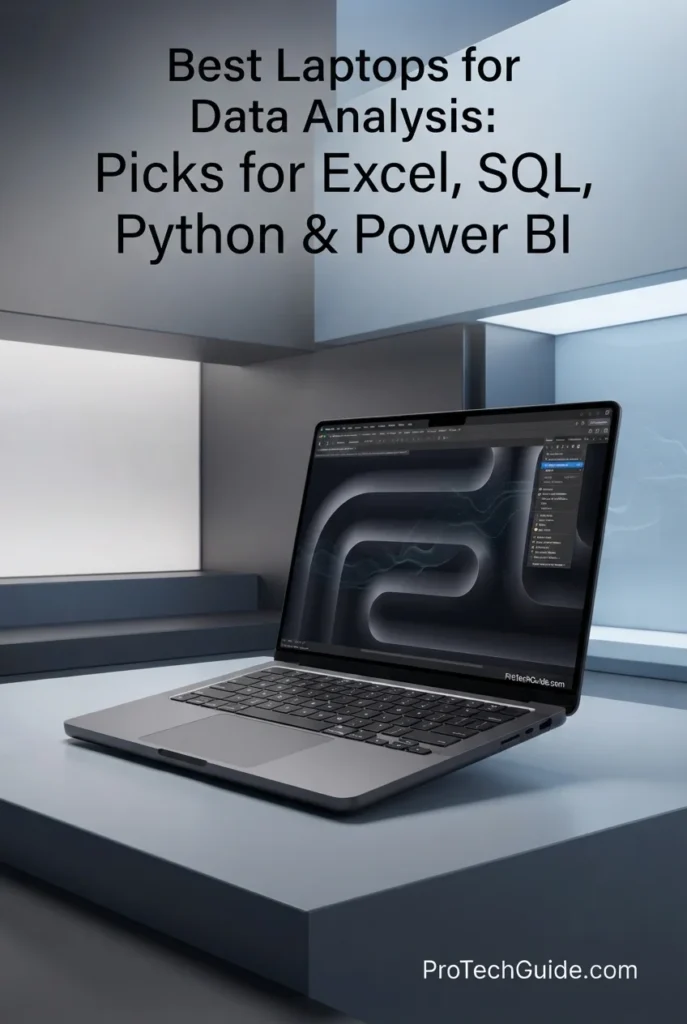
The Apple MacBook Pro 14-inch with the M5 Pro chip, 48GB of unified memory, and 1TB SSD is our top Mac recommendation for data analysis in 2026. Its 15-core CPU, 16-core GPU, high-bandwidth unified memory architecture, fast SSD, and premium 14.2-inch Liquid Retina XDR display provide an excellent platform for demanding analytical workflows including Python, SQL, Jupyter notebooks, pandas, NumPy, statistical analysis, data visualization, and large datasets. The 48GB memory configuration is particularly valuable for analysts who regularly work with multiple applications, large datasets, browsers, notebooks, databases, and analytical tools simultaneously.

• Ideal for professional data analysts, Python developers, researchers, financial analysts, data engineers, and advanced users who prefer macOS for analytical workflows
• Excellent for Python, Jupyter, pandas, NumPy, SQL, statistical analysis, data visualization, spreadsheets, and macOS-compatible business intelligence tools
• Particularly well suited to analysts who work with large datasets and multiple applications simultaneously and want substantial memory headroom without moving to a 16-inch workstation
• The Apple M5 Pro with a 15-core CPU provides substantial processing power for Python workloads, data transformation, statistical calculations, SQL development, and demanding multitasking
• 48GB of unified memory gives professional analysts significantly more headroom for large datasets, Jupyter notebooks, browsers, SQL tools, spreadsheets, Python environments, and multiple applications running simultaneously
• The 14.2-inch Liquid Retina XDR display provides excellent text clarity, contrast, brightness, and color accuracy for spreadsheets, dashboards, charts, notebooks, and extended analytical sessions
• The fast 1TB SSD provides responsive application launches, rapid file access, and sufficient local storage for datasets, Python environments, notebooks, projects, databases, and analytical files
• Apple Silicon's highly integrated architecture delivers strong performance and power efficiency, making the MacBook Pro particularly attractive to analysts who frequently work away from a desk
• Premium aluminum construction, a backlit Magic Keyboard, Touch ID, large Force Touch trackpad, and a quiet professional design create an excellent environment for long analytical work sessions

The MacBook Pro 14 earns our Best MacBook for Data Analysis award because it combines high-end processing performance, 48GB of unified memory, fast storage, excellent portability, and one of the best laptop displays available. For analysts whose workflows center on Python, SQL, Jupyter, pandas, NumPy, statistics, and data visualization, it provides substantial performance headroom without requiring the size and weight of a traditional workstation.

Compared with Windows laptops such as the Lenovo ThinkPad X1 Carbon Gen 14 and Dell Premium 16, the MacBook Pro offers a particularly strong combination of memory capacity, power efficiency, premium display quality, and macOS-based analytical workflows. However, professionals who depend heavily on Microsoft Power BI Desktop should choose a Windows laptop instead, making the MacBook Pro a specialized recommendation rather than the universal choice for every data analyst.

• Apple M5 Pro chip• 15-core CPU• 16-core GPU• 16-core Neural Engine• 307GB/s memory bandwidth• Hardware-accelerated ray tracing• High-performance unified architectureThe Apple M5 Pro provides substantial processing performance for demanding analytical workloads including Python calculations, SQL development, data transformation, statistical analysis, spreadsheet processing, and multitasking across multiple professional applications. Its 15-core CPU and high memory bandwidth make it particularly well suited to analysts who regularly work with complex datasets and computationally intensive workflows.
• 48GB unified memory• Shared CPU and GPU memory architecture• 307GB/s memory bandwidth• Excellent for large datasets• Strong multitasking capability• Ideal for Jupyter and Python environments• Substantial headroom for professional workflowsThe 48GB unified memory configuration is one of this MacBook Pro's biggest advantages for professional data analysis. Analysts can work with large datasets while keeping Python environments, Jupyter notebooks, SQL tools, spreadsheets, browsers, visualization software, and other applications open simultaneously. The high memory capacity also provides substantially more headroom than typical 16GB or 24GB configurations.
• Python development• Jupyter notebooks• pandas• NumPy• SQL• Statistical analysis• Data visualization• Local data processingThe MacBook Pro provides an excellent environment for Python-based data analysis and SQL workflows. Analysts can use Jupyter notebooks, pandas, NumPy, scientific Python libraries, database clients, terminal-based tools, and visualization applications while taking advantage of the system's high CPU performance and large memory capacity.
• 14.2-inch Liquid Retina XDR display• 3024 × 1964 native resolution• 254 pixels per inch• Up to 120Hz ProMotion• 1,000,000:1 contrast ratio• Up to 1,600 nits peak HDR brightness• Wide P3 color gamut• True Tone technologyThe Liquid Retina XDR display provides exceptional clarity for spreadsheets, dashboards, charts, Python notebooks, SQL interfaces, and data visualization. Its high pixel density keeps text and interface elements exceptionally sharp, while ProMotion provides smooth scrolling when navigating large spreadsheets, dashboards, and analytical environments.
• 1TB SSD• Fast application launches• Rapid file access• Quick dataset loading• Responsive Python environments• Fast project access• Suitable for professional analytical filesThe 1TB SSD provides a strong starting point for professional data analysis. It offers enough local space for Python environments, Jupyter notebooks, SQL projects, datasets, applications, documents, and analytical files while keeping everyday file access and application loading highly responsive.
• macOS• Unix-based environment• Native Terminal• Python development support• SQL and database tools• Jupyter compatibility• pandas and NumPy support• Excellent command-line workflowmacOS provides a powerful Unix-based environment for analysts who work heavily with Python, SQL, Jupyter, and command-line data tools. It is particularly attractive to professionals who value a clean development environment and do not depend on Windows-only analytical software.For analysts whose workflow depends on Microsoft Power BI Desktop, however, a Windows laptop is the better choice. Power BI Desktop is Microsoft's Windows desktop application, making Windows the more straightforward platform for Power BI-focused professionals.
• Compact 14.2-inch design• Premium aluminum construction• Backlit Magic Keyboard• Touch ID• Large Force Touch trackpad• MagSafe 3 charging• Thunderbolt 5 connectivity• Excellent mobility for professional workThe MacBook Pro combines high-end performance with a relatively compact professional form factor. Its 14-inch design makes it easier to carry between offices, meetings, university environments, and home workspaces while retaining the processing and memory capacity required for demanding analytical workflows.
Ideal for:• Professional data analysts• Python data analysts• SQL professionals• Financial analysts• Researchers• Data engineers• Statistical computing• Jupyter users• pandas and NumPy workflows• Professionals who prefer macOSThe Apple MacBook Pro 14-inch with the M5 Pro, 48GB of unified memory, and 1TB SSD is an exceptional choice for professional data analysis when the user's workflow is compatible with macOS. Its combination of CPU performance, memory capacity, storage speed, display quality, portability, and power efficiency makes it one of the strongest Mac laptops available for serious analytical work in 2026.
Best Windows Laptop for Data Analysts (2026)

Lenovo ThinkPad X1 Carbon Gen 14 Aura Edition

Best Portable Windows Laptop for Excel, SQL, Power BI & Professional Data Analysis
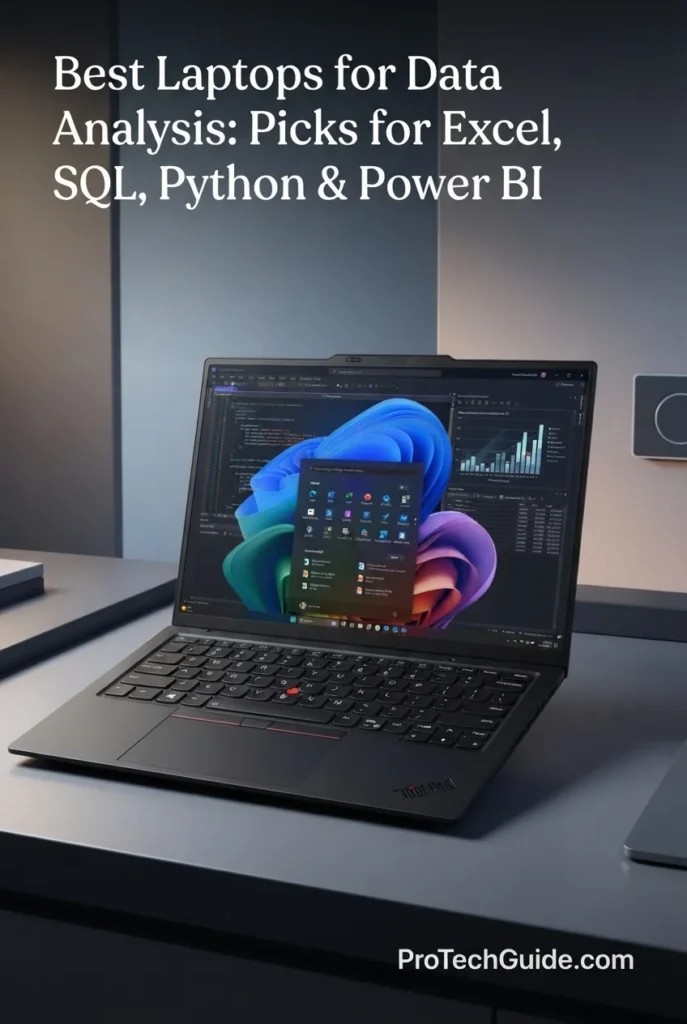
The Lenovo ThinkPad X1 Carbon Gen 14 Aura Edition with the Intel Core Ultra 7 365 vPro, 32GB of LPDDR5X memory, and 1TB PCIe Gen4 SSD is our top Windows laptop for data analysts in 2026. It combines strong processor performance, professional-grade memory capacity, Windows 11 Pro, a sharp 14-inch WUXGA IPS touchscreen, and an exceptionally portable ThinkPad design. For analysts working with Excel, SQL, Power BI, Python, business intelligence tools, dashboards, and large numbers of browser tabs and applications, it delivers an excellent balance of performance and mobility.

• Ideal for professional data analysts, business intelligence professionals, consultants, financial analysts, enterprise users, and developers who need a highly portable Windows laptop
• Excellent for Excel, SQL, Power BI, Python, Jupyter notebooks, business intelligence dashboards, reporting, data visualization, and professional multitasking
• Particularly well suited to professionals who travel frequently and need 32GB of memory, Windows 11 Pro, strong connectivity, and business-class reliability without carrying a larger workstation
• The Intel Core Ultra 7 365 vPro provides strong processing capability for spreadsheet calculations, SQL workloads, Python analysis, data transformation, reporting, and demanding multitasking
• 32GB of LPDDR5X memory provides the capacity needed for large Excel workbooks, Power BI models, SQL tools, Python environments, browsers, communication applications, and multiple professional workloads running simultaneously
• The 14-inch WUXGA IPS touchscreen with 500 nits brightness, 100% sRGB coverage, and an anti-glare finish provides a sharp and comfortable workspace for spreadsheets, dashboards, reports, charts, and everyday professional use
• The 1TB PCIe Gen4 SSD delivers fast application launches, responsive file access, and sufficient local storage for analytical projects, datasets, Python environments, databases, documents, and business files
• Windows 11 Pro provides broad compatibility with professional data-analysis software, including Excel, Power BI Desktop, SQL Server tools, Python environments, Microsoft 365, and enterprise applications
• Three Thunderbolt 4 ports, HDMI 2.1, USB-A connectivity, and Wi-Fi 7 make the X1 Carbon particularly versatile for external monitors, docking stations, storage devices, network connectivity, and professional desk setups
• The ThinkPad's compact design, professional keyboard, fingerprint reader, and business-oriented construction make it exceptionally well suited to analysts who work between offices, meetings, travel environments, and home workspaces

The ThinkPad X1 Carbon Gen 14 earns our Best Windows Laptop for Data Analysts award because it delivers one of the strongest combinations of portability, memory capacity, Windows compatibility, connectivity, and professional usability in this category. Its 32GB of RAM is particularly important for analysts who routinely combine Excel, Power BI, SQL, Python, browsers, and communication tools without wanting to move to a heavier workstation-class laptop.

Compared with the Dell Premium 16, the X1 Carbon sacrifices some display size and dedicated GPU capability in exchange for a significantly more portable business-oriented design. Compared with the Apple MacBook Pro 14, it offers the advantage of native Windows compatibility for Power BI Desktop and other Windows-focused enterprise tools. For professionals who spend much of their working day moving between locations, the X1 Carbon provides an especially compelling balance of analytical performance and mobility.

• Intel Core Ultra 7 365 vPro• Up to 4.8 GHz processor speed• 8-core processor configuration listed for this model• Intel integrated graphics• Intel vPro platform• AI-enhanced processor architecture• Excellent efficiency for professional workloadsThe Intel Core Ultra 7 365 vPro provides strong performance for the workloads most data analysts encounter on a daily basis. Excel calculations, SQL queries, Python scripts, data transformation, reporting, business intelligence applications, and multitasking can all benefit from the processor's combination of performance and efficiency.The vPro platform also makes the X1 Carbon particularly attractive in enterprise environments where manageability, security, and professional deployment capabilities are important considerations.
• 32GB LPDDR5X memory• 8533 MT/s memory speed listed• 32GB maximum configuration for this model• High-bandwidth memory architecture• Excellent multitasking capacity• Well suited to Power BI and Excel• Strong support for Python and SQL workflowsThe 32GB memory configuration is one of the X1 Carbon's biggest advantages for professional data analysis. It provides considerably more headroom than typical 16GB laptops, allowing analysts to keep large spreadsheets, Power BI models, SQL tools, Python environments, browsers, communication applications, and other workloads open simultaneously.For most professional data-analysis workloads, 32GB represents an excellent balance between capacity, performance, and long-term usability.
• Microsoft Excel• Power BI Desktop• SQL development• Python• Jupyter notebooks• Data visualization• Business intelligence• Microsoft 365• Enterprise applicationsThe X1 Carbon is particularly well suited to Windows-based analytical workflows. Its 32GB memory configuration provides enough capacity for large Excel workbooks, Power BI dashboards, SQL development environments, Python notebooks, browsers, and Microsoft 365 applications running together.Windows 11 Pro also provides broad compatibility with professional enterprise software, making this laptop a particularly strong option for analysts whose organizations rely on Microsoft's software ecosystem.
• 14-inch display• 1920 × 1200 WUXGA resolution• IPS panel• 500 nits brightness• 100% sRGB color gamut• Touchscreen• Anti-glare finish• Low-power displayThe 14-inch WUXGA display provides a practical workspace for spreadsheets, dashboards, reports, charts, SQL interfaces, and professional applications. Its 1920 × 1200 resolution provides additional vertical workspace compared with a conventional 16:9 Full HD panel, while the 500-nit brightness and anti-glare finish make the screen well suited to offices, meeting rooms, and mobile working environments.The touchscreen adds another interaction option for navigating dashboards, presentations, and Windows applications.
• 1TB PCIe Gen4 SSD• Fast application launches• Rapid file access• Quick dataset loading• Responsive project management• Suitable for Python environments• Space for analytical files and documentsThe 1TB PCIe Gen4 SSD provides a strong storage configuration for professional analysts. It offers enough capacity for applications, datasets, Python environments, SQL projects, notebooks, documents, reports, and business files while maintaining fast everyday system responsiveness.Analysts working with particularly large datasets can also take advantage of the X1 Carbon's Thunderbolt 4 connectivity for compatible high-speed external storage.
• 3x Thunderbolt 4• USB Power Delivery• DisplayPort 2.1• 1x USB-A 5Gbps• HDMI 2.1• Up to 4K/60Hz HDMI output• Wi-Fi 7• 3.5mm headphone / microphone jackThe X1 Carbon provides excellent connectivity for professional data-analysis environments. Three Thunderbolt 4 ports make it easy to connect docking stations, external displays, high-speed storage, and other peripherals, while HDMI 2.1 provides a convenient connection for external monitors and presentation displays.Wi-Fi 7 also provides modern wireless connectivity for compatible networks, making the laptop well suited to cloud-based analytics, remote databases, collaborative platforms, and enterprise environments.
• 14-inch professional form factor• ThinkPad business-oriented design• Compact chassis• Backlit professional keyboard• Fingerprint reader• Touchscreen• Windows 11 Pro• Lenovo onsite warrantyThe X1 Carbon is designed around professional mobility rather than workstation-class expansion. Its compact form factor makes it particularly attractive to consultants, analysts, managers, and enterprise professionals who frequently move between offices, meetings, client locations, and home workspaces.The ThinkPad design also prioritizes keyboard usability, business functionality, and long-term professional productivity, making it an excellent fit for analysts who spend many hours writing reports, working with spreadsheets, querying databases, and communicating with colleagues.
• Space-frame chassis design• 20% smaller printed circuit board• Larger fan design• Improved airflow• Designed for cooler operation• Efficient Core Ultra platform• Professional productivity focusLenovo's updated chassis design focuses on improving thermal behavior while maintaining the X1 Carbon's compact form factor. According to the supplied configuration, the system uses a smaller printed circuit board and a larger fan design to support cooler operation and reduce system noise.This approach is particularly valuable for analysts who spend long periods working with spreadsheets, databases, browsers, Python environments, and business intelligence applications.
Ideal for:• Professional data analysts• Business intelligence professionals• Financial analysts• Excel-heavy workflows• Power BI users• SQL professionals• Python users• Consultants• Enterprise professionals• Frequent travelers• Mobile productivityThe Lenovo ThinkPad X1 Carbon Gen 14 Aura Edition with the Core Ultra 7 365 vPro, 32GB LPDDR5X memory, and 1TB PCIe Gen4 SSD is one of the strongest Windows choices for professional data analysis in 2026. It combines the software compatibility analysts need with the portability, connectivity, and business-oriented design expected from a premium ThinkPad.For professionals who want a capable Windows machine that can handle Excel, SQL, Power BI, Python, and demanding multitasking without moving to a larger workstation, the X1 Carbon is an excellent choice.
Best Overall Laptop for Data Analysis (2026)

Dell Premium 16 (Previously XPS 16)

Best Overall for Excel, SQL, Power BI, Python, Data Visualization & Professional Workloads
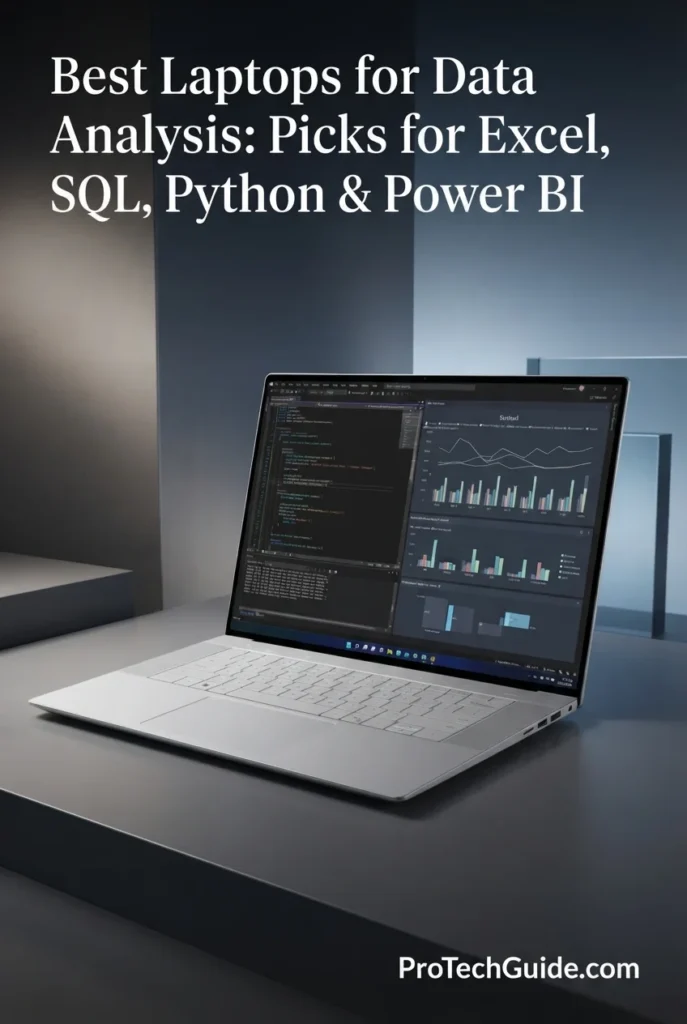
The Dell Premium 16, previously known as the XPS 16, is our Best Overall Laptop for Data Analysis in 2026. Its combination of a high-performance Intel Core Ultra 9 285H processor, 32GB of memory, 1TB PCIe NVMe SSD, dedicated NVIDIA graphics, Windows 11 Pro, and a large 16.3-inch 4K OLED touchscreen makes it exceptionally well suited to professional analytical workflows. For users working across Excel, SQL, Power BI, Python, data visualization, reporting, and demanding multitasking, the Premium 16 provides a particularly strong balance of computing power, screen real estate, connectivity, and long-term capability.

• Ideal for professional data analysts, business intelligence professionals, financial analysts, consultants, researchers, developers, and power users who want maximum versatility from a premium Windows laptop
• Excellent for Excel, SQL, Power BI, Python, Jupyter, data visualization, large spreadsheets, reporting, dashboards, and demanding multitasking
• Particularly well suited to analysts who value a large high-resolution display and additional graphics performance for visualization, advanced applications, external displays, and mixed professional workloads
• The Intel Core Ultra 9 285H provides substantial processing performance for large Excel calculations, SQL workloads, Python processing, data transformation, statistical analysis, reporting, and intensive multitasking
• 32GB of memory provides strong capacity for large spreadsheets, Power BI models, SQL environments, Python notebooks, browsers, communication tools, and multiple professional applications running simultaneously
• The 16.3-inch 4K OLED touchscreen provides a spacious and exceptionally sharp workspace for spreadsheets, dashboards, charts, reports, data visualization, and multi-window productivity
• Dedicated NVIDIA GeForce RTX 5060 graphics with 8GB of GDDR7 memory adds substantial graphics capability for visualization, GPU-accelerated applications, creative workloads, and other tasks beyond traditional CPU-focused data analysis
• The 1TB PCIe NVMe SSD provides fast application launches, responsive file access, and sufficient local capacity for datasets, analytical projects, Python environments, SQL databases, documents, and professional applications
• Windows 11 Pro provides broad compatibility with professional data-analysis software, including Excel, Power BI Desktop, SQL tools, Python environments, Microsoft 365, and enterprise applications
• Three Thunderbolt 4 ports, an SD card reader, Wi-Fi 7, and modern wireless connectivity provide excellent flexibility for external displays, docks, high-speed storage, peripherals, and professional workstation setups
• The large 99Wh battery, premium chassis, fingerprint reader, backlit keyboard, and professional design make the Premium 16 suitable for demanding work both at a desk and away from the office

The Dell Premium 16 earns our Best Overall Laptop for Data Analysis award because it delivers the broadest combination of performance, screen size, display quality, Windows compatibility, memory capacity, storage, connectivity, and graphics capability among our eight selections. Most data analysts do not need a dedicated GPU, but having one gives this laptop additional versatility for visualization, GPU-accelerated applications, creative workloads, and more demanding professional tasks while the Core Ultra 9 and 32GB of RAM handle the majority of traditional analytical workloads.

Compared with the Lenovo ThinkPad X1 Carbon Gen 14, the Dell Premium 16 is less focused on extreme portability but offers a substantially larger 16.3-inch 4K OLED workspace and significantly more graphics capability. Compared with the Apple MacBook Pro 14, it provides native Windows compatibility for Power BI Desktop and a dedicated NVIDIA GPU. The Lenovo ThinkPad P1 Gen 8 remains the stronger choice for users specifically seeking a workstation-oriented configuration with 64GB of RAM and professional NVIDIA RTX graphics, but the Dell Premium 16 offers a more balanced solution for the broader range of data-analysis workflows.

• Intel Core Ultra 9 285H• 16-core processor• Up to 5.4 GHz listed maximum frequency• 24MB cache• Intel Core Ultra architecture• High-performance hybrid processing• Designed for demanding professional workloadsThe Intel Core Ultra 9 285H provides substantial processing capability for professional data analysis. Large Excel calculations, SQL workloads, Python processing, data transformation, statistical analysis, reporting, and heavy multitasking can all benefit from its high-performance processor architecture.For analysts working with large datasets or multiple demanding applications simultaneously, the Core Ultra 9 provides considerable processing headroom beyond typical productivity-oriented laptops.
• 32GB LPDDR5X memory• 32GB maximum configuration listed• High-speed system memory• Strong multitasking capability• Suitable for large Excel workbooks• Excellent for Power BI• Strong support for Python and SQLThe 32GB memory configuration provides the capacity professional analysts need for demanding multitasking. Users can work with large Excel files, Power BI models, SQL tools, Python environments, browsers, communication applications, and data visualization software without the limitations commonly associated with 16GB systems.For traditional data analysis, memory capacity is often more important than having a high-end GPU, which makes the 32GB configuration an important part of the Premium 16's overall value.
• NVIDIA GeForce RTX 5060• 8GB GDDR7 graphics memory• Dedicated GPU• Integrated + dedicated graphics architecture• Advanced graphics acceleration• Useful for visualization and GPU-accelerated workloads• Additional capability beyond traditional office laptopsA dedicated NVIDIA GPU is not required for most Excel, SQL, Power BI, or Python data-analysis workloads. However, the RTX 5060 gives the Premium 16 considerably more graphics capability than conventional productivity laptops.It can be useful for advanced data visualization, GPU-accelerated applications, creative workloads, technical software, and other professional tasks that can take advantage of dedicated graphics hardware. This additional capability also makes the laptop more versatile for users whose work extends beyond traditional data analysis.
• Microsoft Excel• Power BI Desktop• SQL development• Python• Jupyter notebooks• pandas and NumPy• Data visualization• Business intelligence• Microsoft 365• Enterprise applicationsThe Dell Premium 16 is particularly well suited to Windows-based data-analysis environments. Its powerful processor and 32GB of RAM provide the resources needed for large spreadsheets, Power BI dashboards, SQL development, Python notebooks, data visualization, reporting, and extensive multitasking.Windows 11 Pro also provides broad compatibility with enterprise software, making this laptop an especially strong option for professionals whose organizations depend on Microsoft's software ecosystem.
• 16.3-inch display• 3840 × 2400 native resolution• 4K OLED technology• 120Hz refresh rate• Touchscreen• High pixel density• Large professional workspace• Excellent for multi-window productivityThe 16.3-inch 4K OLED display is one of the Premium 16's defining advantages for data analysis. The large physical workspace makes it easier to view spreadsheets, dashboards, reports, charts, SQL interfaces, and multiple application windows simultaneously.The 3840 × 2400 resolution provides exceptionally sharp text and interface elements, while OLED technology delivers deep blacks and strong contrast. The 120Hz refresh rate also provides smoother scrolling and interaction when navigating large spreadsheets and dashboards.
• 1TB PCIe NVMe SSD• Fast application launches• Rapid file access• Quick dataset loading• Responsive Python environments• Space for analytical projects• SD card expansionThe 1TB SSD provides a strong balance between capacity and performance for professional data analysis. It offers sufficient local space for applications, datasets, Python environments, SQL projects, notebooks, reports, documents, and business files while maintaining responsive system performance.The integrated SD card reader also provides another convenient method for transferring compatible data and files.
• 3x Thunderbolt 4• Wi-Fi 7• Bluetooth 5.4• SD card reader• Headphone / microphone combo jack• External display support• Docking station compatibility• High-speed peripheral connectivityThe Premium 16 provides the connectivity required for a modern professional workstation. Three Thunderbolt 4 ports support compatible docks, external displays, high-speed storage, and other peripherals, while Wi-Fi 7 provides modern wireless connectivity for cloud applications, remote databases, collaboration platforms, and enterprise networks.The combination of Thunderbolt, SD storage support, wireless connectivity, and external display compatibility makes the laptop particularly flexible for analysts who move between mobile and desk-based workflows.
• 99Wh battery• 130W power support• Premium Platinum chassis• Fingerprint reader• Backlit keyboard• Integrated webcam• Windows 11 Pro• Professional form factorThe large 99Wh battery gives the Premium 16 substantial battery capacity for a high-performance 16-inch laptop. Its premium chassis, fingerprint reader, backlit keyboard, integrated webcam, and Windows 11 Pro create a professional environment suitable for extended analytical sessions.Because this is a performance-oriented 16-inch system with a dedicated GPU and high-resolution OLED display, its portability is more limited than the ThinkPad X1 Carbon. However, for analysts who prioritize workspace and performance over minimum weight, the larger form factor is a worthwhile trade-off.
Ideal for:• Professional data analysts• Business intelligence professionals• Power BI users• Excel power users• SQL professionals• Python developers• Data visualization• Financial analysis• Large spreadsheet workflows• Heavy multitasking• Professionals who want a large display• Users who need additional GPU capabilityThe Dell Premium 16, previously known as the XPS 16, is our strongest all-around recommendation for data analysis in 2026. Its combination of Core Ultra 9 processing, 32GB of memory, 1TB SSD storage, 4K OLED display, Windows 11 Pro, and dedicated NVIDIA graphics gives professional analysts substantial headroom across a wide range of workloads.For users who want one premium Windows laptop capable of handling Excel, SQL, Power BI, Python, data visualization, multitasking, and additional graphics-intensive applications, the Dell Premium 16 is an exceptionally versatile choice.
Best Professional Workstation for Data Analysis (2026)

Lenovo ThinkPad P1 Gen 8

Best Workstation for Large Datasets, Heavy Multitasking, Python, SQL & Advanced Analytics
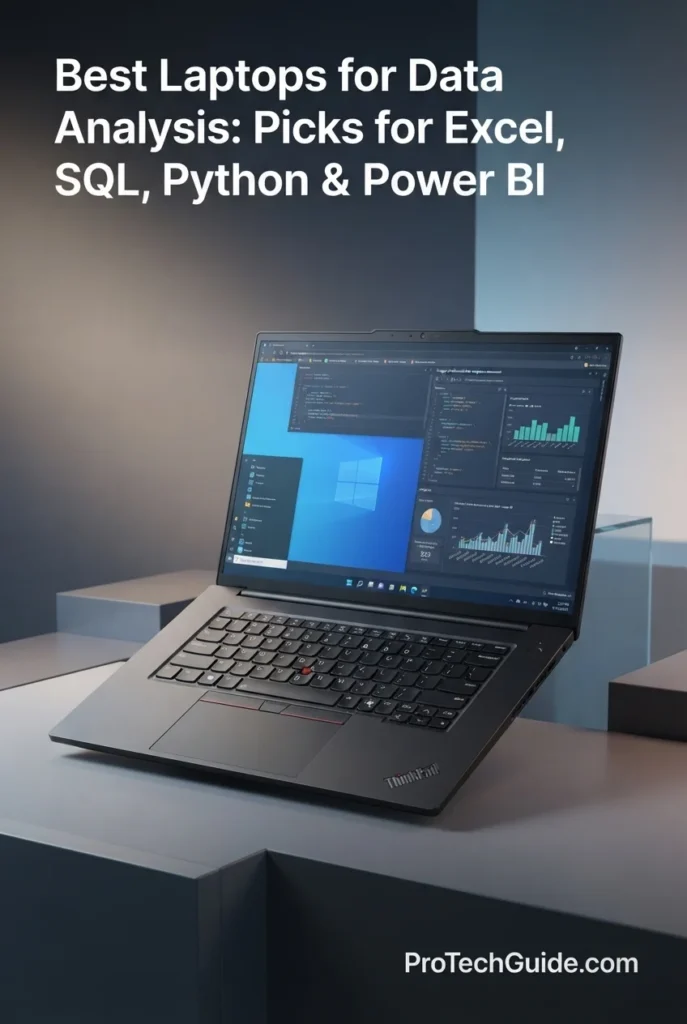
The Lenovo ThinkPad P1 Gen 8 with the Intel Core Ultra 9 285H, 64GB of memory, 2TB PCIe Gen4 SSD, and NVIDIA RTX PRO 2000 Blackwell graphics is our Best Professional Workstation for Data Analysis in 2026. Designed for demanding professional workloads, it combines a high-performance 16-core processor, unusually large memory capacity, substantial storage, professional NVIDIA graphics, and a high-resolution 16-inch display. For analysts working with large datasets, complex Python environments, advanced visualization, extensive multitasking, or analytical workflows that extend into technical and GPU-accelerated applications, the P1 provides considerably more headroom than a conventional productivity laptop.

• Ideal for professional data analysts, data engineers, researchers, developers, financial professionals, technical specialists, and advanced users working with large or complex datasets
• Excellent for Python, SQL, Jupyter, large Excel workbooks, Power BI, data visualization, statistical computing, database workloads, and demanding multitasking
• Particularly well suited to professionals who need 64GB of memory, 2TB of storage, professional NVIDIA graphics, and workstation-class capabilities in a relatively portable 16-inch chassis
• The Intel Core Ultra 9 285H with 16 cores provides substantial processing headroom for complex calculations, Python workloads, SQL processing, data transformation, statistical analysis, and intensive multitasking
• 64GB of memory provides significantly more capacity than conventional premium laptops, allowing analysts to work with large datasets, multiple Python environments, virtual machines, databases, Power BI models, browsers, and professional applications simultaneously
• The 2TB PCIe Gen4 SSD provides substantial local storage for large datasets, databases, analytical projects, Python environments, virtual machines, applications, reports, and professional files
• NVIDIA RTX PRO 2000 Blackwell graphics with 8GB of GDDR7 memory provide professional GPU capability for advanced visualization, GPU-accelerated applications, technical workloads, and other demanding tasks beyond traditional CPU-focused data analysis
• The 16-inch WQUXGA display with 3840 × 2400 resolution, 800-nit brightness, 100% DCI-P3 coverage, DisplayHDR 400, Dolby Vision, and factory color calibration provides an expansive and highly detailed workspace for dashboards, charts, visualizations, spreadsheets, and professional applications
• Windows 11 Pro provides broad compatibility with Power BI Desktop, Excel, SQL tools, Python environments, Microsoft 365, enterprise applications, and professional workstation software
• The ThinkPad P1's professional workstation design, fingerprint reader, backlit keyboard, and extensive display and connectivity capabilities make it suitable for demanding analytical environments where reliability and sustained productivity are priorities

The ThinkPad P1 Gen 8 earns our Best Professional Workstation for Data Analysis award because it provides the highest memory and storage capacity among our eight selections while also combining a powerful Core Ultra 9 processor with professional NVIDIA RTX PRO graphics. The 64GB RAM configuration is particularly valuable for analysts working with large datasets, multiple analytical environments, virtual machines, or extensive multitasking where 32GB may eventually become a limiting factor.

Compared with the Dell Premium 16, the ThinkPad P1 Gen 8 prioritizes workstation-oriented capability, memory capacity, storage, and professional NVIDIA graphics rather than mainstream versatility. The Dell remains our Best Overall choice because it provides a more balanced platform for the broader data-analysis market, while the P1 is the better choice when workloads justify 64GB of RAM and professional RTX graphics. Compared with the ThinkPad X1 Carbon Gen 14, the P1 is substantially more capable for heavy workloads but less focused on maximum portability.

• Intel Core Ultra 9 285H• 16-core processor• Up to 5.40 GHz P-core turbo frequency• Up to 4.50 GHz E-core frequency• 24MB cache• Intel vPro• Designed for demanding professional workloadsThe Intel Core Ultra 9 285H provides the processing foundation required for demanding analytical environments. Its 16-core configuration offers substantial headroom for Python processing, SQL workloads, large Excel calculations, data transformation, statistical analysis, compilation, and intensive multitasking.For analysts who routinely run several demanding applications simultaneously, the P1's processor provides a significantly higher performance ceiling than conventional ultraportable business laptops.
• 64GB memory• LPDDR5/CAMM memory architecture• 64GB maximum configuration listed• Large memory capacity• Designed for professional multitasking• Excellent for large datasets• Strong support for virtual machines and development environmentsThe 64GB configuration is one of the ThinkPad P1 Gen 8's defining advantages. Large datasets, Power BI models, Python environments, Jupyter notebooks, databases, browsers, virtual machines, and professional applications can consume substantial amounts of system memory when used simultaneously.For analysts who routinely encounter memory-intensive workloads, 64GB provides substantially more headroom than the 32GB configurations found in most premium productivity laptops.
• NVIDIA RTX PRO 2000 Blackwell Generation• 8GB GDDR7 memory• Professional RTX graphics• Up to 572 TOPS AI performance listed• Dedicated GPU• Advanced visualization capability• GPU-accelerated professional workloadsA dedicated professional GPU is not required for conventional Excel, SQL, or Power BI analysis. However, the NVIDIA RTX PRO 2000 Blackwell significantly expands the P1's capabilities for workloads that can benefit from GPU acceleration.This includes advanced data visualization, technical applications, GPU-enabled Python libraries, AI-assisted workloads, professional graphics applications, and other computational environments where dedicated graphics resources can provide additional performance.
• Microsoft Excel• Power BI Desktop• SQL• Python• Jupyter notebooks• pandas and NumPy• Statistical analysis• Data visualization• Business intelligence• Microsoft 365The ThinkPad P1 Gen 8 provides an exceptionally capable Windows environment for professional data analysis. Its combination of Core Ultra 9 processing and 64GB of memory makes it particularly suitable for analysts who work with large spreadsheets, complex Power BI models, extensive Python environments, SQL databases, and multiple applications simultaneously.Windows 11 Pro also provides broad compatibility with enterprise and workstation software, making the P1 a strong choice for organizations with demanding professional workflows.
• 16-inch WQUXGA display• 3840 × 2400 resolution• 16:10 aspect ratio• 800-nit brightness• 100% DCI-P3 color coverage• DisplayHDR 400• Dolby Vision• X-Rite factory color calibration• TÜV Eyesafe certification• Anti-glare finishThe 16-inch WQUXGA display provides an expansive and highly detailed workspace for professional data analysis. Its 3840 × 2400 resolution allows analysts to view complex dashboards, spreadsheets, SQL interfaces, charts, and multiple windows with exceptional sharpness.The 800-nit brightness, 100% DCI-P3 coverage, HDR support, and factory color calibration also make the display particularly valuable for professionals whose work includes data visualization, technical graphics, or color-sensitive content.
• 2TB PCIe Gen4 SSD• M.2 2280 format• Performance-oriented PCIe storage• Large local capacity• Fast application launches• Rapid dataset access• Space for databases and analytical projectsThe 2TB SSD provides twice the capacity of the 1TB configurations used by most laptops in this guide. This is particularly useful for analysts who maintain large datasets, local databases, Python environments, virtual machines, development tools, analytical projects, and extensive professional archives.The additional capacity also reduces the need to constantly move large datasets to external storage.
• Mobile workstation architecture• ThinkPad professional design• 16-inch form factor• Fingerprint reader• Backlit keyboard• Windows 11 Pro• Professional NVIDIA graphics• Starting weight listed at approximately 1.84 kgThe ThinkPad P1 Gen 8 is designed as a mobile workstation rather than a conventional productivity laptop. It provides substantially more performance and memory headroom while maintaining a relatively manageable 16-inch form factor.With a starting weight of approximately 1.84 kg according to the supplied specification, it remains portable enough for professional mobility, although its workstation-class hardware makes it less travel-oriented than the ThinkPad X1 Carbon.
• 4 listed ports• HDMI• DisplayPort• External display support• Multiple M.2 storage slots listed• High-speed external storage capability• Professional peripheral supportThe ThinkPad P1 Gen 8 is designed to integrate into professional workstation environments. External displays, storage devices, docks, keyboards, mice, and other peripherals can be incorporated into a larger analytical workspace.The listed availability of two M.2 slots also makes the platform particularly attractive for users who require substantial local storage capacity and future expansion options.
Ideal for:• Professional data analysts• Data engineers• Researchers• Developers• Financial analysts• Large datasets• Power BI professionals• Python-heavy workloads• SQL databases• Statistical computing• Advanced data visualization• Virtual machines• GPU-accelerated workloadsThe Lenovo ThinkPad P1 Gen 8 is our strongest workstation recommendation for data analysis in 2026. Its Core Ultra 9 285H, 64GB of memory, 2TB PCIe Gen4 SSD, and RTX PRO 2000 Blackwell graphics provide a level of hardware headroom that most analysts will never fully require, but that becomes extremely valuable for large datasets, heavy multitasking, development environments, virtual machines, advanced visualization, and other demanding professional workflows.For analysts who know they need more than a conventional 32GB productivity laptop can provide, the P1 Gen 8 is the clear choice in this lineup.
Best Portable Data Analysis Laptop (2026)

ASUS Zenbook 14 OLED

Best Portable Laptop for Excel, SQL, Python & Everyday Data Analysis
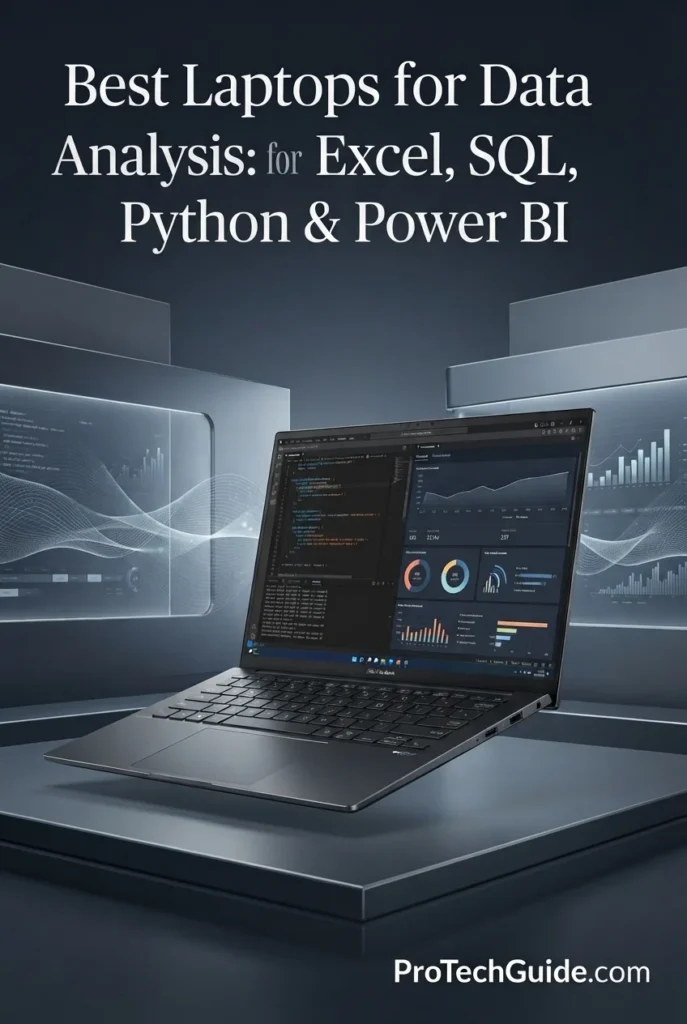
The ASUS Zenbook 14 OLED with the Intel Core Ultra 7 255H, 16GB of memory, 1TB SSD, and 14-inch WUXGA OLED touchscreen is our Best Portable Data Analysis Laptop in 2026. It is designed for analysts, students, consultants, business professionals, and remote workers who need a capable Windows laptop that is easy to carry between offices, meetings, classrooms, and home workspaces. Its combination of a 16-core processor, fast SSD, high-quality OLED display, Thunderbolt 4 connectivity, and lightweight design makes it particularly well suited to everyday Excel, SQL, Python, Power BI, and business intelligence workflows.

• Ideal for students, business analysts, consultants, professionals, researchers, and remote workers who prioritize portability
• Excellent for Excel, SQL, Python, Jupyter notebooks, Power BI, business intelligence, data visualization, and everyday analytical workloads
• Particularly well suited to users who frequently travel or move between workspaces and want a premium 14-inch Windows laptop without the size and weight of a workstation
• The Intel Core Ultra 7 255H with 16 cores provides strong processing capability for spreadsheets, Python workloads, SQL queries, data transformation, statistical analysis, and multitasking
• 16GB of LPDDR5X memory provides sufficient capacity for everyday and moderately demanding data-analysis workflows, although professionals working with very large datasets or extensive multitasking should consider a 32GB-class system
• The 1TB PCIe NVMe SSD provides fast storage for applications, datasets, Python environments, analytical projects, documents, and professional files
• The 14-inch WUXGA OLED touchscreen delivers 1920 × 1200 resolution, 100% DCI-P3 color coverage, and up to 500 nits of brightness, providing a sharp and color-accurate workspace for dashboards, charts, spreadsheets, and visualizations
• Two Thunderbolt 4 ports, HDMI 2.1, USB connectivity, Wi-Fi, and Bluetooth provide flexible options for external displays, storage devices, docks, and professional peripherals
• Support for up to three external 4K displays at 60Hz without a docking station provides valuable flexibility for analysts who prefer a multi-monitor desktop setup
• The lightweight 14-inch design, approximately 2.82-pound weight, and long battery-life rating make the Zenbook particularly attractive for professionals who need to work away from a fixed desk
• Windows 11 Pro provides broad compatibility with Excel, Power BI Desktop, SQL tools, Python environments, Microsoft 365, and professional business applications

The ASUS Zenbook 14 OLED earns our Best Portable Data Analysis Laptop award because it strikes an excellent balance between performance, portability, display quality, and connectivity. The Core Ultra 7 255H provides considerably more processing capability than a basic office laptop, while the compact chassis makes it substantially easier to carry than larger 16-inch productivity and workstation models. Its 16GB memory configuration means it is best suited to moderate rather than exceptionally large datasets, but for students, consultants, business analysts, and mobile professionals, it provides a strong and practical analytical platform.

Compared with the Lenovo ThinkPad X1 Carbon Gen 14, the Zenbook 14 OLED offers a similarly portable Windows experience while placing greater emphasis on its OLED touchscreen and multimedia-oriented display experience. The ThinkPad remains our Best Windows Laptop for Data Analysts because its business-focused configuration and 32GB memory provide greater headroom for professional multitasking. Compared with the Dell Premium 16 and ThinkPad P1 Gen 8, the Zenbook is considerably more travel-friendly, but those larger systems offer substantially more memory and workstation-level performance for demanding datasets.

• Intel Core Ultra 7 255H• 16-core processor• Up to 5.1 GHz maximum frequency listed• 24MB cache• Intel Core Ultra processor• AI-capable platform• Designed for multitasking and professional productivityThe Intel Core Ultra 7 255H provides the Zenbook 14 with a strong processing foundation for everyday and moderately demanding data-analysis workloads. Its 16-core configuration provides sufficient headroom for Excel calculations, SQL queries, Python scripts, Jupyter notebooks, data transformation, statistical analysis, and multitasking across multiple professional applications.For analysts who prioritize mobility, this level of CPU performance provides a strong balance between processing capability and the compact design of the Zenbook.
• 16GB LPDDR5X memory• 7467 MHz memory speed listed• 16GB installed configuration• Integrated memory architecture• Designed for multitasking• Suitable for moderate analytical workloadsThe Zenbook 14's 16GB memory configuration is well suited to everyday data analysis, office productivity, programming, SQL work, and moderate Power BI projects.However, memory capacity becomes increasingly important as datasets, Power BI models, virtual machines, browser tabs, and simultaneous applications grow. Professionals routinely working with large datasets should consider the 32GB configurations available in higher-tier laptops such as the ThinkPad X1 Carbon or Dell Premium 16.
• Microsoft Excel• Power BI Desktop• SQL• Python• Jupyter notebooks• pandas and NumPy• Statistical analysis• Data visualization• Business intelligence• Microsoft 365The ASUS Zenbook 14 OLED provides a capable Windows environment for a broad range of analytical applications. Excel, SQL tools, Python environments, Jupyter notebooks, Power BI Desktop, Microsoft 365, and browser-based business intelligence platforms can all be used within the Windows 11 Pro environment.Its Core Ultra 7 processor makes it particularly suitable for analysts whose workloads are substantial enough to require more than an entry-level office laptop but who still prioritize portability.
• 14-inch display• 1920 × 1200 resolution• 16:10 aspect ratio• OLED technology• Up to 500 nits brightness• 100% DCI-P3 color coverage• Touchscreen• Matte finish listed• Thin bezelsThe 14-inch WUXGA OLED display provides a sharp and visually rich workspace for data analysis. The 16:10 aspect ratio offers additional vertical space compared with traditional 16:9 displays, which is useful when working with spreadsheets, SQL interfaces, Python notebooks, dashboards, and browser-based analytical tools.The OLED panel's 100% DCI-P3 color coverage also makes the Zenbook particularly well suited to analysts who frequently work with charts, dashboards, data visualizations, and presentation material.
• 1TB SSD• PCIe NVMe storage• Fast application loading• Rapid dataset access• Space for analytical projects• Storage for Python environments and professional filesThe 1TB SSD provides a practical balance of capacity and performance for professional productivity. It offers enough local storage for applications, Python environments, datasets, reports, documents, and analytical projects while maintaining fast system responsiveness.Users who maintain exceptionally large datasets or multiple virtual machines may benefit from the 2TB storage configurations listed for this Zenbook platform.
• 14-inch compact form factor• Approximately 2.82-pound weight listed• Approximately 0.59-inch thickness listed• Lightweight construction• Long battery-life rating• Designed for travel and remote work• Backlit keyboardPortability is the Zenbook 14 OLED's defining advantage in this lineup. Its compact chassis and low listed weight make it substantially easier to carry than the larger 16-inch laptops in this guide.This makes it particularly attractive for consultants, students, remote professionals, business travelers, and analysts who regularly move between offices, meetings, classrooms, coffee shops, and home workspaces.
• 2 × Thunderbolt 4• HDMI 2.1• USB-A connectivity• Wi-Fi connectivity• Bluetooth• Up to 3 external 4K displays at 60Hz listed• External storage support• Docking and peripheral compatibilityDespite its compact dimensions, the Zenbook 14 provides a strong selection of connectivity options for professional workspaces. Thunderbolt 4 enables high-speed external storage, docking stations, and display connectivity, while HDMI provides a convenient connection for external monitors.The supplied specification also lists support for up to three external 4K displays at 60Hz, allowing the Zenbook to serve as the foundation of a considerably larger desktop data-analysis environment.
• Windows 11 Pro 64-bit• IR camera• Facial recognition• Physical camera shutter• Backlit keyboard• Professional Windows environment• AI-powered CopilotWindows 11 Pro provides broad software compatibility for professional data-analysis environments. The integrated IR camera supports facial recognition for convenient authentication, while the physical camera shutter adds a practical privacy feature for remote work and video conferencing.The system also includes AI-oriented Copilot functionality, although traditional data-analysis performance still depends primarily on the CPU, memory, storage, and the analytical software being used.
Ideal for:• Mobile data analysts• Students• Business professionals• Consultants• Remote workers• Excel users• SQL users• Python users• Power BI users• Jupyter notebooks• Business intelligence• Data visualization• Moderate datasets• Frequent travelThe ASUS Zenbook 14 OLED is our Best Portable Data Analysis Laptop because it delivers a strong combination of CPU performance, OLED display quality, Windows compatibility, connectivity, and portability.Its 16GB memory configuration makes it better suited to moderate analytical workloads than extremely large datasets, but for users who need a capable laptop that can travel easily while handling Excel, SQL, Python, Power BI, and everyday business intelligence tasks, the Zenbook 14 is one of the most balanced choices in this lineup.
Best 2-in-1 Laptop for Data Analysts (2026)

HP OmniBook Ultra Flip

Best 2-in-1 for Data Analysis, Presentations, Touchscreen Productivity & Mobile Work
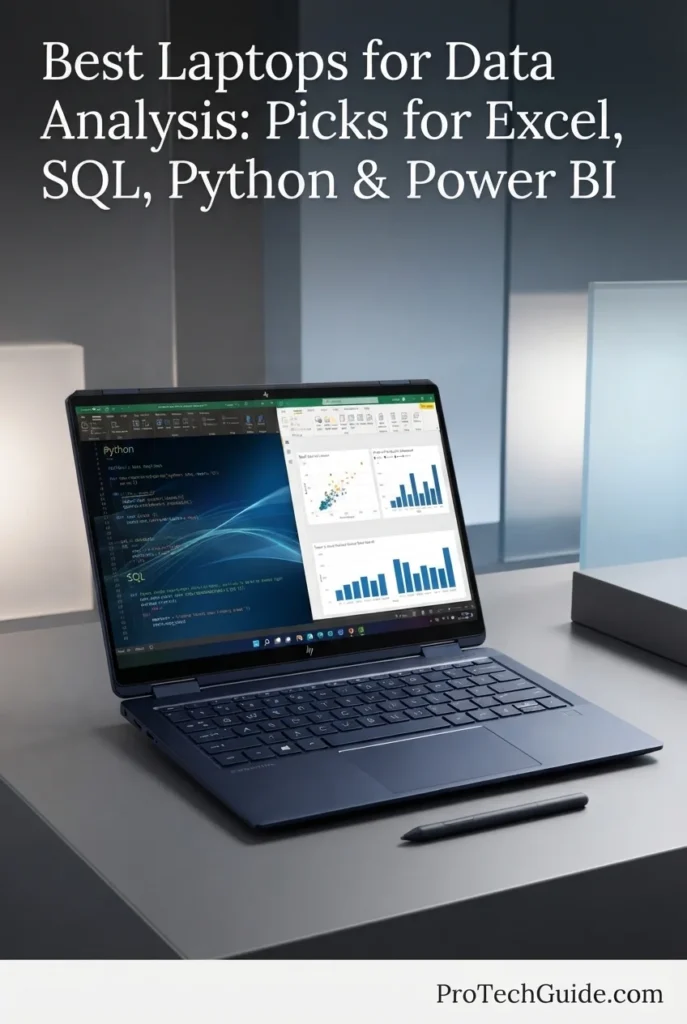
The HP OmniBook Ultra Flip with the Intel Core Ultra 7 258V, 32GB of memory, 1TB PCIe SSD, and 14-inch 2.8K OLED touchscreen is our Best 2-in-1 Laptop for Data Analysts in 2026. Its convertible design gives analysts more flexibility than a conventional laptop, allowing the system to transition between traditional keyboard-based work, tablet-style interaction, presentations, and touchscreen productivity. With 32GB of memory and Windows 11 Pro, it provides enough capacity for professional Excel, SQL, Power BI, Python, and business intelligence workflows while adding the versatility of an included Active Pen.

• Ideal for business analysts, consultants, students, executives, researchers, and professionals who combine data analysis with presentations and mobile productivity
• Excellent for Excel, SQL, Python, Power BI, Jupyter notebooks, dashboards, data visualization, Microsoft 365, and professional business workflows
• Particularly well suited to users who want a conventional Windows laptop but also value tablet mode, touchscreen interaction, stylus input, and flexible presentation capabilities
• The Intel Core Ultra 7 258V provides efficient processing for Excel, SQL, Python, Power BI, data transformation, statistical analysis, and everyday professional multitasking
• 32GB of LPDDR5X memory provides substantially more headroom than 16GB systems, making the OmniBook better suited to larger spreadsheets, Power BI models, multiple browser tabs, Python environments, and simultaneous professional applications
• The 1TB PCIe NVMe SSD provides fast storage for analytical projects, applications, datasets, Python environments, reports, and professional files
• The 14-inch 2.8K OLED touchscreen delivers 2880 × 1800 resolution and a 120Hz refresh rate, providing a sharp and responsive workspace for dashboards, spreadsheets, presentations, and data visualization
• The convertible 2-in-1 design allows the laptop to be used in traditional laptop mode, tablet-style configurations, and presentation-oriented positions
• The included Active Pen adds another layer of flexibility for annotating presentations, interacting with dashboards, taking notes, and working directly with touchscreen applications
• Two Thunderbolt 4 ports, USB Type-C connectivity, Wi-Fi 7, and Bluetooth 5.4 provide strong connectivity for external displays, docks, storage devices, and professional peripherals
• Windows 11 Pro provides broad compatibility with Excel, Power BI Desktop, SQL tools, Python environments, Microsoft 365, and enterprise applications

The HP OmniBook Ultra Flip earns our Best 2-in-1 Laptop for Data Analysts award because it adds meaningful flexibility to a capable professional Windows platform. The 32GB memory configuration gives it the capacity expected from a serious productivity laptop, while the high-resolution OLED touchscreen, convertible chassis, and included Active Pen make it particularly useful for analysts who regularly switch between data work, presentations, meetings, note-taking, and collaborative workflows.

Compared with the ASUS Zenbook 14 OLED, the OmniBook Ultra Flip provides a more flexible 2-in-1 design, twice the memory capacity, and an included Active Pen, making it better suited to professionals who combine analysis with presentations and touchscreen productivity. The Zenbook remains our Best Portable Data Analysis Laptop because of its straightforward lightweight laptop design and strong mobility focus. Compared with the Lenovo ThinkPad X1 Carbon Gen 14, the OmniBook offers greater touchscreen and convertible flexibility, while the ThinkPad remains the stronger choice for traditional business productivity and maximum professional laptop efficiency.

• Intel Core Ultra 7 258V• 8-core processor• 4 Performance-cores listed• Up to 4.8 GHz maximum frequency• 12MB cache• Intel Arc integrated graphics• Intel Core Ultra platformThe Intel Core Ultra 7 258V provides a capable and efficient foundation for professional data analysis and productivity. It can handle Excel calculations, SQL queries, Python environments, Power BI workloads, data transformation, statistical analysis, and everyday multitasking.For analysts who value efficiency and versatility rather than workstation-class CPU performance, the processor provides an appropriate balance for a premium 14-inch convertible.
• 32GB onboard memory• LPDDR5X• 6400 MHz memory speed listed• 32GB maximum configuration listed• Professional multitasking• Large spreadsheets• Power BI models• Python environmentsThe 32GB memory configuration is one of the OmniBook Ultra Flip's strongest advantages for data analysis. It provides significantly more headroom than the 16GB configuration found in the ASUS Zenbook 14.This allows analysts to work more comfortably with large Excel workbooks, Power BI models, Python environments, browsers, communication tools, and other applications simultaneously.
• Microsoft Excel• Power BI Desktop• SQL• Python• Jupyter notebooks• pandas and NumPy• Statistical analysis• Data visualization• Business intelligence• Microsoft 365Windows 11 Pro provides broad compatibility with professional analytical software. The OmniBook Ultra Flip is well suited to analysts who work with Excel, Power BI Desktop, SQL environments, Python, Jupyter notebooks, dashboards, and Microsoft 365.The 32GB memory configuration is particularly useful when these applications are used simultaneously during professional workflows.
• 14-inch OLED display• 2880 × 1800 resolution• 16:10 aspect ratio• 120Hz refresh rate• Touchscreen• 2.8K resolution• OLED technologyThe 14-inch 2.8K OLED touchscreen is one of the OmniBook Ultra Flip's defining features. Its 2880 × 1800 resolution provides a highly detailed workspace for spreadsheets, dashboards, charts, presentations, and data visualization.The 120Hz refresh rate also provides a noticeably smoother interaction experience when scrolling through large spreadsheets, navigating dashboards, using touch gestures, or working with the included Active Pen.
• Convertible 2-in-1 design• Touchscreen• Active Pen included• Stylus support• Tablet-style operation• Presentation flexibility• Backlit keyboardThe convertible design makes the OmniBook Ultra Flip particularly versatile for professionals who do more than traditional keyboard-and-mouse data analysis.It can be used as a conventional laptop for Excel, SQL, Python, and Power BI, then converted into a more presentation-friendly or tablet-style configuration for meetings, note-taking, dashboard interaction, and collaboration.The included Active Pen is especially useful for annotations, handwritten notes, presentations, and direct interaction with touchscreen applications.
• 1TB PCIe NVMe SSD• Fast solid-state storage• Professional application storage• Space for analytical projects• Dataset storage• Python environments• Documents and reportsThe 1TB SSD provides a practical amount of fast local storage for professional data analysis. It can accommodate applications, datasets, Python environments, analytical projects, reports, documents, and other business files.Professionals maintaining extremely large local datasets or multiple virtual machines may prefer the 2TB or 4TB storage configurations listed for this platform.
• 2 × Thunderbolt 4• USB 3.2 Type-C• Wi-Fi 7• Bluetooth 5.4• External display support• Docking station compatibility• External storage supportThe OmniBook Ultra Flip provides modern connectivity for professional workspaces. Thunderbolt 4 enables high-speed external displays, storage devices, docks, and other peripherals, while Wi-Fi 7 provides a modern wireless networking platform.For analysts working primarily at a desk, a Thunderbolt dock can also transform the compact convertible into a full desktop-style workstation with external monitors, keyboard, mouse, and high-speed storage.
• Windows 11 Pro 64-bit• Fingerprint reader• Backlit keyboard• Active Pen• Professional Windows environment• Microsoft 365 compatibility• Business productivityWindows 11 Pro provides the software compatibility required for professional data-analysis environments, while the fingerprint reader adds convenient biometric authentication.The backlit keyboard supports productivity in low-light environments, while the convertible design and stylus add flexibility for meetings, presentations, remote work, and collaborative workflows.
Ideal for:• Business analysts• Consultants• Students• Executives• Researchers• Professional users• Excel• Power BI• SQL• Python• Jupyter notebooks• Data visualization• Presentations• Touchscreen productivity• Mobile workThe HP OmniBook Ultra Flip is our Best 2-in-1 Laptop for Data Analysts because it combines the capabilities of a modern Windows productivity laptop with the flexibility of a convertible touchscreen system.Its 32GB memory, 1TB SSD, Core Ultra 7 processor, 2.8K OLED display, Thunderbolt 4 connectivity, and included Active Pen make it particularly compelling for analysts whose work extends beyond traditional desk-based data analysis into presentations, meetings, note-taking, collaboration, and mobile productivity.
Best Large-Screen Productivity Laptop for Data Analysis (2026)

Lenovo ThinkBook 16 Gen 8

Best Large-Screen Laptop for Excel, Power BI, SQL & Professional Data Analysis
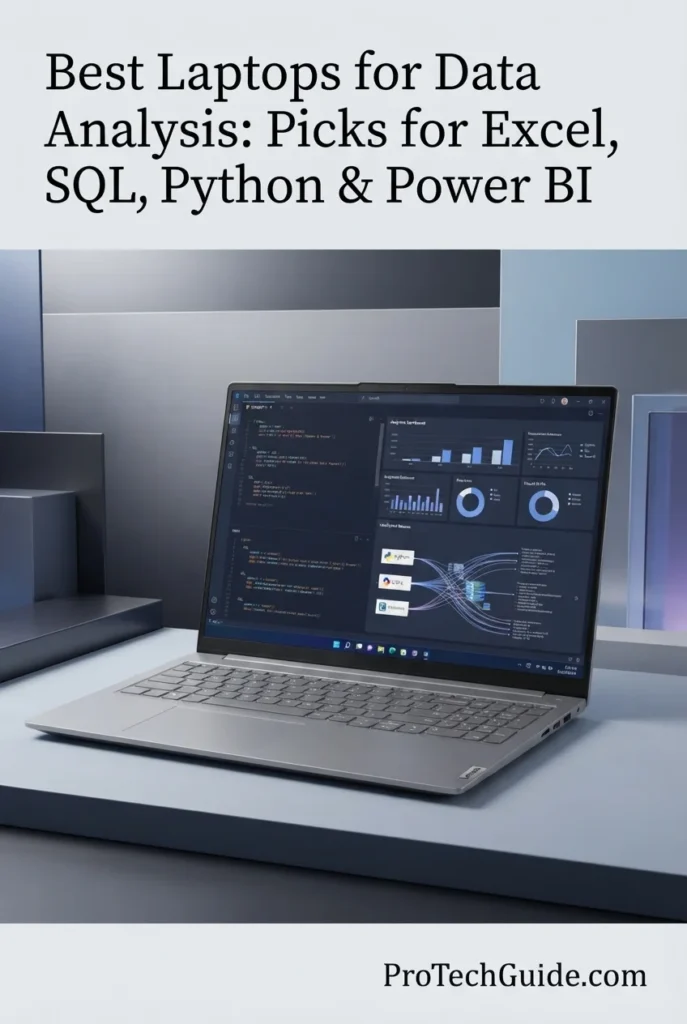
The Lenovo ThinkBook 16 Gen 8 with the Intel Core Ultra 7 255H, 32GB of DDR5 memory, 1TB PCIe NVMe SSD, and 16-inch WUXGA IPS display is our Best Large-Screen Productivity Laptop for Data Analysis in 2026. Its spacious 16-inch 16:10 display provides a practical advantage for analysts who spend hours working with large Excel spreadsheets, Power BI dashboards, SQL environments, Python notebooks, and multiple applications side by side. Combined with 32GB of RAM, Windows 11 Pro, and extensive connectivity, it delivers a well-balanced platform for professional data analysis without the size or cost of a dedicated workstation.

• Ideal for business analysts, financial analysts, consultants, researchers, accountants, students, and professionals who spend significant time working with spreadsheets and dashboards
• Excellent for Excel, Power BI, SQL, Python, Jupyter notebooks, Microsoft 365, data visualization, reporting, and general business intelligence workflows
• Particularly well suited to users who prioritize a large working area and desktop-style productivity over maximum portability
• The Intel Core Ultra 7 255H provides 16-core processing and speeds up to 5.1GHz, delivering strong performance for spreadsheet calculations, SQL workloads, Python environments, data transformation, and professional multitasking
• 32GB of DDR5 memory provides substantial multitasking headroom for large Excel workbooks, Power BI models, browser tabs, Python environments, communication tools, and other professional applications running simultaneously
• The 1TB PCIe NVMe SSD provides fast storage for analytical projects, applications, datasets, Python environments, reports, and business files
• The 16-inch WUXGA IPS display provides a spacious 1920 × 1200 workspace with a 16:10 aspect ratio, making it particularly comfortable for spreadsheets, dashboards, reports, and extended productivity sessions
• The anti-glare display helps reduce distracting reflections during long work sessions and makes the large screen practical for office and professional environments
• Integrated Intel Arc 140T graphics are sufficient for conventional data-analysis workloads, where CPU performance, memory capacity, storage, and display workspace are generally more important than dedicated GPU power
• Thunderbolt 4, USB-C, HDMI 2.1, Ethernet, and an SD card reader provide excellent connectivity for external displays, docking stations, storage devices, wired networks, and professional peripherals
• Windows 11 Pro provides broad compatibility with Excel, Power BI Desktop, SQL tools, Python environments, Microsoft 365, and enterprise productivity software

The Lenovo ThinkBook 16 Gen 8 earns our Best Large-Screen Productivity Laptop for Data Analysis award because its 16-inch display and 32GB memory configuration directly address two of the most important practical requirements for professional analysts: workspace and multitasking capacity. Rather than focusing on workstation-class graphics performance, the ThinkBook 16 delivers the hardware and connectivity that matter most for spreadsheet-heavy, dashboard-oriented, and business intelligence workflows.

Compared with the ASUS Zenbook 14 OLED, the ThinkBook 16 provides a substantially larger workspace and twice the memory capacity, making it better suited to analysts who spend most of their time at a desk working with large spreadsheets, dashboards, and multiple applications. The Zenbook remains the better choice when portability is the priority. Compared with the Lenovo ThinkPad X1 Carbon Gen 14, the ThinkBook 16 offers a larger display and a more productivity-focused form factor, while the X1 Carbon remains the stronger option for professionals who prioritize maximum portability and business-class mobility.

• Intel Core Ultra 7 255H• 16-core processor• Up to 5.1 GHz maximum frequency• 2 GHz base processor speed listed• 16 processing cores• Intel Core Ultra platform• Integrated Intel Arc 140T graphicsThe Intel Core Ultra 7 255H provides a strong processing foundation for professional data analysis and business productivity. Its 16-core configuration and maximum frequency of up to 5.1GHz provide ample performance for Excel calculations, SQL workloads, Python environments, Power BI, data transformation, statistical analysis, and everyday multitasking.For conventional data-analysis workloads, this level of CPU performance is more important than having a dedicated high-end graphics processor.
• 32GB DDR5 RAM• 4800MHz memory speed listed• Up to 64GB maximum memory listed• Professional multitasking• Large Excel workbooks• Power BI models• Python environments• Multiple applicationsThe 32GB DDR5 configuration gives the ThinkBook 16 substantial memory headroom for professional data analysis. It allows analysts to work more comfortably with large spreadsheets, Power BI models, multiple browser tabs, Python environments, communication applications, and Microsoft 365 simultaneously.The listed support for up to 64GB of memory also gives the platform additional long-term flexibility for users whose analytical workloads grow over time.
• Microsoft Excel• Power BI Desktop• SQL• Python• Jupyter notebooks• pandas and NumPy• Statistical analysis• Data visualization• Business intelligence• Microsoft 365Windows 11 Pro provides broad compatibility with professional data-analysis software. The ThinkBook 16 is particularly well suited to Excel, Power BI Desktop, SQL environments, Python, Jupyter notebooks, dashboards, reporting tools, and Microsoft 365 workflows.Its 32GB memory configuration becomes especially valuable when several of these applications are used simultaneously.
• 16-inch display• 1920 × 1200 resolution• 16:10 aspect ratio• IPS technology• WUXGA resolution• 60Hz refresh rate• Anti-glare surfaceThe 16-inch WUXGA IPS display is one of the ThinkBook 16's most important advantages for data analysts. Its 1920 × 1200 resolution and 16:10 aspect ratio provide additional vertical workspace compared with traditional 16:9 displays.This makes the laptop particularly comfortable for large Excel worksheets, Power BI dashboards, reports, SQL environments, and applications where seeing more rows and information at once improves productivity.The anti-glare surface also makes the display practical for extended office and professional use.
• Integrated Intel Arc 140T graphics• Shared graphics architecture• Intel graphics platform• Data visualization• Office productivity• External display supportThe integrated Intel Arc 140T graphics are appropriate for the ThinkBook 16's intended role as a professional data-analysis and productivity laptop.Traditional workloads such as Excel, SQL, Power BI, Python, Jupyter notebooks, reporting, and standard data visualization generally do not require a dedicated high-end GPU. The integrated graphics therefore allow the ThinkBook 16 to maintain a balanced configuration while focusing resources on CPU performance, memory, storage, and productivity.Users who require GPU-accelerated machine learning, advanced 3D visualization, or other graphics-intensive workloads should consider a laptop with a dedicated GPU instead.
• 1TB PCIe NVMe SSD• Solid-state storage• Fast application loading• Dataset storage• Analytical projects• Python environments• Reports and business filesThe 1TB PCIe NVMe SSD provides a practical amount of fast local storage for professional data analysis. It offers enough capacity for applications, datasets, Python environments, analytical projects, reports, documents, and other business files.The ThinkBook 16 is also available in configurations with larger storage capacities, including a listed 2TB option, for users who maintain larger local datasets or extensive project archives.
• Thunderbolt 4• USB-C• HDMI 2.1• Ethernet• SD card reader• USB connectivity• Bluetooth• Wi-Fi• External display supportThe ThinkBook 16 provides an extensive selection of connectivity options for professional workspaces. Thunderbolt 4 supports high-speed peripherals and docking stations, while HDMI 2.1 provides a straightforward connection to external displays.Built-in Ethernet is particularly useful for office environments and reliable network connections, while the SD card reader adds flexibility for users who work with external media and data.With a compatible dock and external monitors, the ThinkBook 16 can also serve as the center of a desktop-style analytical workstation.
• Windows 11 Pro• Fingerprint reader• Firmware-level TPM 2.0• Optional IR camera• Physical privacy shutter• Business-oriented design• AI noise cancellation• Professional productivityWindows 11 Pro provides the software environment required for professional data-analysis applications and enterprise workflows.The platform also includes business-oriented security features such as firmware-level TPM 2.0 and an optional fingerprint reader, while the optional IR camera and physical privacy shutter add flexibility for video conferencing and privacy-conscious users.AI noise cancellation is designed to improve call quality during professional meetings and collaboration.
• 16-inch clamshell design• Arctic Grey finish• 4.35-pound listed weight• 14.01 × 9.98 × 0.69 inches• Slim profile• Professional designDespite its large 16-inch display, the ThinkBook 16 maintains a relatively practical profile for professionals who want a spacious workspace without moving to a full workstation-class laptop.Its 4.35-pound listed weight reflects the trade-off for the larger display and expanded connectivity. It is best suited to users who frequently work from offices, home workspaces, meetings, or other locations where screen real estate is more important than ultra-light portability.
Ideal for:• Business analysts• Financial analysts• Consultants• Accountants• Researchers• Students• Professional users• Excel• Power BI• SQL• Python• Jupyter notebooks• Data visualization• Business intelligence• Large spreadsheets• Dashboard workflows• Desktop-style productivityThe Lenovo ThinkBook 16 Gen 8 is our Best Large-Screen Productivity Laptop for Data Analysis because it prioritizes the things many analysts use every day: a large workspace, generous memory, strong CPU performance, fast storage, and extensive connectivity.Its 16-inch 16:10 display makes it particularly attractive for spreadsheet-heavy and dashboard-oriented workflows, while the 32GB DDR5 configuration provides the multitasking capacity expected from a professional data-analysis laptop.
Best Value for Data Analysis (2026)

Acer Swift Go 16 AI — Core Ultra 7 355, 32GB RAM, 1TB SSD

Best Value Laptop for Excel, Power BI, SQL, Python & Everyday Data Analysis
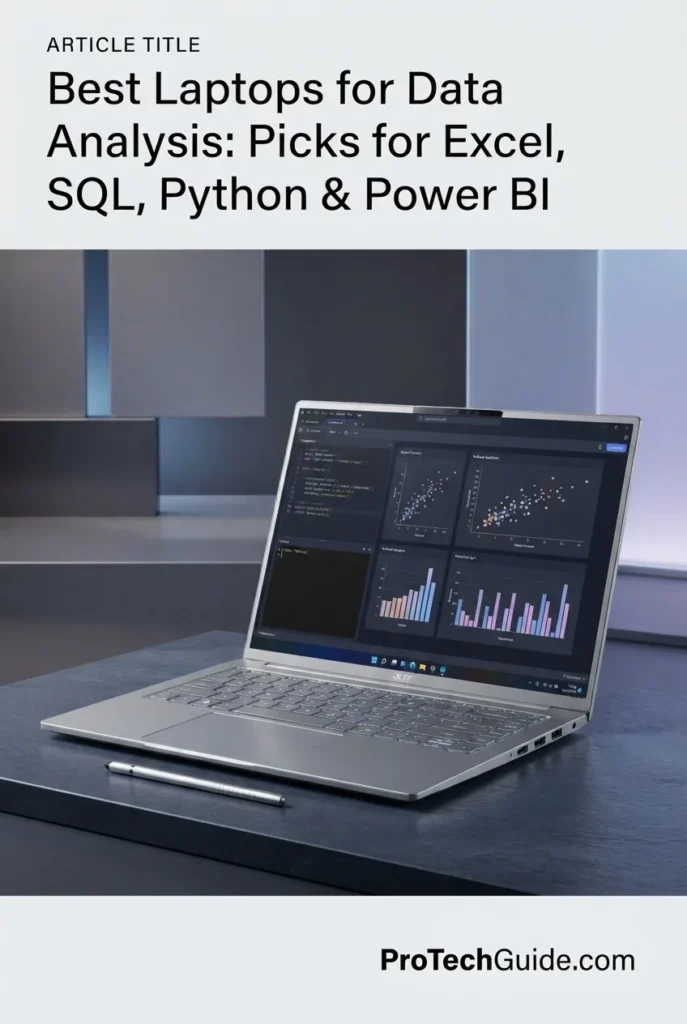
The Acer Swift Go 16 AI with the Intel Core Ultra 7 355, 32GB of LPDDR5X memory, 1TB PCIe 4.0 SSD, and 16-inch WUXGA OLED touchscreen is our Best Value Laptop for Data Analysis in 2026. It combines the memory capacity expected from a professional data-analysis laptop with a large 16-inch OLED display, modern connectivity, a lightweight design, and a capable Intel Core Ultra processor. For analysts who want strong everyday performance without moving into workstation-class pricing, the Swift Go 16 AI offers an attractive balance of productivity, portability, and features.

• Ideal for students, business analysts, consultants, researchers, professionals, and users who want a large-screen laptop for everyday data analysis
• Excellent for Excel, Power BI, SQL, Python, Jupyter notebooks, Microsoft 365, reporting, dashboards, data visualization, and general business intelligence workflows
• Particularly well suited to users who want 32GB of memory, a large OLED touchscreen, and strong portability without paying for workstation-class hardware
• The Intel Core Ultra 7 355 provides an 8-core, 8-thread configuration with speeds up to 4.7GHz, offering capable performance for Excel calculations, SQL queries, Python environments, Power BI, data transformation, and professional multitasking
• 32GB of LPDDR5X memory provides substantial headroom for large spreadsheets, Power BI models, browser tabs, Python environments, Microsoft 365, and multiple professional applications
• The 1TB PCIe 4.0 SSD provides fast storage for analytical projects, applications, datasets, Python environments, reports, and professional files
• The 16-inch WUXGA OLED touchscreen provides a spacious 1920 × 1200 workspace with a 16:10 aspect ratio and 100% DCI-P3 color coverage, making it well suited to dashboards, charts, presentations, and data visualization
• The OLED panel provides strong contrast and vibrant image quality while the touchscreen adds another layer of flexibility for interactive dashboards, presentations, and general productivity
• Integrated Intel graphics are appropriate for conventional data-analysis workloads, where CPU performance, memory, storage, and display workspace are generally more important than dedicated GPU power
• Two Thunderbolt ports, two USB-A ports, HDMI 2.1, Wi-Fi 7, and Bluetooth 5.4 provide strong connectivity for external displays, docks, storage devices, and professional peripherals
• The listed 3-pound weight and 0.62-inch thickness make the Swift Go 16 AI unusually portable for a 16-inch laptop, giving users a useful combination of large-screen productivity and mobility
• Windows 11 Pro provides broad compatibility with Excel, Power BI Desktop, SQL tools, Python environments, Microsoft 365, and professional business software

The Acer Swift Go 16 AI earns our Best Value for Data Analysis award because it delivers many of the specifications professional analysts actually need without moving into the much more expensive workstation category. Its 32GB memory, 1TB SSD, 16-inch OLED touchscreen, modern Core Ultra processor, extensive connectivity, and lightweight design make it particularly compelling for users who want a capable all-around analytical laptop while keeping portability and overall value in balance.

Compared with the Lenovo ThinkBook 16 Gen 8, the Swift Go 16 AI offers a more premium OLED touchscreen experience and a notably lighter design, while the ThinkBook remains particularly attractive for traditional business productivity and extensive wired connectivity. Compared with the ASUS Zenbook 14 OLED, the Acer provides twice the memory capacity and a larger 16-inch workspace, making it better suited to analysts who regularly work with larger spreadsheets and dashboards. The Zenbook remains the better choice for users who prioritize a smaller 14-inch form factor. Compared with the HP OmniBook Ultra Flip, the Acer provides a larger display and strong portability, while the HP is the better option for users who specifically want a convertible 2-in-1 design and included Active Pen.

• Intel Core Ultra 7 355• 8-core processor• 8 threads• 4 Performance-cores + 4 Efficiency-cores• 2.3 GHz base frequency• Up to 4.7 GHz maximum frequency• 16MB L2 cache• 12MB Intel Smart Cache• Intel AI Boost NPU• Up to 49 NPU TOPS listed• Integrated Intel graphicsThe Intel Core Ultra 7 355 provides a capable foundation for everyday and professional data-analysis workloads. Its 8-core configuration and speeds up to 4.7GHz are well suited to Excel calculations, SQL queries, Python environments, Power BI, data transformation, statistical analysis, and general multitasking.The integrated NPU also provides dedicated hardware for supported AI workloads, although conventional data analysis remains primarily dependent on CPU performance, memory, storage, and software optimization.
• 32GB LPDDR5X memory• 4800MHz memory speed listed• 32GB maximum configuration listed• Professional multitasking• Large Excel workbooks• Power BI models• Python environments• Multiple applicationsThe 32GB memory configuration is one of the Swift Go 16 AI's strongest advantages in this price-oriented category. It provides significantly more multitasking headroom than 16GB systems and allows analysts to work more comfortably with large spreadsheets, Power BI models, browser tabs, Python environments, Microsoft 365, and communication applications simultaneously.Because the listed maximum memory is 32GB, users who expect to require more than 32GB in the future should consider a laptop with a higher memory ceiling.
• Microsoft Excel• Power BI Desktop• SQL• Python• Jupyter notebooks• pandas and NumPy• Statistical analysis• Data visualization• Business intelligence• Microsoft 365Windows 11 Pro provides broad compatibility with professional data-analysis software. The Swift Go 16 AI is well suited to Excel, Power BI Desktop, SQL environments, Python, Jupyter notebooks, dashboards, reporting tools, and Microsoft 365.Its 32GB memory configuration makes the system particularly comfortable when several of these applications are open simultaneously.
• 16-inch OLED display• 1920 × 1200 resolution• 16:10 aspect ratio• Touchscreen• 100% DCI-P3 color coverage• 0.2ms response time listed• 250-nit maximum brightness listedThe 16-inch WUXGA OLED display provides a spacious workspace for spreadsheets, dashboards, charts, reports, and presentations. Its 16:10 aspect ratio provides useful additional vertical space compared with traditional 16:9 laptop displays.The OLED panel and 100% DCI-P3 coverage also make the Swift Go 16 AI well suited to users who combine data analysis with presentations, visual reporting, and multimedia work.The touchscreen adds interactive flexibility for dashboards, presentations, and general Windows productivity.
• Integrated Intel graphics• Shared graphics architecture• Data visualization• Office productivity• Dashboard workflows• External display supportThe integrated Intel graphics are appropriate for the Swift Go 16 AI's primary role as a productivity and data-analysis laptop.Traditional workloads such as Excel, SQL, Power BI, Python, Jupyter notebooks, reporting, and standard data visualization generally do not require a dedicated high-end GPU. The system therefore maintains a balanced configuration by focusing on CPU performance, memory capacity, storage, and display quality.Users performing GPU-accelerated machine learning, advanced 3D visualization, or other graphics-intensive workloads should consider a laptop with a dedicated GPU.
• 1TB PCIe 4.0 SSD• Solid-state storage• Fast application loading• Dataset storage• Analytical projects• Python environments• Reports and business filesThe 1TB PCIe 4.0 SSD provides a practical amount of fast local storage for professional data analysis. It offers sufficient space for applications, datasets, Python environments, analytical projects, reports, documents, and other business files.The Swift Go 16 AI is also listed with 2TB and 4TB storage configurations, giving users who work with larger local datasets additional capacity options.
• 2 × Thunderbolt ports• 2 × USB-A 3.2• HDMI 2.1• Wi-Fi 7• Bluetooth 5.4• External display support• Docking station compatibility• External storage supportThe Swift Go 16 AI provides a strong selection of modern connectivity options for professional workspaces.The two Thunderbolt ports support high-speed peripherals, external displays, storage devices, and docking stations, while HDMI 2.1 provides a direct connection for compatible monitors and presentation displays.Wi-Fi 7 and Bluetooth 5.4 provide a modern wireless platform for professional networking and peripherals.
• Approximately 3-pound listed weight• 0.62-inch listed thickness• 16-inch display• Ultra-portable form factor• Vapor Silver finish• Backlit keyboard• Protective sleeve includedOne of the Swift Go 16 AI's most compelling characteristics is its combination of a large 16-inch display with a listed weight of approximately 3 pounds and a 0.62-inch profile.This makes it particularly attractive to professionals who want the productivity benefits of a large display without carrying a substantially heavier workstation-class laptop.The backlit keyboard and included protective sleeve further support mobile productivity.
• Intel AI Boost NPU• Up to 49 NPU TOPS listed• 5MP IR HDR webcam• Facial recognition• Physical privacy shutter• AI-enhanced productivity• DTS:X Ultra Audio• Backlit keyboardThe Swift Go 16 AI includes dedicated AI processing through the Intel AI Boost NPU, enabling supported AI applications to perform certain workloads more efficiently.Its 5MP IR HDR webcam with privacy shutter also provides a strong platform for video conferencing and professional collaboration, while facial recognition enables convenient Windows authentication.These features complement the laptop's primary role as a mobile productivity and data-analysis system.
• MIL-STD 810H durability standard listed• Slim design• Professional mobile use• Corning Gorilla Glass touchpad• Precision touchpad• Durable constructionThe Swift Go 16 AI is listed as meeting MIL-STD 810H durability standards, adding an additional focus on reliability for users who regularly move between home, office, meetings, and other work environments.Its precision Corning Gorilla Glass touchpad, backlit keyboard, and compact design complement the laptop's emphasis on mobile productivity.
Ideal for:• Business analysts• Students• Consultants• Researchers• Professional users• Excel• Power BI• SQL• Python• Jupyter notebooks• Data visualization• Business intelligence• Large spreadsheets• Dashboard workflows• Mobile productivity• Users seeking strong valueThe Acer Swift Go 16 AI is our Best Value Laptop for Data Analysis because it combines 32GB of memory, a 1TB PCIe 4.0 SSD, a large 16-inch OLED touchscreen, modern Core Ultra processing, Thunderbolt connectivity, Wi-Fi 7, and a lightweight design in a balanced package.For users who need a capable everyday data-analysis laptop rather than a workstation for extreme datasets or GPU-intensive workloads, it provides an excellent combination of performance, display quality, portability, and overall value.
At a Glance

Best Laptops for Data Analysis in 2026

Ranked by CPU Performance, RAM Capacity, Excel, SQL, Power BI, Python, Display Quality, Portability & Overall Value

Choosing the best laptop for data analysis in 2026 requires more than comparing processor specifications. Analysts need enough memory for large spreadsheets and datasets, strong CPU performance for calculations and data transformation, fast storage for projects and applications, a comfortable display for dashboards and reports, reliable connectivity, and broad software compatibility. We evaluated these laptops based on real-world data-analysis workloads including Excel, SQL, Power BI, Python, Jupyter notebooks, data visualization, business intelligence, multitasking, reporting, and professional productivity to help you choose the right laptop for your analytical workflow.

```
```
LaptopCPU & Key SpecsBest ForWhy It WinsEditor's Verdict
Best MacBook Apple MacBook Pro 14-inch Check Price
M5 Pro
15-Core CPU
48GB Unified Memory
1TB SSD
14.2" Liquid Retina XDR
Python Users
SQL Professionals
Advanced Data Analysis
Mac Users
The MacBook Pro combines exceptional processing performance, 48GB of unified memory, fast SSD storage, an excellent professional display, and outstanding efficiency. It is particularly well suited to Python, SQL, Jupyter, pandas, NumPy, statistics, and advanced data-processing workflows on macOS.Best MacBook for Data Analysis
Best Windows Laptop Lenovo ThinkPad X1 Carbon Gen 14 Check Price
Intel Core Ultra 7 365
32GB LPDDR5X
1TB PCIe Gen4 SSD
14" WUXGA Touch
Windows 11 Pro
Business Analysts
Consultants
Frequent Travelers
Windows Professionals
The ThinkPad X1 Carbon Gen 14 combines strong professional performance with exceptional portability and business-focused features. Its 32GB of memory provides excellent multitasking capacity for Excel, SQL, Power BI, Python, and Microsoft 365 while its compact design makes it ideal for professionals who work across multiple locations.Best Portable Windows Laptop for Data Analysts
Best Overall Dell Premium 16 Check Price
Intel Core Ultra 9
32GB LPDDR5X
1TB PCIe NVMe SSD
RTX 5060 8GB
16.3" 4K OLED
Professional Analysts
Power BI Users
Data Visualization
Heavy Multitasking
The Dell Premium 16 offers one of the strongest combinations of CPU performance, memory capacity, storage, display quality, and Windows compatibility in this lineup. Its large 16.3-inch 4K OLED display is particularly useful for dashboards, data visualization, spreadsheets, and multi-window workflows, while the dedicated GPU adds flexibility for graphics-intensive and GPU-accelerated workloads.Best Overall Laptop for Data Analysis
Best Workstation Lenovo ThinkPad P1 Gen 8 Check Price
Intel Core Ultra 9 285H
64GB LPDDR5X
2TB PCIe Gen4 SSD
RTX PRO 2000 Blackwell
16" WQUXGA
Large Datasets
Heavy Multitasking
Advanced Analytics
Professional Workstations
The ThinkPad P1 Gen 8 provides substantially more memory and storage headroom than a conventional productivity laptop. Its 64GB of RAM, 2TB SSD, powerful Core Ultra 9 processor, and professional NVIDIA graphics make it particularly well suited to analysts working with demanding datasets, virtual machines, advanced visualization, and computationally intensive workflows.Best Professional Workstation for Data Analysis
Best Portable ASUS Zenbook 14 OLED Check Price
Intel Core Ultra 7 255H
16GB LPDDR5X
1TB PCIe SSD
14" WUXGA OLED Touch
Windows 11 Pro
Students
Mobile Analysts
Everyday Data Analysis
Frequent Travelers
The Zenbook 14 OLED delivers a strong combination of portability, display quality, processor performance, and fast storage. Its compact 14-inch design makes it particularly attractive to users who regularly travel while still needing enough performance for Excel, SQL, Python, Power BI, and everyday analytical workloads.Best Portable Data Analysis Laptop
Best 2-in-1 HP OmniBook Ultra Flip Check Price
Intel Core Ultra 7 258V
32GB LPDDR5X
1TB PCIe NVMe SSD
14" 2.8K OLED Touch
Windows 11 Pro
Presentations
Touchscreen Productivity
Consultants
Mobile Professionals
The OmniBook Ultra Flip combines professional Windows performance with a flexible convertible design. Its 32GB of memory, high-resolution OLED touchscreen, Active Pen support, and compact form factor make it particularly useful for analysts who combine data analysis with presentations, meetings, note-taking, collaboration, and mobile productivity.Best 2-in-1 Laptop for Data Analysts
Best Large-Screen Lenovo ThinkBook 16 Gen 8 Check Price
Intel Core Ultra 7 255H
32GB DDR5
1TB PCIe NVMe SSD
16" WUXGA IPS
Windows 11 Pro
Excel Users
Power BI Users
Financial Analysts
Office Professionals
The ThinkBook 16 Gen 8 prioritizes practical productivity with a large 16-inch 16:10 display, 32GB of memory, strong CPU performance, and extensive connectivity. It is particularly effective for analysts who spend long hours working with large spreadsheets, dashboards, reports, and multiple applications.Best Large-Screen Productivity Laptop for Data Analysis
Best Value Acer Swift Go 16 AI Check Price
Intel Core Ultra 7 355
32GB LPDDR5X
1TB PCIe 4.0 SSD
16" WUXGA OLED Touch
Windows 11 Pro
Students
Business Analysts
Mobile Professionals
Value Buyers
The Swift Go 16 AI delivers an impressive combination of 32GB memory, 1TB SSD storage, a large OLED touchscreen, modern Intel Core Ultra processing, Thunderbolt connectivity, and a lightweight design. It is an excellent option for users who want strong everyday data-analysis capabilities without stepping up to workstation-class hardware.Best Value Laptop for Data Analysis
Keep Exploring

Recommended Next Reads

Finished comparing the best laptops for data analysis? Explore our related buying guides for data science, Python development, AI workloads, business productivity, and laptop performance.

Whether you're working with Excel and Power BI today, moving into Python and data science, exploring machine learning, or simply looking for the right processor, display, or price range, these guides can help you choose your next laptop with greater confidence.

01

EDITOR'S FINAL RECOMMENDATIONS

Our Final Data Analysis Laptop Recommendations for 2026

After comparing laptops across processor performance, RAM capacity, Excel workloads, SQL, Power BI, Python, data visualization, storage, display quality, portability, software compatibility, thermals, connectivity, and long-term value, these are our final recommendations for data analysts in 2026. Whether you work primarily with spreadsheets and business intelligence, build Python-based analytical workflows, manage large datasets, or need a highly portable professional system, there is an option here for your specific workload.

BEST WINDOWS LAPTOP

Lenovo ThinkPad X1 Carbon Gen 14 Aura Edition

The best Windows laptop for analysts who prioritize portability, professional productivity, keyboard quality, business-class features, and long-term usability. Its Core Ultra 7 processor and 32GB of memory provide more than enough capacity for Excel, SQL, Power BI, Python, and everyday professional data analysis without the size and weight of a workstation.

  • ✓ Intel Core Ultra 7 365 vPro
  • ✓ 32GB LPDDR5X Memory
  • ✓ 1TB PCIe Gen4 SSD
  • ✓ 14-inch WUXGA IPS Touchscreen
Best Windows laptop for mobile data analysts
BEST MACBOOK

Apple MacBook Pro 14-inch M5 Pro

The best MacBook for data analysts who primarily use Python, SQL, Jupyter, pandas, NumPy, statistics, and other macOS-compatible analytical tools. With an M5 Pro processor and 48GB of unified memory, it offers exceptional performance and memory capacity for demanding data-processing workflows while maintaining the advantages of Apple's premium mobile platform.

  • ✓ Apple M5 Pro Chip
  • ✓ 48GB Unified Memory
  • ✓ 1TB SSD Storage
  • ✓ Liquid Retina XDR Display
Best MacBook for Python, SQL and advanced data analysis
BEST WORKSTATION

Lenovo ThinkPad P1 Gen 8

The workstation choice for analysts who routinely work with large datasets, demanding multitasking environments, advanced data visualization, virtual machines, or workloads that benefit from professional GPU acceleration. Its 64GB of memory and 2TB SSD provide substantially more headroom than conventional productivity laptops.

  • ✓ Intel Core Ultra 9 285H
  • ✓ 64GB LPDDR5 Memory
  • ✓ 2TB PCIe Gen4 SSD
  • ✓ NVIDIA RTX PRO 2000 Blackwell
Best workstation for large datasets and demanding analytics
BEST PORTABLE

ASUS Zenbook 14 OLED

The best choice for analysts who prioritize portability and everyday productivity. Its compact 14-inch design, OLED touchscreen, Core Ultra 7 processor, 16GB of memory, and 1TB SSD provide a strong platform for Excel, SQL, Python, Power BI, and general analytical work while remaining easy to carry between home, office, university, and client locations.

  • ✓ Intel Core Ultra 7 255H
  • ✓ 16GB LPDDR5X Memory
  • ✓ 1TB PCIe NVMe SSD
  • ✓ 14-inch WUXGA OLED Touchscreen
Best portable laptop for everyday data analysis
BEST 2-IN-1

HP OmniBook Ultra Flip

The most versatile option for analysts who combine data work with presentations, meetings, note-taking, and touchscreen productivity. Its 32GB memory, 2.8K OLED touchscreen, convertible design, and included Active Pen make it particularly useful for professionals who want more flexibility than a conventional laptop can provide.

  • ✓ Intel Core Ultra 7 258V
  • ✓ 32GB LPDDR5X Memory
  • ✓ 1TB PCIe NVMe SSD
  • ✓ 14-inch 2.8K OLED Touchscreen
Best 2-in-1 laptop for data analysts and presentations
BEST LARGE-SCREEN

Lenovo ThinkBook 16 Gen 8

The productivity specialist for analysts who spend most of their day working with spreadsheets, Power BI dashboards, SQL tools, reports, and multiple windows. Its 16-inch 16:10 display provides more workspace than compact laptops, while 32GB of DDR5 memory and extensive connectivity make it a strong professional productivity platform.

  • ✓ Intel Core Ultra 7 255H
  • ✓ 32GB DDR5 Memory
  • ✓ 1TB PCIe NVMe SSD
  • ✓ 16-inch WUXGA IPS Display
Best large-screen laptop for Excel and Power BI
BEST VALUE

Acer Swift Go 16 AI

The value-focused choice for analysts who want 32GB of memory, a large OLED display, modern processor performance, and strong connectivity without moving into workstation pricing. Its lightweight design also makes it an attractive option for students, professionals, freelancers, and everyday business users working with Excel, SQL, Power BI, and Python.

  • ✓ Intel Core Ultra 7 355
  • ✓ 32GB LPDDR5X Memory
  • ✓ 1TB PCIe 4.0 SSD
  • ✓ 16-inch WUXGA OLED Touchscreen
Best value laptop for everyday professional data analysis
QUICK DECISION

Which data analysis laptop should you buy?

Best Overall

Dell Premium 16

Best Windows

ThinkPad X1 Carbon Gen 14

Best MacBook

MacBook Pro M5 Pro

Best Workstation

ThinkPad P1 Gen 8

Best Portable

ASUS Zenbook 14 OLED

Best 2-in-1

HP OmniBook Ultra Flip

Best Large-Screen

ThinkBook 16 Gen 8

Best Value

Acer Swift Go 16 AI

Laptop prices, configurations, and availability can change frequently. Before purchasing, check Amazon for the latest price, available memory and storage configurations, warranty coverage, and current promotions.

EDITOR'S FINAL VERDICT

Final Verdict: Best Laptops for Data Analysis in 2026

After comparing processor performance, RAM capacity, SSD storage, Excel workloads, SQL, Power BI, Python, data visualization, display quality, portability, software compatibility, connectivity, thermals, and long-term value, one conclusion stands out:The best laptop for data analysis is not necessarily the most powerful workstation or the laptop with the largest GPU. It is the system that provides the right balance of processing performance, memory capacity, storage, display quality, software compatibility, portability, and reliability for the analytical workloads you actually perform.

Modern data analysts can work across large Excel workbooks, SQL databases, Power BI dashboards, Python environments, Jupyter notebooks, pandas, NumPy, statistical tools, business intelligence platforms, browser-based applications, and increasingly demanding datasets. These workflows benefit primarily from strong CPU performance, sufficient RAM, fast SSD storage, and effective multitasking rather than from a high-end dedicated GPU.

For most professional data analysts, 32GB of memory is the ideal target for long-term use, while 16GB remains suitable for moderate workloads. Fast SSD storage, a comfortable display, reliable connectivity, and broad software compatibility are equally important when the laptop will be used for hours of analytical work every day.
Best Data Analysis Laptop Overall Dell Premium 16
Best Windows Laptop Lenovo ThinkPad X1 Carbon Gen 14
Best MacBook for Data Analysis Apple MacBook Pro M5 Pro
Best Professional Workstation Lenovo ThinkPad P1 Gen 8
The simple answer:
  • Choose the Dell Premium 16 if you want the strongest overall combination of CPU performance, 32GB of memory, fast storage, a large high-resolution OLED display, Windows compatibility, and versatility for Excel, SQL, Power BI, Python, and professional multitasking.
  • Choose the Lenovo ThinkPad X1 Carbon Gen 14 if portability, keyboard quality, business-class productivity, and professional mobility are more important than maximum workstation performance.
  • Choose the Apple MacBook Pro with M5 Pro if your workflow is centered on Python, SQL, Jupyter, pandas, NumPy, statistics, and other macOS-compatible analytical tools. If Power BI Desktop is essential to your workflow, a Windows laptop is the safer choice.
  • Choose the Lenovo ThinkPad P1 Gen 8 if you regularly work with large datasets, heavy multitasking, virtual machines, advanced visualization, or other workloads that justify workstation-class hardware and 64GB of memory.

Top Data Analysis Laptop Recommendations (2026)

BEST OVERALL

Dell Premium 16

Our Editor's Choice for most professional data analysts because it combines powerful Windows performance, 32GB of memory, fast 1TB SSD storage, a large 16.3-inch high-resolution OLED display, and dedicated graphics. It provides substantial headroom for Excel, SQL, Power BI, Python, data visualization, and demanding multitasking.

  • ✓ Intel Core Ultra 9 285H
  • ✓ 32GB LPDDR5X Memory
  • ✓ 1TB PCIe NVMe SSD
  • ✓ 16.3-inch 4K OLED Display
BEST WINDOWS LAPTOP

Lenovo ThinkPad X1 Carbon Gen 14

The strongest choice for analysts who spend significant time traveling or moving between office, home, and client locations. Its 32GB memory configuration, Core Ultra 7 processor, professional keyboard, and compact 14-inch design provide an excellent balance of analytical performance and mobility.

  • ✓ Intel Core Ultra 7 365 vPro
  • ✓ 32GB LPDDR5X Memory
  • ✓ 1TB PCIe Gen4 SSD
  • ✓ 14-inch WUXGA IPS Touchscreen
BEST MACBOOK

Apple MacBook Pro 14-inch M5 Pro

The best Mac option for demanding data-analysis workflows that are compatible with macOS. Its M5 Pro processor and 48GB of unified memory provide substantial performance and memory headroom for Python, SQL, Jupyter, pandas, NumPy, statistical analysis, and professional multitasking.

  • ✓ Apple M5 Pro Chip
  • ✓ 48GB Unified Memory
  • ✓ 1TB SSD Storage
  • ✓ Liquid Retina XDR Display
Choose the Dell Premium 16 if:
  • ✓ You want the best overall laptop for professional data analysis
  • ✓ You regularly work with Excel, Power BI, SQL, Python, and multiple applications simultaneously
  • ✓ You want 32GB of memory and a large premium display
  • ✓ You prefer Windows and want additional GPU versatility for visualization and other workloads
Choose the ThinkPad X1 Carbon Gen 14 if:
  • ✓ Portability and professional mobility are major priorities
  • ✓ You want 32GB of memory in a compact Windows laptop
  • ✓ Keyboard quality and business-oriented design matter
  • ✓ Your workloads are primarily Excel, SQL, Power BI, Python, and professional productivity
Before Buying Any Data Analysis Laptop:
  • ✓ Prefer 32GB of RAM for demanding professional workloads and long-term use
  • ✓ Consider 16GB acceptable for moderate analysis, students, and lighter workflows
  • ✓ Prioritize a fast SSD with enough capacity for datasets, applications, and analytical projects
  • ✓ Choose Windows if Power BI Desktop is an essential part of your workflow
  • ✓ Do not pay for a dedicated GPU unless your workload actually benefits from GPU acceleration, advanced visualization, or other demanding graphics workloads
Editor's Final Recommendation:

A data analysis laptop is a professional tool that may be used for thousands of hours across spreadsheets, databases, dashboards, Python environments, reports, meetings, and business intelligence workflows. Raw processor specifications matter, but memory capacity, display quality, keyboard comfort, software compatibility, storage, portability, and long-term reliability can have an equally important impact on everyday productivity.

Among the models evaluated in this guide, the Dell Premium 16 delivers the strongest overall combination of performance, 32GB of memory, storage, display quality, Windows compatibility, and versatility, making it our Editor's Choice for the best laptop for data analysis in 2026.The Lenovo ThinkPad X1 Carbon Gen 14 is the better choice for analysts who prioritize mobility and business-class productivity, while the Apple MacBook Pro with M5 Pro is the strongest Mac option for Python, SQL, Jupyter, and other macOS-compatible analytical workflows. For exceptionally demanding workloads, the Lenovo ThinkPad P1 Gen 8 provides the additional memory and workstation-class hardware needed for substantially heavier analytical environments.

Editor's Choice See Today's Best Data Analysis Laptop Deals

Compare current prices, configurations, memory, storage, warranty coverage, and availability before choosing the laptop that best matches your data analysis workflow.

Check Latest Deals

EDITOR'S FAQ

Frequently Asked Questions About the Best Laptops for Data Analysis in 2026

Choosing the best laptop for data analysis requires more than comparing processor specifications. Analysts need to consider RAM capacity, CPU performance, SSD storage, display size, software compatibility, portability, multitasking capability, and the type of analytical workloads they expect to perform.These frequently asked questions address the most important buying decisions, from determining how much RAM you need for Excel and Power BI to choosing between Windows and macOS, understanding whether a dedicated GPU is necessary, and selecting the right laptop for Python, SQL, business intelligence, and large datasets.

The Dell Premium 16 is our top overall recommendation for professional data analysis in 2026.

It provides an excellent combination of processor performance, 32GB of memory, fast SSD storage, a large high-resolution OLED display, Windows 11 Pro, and dedicated graphics. This makes it particularly versatile for Excel, SQL, Power BI, Python, data visualization, and demanding multitasking.

  • Strong Intel Core Ultra processing performance.
  • 32GB of memory for professional multitasking.
  • 1TB SSD for applications, datasets, and analytical projects.
  • Large 16.3-inch high-resolution OLED display.
  • Windows compatibility for Excel, Power BI Desktop, SQL, and Python environments.

For analysts who prioritize portability instead, the Lenovo ThinkPad X1 Carbon Gen 14 is our preferred Windows alternative, while the Apple MacBook Pro M5 Pro is our top choice for macOS-based analytical workflows.

Check Price
32GB of RAM is the recommended target for professional data analysis in 2026, while 16GB is sufficient for moderate workloads.

Data analysis often involves more than one application running at the same time. An analyst may have Excel, Power BI, SQL tools, Python, Jupyter notebooks, browser tabs, communication applications, and cloud services open simultaneously.

  • 16GB → Suitable for students, light analysis, moderate Excel workbooks, SQL, Python, and everyday Power BI workloads.
  • 32GB → Recommended for professional analysts, larger spreadsheets, Power BI models, Python environments, heavy multitasking, and long-term use.
  • 64GB or more → Best for very large datasets, virtual machines, demanding analytical environments, advanced visualization, and workstation-class workloads.

If you expect your analytical workload to grow over the next several years, 32GB is the safer long-term configuration. The Lenovo ThinkPad P1 Gen 8 takes this further with 64GB of memory for particularly demanding workloads.

Yes, 16GB can be enough for everyday data analysis, but 32GB provides significantly more headroom for professional workloads.

An analyst working with moderate Excel files, SQL databases, Python scripts, Jupyter notebooks, and smaller Power BI models can work comfortably with 16GB when the number of simultaneously active applications is reasonable.

  • 16GB is suitable for moderate Excel and SQL workloads.
  • 16GB works well for many Python and Jupyter workflows.
  • 16GB can handle everyday Power BI projects.
  • 32GB is preferable for large Power BI models and heavier multitasking.
  • 64GB becomes valuable when working with very large datasets or virtual machines.

In this guide, the ASUS Zenbook 14 represents the 16GB option for analysts who prioritize portability, while the 32GB configurations of the Dell Premium 16, ThinkPad X1 Carbon, HP OmniBook Ultra Flip, ThinkBook 16, and Acer Swift Go 16 provide more professional headroom.

Check Portable Option
No. Most traditional data analysis workloads do not require a dedicated GPU.

Excel, SQL, Power BI, Python, pandas, NumPy, statistical analysis, and many business intelligence workflows rely primarily on CPU performance, memory capacity, and fast storage rather than a high-end graphics processor.

  • Integrated graphics → Sufficient for most Excel, SQL, Python, Power BI, and standard data visualization workloads.
  • Dedicated GPU → Useful for advanced visualization, GPU-accelerated applications, AI workloads, creative applications, and other graphics-intensive tasks.
  • Workstation GPU → Justified when your workflow combines data analysis with demanding visualization, virtual machines, engineering, AI, or other professional workloads.

This is why the Dell Premium 16 and Lenovo ThinkPad P1 Gen 8 include dedicated graphics but are not recommended simply because of their GPUs. Their additional graphics capability provides versatility rather than being a requirement for conventional data analysis.

Windows is the safer choice for analysts who depend heavily on Microsoft Excel and Power BI Desktop, while macOS is an excellent platform for Python, SQL, Jupyter, statistics, and many other analytical workflows.

The decision largely depends on the software in your workflow. Windows provides broad compatibility with Microsoft's professional ecosystem, including the native Power BI Desktop application.

  • Windows → Best for Power BI Desktop, Microsoft-centric business environments, Excel-heavy workflows, and broad enterprise software compatibility.
  • macOS → Excellent for Python, SQL, Jupyter, pandas, NumPy, statistics, programming, and many data-processing workflows.
  • MacBook Pro → Particularly attractive when demanding analytical work is compatible with macOS and you value Apple's hardware efficiency and ecosystem.

Our Apple MacBook Pro M5 Pro is therefore the best MacBook in this guide, but analysts whose workflow depends on Power BI Desktop should choose one of the Windows systems instead.

Check MacBook Pro
Yes. The MacBook Pro with the M5 Pro is an excellent choice for Python, SQL, Jupyter, pandas, NumPy, statistics, and other macOS-compatible data-analysis workflows.

The M5 Pro provides strong processing performance, while the 48GB unified memory configuration gives demanding analytical environments substantial memory headroom. The combination is particularly attractive for analysts who also use development tools and multiple applications simultaneously.

  • Excellent platform for Python and Jupyter notebooks.
  • Strong performance for pandas, NumPy, and statistical workflows.
  • 48GB unified memory provides substantial multitasking headroom.
  • Premium display and excellent overall build quality.
  • Strong battery efficiency for mobile professional work.

The primary limitation is software compatibility. Power BI Desktop is designed for Windows, so analysts who depend on the native desktop application should choose a Windows laptop instead.

Check MacBook Pro Price
1TB of SSD storage is the recommended starting point for professional data analysis in 2026.

Analytical workloads can involve datasets, Python environments, applications, Power BI files, Excel workbooks, reports, local databases, virtual environments, and other professional files. Storage requirements can therefore grow faster than expected.

  • 512GB → Acceptable for students and analysts who rely heavily on cloud storage.
  • 1TB → Recommended for most professional analysts.
  • 2TB → Better for large local datasets, extensive projects, virtual machines, and professionals who maintain substantial local storage.
  • 4TB → Appropriate for exceptionally large local datasets and storage-intensive professional workflows.

A fast PCIe NVMe SSD also helps reduce application and project loading times. For long-term professional use, 1TB provides a much more comfortable balance than choosing the smallest available storage configuration.

A 16-inch laptop is generally better for analysts who spend most of their time working with spreadsheets and dashboards, while a 14-inch laptop is better for mobility.
  • 14-inch → Best for analysts who travel frequently, work remotely, or move between office locations and meetings.
  • 16-inch → Better for Excel, Power BI, dashboards, reports, SQL tools, and split-screen multitasking.

A larger 16-inch 16:10 display can provide noticeably more usable workspace when comparing spreadsheets, dashboards, browser windows, and analytical applications side by side.

The Lenovo ThinkBook 16 Gen 8 and Acer Swift Go 16 AI are particularly attractive for analysts who value screen space, while the ThinkPad X1 Carbon Gen 14 and ASUS Zenbook 14 are better suited to professionals who prioritize portability.

Check Large-Screen Option
The Lenovo ThinkPad P1 Gen 8 is our top recommendation for analysts who routinely work with large datasets and demanding analytical environments.

Its Core Ultra 9 285H processor, 64GB of memory, 2TB SSD, and NVIDIA RTX PRO 2000 Blackwell graphics provide significantly more hardware headroom than a conventional productivity laptop.

  • 64GB of memory for demanding multitasking and large datasets.
  • 2TB SSD for substantial local data storage.
  • High-performance Core Ultra 9 processor.
  • Professional NVIDIA RTX PRO 2000 Blackwell graphics.
  • Large high-resolution 16-inch display.

It is overkill for many analysts working primarily with ordinary Excel, SQL, and Power BI workloads. However, it becomes much more compelling when data analysis is combined with advanced visualization, virtual machines, AI workloads, or other demanding professional applications.

View ThinkPad P1
For most professional analysts, the Dell Premium 16 is the best overall choice, but the right laptop depends on your specific workflow.

There is no single laptop that is perfect for every data analyst. Your choice should be based on the applications you use, dataset sizes, memory requirements, portability needs, and whether you depend on Windows-specific software.

  • Best Overall → Dell Premium 16
  • Best Windows Laptop → Lenovo ThinkPad X1 Carbon Gen 14
  • Best MacBook → Apple MacBook Pro M5 Pro
  • Best Workstation → Lenovo ThinkPad P1 Gen 8
  • Best Portable → ASUS Zenbook 14 OLED
  • Best 2-in-1 → HP OmniBook Ultra Flip
  • Best Large-Screen → Lenovo ThinkBook 16 Gen 8
  • Best Value → Acer Swift Go 16 AI

If you want the safest all-around recommendation for professional Excel, SQL, Power BI, Python, data visualization, and multitasking, the Dell Premium 16 remains our Editor's Choice. If mobility is more important, choose the ThinkPad X1 Carbon. If your workflow is centered on macOS-compatible Python and SQL tools, the MacBook Pro M5 Pro is the strongest Mac option.

Check Best Overall Deal

DATA ANALYSIS LAPTOP BUYING GUIDE

Common Mistakes When Choosing a Data Analysis Laptop in 2026

Choosing a laptop for data analysis is not simply about finding the fastest processor or the most expensive configuration. Analysts need a system that can handle large spreadsheets, SQL queries, Power BI models, Python environments, dashboards, browser multitasking, data visualization, and professional applications while remaining comfortable and reliable over several years.The wrong laptop can become a daily source of frustration through insufficient RAM, limited storage, poor display quality, weak software compatibility, excessive weight, or unnecessary hardware that provides little benefit for your actual workload. Avoid these common mistakes before choosing your next data analysis laptop.

Editor's Insight

The best data analysis laptop is rarely the one with the most impressive specification sheet. For analysts, memory capacity, CPU performance, SSD storage, display quality, software compatibility, keyboard comfort, portability, and long-term reliability can have a greater impact on productivity than simply choosing the most powerful GPU available.For most professional analysts in 2026, we recommend targeting 32GB of memory, fast SSD storage, a modern multi-core processor, and a quality display. A dedicated GPU is not necessary for most Excel, SQL, Power BI, Python, and business intelligence workloads, so it should be treated as an additional capability rather than a basic requirement.

Choosing Only 8GB or 16GB of RAM

  • Data analysis often involves Excel, Power BI, SQL tools, Python, browser tabs, and other applications running simultaneously.
  • Large spreadsheets and Power BI models can consume substantially more memory than ordinary office workloads.
  • Insufficient memory can reduce multitasking responsiveness and create limitations as analytical projects become more demanding.

Better decision: Choose 32GB of memory when possible for professional data analysis. A 16GB configuration can still be appropriate for students and moderate workloads, while 64GB becomes valuable for very large datasets, virtual machines, and demanding professional environments.

Buying a Dedicated GPU You Do Not Need

  • Most Excel, SQL, Power BI, Python, pandas, NumPy, and statistical workloads do not require a high-end dedicated GPU.
  • Paying for unnecessary graphics performance can increase the laptop's price, weight, heat, and power consumption.
  • CPU performance and RAM capacity are generally more important for traditional data analysis workloads.

Better decision: Prioritize CPU performance, RAM, and SSD storage first. Consider a dedicated GPU when your workflow also involves advanced visualization, GPU-accelerated applications, AI workloads, creative applications, or other graphics-intensive tasks.

Ignoring Power BI Desktop Compatibility

  • Microsoft Power BI Desktop is an important tool for many professional analysts and business intelligence workflows.
  • Not every operating system provides the same level of compatibility with professional Microsoft applications.
  • Choosing a Mac without checking software requirements first can create unnecessary workflow limitations.

Better decision: Choose Windows if Power BI Desktop is an essential part of your workflow. macOS remains an excellent platform for Python, SQL, Jupyter, pandas, NumPy, statistics, and many other analytical tools, but software compatibility should be checked before choosing a MacBook.

Choosing Too Little SSD Storage

  • Data analysis projects can accumulate datasets, Python environments, applications, reports, Power BI files, and local databases.
  • A nearly full SSD can make storage management increasingly inconvenient over time.
  • Large analytical projects can require substantially more local storage than ordinary office documents.

Better decision: Target 1TB of SSD storage for professional data analysis. A 512GB SSD can work for lighter workloads and cloud-focused users, while 2TB or more is preferable for large local datasets, virtual machines, and storage-intensive projects.

Buying More Performance Than Your Workflow Requires

  • Not every analyst needs a workstation-class Core Ultra 9 processor or professional NVIDIA graphics.
  • Excess performance can increase purchase cost without providing a meaningful productivity advantage for ordinary Excel, SQL, and Power BI workloads.
  • A balanced laptop can provide better portability, battery efficiency, and overall value than a specification-heavy workstation.

Better decision: Match hardware to the size and complexity of your datasets. Choose a balanced 32GB laptop for most professional analysis and move to a workstation such as the ThinkPad P1 Gen 8 only when your workload genuinely requires additional memory, storage, processing, or GPU capability.

Overlooking Display Size and Workspace

  • Analysts can spend hours comparing spreadsheets, dashboards, SQL queries, reports, and browser windows.
  • A small display can make split-screen multitasking more difficult.
  • Large Excel workbooks and Power BI dashboards benefit from additional horizontal and vertical workspace.

Better decision: Choose a 14-inch laptop when portability is the priority and a 16-inch model when workspace and multitasking matter more. If you primarily work at a desk, consider pairing the laptop with an external monitor.

Smart Buying Advice for Data Analysts

Choose a ThinkPad-class laptop if:

You prioritize professional productivity, keyboard quality, reliability, portability, security features, and long-term business use. The Lenovo ThinkPad X1 Carbon Gen 14 is particularly attractive when you want a highly portable Windows system with 32GB of memory and strong professional features.

Choose a MacBook if:

Your analytical workflow is compatible with macOS and you prioritize Python, SQL, Jupyter, pandas, NumPy, statistics, battery efficiency, premium construction, and Apple's ecosystem. The MacBook Pro M5 Pro is our preferred Mac option for demanding analytical workloads.

Key takeaway: The best data analysis laptop is not necessarily the fastest or most expensive machine. It is the laptop that provides the right balance of CPU performance, memory capacity, storage, display quality, software compatibility, portability, and reliability for the datasets and applications you actually use.

After evaluating the laptops featured in this guide, these are our Editor's top recommendations for data analysts in 2026:

  • Best Overall Data Analysis Laptop: Dell Premium 16 — the strongest overall combination of Windows performance, 32GB memory, fast storage, a large high-resolution OLED display, and versatility for Excel, SQL, Power BI, Python, data visualization, and professional multitasking.
  • Best Windows Laptop for Data Analysts: Lenovo ThinkPad X1 Carbon Gen 14 — an excellent choice for professionals who prioritize portability, keyboard quality, business-class productivity, 32GB memory, and long-term mobile work.
  • Best MacBook for Data Analysis: Apple MacBook Pro 14-inch M5 Pro — the strongest Mac option for Python, SQL, Jupyter, pandas, NumPy, statistics, and other macOS-compatible analytical workflows, with 48GB of unified memory for demanding multitasking.
  • Best Professional Workstation: Lenovo ThinkPad P1 Gen 8 — the right choice for analysts working with large datasets, heavy multitasking, virtual machines, advanced visualization, and other demanding workloads that justify workstation-class hardware.

Need help choosing your laptop?

Not sure which option fits your workflow? Get a personalized recommendation based on your budget, performance needs, and usage.

Get personalized recommendation

⚡ Usually responds within 24 hours