
Explore Related Laptop Collections
This guide is part of our curated laptop collections. Explore more expert recommendations, MacBook buying guides, and detailed laptop comparisons designed to help you choose the right Apple laptop and compare the latest models with confidence.MacBook Pro M5 vs MacBook Air M4: Which MacBook Should You Buy in 2026?
Choosing between the MacBook Pro M5 and the MacBook Air M4 depends on your workload, performance needs, portability preferences, and budget. While both Apple laptops deliver excellent efficiency and battery life, they target very different users—from everyday professionals to developers, creators, and power users.
In this expert comparison, we analyze every major difference between the Apple MacBook Pro M5 and MacBook Air M4, including CPU and GPU performance, AI capabilities, thermal design, battery life, display quality, memory options, ports, and long-term value. Whether you're a student, programmer, content creator, or business professional, this guide will help you choose the right MacBook for 2026.
Apple MacBook Pro 14 (M5, 2026)
Best MacBook for Professional Performance, AI Development & Demanding Creative Workflows
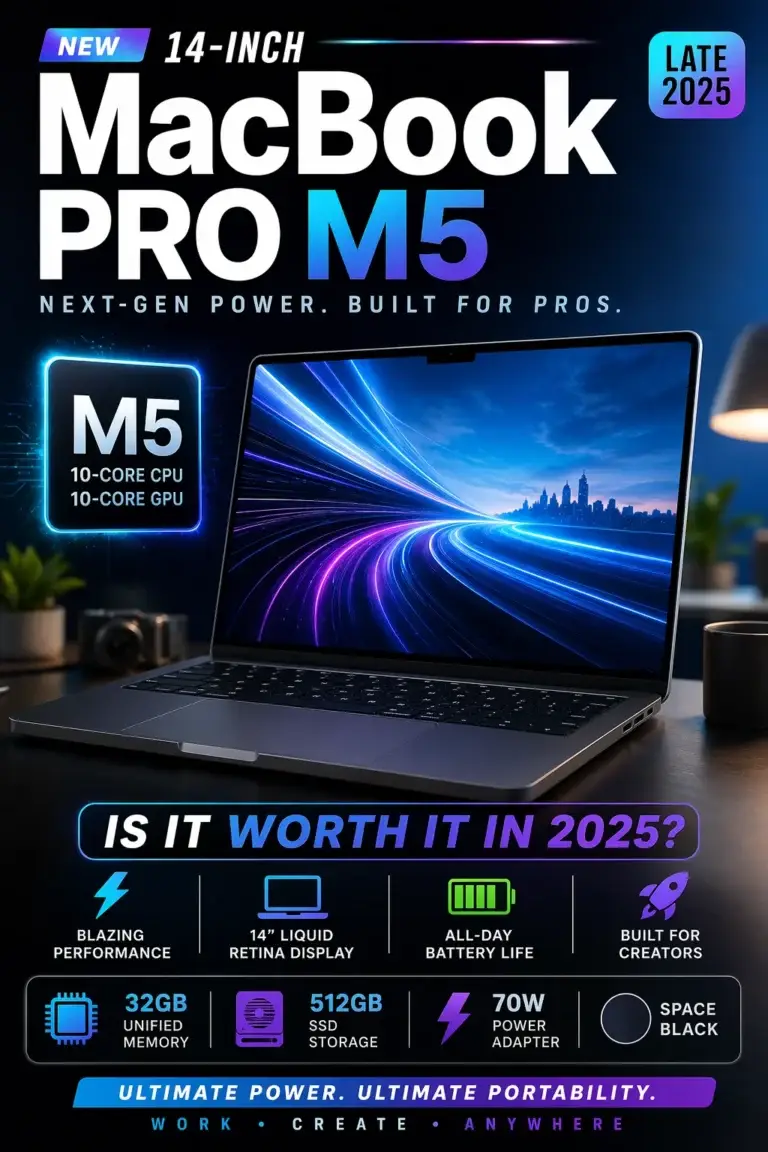
Key Features
Apple MacBook Air 15-inch (M4, 2026)
Best MacBook for Battery Life, Portability & Everyday Productivity
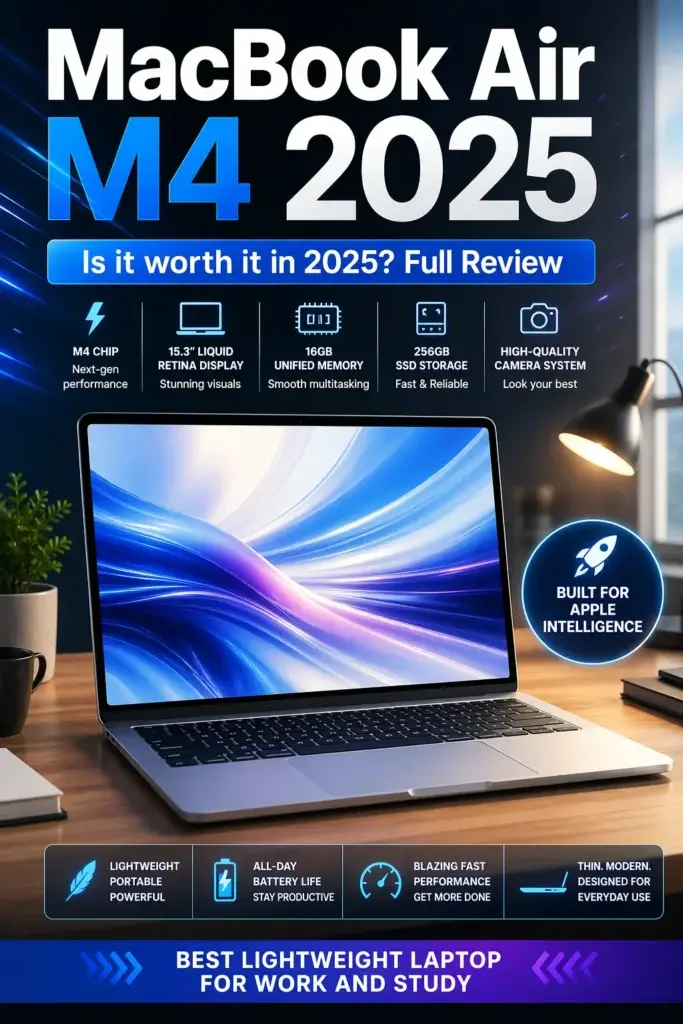
Key Features
MacBook Pro M5 vs MacBook Air M4 (2026)
Compared by Performance, Battery Life, Display, AI Features, Portability & Overall Value
Choosing between the MacBook Pro M5 and the MacBook Air M4 comes down to your workload, performance requirements, portability, and budget. While both laptops deliver Apple's outstanding efficiency, premium build quality, and excellent battery life, they are designed for different types of users. This side-by-side comparison evaluates processor performance, graphics capabilities, display quality, cooling, battery life, AI readiness, portability, and overall value to help you decide which MacBook is the better investment in 2026.
| Category |
MacBook Pro M5
Check Price
|
MacBook Air M4
Check Price
| Editor's Verdict |
|---|---|---|---|
| Processor Performance | Apple M5 chip with higher sustained performance, faster multi-core processing, and greater efficiency for demanding professional workloads. | Apple M4 chip delivers exceptionally fast everyday performance with industry-leading efficiency for productivity, business, and creative tasks. | Winner: MacBook Pro M5 for professional performance. |
| Graphics Performance | More powerful integrated GPU built for creative software, AI workflows, photo editing, video production, and graphics-intensive applications. | Excellent integrated graphics for office work, photo editing, media consumption, and light creative workloads. | Winner: MacBook Pro M5. |
| Unified Memory | Supports larger memory configurations ideal for virtualization, AI tools, professional applications, and intensive multitasking. | Highly efficient unified memory that easily handles productivity, programming, business, and everyday professional workflows. | Winner: MacBook Pro M5 for demanding users. |
| Storage Performance | Ultra-fast SSD storage enables rapid project loading, professional workflows, and outstanding responsiveness. | Fast SSD storage delivers smooth everyday performance with quick boot times and fast application launches. | Both provide excellent SSD performance. |
| Display Quality | 14-inch Liquid Retina XDR display with Mini-LED technology, superior HDR brightness, deeper contrast, and exceptional color accuracy. | 15.3-inch Liquid Retina display with excellent color reproduction, a larger workspace, and outstanding everyday viewing experience. | Winner: Pro for image quality, Air for larger display. |
| Battery Life | Outstanding all-day battery life even under sustained professional workloads. | Exceptional efficiency delivers some of the longest battery life available in an ultraportable laptop. | Slight advantage to the MacBook Air M4 during everyday use. |
| Cooling System | Active cooling allows maximum sustained performance during rendering, compiling code, AI processing, and heavy workloads. | Completely fanless design provides silent operation but may throttle slightly during prolonged intensive tasks. | Winner: MacBook Pro M5. |
| Portability | Compact premium design with slightly more weight due to advanced cooling and professional hardware. | Ultra-thin, lightweight, and exceptionally portable for travel, work, and everyday mobility. | Winner: MacBook Air M4. |
| Best For | Professional creators, developers, AI users, engineers, video editors, and demanding power users. | Students, business professionals, remote workers, programmers, freelancers, and everyday productivity. | Choose based on your workload rather than specifications alone. |
| Overall Value | Premium investment offering maximum long-term performance and professional capabilities. | Outstanding price-to-performance ratio for the vast majority of users. |
Pro: Maximum performance. Air: Best overall value. |
Continue Exploring MacBooks & Laptop Buying Guides
Still comparing Apple laptops or exploring alternatives? Discover our expert buying guides covering MacBooks, programming laptops, software development, processors, and professional workflows to help you choose the right laptop in 2026.
Best M5 MacBooks in 2026
Compare every Apple M5 MacBook and discover which model offers the best value for students, professionals, creators, and power users.
Explore M5 MacBooks →MacBook Air M4 (2026) Full Review
Read our in-depth review covering real-world performance, battery life, display quality, portability, and whether the MacBook Air M4 is still worth buying.
Read the review → ProgrammingBest Laptops for Programming in 2026
Compare the best laptops for coding, software engineering, AI development, web development, and computer science professionals.
Explore programming laptops → Software DevelopmentBest Laptops for Software Developers in 2026
Discover laptops optimized for professional developers, Docker, virtualization, cloud development, AI tools, and demanding coding environments.
Compare developer laptops → Processor ComparisonIntel Core Ultra 9 vs AMD Ryzen AI 9
Learn how today's leading laptop processors compare in performance, AI acceleration, efficiency, and professional productivity.
Compare laptop processors →EDITOR'S FINAL RECOMMENDATIONS
After comparing processor performance, graphics capabilities, battery life, display quality, cooling, portability, AI readiness, and overall value, these are our final recommendations for choosing between the MacBook Pro M5 and the MacBook Air M4 in 2026.
Apple MacBook Pro 14-inch (M5)
The MacBook Pro M5 is our Editor's Choice for professionals who need maximum sustained performance for software development, AI workflows, video production, engineering applications, virtualization, and demanding creative projects. Its active cooling system allows the M5 chip to maintain peak performance during intensive workloads.
- ✓ Apple M5 Chip
- ✓ Active Cooling System
- ✓ Liquid Retina XDR Display
- ✓ Outstanding Professional Performance
Apple MacBook Air 15-inch (M4)
The MacBook Air M4 delivers exceptional everyday performance in an incredibly thin, lightweight, and completely silent design. It offers outstanding battery life and more than enough power for students, business professionals, programmers, remote workers, and most everyday users.
- ✓ Apple M4 Chip
- ✓ Silent Fanless Design
- ✓ Outstanding Battery Life
- ✓ Exceptional Portability
Which MacBook should you buy?
MacBook Pro M5
MacBook Air M4
MacBook Pro M5
MacBook Air M4
MacBook Pro M5
MacBook Air M4
- Choose the Apple MacBook Pro M5 if you regularly work with software development, AI applications, professional video editing, engineering software, virtualization, or demanding creative workloads that benefit from sustained peak performance.
- Choose the Apple MacBook Air M4 if you prioritize portability, silent operation, outstanding battery life, and excellent everyday performance for work, study, programming, and productivity.
- Both MacBooks feature Apple's excellent build quality, premium displays, long battery life, and years of macOS updates, making either model a reliable long-term investment.
EDITOR'S FINAL VERDICT
After comparing processor performance, graphics capabilities, unified memory, battery life, display quality, cooling, portability, and real-world professional workflows, one conclusion becomes clear:The better MacBook isn't necessarily the most powerful one—it's the one that best matches how you actually work.
Both Apple laptops deliver exceptional build quality, excellent battery life, industry-leading efficiency, and long-term software support. Whether you're a student, developer, business professional, content creator, or everyday user, both machines offer premium experiences that will remain competitive for years.
If your work regularly pushes your laptop with programming, video editing, AI applications, virtualization, large creative projects, or sustained professional workloads, the MacBook Pro M5 is the better investment. If portability, battery life, silent operation, and overall value matter more, the MacBook Air M4 remains one of the best laptops available in 2026.- Choose the MacBook Pro M5 if you need sustained performance for software development, creative work, AI tools, virtualization, engineering applications, or demanding multitasking.
- Choose the MacBook Air M4 if you primarily use your laptop for productivity, studying, programming, office work, web development, media consumption, and everyday professional tasks.
- Both MacBooks offer excellent battery life, premium displays, Apple's unified memory architecture, and years of software support, making either one a reliable long-term purchase.
Editor's Top Recommendations
MacBook Pro M5
The best choice for professionals who need maximum performance, active cooling, superior graphics capabilities, and long-term reliability for demanding workloads.
- ✓ Professional Workflows
- ✓ Software Development
- ✓ Video Editing & AI
- ✓ Sustained Performance
MacBook Air M4
An outstanding balance of performance, portability, battery life, and price that makes it the best MacBook for the majority of users.
- ✓ Ultra Portable
- ✓ Silent Fanless Design
- ✓ Outstanding Battery Life
- ✓ Excellent Everyday Performance
- ✓ You edit videos or photos professionally
- ✓ You develop software or run virtual machines
- ✓ You use AI applications
- ✓ You need maximum sustained performance
- ✓ You want maximum portability
- ✓ You value battery life
- ✓ You work, study, or code daily
- ✓ You want the best value MacBook
- ✓ Choose enough unified memory
- ✓ Select the right SSD capacity
- ✓ Buy based on your workload
- ✓ Think about long-term needs
For most buyers, the MacBook Air M4 offers the strongest combination of price, battery life, portability, and everyday performance, making it the best value MacBook available today.
However, if your laptop is your primary professional tool and you regularly work with demanding creative applications, software development, AI workloads, or sustained multitasking, the MacBook Pro M5 is absolutely worth the additional investment and remains our recommendation for power users.
Check the latest configurations, memory options, storage capacities, and current pricing before deciding which MacBook best fits your workflow and budget.
Check Latest DealsEDITOR'S FAQ
Choosing between the MacBook Pro M5 and the MacBook Air M4 depends on how you work, the applications you use, and how much performance you actually need. While both Apple laptops deliver exceptional efficiency and battery life, they target different users.These are the most common questions buyers ask before deciding which MacBook offers the best value in 2026.
The Pro delivers higher sustained performance, better cooling, more ports, and greater long-term capability for demanding workloads.
The Air remains one of the best ultraportable laptops available thanks to its silent design, excellent battery life, and more affordable price.
Although both laptops feel incredibly fast for everyday tasks, the MacBook Pro M5 maintains higher clock speeds thanks to its active cooling system.
- Code compilation
- Video rendering
- Large Xcode projects
- AI workloads
- Professional multitasking
For lighter productivity, browsing, office work, and media consumption, the difference is much smaller.
The MacBook Pro M5 uses internal fans to maintain maximum performance during long workloads without significant thermal throttling.
The fanless MacBook Air M4 operates silently, but performance gradually decreases during extended heavy processing to control temperatures.
- MacBook Air M4: Excellent efficiency for everyday productivity and travel.
- MacBook Pro M5: Better performance while maintaining impressive battery life under demanding workloads.
If portability is your priority, the Air has a slight advantage. If you regularly push the hardware, the Pro provides a better balance between speed and endurance.
Consider upgrading if you frequently work with professional applications, software development, AI tools, video editing, or heavy multitasking.
If your current MacBook Air M4 already handles your daily workflow comfortably, you'll likely see limited real-world benefits from upgrading immediately.
- 256GB → Cloud-based users with light storage needs.
- 512GB → Best balance for most people.
- 1TB or more → Developers, creators, photographers, and professionals.
Larger SSDs provide more flexibility for future software, media libraries, and professional projects.
Its active cooling, higher sustained performance, larger memory configurations, and additional ports make it ideal for software development, Docker containers, virtual machines, Xcode, and AI-assisted coding.
The MacBook Air M4 remains an excellent option for students, web developers, and programmers with lighter workloads.
- Choose MacBook Pro M5 if you want maximum longevity, professional performance, and better future-proofing.
- Choose MacBook Air M4 if you want outstanding everyday performance at a lower cost.
Both laptops are excellent purchases in 2026, but the Pro is the stronger long-term investment for demanding users.
MACBOOK BUYING GUIDEE
Both the MacBook Pro M5 and the MacBook Air M4 are outstanding laptops, but they are designed for different types of users. Buying the wrong model often means paying for performance you will never use—or choosing a laptop that struggles with your future workload.Before deciding which MacBook is right for you, avoid these common buying mistakes that can affect long-term value, productivity, and overall user experience.
Many buyers focus only on processor names, but the real decision should be based on your daily workflow. Developers, creators, and professionals benefit from the MacBook Pro's sustained performance and additional memory options, while students and everyday users often receive better value from the MacBook Air.Choosing the right MacBook is about matching performance to your workload—not simply buying the most expensive model.
Buying the MacBook Pro without needing its extra performance
- Many everyday tasks never utilize the Pro's full capabilities.
- Web browsing, office work, streaming, and note-taking run equally well on the Air.
- The additional cost may provide little real-world benefit.
Better decision: Choose the MacBook Air M4 if your workload is focused on productivity, school, or general everyday computing.
Ignoring how demanding your workload actually is
- Professional applications place sustained demands on the processor.
- Developers and creators often benefit from active cooling.
- Choosing too little performance can reduce long-term productivity.
Better decision: Choose the MacBook Pro M5 for software development, video editing, AI tools, large creative projects, and heavy multitasking.
Choosing the smallest storage configuration
- Applications continue growing in size every year.
- Creative projects and development environments require significant storage.
- Internal storage cannot be upgraded later.
Better decision: For most buyers, 512GB provides the best balance between price and long-term usability.
Overlooking cooling and sustained performance
- Fanless laptops reduce performance during extended heavy workloads.
- Active cooling maintains consistent performance.
- Long compiling sessions and rendering benefit from better thermal management.
Better decision: If your work regularly pushes the processor for extended periods, the MacBook Pro M5 is the better investment.
Buying only for today's needs
- Software becomes more demanding over time.
- AI features continue expanding across macOS applications.
- A more capable configuration generally remains useful for longer.
Better decision: If you plan to keep your MacBook for many years, consider investing in additional memory and storage.
Comparing only benchmark numbers
- Synthetic benchmarks do not represent every workflow.
- Battery life, portability, keyboard quality, and display matter every day.
- Real-world experience is more important than peak benchmark scores.
Better decision: Choose the MacBook that best matches your daily workflow rather than focusing exclusively on benchmark results.
💡 Smart Buying Decision
You are a professional developer, creator, engineer, or power user who needs sustained performance, active cooling, larger memory configurations, and maximum long-term capability.
You prioritize portability, silent operation, excellent battery life, and outstanding everyday performance for school, work, travel, and general productivity.
Key takeaway: The best MacBook is not necessarily the fastest one—it is the model that best matches your workload, budget, and long-term expectations.
After comparing both Apple laptops, these are our recommendations:
- Best Overall Performance: MacBook Pro M5 — ideal for professionals, developers, AI workloads, and demanding creative applications.
- Best Everyday Value: MacBook Air M4 — exceptional portability, battery life, and performance for students, office work, and everyday users.
- Best Long-Term Investment: MacBook Pro M5 with upgraded memory and storage for users planning to keep their laptop for many years.
- Best Budget-Friendly Premium MacBook: MacBook Air M4 — premium Apple experience without paying for unnecessary performance.
Need help choosing your laptop?
Not sure which option fits your workflow? Get a personalized recommendation based on your budget, performance needs, and usage.
Get personalized recommendation⚡ Usually responds within 24 hours