
Explore Our Best Laptops by Use Case
This guide to Best Laptops for Machine Learning in 2026: Top AI & ML Laptops for Training and Development is part of our curated laptop recommendations by use case. Explore more expert comparisons and buying guides designed to help you choose the right laptop for machine learning, AI development, programming, data science, productivity, and other specialized workloads.Best Laptops for Machine Learning in 2026: Top AI & ML Laptops for Training and Development
The best laptop for machine learning in 2026 is not simply the laptop with the fastest processor or the newest AI features. The right choice depends on the type of machine learning workloads you plan to run, including model training, deep learning, fine-tuning, inference, computer vision, data processing, Python development, local AI, and GPU-accelerated frameworks such as PyTorch and TensorFlow.For developers, data scientists, researchers, and AI engineers, GPU performance, VRAM, CUDA compatibility, system RAM, processor performance, storage capacity, thermal performance, and software support can have a much greater impact on the machine learning experience than an NPU specification alone.
In this guide, we've selected the best laptops for machine learning based on real-world ML requirements, including GPU acceleration, VRAM capacity, CUDA support, memory capacity, sustained performance, thermal efficiency, storage, portability, and long-term development value.The ASUS ROG Strix SCAR 18 with the NVIDIA GeForce RTX 5090 takes our top position for machine learning thanks to its powerful NVIDIA GPU, 24GB of dedicated VRAM, extensive CUDA capabilities, and strong sustained performance for demanding AI and deep learning workloads. The MSI Titan 18 HX Dragon Edition delivers an even more workstation-like configuration for users who prioritize maximum performance, 96GB of RAM, and extensive storage.The Razer Blade 16 provides a more premium and refined RTX 5090 experience, while the Lenovo Legion Pro 7i Gen 10 offers an excellent balance of RTX 5080 performance, 64GB of RAM, and high-end hardware for developers who want serious machine learning capability without moving to the largest 18-inch systems.The Apple MacBook Pro 16 with the M5 Max chip and 128GB unified memory takes a different approach, offering enormous shared memory capacity that can be particularly useful for local AI inference, experimentation, and memory-intensive development workloads. The Lenovo ThinkPad P16 Gen 3 brings professional workstation capabilities with an NVIDIA RTX PRO 3000 Blackwell GPU, while the ASUS ProArt PX13 and ASUS ROG Flow Z13 provide more portable alternatives for developers who need machine learning capabilities in smaller form factors.
ASUS ROG Strix SCAR 18 (2025) RTX 5090
Best for Machine Learning Training, Deep Learning, CUDA & GPU-Accelerated Workloads
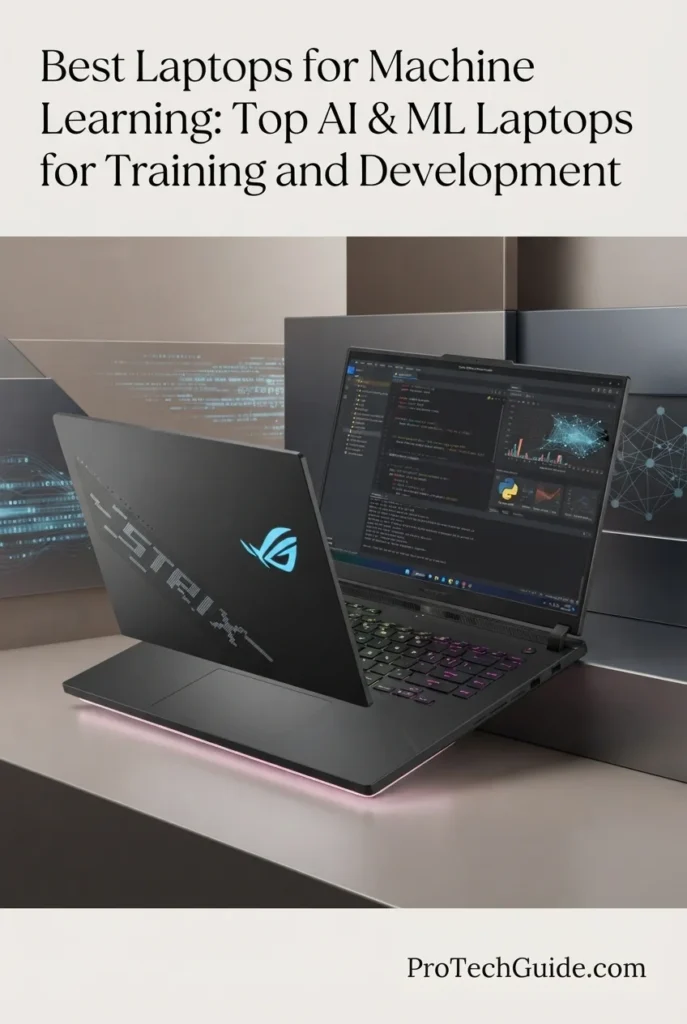
The ASUS ROG Strix SCAR 18 with the Intel Core Ultra 9 275HX, NVIDIA GeForce RTX 5090 Laptop GPU, 32GB DDR5 memory, and 2TB PCIe Gen 4 SSD is our top recommendation for the best laptop for machine learning in 2026. Its RTX 5090 is the defining feature for ML workloads, providing 24GB of dedicated GDDR7 VRAM and a high-power configuration designed for demanding GPU-accelerated workloads. Combined with NVIDIA CUDA support, a 24-core processor, advanced cooling, and substantial local storage, this system provides a powerful platform for deep learning, model training, fine-tuning, computer vision, inference, and other demanding machine learning workloads.
The ASUS ROG Strix SCAR 18 earns our Best Overall Laptop for Machine Learning award because its RTX 5090 configuration provides the combination of GPU performance, dedicated VRAM, CUDA compatibility, and sustained power that matters most for demanding laptop-based machine learning. The 24GB of GDDR7 VRAM is particularly important for deep learning workloads because GPU memory can become a major constraint when working with larger models, datasets, batch sizes, and computational workloads.
The system is also designed to sustain high performance under prolonged workloads. Its Core Ultra 9 275HX, 32GB DDR5 memory, 2TB SSD, and advanced vapor-chamber cooling system create a balanced platform for development, preprocessing, experimentation, training, inference, and multitasking. While the 32GB memory configuration is not as expansive as some workstation-class systems in this guide, the combination of 24GB GPU VRAM and upgradeable system hardware makes the SCAR 18 a particularly strong choice for developers who prioritize NVIDIA GPU acceleration and CUDA-based machine learning.
Key Features
Apple MacBook Pro 16-inch M5 Max (2026)
Best for Large Local AI Models, High-Memory Workloads & Apple Silicon Development

The Apple MacBook Pro 16-inch with the M5 Max chip, 18-core CPU, 40-core GPU, 128GB of unified memory, and 2TB SSD is our top recommendation for developers who prioritize large local AI models, high-memory machine learning workloads, and Apple Silicon development. Its defining advantage is the enormous 128GB unified memory configuration, which gives demanding AI and ML workflows substantially more memory capacity than most conventional laptops with dedicated GPUs. Combined with the M5 Max architecture, a powerful 18-core CPU, 40-core GPU, and fast 2TB SSD, this MacBook Pro provides an exceptionally capable platform for local AI experimentation, inference, programming, data science, model development, and other memory-intensive workloads.
The Apple MacBook Pro earns our Best Laptop for Large Local AI Models & High-Memory ML Workloads award because its 128GB unified memory configuration addresses one of the most important constraints in local AI development: available memory. Large language models, AI applications, datasets, development environments, and multiple simultaneous workloads can consume substantial amounts of memory, and the MacBook's unified architecture provides a very large pool of memory available to the system and GPU.
The M5 Max configuration is particularly compelling for developers who want to experiment with local AI inference and large models without relying entirely on cloud infrastructure. The combination of 128GB unified memory, a 40-core GPU, an 18-core CPU, and 2TB of storage creates a powerful platform for model experimentation, development, programming, data analysis, and professional multitasking.
However, the MacBook Pro should not be considered a universal replacement for an NVIDIA CUDA workstation. Developers whose machine learning workflows depend heavily on CUDA, NVIDIA-specific libraries, or CUDA-optimized training pipelines will generally be better served by the RTX 5090 systems in this guide. The M5 Max instead stands out because of its exceptional memory capacity, integrated architecture, power efficiency, and strong suitability for local AI and Apple Silicon-optimized development.
Key Features
MSI Titan 18 HX Dragon Edition Draco Epic (2026)
Best for Maximum ML Performance, RTX 5090 Workloads & Large Development Environments
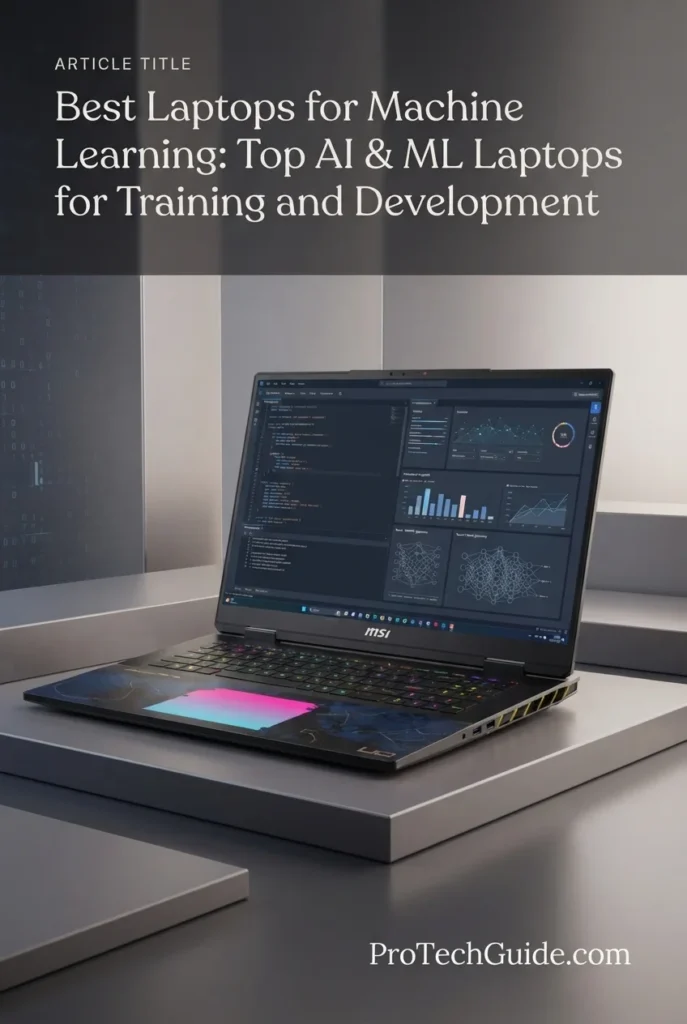
The MSI Titan 18 HX Dragon Edition Draco Epic combines an NVIDIA GeForce RTX 5090 with 24GB of GDDR7 VRAM, Intel Core Ultra 9 290HX Plus, 96GB of DDR5-6400 memory, and 4TB of NVMe SSD storage to create one of the most powerful laptop configurations in our best laptops for machine learning in 2026 lineup. It is designed for users who need substantial GPU acceleration while also requiring large amounts of system memory and local storage for demanding development environments, datasets, models, experiments, and professional workloads.
The MSI Titan 18 HX earns our Best Laptop for Maximum Machine Learning Performance award because it combines the RTX 5090's 24GB of dedicated GDDR7 VRAM with an unusually large 96GB of system memory and 4TB of NVMe storage. This combination gives demanding developers considerably more headroom for large datasets, multiple development environments, model files, preprocessing, experimentation, and other memory-intensive workflows.
The system is especially attractive for professionals who want a machine learning workstation that does not force them to choose between GPU capability and system resources. The RTX 5090 provides the CUDA-capable GPU foundation for deep learning workloads, while the 96GB DDR5 memory and large SSD configuration provide substantial capacity for the CPU-side portions of the workflow.
Compared with the ASUS ROG Strix SCAR 18, the Titan 18 HX offers a more expansive memory and storage configuration while retaining the same class of RTX 5090 GPU with 24GB VRAM. That makes it particularly compelling for users who work with larger datasets, heavier multitasking requirements, extensive local model libraries, or professional development environments. The SCAR 18 remains our overall pick because of its balance of performance, configuration, and value within this specific lineup, while the Titan is the choice for users who simply want a more extensively equipped machine.
Key Features
Razer Blade 16 (2026) RTX 5090
Best for Premium CUDA Development, Portable RTX 5090 Performance & OLED Productivity
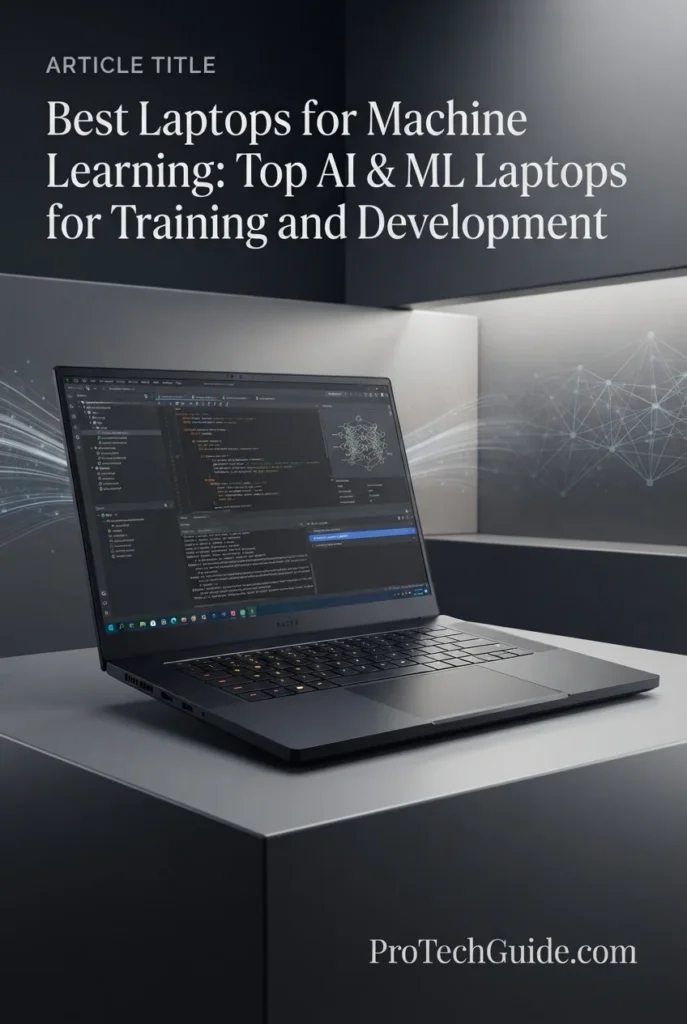
The Razer Blade 16 (2026) combines an NVIDIA GeForce RTX 5090 Laptop GPU with 24GB of GDDR7 VRAM, Intel Core Ultra 9 386H, 32GB of LPDDR5X memory, and a 2TB PCIe 4.0 SSD in an exceptionally thin 16-inch chassis. It is our choice for the Best Premium Machine Learning Laptop, offering serious CUDA-capable GPU performance in a design that is significantly more portable and refined than many high-performance gaming workstations.
The Razer Blade 16 earns our Best Premium Machine Learning Laptop award because it delivers an unusual combination of RTX 5090-class machine learning performance and an ultra-thin premium design. Its 24GB of dedicated GDDR7 VRAM gives CUDA-focused developers substantial GPU memory for demanding workloads, while the compact chassis makes the system considerably easier to carry than many larger 18-inch performance laptops.
The laptop is particularly appealing to developers who want a high-end NVIDIA machine without moving to a large desktop-replacement chassis. The Core Ultra 9 386H, 32GB LPDDR5X memory, 2TB SSD, and vapor chamber cooling create a capable development platform, while the two M.2 slots provide additional storage expansion for growing datasets and model libraries.
There is one important trade-off: the 32GB LPDDR5X memory is non-upgradeable. This makes the Razer less flexible than the MSI Titan 18 HX for users who expect their system memory requirements to grow significantly. For developers who can work comfortably within 32GB of system memory and prioritize portability, premium construction, and RTX 5090 GPU acceleration, however, the Blade 16 is one of the most compelling high-end options in this guide.
Key Features
Lenovo Legion Pro 7i Gen 10 (2025) RTX 5080
Best for High-Performance ML Development, CUDA Workloads & Value
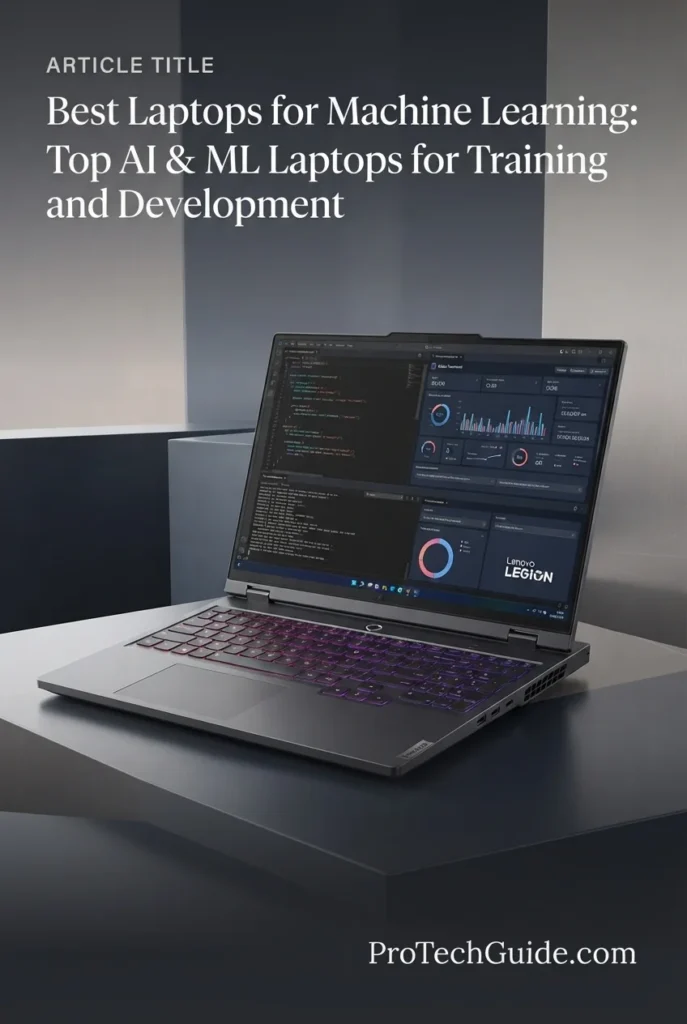
The Lenovo Legion Pro 7i Gen 10 combines an Intel Core Ultra 9 275HX, NVIDIA GeForce RTX 5080 with 16GB of GDDR7 VRAM, 64GB of DDR5-6400 memory, and 2TB of NVMe SSD storage to deliver an exceptionally capable platform for the best laptops for machine learning in 2026. It earns our Best Value for Machine Learning award because it provides serious NVIDIA GPU acceleration, substantial system memory, fast storage, and a high-performance display without moving into the extreme RTX 5090 configurations at the top of this guide.
The Lenovo Legion Pro 7i earns our Best Value for Machine Learning award because it strikes an excellent balance between GPU acceleration, system memory, CPU performance, and storage. The RTX 5080 with 16GB of dedicated GDDR7 VRAM provides a strong foundation for CUDA-based machine learning, while the 64GB DDR5 memory gives developers substantially more system-level memory than typical performance laptops.
For developers working with PyTorch, TensorFlow, CUDA, computer vision, deep learning, model experimentation, and GPU-accelerated data processing, the Legion Pro 7i offers the core hardware required for demanding local workloads. Its 24-core Core Ultra 9 275HX also provides substantial CPU resources for data preparation, preprocessing, compilation, and multitasking alongside GPU workloads.
The system is particularly compelling when compared with the more expensive RTX 5090 laptops higher in this guide. The 16GB of GPU VRAM is lower than the 24GB available on those flagship systems, so the Legion Pro 7i is not the better choice for every large-model workload. However, its combination of 64GB system memory, expandable RAM, dual NVMe storage, and RTX 5080 GPU acceleration makes it one of the most balanced choices for developers who want serious machine learning capability without prioritizing maximum possible laptop GPU performance.
Key Features
The NVIDIA GeForce RTX 5080 with 16GB of GDDR7 VRAM is the central component that makes the Legion Pro 7i a serious machine learning laptop. Its dedicated GPU memory provides substantial capacity for deep learning, computer vision, inference, experimentation, and other CUDA-accelerated workloads.
While 16GB of VRAM is below the 24GB available on the RTX 5090 systems higher in this guide, it remains a strong configuration for developers who do not routinely work with the largest models or exceptionally large batch sizes. For many practical development and experimentation workflows, the RTX 5080 provides an excellent balance between GPU capability and overall system cost.
The Legion Pro 7i includes 64GB of DDR5-6400 memory, giving machine learning developers substantial system memory for datasets, development environments, notebooks, containers, virtual machines, browsers, IDEs, and multitasking.
The system uses two SODIMM slots and supports configurations up to 96GB, providing a practical upgrade path for users whose memory requirements increase over time. This is particularly useful when CPU-side preprocessing and development workloads consume significant amounts of system memory alongside GPU workloads.
The Intel Core Ultra 9 275HX provides 24 cores and speeds of up to 5.4GHz, giving the Legion Pro 7i substantial CPU resources for machine learning development.
CPU performance remains important for tasks such as data preprocessing, feature engineering, dataset preparation, compilation, code execution, compression, environment management, and multitasking. The 24-core design allows these workloads to run alongside GPU-intensive tasks without turning the system into a GPU-only machine.
The Legion Pro 7i is particularly well suited to developers who use the NVIDIA CUDA ecosystem. The RTX 5080 provides the dedicated NVIDIA GPU architecture required for CUDA-accelerated workflows and makes the laptop a strong platform for frameworks and libraries that take advantage of NVIDIA GPU acceleration.
This makes the system attractive for PyTorch, TensorFlow, computer vision, deep learning, model experimentation, inference, and GPU-accelerated data processing. Windows 11 Pro also provides a familiar environment for professional development tools, Python environments, containers, and NVIDIA software.
The system includes 2TB of PCIe Gen 4 NVMe storage, configured as two 1TB SSDs. This provides fast local storage for machine learning datasets, model files, checkpoints, applications, source code, Python environments, and project files.
The presence of two M.2 NVMe slots also provides additional flexibility for storage expansion. Developers working with large datasets or growing local model libraries can add storage without relying exclusively on external drives.
The 16-inch WQXGA OLED display provides a 2560 × 1600 resolution and 16:10 workspace that is well suited to programming, notebooks, terminals, documentation, dashboards, and development tools.
The panel also offers 500 nits of brightness, 100% DCI-P3 coverage, DisplayHDR True Black 1000, Dolby Vision, and a 240Hz refresh rate. Although the high refresh rate is primarily beneficial for gaming, the overall display quality is a useful advantage for professionals who spend extended periods working directly from the laptop.
Connectivity includes Wi-Fi 7, Bluetooth 5.3, Ethernet, HDMI, and USB, giving developers several options for networking and peripherals.
Ethernet can be particularly useful when transferring large datasets or connecting to local servers and network storage, while HDMI and USB connectivity make it practical to build a larger desktop-style development setup with external displays, keyboards, storage, and other peripherals.
The Lenovo Legion Pro 7i is best suited to developers who want a balanced high-performance machine learning laptop rather than the absolute maximum GPU configuration available.
Its combination of an RTX 5080 with 16GB VRAM, 64GB system memory, 24-core Core Ultra 9 processor, 2TB NVMe storage, and expandable RAM makes it particularly attractive for serious development, experimentation, data science, deep learning, and CUDA-based workflows.
The main limitation compared with the RTX 5090 systems higher in this guide is GPU memory. Developers working with particularly large models or workloads that exceed 16GB of VRAM should consider the 24GB RTX 5090 configurations instead. For everyone else, the Legion Pro 7i delivers an unusually strong combination of resources and is one of the most balanced options in this lineup.
ASUS ProArt PX13 (2025) RTX 4050
Best for Portable AI Development, Python, Data Science & Local ML Workloads
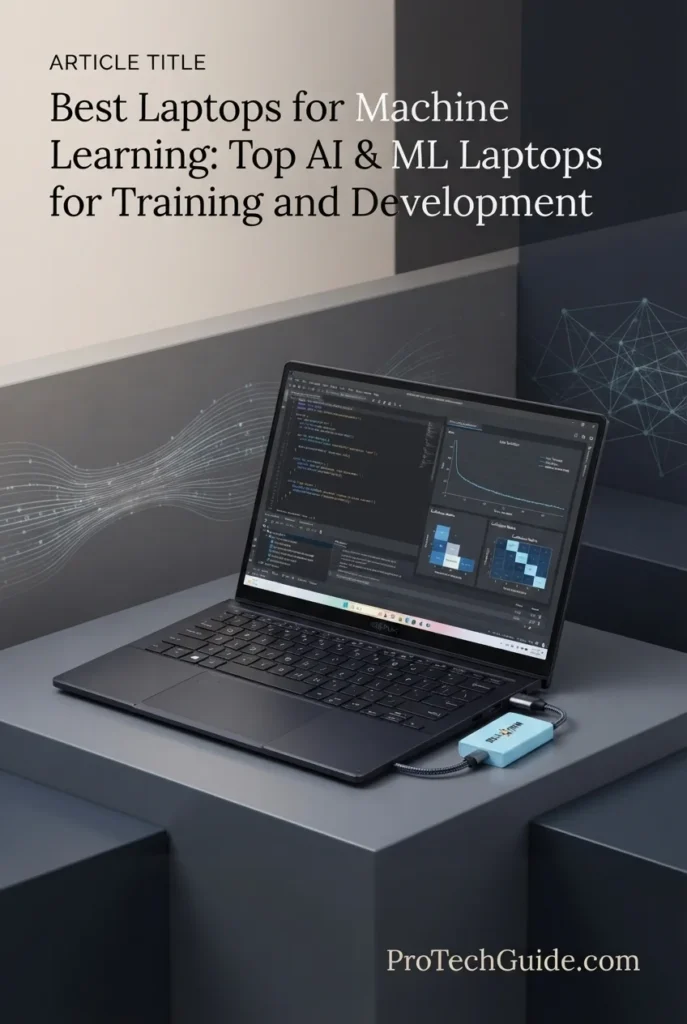
The ASUS ProArt PX13 combines an AMD Ryzen AI 9 HX 370, NVIDIA GeForce RTX 4050 with 6GB of GDDR6 VRAM, 32GB of LPDDR5X memory, and a 1TB PCIe NVMe SSD in an exceptionally compact 13.3-inch convertible design. It earns our Best Portable AI Development Laptop award because it prioritizes mobility and flexibility while still providing dedicated NVIDIA GPU acceleration for development, experimentation, inference, data science, and smaller machine learning workloads.
The ASUS ProArt PX13 earns our Best Portable AI Development Laptop award because it offers something the larger performance machines in this guide cannot: a highly compact 13.3-inch convertible form factor with a dedicated NVIDIA GPU. Its RTX 4050 is not intended to compete with the RTX 5080 and RTX 5090 systems above it for large-scale model training, but it provides a practical GPU foundation for development, experimentation, inference, computer vision, and smaller machine learning workloads.
The combination of the Ryzen AI 9 HX 370, 32GB LPDDR5X memory, RTX 4050, and 1TB SSD makes the PX13 particularly attractive for developers who spend more time writing code, analyzing data, building applications, experimenting with models, and working across multiple locations than performing prolonged high-end model training. Its compact convertible design also makes it considerably easier to integrate into a mobile development workflow.
There are important limitations compared with the systems ranked above it. The RTX 4050 has only 6GB of dedicated VRAM, and the 32GB system memory is soldered and non-upgradeable. This means the PX13 is better suited to portable AI development, inference, experimentation, Python, data science, and smaller ML workloads than large-scale deep learning training. Developers working with larger models or demanding CUDA training workloads should move up to one of the RTX 5080 or RTX 5090 systems in this guide.
Key Features
The NVIDIA GeForce RTX 4050 with 6GB of GDDR6 VRAM gives the ProArt PX13 dedicated GPU acceleration that is valuable for CUDA-enabled development, AI experimentation, inference, computer vision, and smaller machine learning workloads.
The 6GB VRAM capacity is the primary limitation when compared with the RTX 5080 and RTX 5090 laptops higher in this guide. It makes the PX13 a better fit for development, experimentation, inference, and smaller models than large-scale training workloads that require substantial GPU memory.
The AMD Ryzen AI 9 HX 370 provides 12 CPU cores and 24 threads with boost speeds of up to 5.1GHz, giving the compact PX13 substantial CPU resources for programming, preprocessing, data analysis, compilation, and multitasking.
Its integrated AI processing capabilities can also benefit supported AI applications. However, developers working with CUDA-based machine learning should still consider the dedicated RTX 4050 GPU the primary accelerator for NVIDIA-focused workflows.
The ProArt PX13 includes 32GB of onboard LPDDR5X memory, providing a solid amount of system memory for Python development, Jupyter notebooks, data science applications, programming tools, datasets, and multitasking.
The main limitation is that the memory is onboard and non-upgradeable. Developers considering the PX13 for long-term machine learning work should therefore evaluate their expected memory requirements before purchasing.
The biggest advantage of the PX13 is its 13.3-inch convertible form factor. Instead of focusing exclusively on maximum training performance, the system is designed for users who need to write code, analyze data, experiment with models, and work with AI applications while traveling or moving between workspaces.
This makes it particularly useful for Python development, data science, model experimentation, local inference, computer vision, and AI application development where extreme GPU performance is not the primary requirement.
The included 1TB PCIe NVMe SSD provides fast local storage for applications, Python environments, datasets, source code, model files, checkpoints, and development projects.
Because machine learning datasets and model libraries can grow quickly, users planning extensive local storage requirements should consider the available 2TB configuration when purchasing, or plan to use external storage and cloud resources.
The 13.3-inch 2880 × 1800 AMOLED touchscreen provides a high-resolution workspace in an unusually compact chassis. The touch interface and stylus support add flexibility for creative applications, annotation, presentations, and interactive workflows.
The 60Hz refresh rate is more modest than the 240Hz panels found on the gaming-focused systems in this guide, but refresh rate is far less important for machine learning development than workspace, resolution, portability, and overall usability.
The PX13 supports Wi-Fi 7 and Bluetooth 5.4, providing modern wireless connectivity for networking and peripherals.
The system also includes USB, HDMI, an SD card reader, and a headphone/microphone combo jack. The included portable USB hub adds additional connectivity when working with multiple peripherals, external storage, or accessories.
The ASUS ProArt PX13 is best suited to developers who prioritize portability and flexibility over maximum machine learning performance.
Its combination of a Ryzen AI 9 HX 370, RTX 4050 6GB, 32GB LPDDR5X memory, 1TB SSD, and 13.3-inch convertible design makes it a capable mobile platform for Python, data science, AI application development, local inference, experimentation, and smaller machine learning workloads.
Users who expect to perform serious deep learning training or work with larger models should consider the higher-ranked RTX 5080 and RTX 5090 laptops instead. The PX13's value comes from its ability to provide dedicated NVIDIA GPU acceleration in a highly portable 2-in-1 form factor.
Lenovo ThinkPad P16 Gen 3 RTX PRO 3000
Best for Professional AI Development, Engineering Workloads & ISV-Certified Workflows
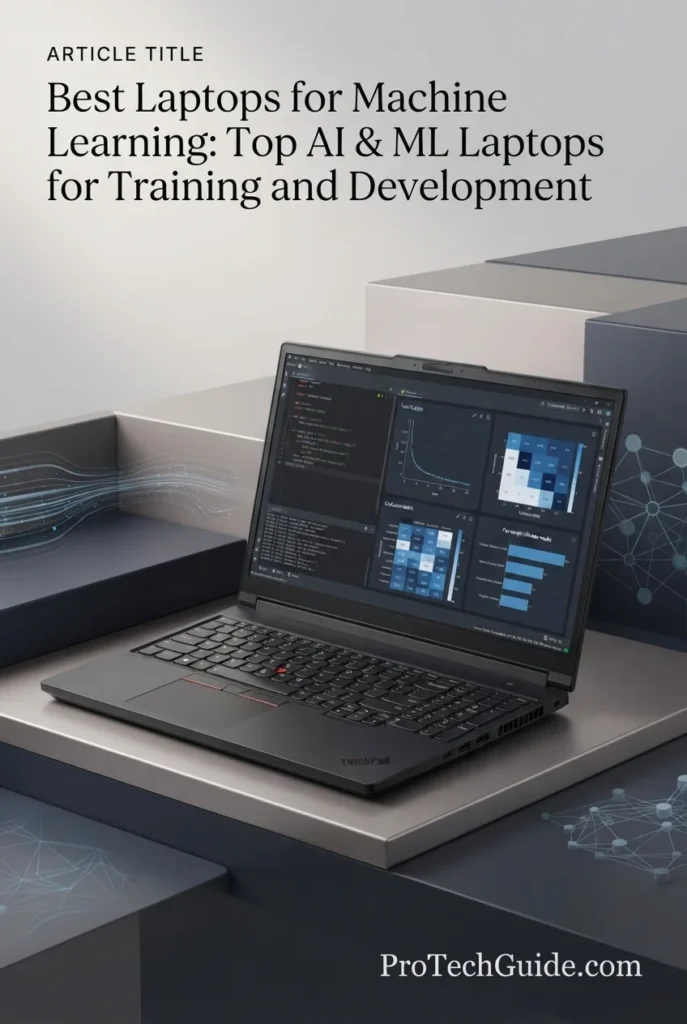
The Lenovo ThinkPad P16 Gen 3 is a professional mobile workstation built around an Intel Core Ultra 7 255HX, NVIDIA RTX PRO 3000 Blackwell GPU with 12GB of GDDR7 memory, 64GB of DDR5 memory, and a 2TB PCIe Gen 5 SSD. It earns our Best Professional ML Workstation award because it combines dedicated professional NVIDIA graphics, substantial system memory, workstation-class connectivity, ISV-certified workflows, and a high-resolution 16-inch display in a platform designed for demanding professional environments.
The ThinkPad P16 Gen 3 earns our Best Professional ML Workstation award because it approaches machine learning from a different perspective than the gaming laptops above it. Instead of maximizing raw consumer GPU performance, it combines a professional RTX PRO Blackwell GPU, powerful 20-core CPU, 64GB system memory, Gen5 storage, and workstation-oriented features for users whose AI and ML workloads exist alongside engineering, simulation, CAD, visualization, or other professional applications.
The RTX PRO 3000 with 12GB of GDDR7 memory provides dedicated GPU acceleration for AI and machine learning workloads, while the 64GB system memory gives developers substantial capacity for datasets, preprocessing, development environments, virtual machines, and professional software. This makes the P16 particularly compelling for multidisciplinary professionals who need one workstation to handle both machine learning development and specialized technical workloads.
The main trade-off is GPU memory. With 12GB of dedicated VRAM, the RTX PRO 3000 has less GPU memory than the 16GB RTX 5080 and 24GB RTX 5090 configurations higher in this guide. Developers focused exclusively on large-scale deep learning training may therefore prefer one of those higher-performance systems. The ThinkPad P16 instead stands out for professional reliability, workstation features, extensive connectivity, color-accurate display quality, and ISV-oriented workflows.
Key Features
The NVIDIA RTX PRO 3000 Blackwell Laptop GPU with 12GB of GDDR7 memory gives the ThinkPad P16 Gen 3 dedicated professional GPU acceleration for AI, machine learning, visualization, simulation, and other demanding technical workloads.
Its 12GB VRAM capacity is below the 16GB RTX 5080 and 24GB RTX 5090 configurations higher in this guide, so it is not designed to compete with those systems for the largest GPU-memory-intensive training workloads. Its advantage is the combination of professional GPU hardware and workstation-oriented software compatibility.
The Intel Core Ultra 7 255HX provides 20 cores and 24 threads with boost speeds of up to 5.2GHz. This gives the ThinkPad P16 substantial CPU resources for machine learning development and professional technical workloads.
CPU performance is particularly important for data preprocessing, simulation, compilation, dataset preparation, engineering applications, code execution, and multitasking. The processor allows the P16 to function as a broader professional workstation rather than simply a GPU-focused machine.
The P16 includes 64GB of DDR5 memory, providing substantial capacity for large datasets, development environments, virtual machines, containers, engineering software, data analysis, and professional multitasking.
This amount of system memory is particularly useful when machine learning development is performed alongside other resource-intensive professional applications. It also provides significantly more headroom than the 32GB configurations found in many portable performance laptops.
The 2TB PCIe Gen 5 Performance SSD provides fast local storage for operating system files, applications, datasets, model files, checkpoints, source code, development environments, and professional project files.
Fast local storage is particularly useful when working with large datasets and technical applications that frequently read and write substantial amounts of data. The 2TB capacity also provides a practical foundation for maintaining local development environments and project files.
The ThinkPad P16 is designed for professional workloads that extend beyond conventional laptop use. Lenovo positions this configuration for AI development, CAD, BIM, rendering, simulation, and other technically demanding applications.
This makes the workstation particularly attractive to professionals who need to combine machine learning development with engineering, visualization, simulation, or specialized professional software on the same system.
The 16-inch WQUXGA IPS display provides a 3840 × 2400 resolution, 800-nit brightness, 100% DCI-P3 coverage, HDR 400, Dolby Vision, and factory X-Rite color calibration.
The high pixel density and large 16:10 workspace are particularly useful for code, data visualization, engineering applications, CAD, documentation, dashboards, and professional software interfaces. The factory color calibration is an additional advantage for users whose workflows include visual and technical content.
The ThinkPad P16 provides an unusually extensive connectivity package, including Thunderbolt 5, Thunderbolt 4, USB, Ethernet, HDMI 2.1, DisplayPort, and SD Express 8.0.
This makes it particularly well suited to a desktop-style workstation setup with multiple displays, high-speed external storage, docking stations, wired networking, and specialized peripherals. Wi-Fi 7 and Bluetooth 5.4 provide modern wireless connectivity when a wired connection is not required.
The ThinkPad P16 Gen 3 is best suited to professionals who need a mobile workstation for AI and machine learning development alongside other demanding technical workloads.
Its combination of an RTX PRO 3000 Blackwell GPU, 64GB DDR5 memory, Core Ultra 7 255HX, 2TB Gen5 SSD, 4K display, extensive connectivity, and workstation-focused design makes it particularly compelling for multidisciplinary professional workflows.
For developers whose primary goal is maximum deep learning training performance, the RTX 5080 and RTX 5090 laptops higher in this guide offer more dedicated GPU memory and greater GPU-oriented performance headroom. The ThinkPad P16 earns its place because it serves a different audience: professionals who value a workstation platform, professional graphics, reliability, specialized software support, and comprehensive connectivity as much as raw GPU performance.
ASUS ROG Flow Z13 (2025) Ryzen AI MAX+ 395
Best for Portable AI Development, Local AI Workloads & On-the-Go Machine Learning
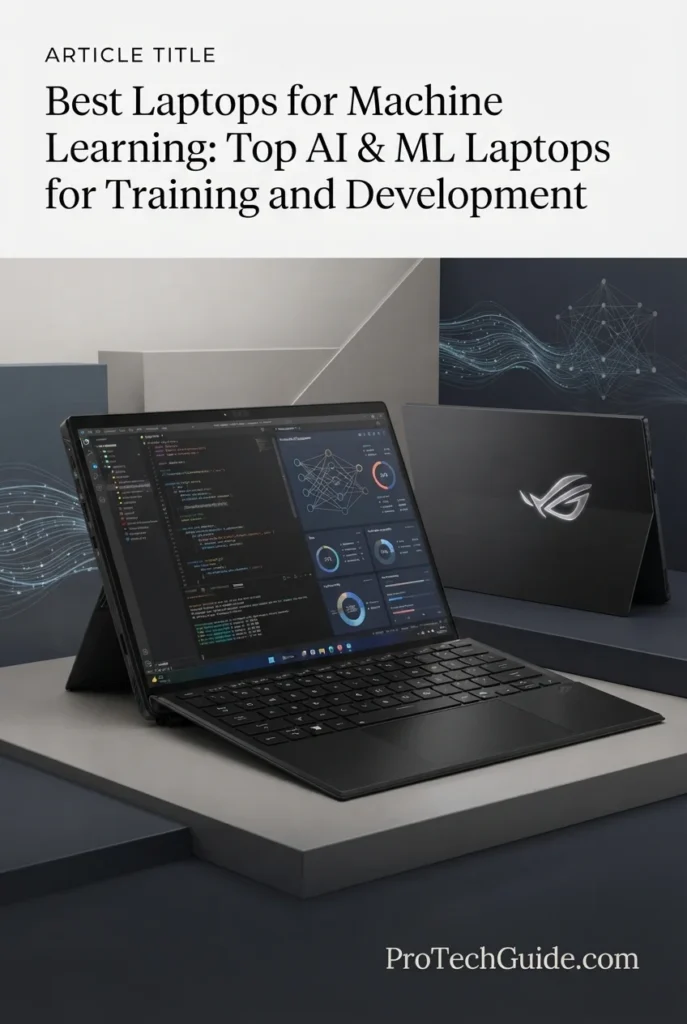
The ASUS ROG Flow Z13 (2025) is an ultra-portable 2-in-1 AI laptop built around an AMD Ryzen AI MAX+ 395 processor, integrated Radeon graphics, 32GB of LPDDR5X-8000 memory, and a 1TB SSD. It earns our Best Compact Laptop for Local AI & Portable Machine Learning award because it combines a powerful 16-core processor, high-speed shared memory, AI acceleration, a versatile touchscreen design, and an exceptionally compact 13.4-inch form factor for developers who prioritize mobility and local AI experimentation.
The Flow Z13 earns our Best Compact Laptop for Local AI & Portable Machine Learning award because it approaches AI development from a completely different perspective than the larger NVIDIA-powered laptops above it. Instead of prioritizing dedicated GPU VRAM and maximum CUDA training performance, it combines a 16-core Ryzen AI MAX+ 395 processor, integrated Radeon graphics, high-speed shared memory, touchscreen functionality, and an exceptionally compact 2-in-1 design for developers who value mobility and local AI experimentation.
The Ryzen AI MAX+ 395 and 32GB of LPDDR5X-8000 memory provide a capable foundation for Python development, data preparation, notebooks, local AI applications, inference, experimentation, and demanding multitasking. Because the integrated Radeon graphics share system memory with the CPU, the high-speed memory subsystem is particularly important to the overall platform. This makes the Z13 an intriguing option for developers who want meaningful local AI capability in a highly portable form factor.
The main trade-off is GPU architecture. Unlike the RTX 5090 and RTX 5080 laptops higher in this guide, the Flow Z13 does not include a dedicated NVIDIA GPU or CUDA acceleration, and its 32GB memory configuration is the maximum listed for this specific model. Developers focused on large-scale deep learning training, CUDA-dependent frameworks, or workloads requiring substantial dedicated GPU VRAM should therefore choose one of the NVIDIA-powered systems above. The Flow Z13 instead stands out for portability, local AI development, flexible 2-in-1 functionality, high-speed shared memory, and an unusually compact workstation-like experience.
Key Features
The AMD Ryzen AI MAX+ 395 gives the Flow Z13 an unusually powerful CPU platform for such a compact device. With 16 CPU cores and boost speeds up to 5.1GHz, it provides substantial processing capacity for Python development, data preprocessing, notebooks, virtual environments, compilation, and general AI development workloads.
The processor also includes an integrated AI engine rated for up to 50 TOPS of NPU performance. While NPU performance is useful for supported AI-assisted applications, it should not be confused with the dedicated GPU acceleration used by CUDA-based machine learning frameworks.
Unlike the NVIDIA-powered laptops in the upper portion of this guide, the Flow Z13 uses integrated Radeon graphics. The GPU dynamically shares the system's high-speed memory, allowing the compact design to deliver graphics and compute performance without requiring a separate dedicated GPU.
This architecture makes the Z13 particularly interesting for local AI experimentation, inference, smaller models, and development workflows where maximum CUDA performance is not the primary requirement.
For large-scale deep learning training, CUDA-dependent workflows, and applications that require substantial dedicated GPU VRAM, an NVIDIA RTX laptop remains the more practical choice.
The reviewed configuration includes 32GB of LPDDR5X memory running at 8000MHz. Its high bandwidth is particularly important because the integrated graphics architecture shares system memory with the CPU rather than relying on a separate pool of dedicated VRAM.
This provides a capable foundation for development environments, data science workloads, local AI applications, and multitasking. However, 32GB is the maximum memory listed for this specific configuration, so developers working with increasingly demanding local models should consider the higher-memory version of the Flow Z13 or a workstation with dedicated GPU memory.
Portability is the Flow Z13's defining advantage. At approximately 2.65 pounds, it is significantly lighter than conventional high-performance gaming and workstation laptops.
Its 2-in-1 design, touchscreen, 170-degree kickstand, and stylus support make it well suited to developers who need to move between coding, research, presentations, and AI experimentation throughout the day.
The result is a machine that makes the most sense for portable AI development rather than maximum machine learning training performance.
The Flow Z13 includes a 1TB SSD, providing enough space for development environments, Python packages, notebooks, datasets, source code, and smaller local AI models.
Developers working with large datasets or multiple AI models may eventually require external storage or additional capacity. For that reason, storage requirements should be considered carefully if the Z13 will serve as a primary machine learning development system.
The 13.4-inch WQXGA touchscreen provides a 2560×1600 resolution with a 16:10 aspect ratio, 180Hz refresh rate, 3ms response time, and up to 500 nits of brightness.
For development, the 16:10 format provides useful vertical space for code editors, terminals, documentation, and Jupyter notebooks. The touchscreen and convertible design also make the Z13 more flexible than a conventional clamshell laptop.
The Flow Z13 supports Wi-Fi 7 and Bluetooth 5.4, along with USB, USB Type-C, HDMI, and a 3.5mm headphone/microphone combo jack.
This provides a practical connectivity setup for external displays, peripherals, storage devices, networking, and development accessories without sacrificing the compact nature of the system.
The ASUS ROG Flow Z13 is best suited to developers who prioritize portability and flexibility over maximum training performance. Its Ryzen AI MAX+ 395 processor, fast shared memory, touchscreen 2-in-1 design, and compact 13.4-inch chassis create a distinctive platform for local AI experimentation and portable machine learning development.
It should not be considered a replacement for the RTX 5090 or RTX 5080 laptops in this guide when the workload depends on CUDA, dedicated GPU VRAM, or sustained deep learning training. Those systems remain substantially better suited to demanding model training.
But for portable AI development, local inference, Python, data science, experimentation, and developers who value a tablet-like form factor, the Flow Z13 earns its place as the most compact and flexible machine in our 2026 lineup.
Best Laptops for Machine Learning in 2026
Ranked by ML Performance, GPU/VRAM, CUDA Support, Memory Capacity, Local AI Workloads & Overall Value
Choosing the best laptop for machine learning depends heavily on the type of workload you plan to run. GPU-accelerated training, CUDA development, deep learning, model fine-tuning, local AI inference, large datasets, Python development, and data science can place very different demands on a laptop. We evaluated these eight systems based on GPU performance, dedicated or shared memory capacity, CPU performance, CUDA and software compatibility, storage, thermal design, portability, display quality, connectivity, and overall value to help developers choose the right machine learning laptop in 2026.
| Laptop | CPU & Key Specs | Best For | Why It Wins | Editor's Verdict |
|---|---|---|---|---|
Best Overall
ASUS ROG Strix SCAR 18 (2025) RTX 5090
Check Price | Intel Core Ultra 9 275HX NVIDIA GeForce RTX 5090 24GB GDDR7 32GB DDR5-5600 2TB PCIe Gen 4 SSD 18" 2560x1600 Mini LED 240Hz | Machine Learning Training CUDA Development Deep Learning GPU-Accelerated Workloads | Combines an RTX 5090 with 24GB of dedicated GDDR7 memory, up to 175W TGP, a powerful 24-core Core Ultra 9 processor, advanced cooling, and a large high-refresh Mini LED display for demanding GPU-accelerated machine learning workloads. | Best Overall Laptop for Machine Learning |
Best for Large Local AI Models
Apple MacBook Pro 16-inch M5 Max
Check Price | Apple M5 Max 18-core CPU / 40-core GPU 128GB Unified Memory 2TB SSD 16.2" Liquid Retina XDR | Large Local AI Models High-Memory Workloads Local AI Inference macOS Development | Its enormous 128GB unified memory configuration provides exceptional capacity for memory-intensive local AI workloads, while the M5 Max delivers strong CPU and GPU performance in an efficient professional development platform. | Best Laptop for Large Local AI Models & High-Memory ML Workloads |
Best Maximum Performance
MSI Titan 18 HX Dragon Edition RTX 5090
Check Price | Intel Core Ultra 9 290HX Plus NVIDIA GeForce RTX 5090 24GB GDDR7 96GB DDR5-6400 4TB NVMe SSD 18" 3840x2400 Mini LED 240Hz | Maximum ML Performance Large AI Projects CUDA Workloads High-Memory Development | Combines RTX 5090 graphics with 24GB GDDR7, 96GB of DDR5-6400 memory, 4TB of mixed-generation NVMe storage, a powerful Core Ultra 9 processor, and an expansive 18-inch Mini LED display for demanding machine learning development. | Best Laptop for Maximum Machine Learning Performance |
Best Premium
Razer Blade 16 (2026) RTX 5090
Check Price | Intel Core Ultra 9 386H NVIDIA GeForce RTX 5090 24GB GDDR7 32GB LPDDR5X-9600 2TB PCIe Gen 4 SSD 16" 2560x1600 OLED 240Hz | Premium ML Development CUDA Workloads Portable Performance Professional Creators | Delivers RTX 5090 performance with 24GB of dedicated GDDR7 memory in a remarkably thin premium aluminum chassis, combined with a 240Hz OLED display, vapor-chamber cooling, Wi-Fi 7, and Thunderbolt 5 connectivity. | Best Premium Machine Learning Laptop |
Best Value
Lenovo Legion Pro 7i Gen 10 RTX 5080
Check Price | Intel Core Ultra 9 275HX NVIDIA GeForce RTX 5080 16GB GDDR7 64GB DDR5-6400 2TB PCIe Gen 4 NVMe SSD 16" 2560x1600 OLED 240Hz | Machine Learning Development CUDA Workloads Data Science Developers Needing More RAM | Provides a strong balance of RTX 5080 GPU performance, 16GB dedicated GDDR7 memory, 64GB system RAM, expandable memory up to 96GB, 2TB NVMe storage, and a high-quality 240Hz OLED display without moving into RTX 5090-class pricing. | Best Value for Machine Learning |
Best Portable
ASUS ProArt PX13 RTX 4050
Check Price | AMD Ryzen AI 9 HX 370 NVIDIA GeForce RTX 4050 6GB GDDR6 32GB LPDDR5X 1TB PCIe NVMe SSD 13.3" 2880x1800 AMOLED Touch | Portable AI Development Python & Data Science Local ML Workloads Mobile Professionals | Combines a Ryzen AI 9 HX 370 processor with a dedicated RTX 4050 GPU in a compact 13.3-inch 2-in-1 design, providing CUDA capability and useful local AI performance while remaining substantially more portable than traditional performance laptops. | Best Portable AI Development Laptop |
Best Professional
Lenovo ThinkPad P16 Gen 3 RTX PRO 3000
Check Price | Intel Core Ultra 7 255HX NVIDIA RTX PRO 3000 Blackwell 12GB GDDR7 64GB DDR5-4400 2TB PCIe Gen 5 SSD 16" 3840x2400 IPS 800 nits | Professional ML Workloads Engineering & Simulation CAD & Visualization ISV-Certified Workflows | Combines professional RTX PRO Blackwell graphics, 64GB system memory, Gen5 storage, extensive Thunderbolt connectivity, a color-accurate 4K display, and workstation-oriented features for multidisciplinary professional environments. | Best Professional ML Workstation |
Best Compact
ASUS ROG Flow Z13 (2025) Ryzen AI MAX+ 395
Check Price | AMD Ryzen AI MAX+ 395 Integrated Radeon Graphics 32GB LPDDR5X-8000 1TB SSD 13.4" 2560x1600 Touch 180Hz | Portable AI Development Local AI Experimentation Lightweight ML Workloads 2-in-1 Development | Its Ryzen AI MAX+ 395 processor, high-speed shared memory, integrated Radeon graphics, touchscreen 2-in-1 design, and approximately 2.65-pound chassis create an unusually compact platform for local AI experimentation and portable machine learning development. | Best Compact Laptop for Local AI & Portable Machine Learning |
Recommended Next Reads
Still deciding which laptop is right for your machine learning workflow? Explore our related guides covering AI development, laptop GPU performance, programming, Apple silicon, and professional workloads.
Whether you're training machine learning models, developing AI applications, experimenting with local LLMs, comparing NVIDIA laptop GPUs, or choosing a professional development workstation, these guides can help you better understand the hardware and platforms behind today's AI workloads.
Best Laptops for AI Development in 2026: Top Picks for AI, ML & Local LLMs
Explore our broader guide to the best laptops for AI development, covering AI programming, machine learning, local LLMs, GPU performance, memory requirements, and different development workflows.
Explore AI Development Laptops →RTX 5060 vs RTX 5070 Ti vs RTX 5080 Laptop GPUs in 2026
Understand how NVIDIA laptop GPUs compare in performance, VRAM, power, and overall capability before choosing a laptop for machine learning, AI development, gaming, or other GPU-accelerated workloads.
Compare Laptop GPUs → Software Development8 Best Laptops for Software Developers in 2026: Expert Picks for Coding & Development
Explore powerful developer laptops for programming, large codebases, development environments, multitasking, virtualization, and demanding professional software workflows that often overlap with machine learning development.
Explore Developer Laptops → Apple & Local AIBest M5 MacBooks in 2026: 6 Apple Laptops Ranked for Every User
Compare Apple's latest M5 MacBooks and discover which configurations make the most sense for professional development, high-memory workloads, local AI experimentation, productivity, and demanding applications.
Explore M5 MacBooks → Professional WorkloadsBest Laptop for Engineering Students in 2026: Tested for CAD, SolidWorks & Programming
Explore powerful laptops for engineering, CAD, programming, simulation, and technical workloads that share many of the CPU, GPU, memory, and workstation requirements found in professional machine learning development.
Explore Engineering Laptops →EDITOR'S FINAL RECOMMENDATIONS
After comparing GPU performance, dedicated and shared memory, CUDA support, machine learning framework compatibility, local AI capabilities, CPU performance, storage capacity, thermals, portability, professional features, and overall value, these are our final laptop recommendations for machine learning in 2026. Whether you're training deep learning models, working with CUDA, PyTorch or TensorFlow, fine-tuning models, developing AI applications, running local inference, or building data science workflows, the right laptop depends heavily on the type of machine learning workload you plan to run.
ASUS ROG Strix SCAR 18 (2025) RTX 5090
The strongest overall choice for machine learning developers who need serious GPU acceleration, CUDA compatibility, deep learning performance, and sustained workloads. Its RTX 5090 provides 24GB of dedicated GDDR7 VRAM, while the Core Ultra 9 275HX, 32GB of DDR5 memory, high-power GPU configuration, and advanced vapor-chamber cooling create a powerful platform for model training, fine-tuning, PyTorch, TensorFlow, and other GPU-accelerated workloads.
- ✓ NVIDIA RTX 5090 24GB GDDR7
- ✓ Intel Core Ultra 9 275HX
- ✓ Up to 175W GPU TGP
- ✓ Advanced Vapor-Chamber Cooling
Apple MacBook Pro 16-inch M5 Max
The standout choice for machine learning developers who prioritize massive memory capacity, local AI experimentation, model inference, and a premium macOS development environment. Its M5 Max platform and 128GB of unified memory are particularly attractive for memory-intensive local workloads, large development environments, and AI applications that can take advantage of Apple silicon. CUDA-specific training workloads remain better suited to NVIDIA-powered laptops.
- ✓ Apple M5 Max 18-core CPU / 40-core GPU
- ✓ 128GB Unified Memory
- ✓ 2TB SSD
- ✓ Liquid Retina XDR Display
MSI Titan 18 HX Dragon Edition RTX 5090
The ultimate choice for developers who want maximum laptop-class hardware for demanding machine learning workloads. Its RTX 5090 provides 24GB of dedicated GDDR7 VRAM, while the 96GB DDR5-6400 configuration, 4TB combination of Gen5 and Gen4 NVMe storage, powerful Core Ultra 9 290HX Plus processor, and extensive cooling and connectivity make it exceptionally well equipped for large datasets, demanding AI projects, CUDA development, and workstation-style workloads.
- ✓ NVIDIA RTX 5090 24GB GDDR7
- ✓ 96GB DDR5-6400 Memory
- ✓ 4TB NVMe Storage
- ✓ 18" UHD+ Mini LED 240Hz Display
Razer Blade 16 (2026) RTX 5090
The premium choice for developers who want flagship NVIDIA GPU performance in a considerably thinner and more refined chassis. Its RTX 5090 delivers 24GB of dedicated GDDR7 VRAM, while the 16-inch 240Hz OLED display, vapor-chamber cooling, Thunderbolt 5, Wi-Fi 7, and premium aluminum construction create an attractive balance between machine learning performance and portability.
- ✓ NVIDIA RTX 5090 24GB GDDR7
- ✓ Intel Core Ultra 9 386H
- ✓ 16" OLED 240Hz Display
- ✓ Thunderbolt 5 & Wi-Fi 7
Lenovo Legion Pro 7i Gen 10 RTX 5080
The best value choice for developers who want high-end NVIDIA GPU acceleration without moving to the RTX 5090 class. Its RTX 5080 provides 16GB of dedicated GDDR7 VRAM and up to 175W of GPU power, while 64GB of DDR5 memory, a 2TB NVMe configuration, the Core Ultra 9 275HX, and an excellent 16-inch OLED display make it a well-balanced machine for CUDA development, deep learning experimentation, datasets, and demanding ML workflows.
- ✓ NVIDIA RTX 5080 16GB GDDR7
- ✓ Intel Core Ultra 9 275HX
- ✓ 64GB DDR5-6400 Memory
- ✓ 2TB PCIe Gen4 NVMe Storage
ASUS ProArt PX13 RTX 4050
The best portable option for developers who need dedicated NVIDIA acceleration in a compact 2-in-1 design. Its Ryzen AI 9 HX 370 processor, RTX 4050 with 6GB of dedicated GDDR6 memory, 32GB of LPDDR5X memory, 1TB SSD, and 13.3-inch AMOLED touchscreen make it particularly well suited to Python development, data science, local experimentation, notebooks, AI-assisted workflows, and lighter machine learning workloads where portability matters.
- ✓ NVIDIA RTX 4050 6GB GDDR6
- ✓ AMD Ryzen AI 9 HX 370
- ✓ 32GB LPDDR5X Memory
- ✓ 13.3" 3K AMOLED Touchscreen
Lenovo ThinkPad P16 Gen 3 RTX PRO 3000
The strongest choice for professionals who need a workstation rather than a gaming-focused machine. Its RTX PRO 3000 Blackwell GPU provides 12GB of dedicated GDDR7 memory, while the Core Ultra 7 255HX, 64GB of DDR5 memory, 2TB Gen5 SSD, 4K-class display, ISV certifications, Thunderbolt 5 connectivity, and professional workstation design make it particularly well suited to multidisciplinary AI, engineering, simulation, visualization, and enterprise development environments.
- ✓ NVIDIA RTX PRO 3000 Blackwell 12GB GDDR7
- ✓ Intel Core Ultra 7 255HX
- ✓ 64GB DDR5 Memory
- ✓ 2TB PCIe Gen5 SSD
ASUS ROG Flow Z13 (2025) Ryzen AI MAX+ 395
The most distinctive compact option for developers who prioritize mobility and local AI experimentation. Its Ryzen AI MAX+ 395 processor, integrated Radeon graphics, 32GB of high-speed LPDDR5X-8000 memory, 1TB SSD, and 13.4-inch touchscreen create an unusually capable portable platform for Python development, local AI applications, inference, notebooks, experimentation, and on-the-go machine learning development. It is not a direct CUDA alternative to the NVIDIA-powered systems above.
- ✓ AMD Ryzen AI MAX+ 395
- ✓ 32GB LPDDR5X-8000 Memory
- ✓ Integrated Radeon Graphics
- ✓ 13.4" Touch 180Hz Display
Which laptop should a machine learning developer buy?
ASUS ROG Strix SCAR 18 RTX 5090
Apple MacBook Pro 16-inch M5 Max
MSI Titan 18 HX Dragon Edition RTX 5090
Razer Blade 16 RTX 5090
Lenovo Legion Pro 7i Gen 10 RTX 5080
ASUS ProArt PX13 RTX 4050
Lenovo ThinkPad P16 Gen 3 RTX PRO 3000
ASUS ROG Flow Z13 Ryzen AI MAX+ 395
- Choose the ASUS ROG Strix SCAR 18 RTX 5090 if your primary workloads involve CUDA, PyTorch, TensorFlow, deep learning, model training, fine-tuning, or other NVIDIA GPU-accelerated machine learning workloads. Its 24GB of dedicated VRAM makes it the strongest all-around choice in this guide.
- Choose the Apple MacBook Pro 16-inch M5 Max if you prioritize massive unified memory capacity, local AI experimentation, model inference, development performance, efficiency, and a premium macOS environment. Its 128GB unified memory is particularly valuable for memory-intensive workloads, although it is not a CUDA-equivalent platform to NVIDIA GPUs.
- Choose the MSI Titan 18 HX Dragon Edition RTX 5090 if maximum hardware capacity matters more than portability. Its RTX 5090, 96GB of DDR5 memory, 4TB of NVMe storage, powerful processor, and large 18-inch display make it the most workstation-like configuration in this lineup.
- Choose the Razer Blade 16 RTX 5090 if you want flagship RTX 5090 machine learning performance in a thinner premium chassis and place a higher priority on portability, OLED display quality, professional connectivity, and premium design.
- Choose the Lenovo Legion Pro 7i Gen 10 RTX 5080 if you want a strong balance between GPU performance, system memory, storage, and overall value. Its RTX 5080 provides 16GB of dedicated GDDR7 VRAM, making it a capable platform for CUDA development and demanding machine learning workloads without moving to RTX 5090 pricing.
- Choose the ASUS ProArt PX13 RTX 4050 if portability is a major priority and you still want dedicated NVIDIA GPU acceleration. Its compact 2-in-1 design is particularly attractive for Python development, data science, notebooks, local experimentation, and lighter machine learning workloads.
- Choose the Lenovo ThinkPad P16 Gen 3 RTX PRO 3000 if you need a professional mobile workstation for machine learning alongside engineering, simulation, visualization, CAD, or other enterprise workloads. Its professional RTX PRO GPU, ISV certifications, workstation design, and extensive connectivity make it particularly well suited to multidisciplinary workflows.
- Choose the ASUS ROG Flow Z13 Ryzen AI MAX+ 395 if portability and compact local AI experimentation matter more than maximum CUDA performance. Its Ryzen AI MAX+ 395 platform, integrated Radeon graphics, high-speed 32GB shared memory, touchscreen, and 2-in-1 design make it one of the most distinctive portable options in this guide.
EDITOR'S FINAL VERDICT
After comparing GPU performance, dedicated and shared memory, CUDA compatibility, machine learning framework support, local AI capabilities, CPU performance, storage, thermals, portability, professional features, and overall value, one conclusion stands out:The best laptop for machine learning is not necessarily the laptop with the highest AI TOPS rating or the most aggressive AI marketing. It is the system that provides the right combination of GPU capability, VRAM or high-capacity memory, CPU performance, sustained cooling, storage, software compatibility, and portability for the machine learning workloads you actually plan to run.
Machine learning developers can have dramatically different workloads. Some primarily work with Python, notebooks, data preparation, data science, and AI-assisted development, while others need CUDA acceleration, deep learning, model training, fine-tuning, or local inference. Developers working with cloud GPUs have different hardware requirements from those who want to train, experiment with, and run models locally.
For serious machine learning, the most important specifications are usually GPU capability, dedicated VRAM or appropriate high-capacity shared memory, system RAM, CPU performance, fast SSD storage, thermal capacity, and software compatibility. NPU TOPS can be useful for specific on-device AI features, but it should not be treated as a substitute for a powerful GPU when your workload depends on CUDA, deep learning, or demanding local model execution.- Choose the ASUS ROG Strix SCAR 18 RTX 5090 if your workflow depends heavily on NVIDIA CUDA, PyTorch, TensorFlow, deep learning, model training, fine-tuning, or other GPU-accelerated machine learning workloads. Its RTX 5090 with 24GB of dedicated GDDR7 VRAM makes it the strongest all-around machine learning laptop in this guide.
- Choose the Apple MacBook Pro 16-inch M5 Max if you prioritize massive unified memory capacity, local AI experimentation, inference, programming, data science, efficiency, and a premium macOS development environment. Its 128GB unified memory is particularly valuable for memory-intensive workloads, although it is not a CUDA-equivalent platform to NVIDIA GPUs.
- Choose the MSI Titan 18 HX Dragon Edition RTX 5090 if maximum workstation-style capability matters more than portability. Its RTX 5090, 96GB of DDR5 memory, 4TB of NVMe storage, powerful Core Ultra 9 290HX Plus processor, and large 18-inch display make it the most extensively equipped machine learning configuration in this lineup.
- Choose the Razer Blade 16 RTX 5090 if you want flagship NVIDIA GPU performance in a thinner premium chassis and place a higher priority on portability, OLED display quality, professional connectivity, and premium design.
- Choose the Lenovo Legion Pro 7i Gen 10 RTX 5080 if you want the strongest balance of machine learning performance, system memory, storage, and overall value. Its RTX 5080 provides 16GB of dedicated GDDR7 VRAM, while 64GB of DDR5 memory gives demanding development environments substantial system memory.
- Choose the ASUS ProArt PX13 RTX 4050 if portability is a major priority and you still want dedicated NVIDIA GPU acceleration. Its compact 2-in-1 design is particularly well suited to Python development, data science, notebooks, local experimentation, and lighter machine learning workloads.
- Choose the Lenovo ThinkPad P16 Gen 3 RTX PRO 3000 if you need a professional mobile workstation for machine learning alongside engineering, simulation, visualization, CAD, or other enterprise workloads. Its professional RTX PRO GPU, workstation design, ISV certifications, and extensive connectivity make it particularly well suited to multidisciplinary workflows.
- Choose the ASUS ROG Flow Z13 Ryzen AI MAX+ 395 if portability and compact local AI experimentation matter more than maximum CUDA performance. Its Ryzen AI MAX+ 395 processor, integrated Radeon graphics, 32GB of high-speed LPDDR5X-8000 memory, touchscreen, and 2-in-1 design make it a unique option for portable machine learning development and local AI experimentation.
Top Machine Learning Laptop Recommendations for 2026
ASUS ROG Strix SCAR 18 RTX 5090
Our Editor's Choice for machine learning because its RTX 5090 with 24GB of dedicated GDDR7 VRAM provides exceptional capability for CUDA development, deep learning, model training, fine-tuning, PyTorch, TensorFlow, and other GPU-accelerated workloads. Combined with the Core Ultra 9 275HX, high-power GPU configuration, 32GB of DDR5 memory, and advanced cooling system, it delivers the strongest overall balance for serious local machine learning development.
- RTX 5090 24GB GDDR7
- Intel Core Ultra 9 275HX
- Up to 175W GPU TGP
- Advanced Vapor-Chamber Cooling
Apple MacBook Pro 16-inch M5 Max
The strongest alternative for developers who prioritize memory capacity, local AI experimentation, inference, programming, and a premium macOS environment. Its M5 Max processor and 128GB of unified memory make it exceptionally versatile for memory-intensive workloads, although developers who depend on CUDA-based training should choose an NVIDIA-powered system instead.
- 128GB Unified Memory
- 18-core CPU / 40-core GPU
- 2TB SSD
- Liquid Retina XDR Display
Lenovo Legion Pro 7i Gen 10 RTX 5080
The strongest value-oriented choice for developers who want high-end NVIDIA GPU acceleration without moving to the RTX 5090 class. Its RTX 5080 with 16GB of dedicated GDDR7 VRAM, 64GB of DDR5 memory, 2TB NVMe storage, and Core Ultra 9 275HX create a highly capable configuration for CUDA development, deep learning experimentation, datasets, and demanding machine learning workflows.
- RTX 5080 16GB GDDR7
- 64GB DDR5-6400 Memory
- 2TB PCIe Gen4 NVMe Storage
- 16" OLED 240Hz Display
- Your workflow depends on NVIDIA CUDA
- You develop with PyTorch, TensorFlow, or other GPU frameworks
- You train or fine-tune models locally
- You need 24GB of dedicated GPU memory
- You need very high memory capacity for local AI workloads
- You work with macOS-based development environments
- You prioritize local inference and memory-intensive applications
- You value efficiency and premium hardware
- Prioritize VRAM or unified memory based on your actual workload
- Check CUDA and framework compatibility before choosing the platform
- Do not treat NPU TOPS as a replacement for dedicated GPU performance
- Consider cloud GPU resources if your training workloads exceed laptop hardware
Machine learning rewards the right balance of hardware rather than simply the highest specification in one category. A laptop may have an impressive processor or NPU, but if it lacks sufficient GPU memory, system memory, cooling capacity, or software compatibility, it may struggle with the workloads that matter most to an ML developer.
Among the laptops evaluated in this guide, the ASUS ROG Strix SCAR 18 RTX 5090 delivers the strongest overall combination of dedicated GPU performance, 24GB of VRAM, CUDA compatibility, CPU performance, sustained cooling, and machine learning software support. For developers who want to train and fine-tune models locally or work extensively with PyTorch, TensorFlow, CUDA, and other NVIDIA-accelerated frameworks, it is our first recommendation.
The Apple MacBook Pro 16-inch M5 Max with 128GB of unified memory is the strongest alternative for developers whose priorities are large-memory local AI workloads, inference, programming, data science, and a premium macOS development environment. Its unified memory architecture gives it a unique advantage for certain memory-intensive workloads, but it should not be presented as a replacement for NVIDIA CUDA when CUDA-specific training is required.
For developers who want maximum workstation-style capacity, the MSI Titan 18 HX Dragon Edition RTX 5090 combines the same class of RTX 5090 GPU with 96GB of system memory and 4TB of NVMe storage. The Razer Blade 16 RTX 5090 is the better choice for a thinner premium RTX 5090 experience, while the Lenovo Legion Pro 7i Gen 10 RTX 5080 offers the strongest balance between high-end GPU acceleration, 64GB of memory, storage, and overall value.
For specialized workflows, the Lenovo ThinkPad P16 Gen 3 is the professional workstation choice, the ASUS ProArt PX13 is the strongest compact NVIDIA-powered option for portable development, and the ASUS ROG Flow Z13 Ryzen AI MAX+ 395 provides a distinctive compact platform for local AI experimentation without the dedicated NVIDIA CUDA acceleration found in the higher-ranked systems.
Compare the current price, memory configuration, storage options, warranty coverage, and availability before purchasing. If you plan to train or fine-tune models locally, pay particular attention to dedicated GPU memory, CUDA compatibility, thermal performance, and the hardware requirements of your specific frameworks and models.
Check Latest DealEDITOR'S FAQ
Choosing the best laptop for machine learning in 2026 requires more than comparing processor specifications or AI TOPS ratings. Developers need to consider GPU performance, dedicated or unified memory, VRAM capacity, CUDA compatibility, CPU performance, storage, thermal performance, software support, portability, and the type of machine learning workloads they actually plan to run.Below are the most important questions to consider when choosing a laptop for machine learning, deep learning, CUDA development, model training, fine-tuning, local AI inference, Python development, PyTorch, TensorFlow, and data science.
For serious machine learning development, the combination of dedicated NVIDIA GPU performance, 24GB of GDDR7 VRAM, CUDA compatibility, a powerful Core Ultra 9 processor, and advanced cooling makes the ROG Strix SCAR 18 the strongest all-around option in this guide. It is particularly well suited to deep learning, model training, fine-tuning, PyTorch, TensorFlow, and other GPU-accelerated workloads.
- NVIDIA GeForce RTX 5090 with 24GB GDDR7 VRAM.
- Intel Core Ultra 9 275HX processor.
- Up to 175W GPU TGP.
- 32GB DDR5 system memory.
- Advanced vapor-chamber cooling.
The main reason we rank it first is its balance of GPU capability, dedicated VRAM, CUDA compatibility, CPU performance, and sustained workload potential. Developers focused primarily on large local AI models and high-memory inference may prefer the 128GB MacBook Pro M5 Max, but for CUDA-based machine learning, the RTX 5090 platform is the stronger choice.
Check ROG Strix SCAR 18 PriceCUDA-dependent machine learning benefits from NVIDIA's mature GPU software ecosystem and dedicated graphics memory. The ROG Strix SCAR 18 combines an RTX 5090 with 24GB of GDDR7 VRAM, a powerful Core Ultra 9 275HX processor, and a high-power thermal design built for demanding workloads.
- NVIDIA GeForce RTX 5090 with 24GB GDDR7.
- Up to 175W GPU TGP.
- Intel Core Ultra 9 275HX processor.
- 32GB DDR5 system memory.
- Advanced vapor-chamber cooling.
For developers working with CUDA, PyTorch, TensorFlow, deep learning, model training, fine-tuning, and other GPU-accelerated workloads, an RTX 5090 laptop is substantially better suited than an integrated graphics platform.
Check ROG Strix SCAR 18 PriceGPU memory can become one of the most important limitations when working with deep learning, local AI, training, fine-tuning, and GPU-accelerated development. More dedicated VRAM allows the GPU to accommodate larger models and workloads without relying as heavily on system memory or other workarounds.
- 6GB VRAM → Suitable for lighter CUDA development, smaller models, experimentation, and entry-level GPU-accelerated workloads.
- 8GB VRAM → A reasonable starting point for lighter local AI and machine learning workloads.
- 12GB–16GB VRAM → A stronger range for demanding development, local AI, and GPU-accelerated workloads.
- 24GB VRAM → Excellent for demanding CUDA workloads, larger local models, deep learning, training, and fine-tuning.
The RTX 5090 laptops in this guide provide 24GB of dedicated GDDR7 graphics memory, while the Lenovo Legion Pro 7i Gen 10 provides 16GB and the Lenovo ThinkPad P16 Gen 3 RTX PRO 3000 provides 12GB.
It is important not to confuse dedicated VRAM with system RAM or unified memory. These are different memory architectures and should not be treated as directly interchangeable specifications.
The Apple MacBook Pro M5 Max in this guide combines its CPU and GPU with 128GB of unified memory. This provides substantial system-wide memory capacity for demanding development environments, local AI experimentation, inference, programming, data processing, and workloads where large amounts of data need to remain accessible to the system.
However, developers should understand the distinction between unified memory and dedicated VRAM. NVIDIA RTX 5090 laptops provide 24GB of dedicated GDDR7 graphics memory and are specifically designed around the NVIDIA CUDA ecosystem.
- MacBook Pro M5 Max → 128GB unified memory.
- RTX 5090 laptops → 24GB dedicated GDDR7 VRAM.
- Unified memory provides large system-wide memory capacity.
- Dedicated NVIDIA VRAM is particularly important for CUDA workloads.
For memory-intensive local AI workflows, the MacBook's large unified memory capacity can be extremely attractive. For CUDA-dependent training and GPU acceleration, an RTX 5090 remains the more appropriate platform.
Check MacBook Pro PriceThe combination of the M5 Max processor, 40-core GPU, and 128GB of unified memory makes it particularly interesting for local AI experimentation, inference, programming, data processing, development environments, and memory-intensive workloads.
- 128GB unified memory provides exceptional system memory capacity.
- M5 Max provides strong CPU and GPU performance.
- Excellent platform for macOS-based development.
- Strong fit for local AI experimentation and inference.
- Premium Liquid Retina XDR display and professional hardware.
The major consideration is software compatibility. If your machine learning stack requires NVIDIA CUDA or CUDA-specific tooling, an RTX-equipped Windows laptop is generally the better choice.
Check MacBook Pro DealFor developers running AI models locally, memory capacity can become a major limiting factor. The Apple MacBook Pro M5 Max with 128GB of unified memory is one of the most interesting options for memory-intensive local AI experimentation and inference.
For CUDA-based local AI workloads, the RTX 5090 laptops provide a stronger dedicated GPU platform. Their 24GB of GDDR7 VRAM makes them particularly attractive for GPU-accelerated inference, experimentation, training, and fine-tuning.
- Best high-memory option → Apple MacBook Pro M5 Max with 128GB unified memory.
- Best CUDA option → ASUS ROG Strix SCAR 18 RTX 5090.
- Best maximum-performance configuration → MSI Titan 18 HX Dragon Edition RTX 5090.
- Best portable local AI option → ASUS ROG Flow Z13 Ryzen AI MAX+ 395.
The right choice ultimately depends on the frameworks, model sizes, inference software, memory requirements, and hardware acceleration available for your specific workflow.
Check MacBook Pro PriceThe RTX 5090 configurations in this guide provide 24GB of dedicated GDDR7 graphics memory, making them particularly well suited to CUDA development, deep learning, model training, fine-tuning, and other workloads that benefit from substantial GPU memory and NVIDIA acceleration.
- 24GB dedicated GDDR7 graphics memory.
- NVIDIA CUDA ecosystem.
- Strong GPU acceleration for machine learning frameworks.
- Suitable for demanding local experimentation and development.
- High-power configurations available in performance-oriented laptops.
However, a laptop GPU still has lower sustained power and thermal capacity than many desktop workstation GPUs. For extremely large training workloads, cloud GPU infrastructure or a dedicated desktop workstation can still make more sense.
Check RTX 5090 Laptop PriceMachine learning development often involves Python environments, IDEs, browsers, notebooks, datasets, containers, development tools, and machine learning frameworks running simultaneously. For many developers, 32GB provides a strong starting point.
- 16GB → Suitable for lighter programming, data science, and AI-assisted development workflows.
- 32GB → A strong configuration for many professional machine learning environments.
- 64GB → Better for large datasets, virtualization, multitasking, and demanding development workflows.
- 96GB–128GB → Particularly useful for memory-intensive local AI workloads and large system-wide memory requirements.
Our lineup includes systems with 32GB, 64GB, and 96GB of system memory, allowing developers to choose based on workload requirements rather than simply maximizing the specification.
System RAM should not be confused with GPU VRAM. A laptop with 32GB of RAM and 24GB of dedicated GPU memory has a very different memory configuration from a system with 128GB of unified memory.
NVIDIA GPUs are particularly attractive for developers who want to use CUDA-based acceleration in machine learning frameworks. The RTX 5090 provides 24GB of dedicated GDDR7 memory, giving demanding workloads substantially more GPU memory than the RTX 5080 or RTX 4050 configurations in this guide.
- Best overall CUDA choice → ASUS ROG Strix SCAR 18 RTX 5090.
- Best maximum-performance option → MSI Titan 18 HX Dragon Edition RTX 5090.
- Best premium option → Razer Blade 16 RTX 5090.
- Best value option → Lenovo Legion Pro 7i Gen 10 RTX 5080.
Before purchasing, developers should always verify that their exact versions of PyTorch, TensorFlow, CUDA, drivers, libraries, and other dependencies support the chosen hardware and operating system.
Check ROG Strix SCAR 18 DealThe best operating system depends on your development stack. macOS can be particularly attractive for developers who value Apple's hardware efficiency, large unified memory configurations, local development, and inference-focused workflows.
- Choose MacBook → Large unified memory, efficient hardware, macOS development, local AI experimentation, inference, and memory-intensive workflows.
- Choose NVIDIA Windows → CUDA development, deep learning, GPU acceleration, model training, and fine-tuning.
- Choose compact Windows AI systems → Portable development and local experimentation where application and framework compatibility is confirmed.
If your development environment depends on CUDA, NVIDIA drivers, or CUDA-specific libraries, an RTX-equipped Windows laptop is usually the more straightforward choice.
Modern laptop NPUs can accelerate certain low-power AI tasks such as background effects, speech processing, AI-assisted applications, and other supported on-device workloads. However, NPU TOPS does not directly measure a laptop's ability to train large machine learning models or run demanding CUDA workloads.
- NPUs are useful for supported low-power on-device AI workloads.
- Dedicated GPUs provide much greater acceleration for many demanding machine learning workloads.
- GPU memory is critical for many local AI and deep learning applications.
- CUDA compatibility matters when using NVIDIA-focused machine learning frameworks.
For serious machine learning development, evaluate the complete platform rather than selecting a laptop based solely on its advertised NPU TOPS rating.
The ProArt PX13 combines a compact 13.3-inch 2-in-1 design with a Ryzen AI 9 HX 370 processor, RTX 4050 GPU, 32GB of LPDDR5X memory, and a 1TB SSD. It is particularly well suited to Python development, data science, notebooks, local experimentation, and lighter GPU-accelerated machine learning workloads.
The ROG Flow Z13 takes a different approach. Its Ryzen AI MAX+ 395 processor, integrated Radeon graphics, 32GB of LPDDR5X-8000 memory, touchscreen, and compact 2-in-1 design make it particularly interesting for portable local AI development, although it does not provide dedicated NVIDIA CUDA acceleration.
- Best portable NVIDIA option → ASUS ProArt PX13 RTX 4050.
- Best compact local AI option → ASUS ROG Flow Z13 Ryzen AI MAX+ 395.
- Best premium portable NVIDIA option → Razer Blade 16 RTX 5090.
Neither compact system should be considered a replacement for an RTX 5090 laptop when your primary requirement is demanding local CUDA training.
Check ProArt PX13 PriceHigh-end laptops with RTX 5090 GPUs and 24GB of dedicated VRAM are significantly better suited to demanding local training and fine-tuning than laptops with integrated graphics or lower-end GPUs.
However, extremely large models and long-running training workloads can quickly exceed the thermal, power, memory, and sustained-performance limits of a laptop. In those situations, cloud GPUs, dedicated desktop workstations, or remote compute infrastructure may be more practical.
- RTX 5090 laptops → Strong choice for demanding local GPU workloads.
- RTX 5080 laptops → Capable option with 16GB dedicated VRAM.
- RTX 4050 laptops → Better suited to lighter CUDA and machine learning workloads.
- High-memory unified systems → Useful for memory-intensive local experimentation and inference.
- Cloud GPUs → Often preferable for very large training workloads.
The Lenovo Legion Pro 7i Gen 10 in this guide combines an RTX 5080 with 16GB of dedicated GDDR7 VRAM, up to 175W of GPU power, 64GB of DDR5-6400 memory, and a Core Ultra 9 275HX processor. This makes it a capable platform for CUDA development, deep learning experimentation, local inference, and demanding development workflows.
- RTX 5080 with 16GB dedicated GDDR7 VRAM.
- Up to 175W GPU TGP.
- 64GB DDR5-6400 system memory.
- Intel Core Ultra 9 275HX processor.
- 2TB PCIe Gen4 NVMe storage.
Its primary limitation compared with the RTX 5090 systems in this guide is GPU memory capacity. The RTX 5090 provides 24GB of dedicated VRAM, which gives developers more headroom for larger models, workloads, and fine-tuning scenarios.
Check Legion Pro 7i Price- Best Overall → ASUS ROG Strix SCAR 18 RTX 5090.
- Best for Large Local AI Models → Apple MacBook Pro 16-inch M5 Max.
- Best Maximum Performance → MSI Titan 18 HX Dragon Edition RTX 5090.
- Best Premium → Razer Blade 16 RTX 5090.
- Best Value → Lenovo Legion Pro 7i Gen 10 RTX 5080.
- Best Portable → ASUS ProArt PX13 RTX 4050.
- Best Professional Workstation → Lenovo ThinkPad P16 Gen 3 RTX PRO 3000.
- Best Compact Local AI Laptop → ASUS ROG Flow Z13 Ryzen AI MAX+ 395.
For most developers who want to train and fine-tune machine learning models locally, the ASUS ROG Strix SCAR 18 RTX 5090 is our overall recommendation.For developers who prioritize large memory capacity, local AI experimentation, inference, and macOS development, the Apple MacBook Pro M5 Max is the strongest alternative.Developers who want a balance of high-end NVIDIA GPU performance, 64GB of system memory, and overall value should consider the Lenovo Legion Pro 7i Gen 10 RTX 5080.
Check Best Machine Learning Laptop DealMACHINE LEARNING BUYING GUIDE
Choosing a laptop for machine learning is not simply about buying the fastest processor or the laptop with the highest advertised AI performance. Developers working with Python, PyTorch, TensorFlow, CUDA, deep learning, model training, fine-tuning, local inference, datasets, and machine learning development can have very different hardware requirements.The wrong laptop can become a serious limitation through insufficient GPU memory, inadequate system memory, weak thermal performance, limited storage, poor framework compatibility, or a platform that does not support the acceleration technologies your workflow depends on. Before investing in a machine learning laptop, avoid these common mistakes and choose hardware that matches the models, frameworks, datasets, and workloads you actually plan to run.
For serious machine learning workloads, buyers should focus first on GPU capability, dedicated VRAM or high-capacity shared memory, system RAM, CUDA and framework compatibility, CPU performance, SSD capacity, and sustained thermal performance. NPU TOPS can be useful for specific on-device AI features, but it should not be treated as a substitute for a powerful GPU when your workload involves CUDA, deep learning, model training, or demanding GPU-accelerated workloads.For many professional machine learning development environments, 32GB of system memory is a strong starting point, while 64GB or more becomes increasingly valuable for large datasets, containers, virtualization, multitasking, and demanding development workflows. GPU memory is equally important because VRAM can become one of the most significant constraints when training, fine-tuning, or running models locally.
Buying a laptop with too little GPU memory
- Machine learning models, datasets, batch processing, training workloads, and local inference can quickly consume available GPU memory.
- Insufficient VRAM can limit the model size, batch size, sequence length, or workload that can run locally.
- System RAM cannot always compensate for insufficient dedicated GPU memory in CUDA-based workloads.
Better decision: For demanding machine learning workloads, prioritize dedicated GPU memory. The RTX 5090 laptops in this guide provide 24GB of GDDR7 VRAM, giving them substantially more dedicated GPU memory than the 6GB RTX 4050 and 12GB RTX PRO 3000 configurations also featured here.
Confusing system RAM with VRAM or unified memory
- System RAM and dedicated GPU VRAM serve different purposes in traditional Windows laptops.
- A laptop with 64GB of system RAM does not automatically have 64GB of GPU memory.
- Apple unified memory provides CPU and GPU access to the same memory pool, but it should not simply be described as dedicated GPU VRAM.
Better decision: Evaluate system memory and GPU memory separately. The MacBook Pro M5 Max configuration in this guide provides 128GB of unified memory, while the RTX 5090 laptops provide 24GB of dedicated GDDR7 graphics memory. These are different memory architectures with different implications for machine learning workloads.
Choosing a laptop based only on AI TOPS
- NPU TOPS can indicate AI acceleration capability, but it does not describe complete machine learning performance.
- High NPU numbers do not automatically translate into better CUDA performance, model training, or deep learning acceleration.
- Machine learning frameworks can rely primarily on GPUs, CPUs, or other acceleration technologies depending on the workload.
Better decision: Evaluate GPU performance, VRAM, system memory, CPU performance, CUDA compatibility, software support, thermals, and storage instead of choosing a machine learning laptop solely because it advertises a high NPU TOPS rating.
Ignoring CUDA compatibility
- A large portion of GPU-accelerated machine learning development relies on NVIDIA's CUDA ecosystem.
- PyTorch, TensorFlow, CUDA libraries, drivers, and other machine learning tools can have important hardware and software dependencies.
- A powerful non-NVIDIA laptop is not automatically a drop-in replacement for an NVIDIA CUDA system.
Better decision: If your machine learning stack depends on CUDA or NVIDIA GPU acceleration, prioritize an RTX-equipped Windows laptop and verify compatibility with the exact versions of PyTorch, TensorFlow, CUDA, drivers, and libraries you plan to use.
Buying too little system memory
- Machine learning development can involve Python environments, IDEs, browsers, datasets, containers, virtual machines, notebooks, databases, and development tools running simultaneously.
- Large datasets and complex development environments can require substantially more memory than ordinary programming workflows.
- Memory requirements can increase significantly when local AI and machine learning workloads are added to an already demanding development environment.
Better decision: Treat 32GB as a strong starting point for professional machine learning development, consider 64GB for demanding workloads, and look at 96GB or 128GB configurations when large datasets, local models, virtualization, or memory-intensive workloads justify the additional capacity.
Overlooking thermal performance
- Machine learning training, inference, compilation, and GPU workloads can place sustained loads on both the CPU and GPU.
- Short benchmark results do not necessarily represent performance during long training or development sessions.
- High-power RTX GPUs require substantial cooling capacity to maintain sustained performance.
Better decision: For sustained machine learning workloads, evaluate the laptop's cooling system, GPU power configuration, chassis design, vapor chamber or other thermal solutions, and overall sustained-performance characteristics rather than comparing GPU model names alone.
Choosing portability over sustained ML performance
- Thin and compact laptops can be excellent for Python development, notebooks, data science, and lightweight machine learning workflows.
- Large performance laptops can provide substantially greater cooling capacity and higher-power GPU configurations.
- Portability and sustained GPU performance often require different hardware priorities.
Better decision: Choose a compact system such as the ASUS ROG Flow Z13 when portability and local experimentation are priorities, but choose a larger RTX 5090 system such as the ROG Strix SCAR 18 or MSI Titan 18 HX when sustained GPU performance and local training are the primary requirements.
Underestimating local storage requirements
- Datasets, model checkpoints, weights, virtual environments, containers, notebooks, development tools, and experiment outputs can consume storage quickly.
- A 1TB SSD can become restrictive for developers maintaining multiple datasets and local machine learning projects.
- Fast NVMe storage improves dataset handling, model loading, application launches, and general development responsiveness.
Better decision: Consider 2TB as a practical target for demanding machine learning development and 4TB when you expect to maintain large datasets, multiple model files, checkpoints, development environments, and local projects.
Assuming every laptop can train large models locally
- Laptop GPUs have practical limits in VRAM, power consumption, thermal capacity, and sustained performance.
- Large machine learning models can exceed the memory available even on high-end laptop GPUs.
- Long-running training workloads may be more practical on desktop workstations or cloud GPU infrastructure.
Better decision: Use a high-end RTX laptop for local development, experimentation, inference, fine-tuning, and machine learning workloads that fit within its hardware limits. For very large models or extended training jobs, consider cloud GPUs, dedicated desktop workstations, or remote compute infrastructure.
Smart Buying Advice for Machine Learning Developers
You want exceptional unified memory capacity, strong development performance, efficient hardware, local experimentation, inference capabilities, and a premium macOS development environment. It is especially compelling for memory-intensive workloads that do not depend heavily on NVIDIA CUDA.
You need CUDA acceleration, substantial dedicated VRAM, local model training, fine-tuning, deep learning, PyTorch or TensorFlow GPU workloads, or other machine learning tasks that benefit directly from NVIDIA GPU acceleration.
Key takeaway: The best laptop for machine learning is not necessarily the laptop with the highest AI TOPS rating, the fastest CPU, or the most expensive configuration. It is the machine that provides the right balance of GPU performance, VRAM or unified memory, system RAM, CUDA and framework compatibility, storage, thermal capacity, and portability for your actual machine learning workflow.
After evaluating the laptops featured throughout this guide, these are our Editor's top recommendations for machine learning in 2026:
- Best Overall Machine Learning Laptop: ASUS ROG Strix SCAR 18 (2025) RTX 5090 — combines 24GB of dedicated GDDR7 VRAM, a high-power RTX 5090 configuration, Core Ultra 9 275HX performance, 32GB of DDR5 memory, advanced cooling, and a large high-refresh Mini LED display for demanding CUDA, deep learning, training, and GPU-accelerated workloads.
- Best Laptop for Large Local AI Models & High-Memory ML Workloads: Apple MacBook Pro 16-inch M5 Max — provides 128GB of unified memory, an 18-core CPU, 40-core GPU, and 2TB SSD, making it particularly attractive for memory-intensive local AI experimentation, inference, programming, and machine learning workflows that do not depend on NVIDIA CUDA.
- Best Laptop for Maximum Machine Learning Performance: MSI Titan 18 HX Dragon Edition RTX 5090 — combines RTX 5090 graphics with 24GB of dedicated GDDR7 VRAM, 96GB of DDR5-6400 memory, 4TB of NVMe storage, and a large 18-inch Mini LED display for developers who prioritize maximum laptop-class hardware and extensive memory and storage capacity.
- Best Value for Machine Learning: Lenovo Legion Pro 7i Gen 10 RTX 5080 — combines an RTX 5080 with 16GB of GDDR7 VRAM, 64GB of DDR5 memory, 2TB of NVMe storage, and a powerful Core Ultra 9 275HX processor, creating one of the most balanced configurations for demanding machine learning development without moving to the highest-end RTX 5090 systems.
Need help choosing your laptop?
Not sure which option fits your workflow? Get a personalized recommendation based on your budget, performance needs, and usage.
Get personalized recommendation⚡ Usually responds within 24 hours