
LAPTOPS BY USE CASE HUB

Explore Our Best Laptops by Use Case

This guide to Best Laptops for Teachers in 2026: 8 Top Picks for Every Classroom is part of our curated laptop recommendations by use case. Explore more expert comparisons and buying guides designed to help you choose the right laptop for teaching, classroom productivity, lesson planning, grading, online education, professional work, and other specialized workloads.
2026 Teachers Laptop Guide • Expert Picks for Classrooms, Lesson Planning, Grading, Online Teaching & Everyday Productivity
Expert Reviewed • Performance, Battery Life, Portability, Displays, Keyboards, Webcams, Connectivity, Software Compatibility & Long-Term Value

Best Laptops for Teachers in 2026: 8 Top Picks for Every Classroom

The best laptop for teachers in 2026 is not necessarily the most powerful or most expensive model. The right choice depends on how you teach, where you work, how much time you spend writing and grading, and whether your daily workflow revolves around Microsoft 365, Google Classroom, video conferencing, presentations, research, or a combination of these tasks.From lesson planning and grading assignments to managing browser tabs, creating presentations, joining Google Meet or Microsoft Teams calls, and working across multiple educational platforms, today's laptops can deliver an excellent teaching experience without requiring workstation-class hardware or dedicated graphics.

In this guide, we've selected the best laptops for teachers in 2026 based on processor performance, memory capacity, storage, battery life, portability, display quality, keyboard comfort, webcam capabilities, connectivity, software compatibility, build quality, and long-term value. We also considered the practical demands of teachers who move between classrooms, work from home, prepare lessons, grade assignments, present content, and increasingly use AI-powered productivity tools.The Apple 2026 MacBook Air 13-inch with M5 takes our top position for its combination of performance, portability, battery efficiency, 16GB of unified memory, 1TB SSD storage, and a compact design that fits naturally into a teacher's daily workflow. The Microsoft Surface Laptop 13.8-inch is our preferred Windows choice for educators who want a premium touchscreen laptop with Snapdragon X2 Elite performance and Copilot+ PC capabilities, while the Lenovo ThinkPad T14 Gen 7 provides a more business-focused platform for professors and professional educators who prioritize durability, security, connectivity, and long-term productivity.For teachers who want a flexible touchscreen device, the Lenovo Yoga 7i 2-in-1 14-inch combines a convertible design with an OLED display and Windows productivity. The HP OmniBook 5 14-inch is designed around efficient AI PC performance and long battery-focused workflows, while the ASUS Zenbook 14 OLED is an excellent choice for educators who place greater emphasis on display quality and portable productivity. The Acer Chromebook Plus Spin 514 brings a ChromeOS-based 2-in-1 option for teachers whose work is centered on Google Classroom and web-based tools, while the Apple 2026 MacBook Neo 13-inch provides a more affordable path into the Mac ecosystem.

Best Overall
Best Windows Laptop
Best Professional Laptop
Best 2-in-1 Laptop
Best Battery-Focused Laptop
Best OLED Laptop
Best Chromebook
Best Budget Mac
Editor's Verdict:For most teachers, the Apple 2026 MacBook Air 13-inch with M5 is our strongest overall recommendation in 2026. Its combination of M5 performance, 16GB of unified memory, 1TB SSD storage, a compact 13.6-inch Liquid Retina display, 12MP Center Stage camera, and lightweight design makes it a particularly well-balanced platform for lesson planning, grading, research, presentations, video calls, and everyday classroom productivity.The Microsoft Surface Laptop 13.8-inch is the better choice for educators who prefer Windows and want a premium touchscreen experience with Snapdragon X2 Elite performance, 16GB of RAM, 512GB of storage, and Copilot+ PC features. It is particularly well suited to teachers whose workflows are built around Microsoft 365 and Windows-based productivity.For professors and professional educators who prioritize a business-oriented design, the Lenovo ThinkPad T14 Gen 7 provides a stronger professional focus. Its Core Ultra 7 365 vPro processor, 32GB of LPDDR5X memory, 1TB SSD, 5MP RGB+IR camera, and 14-inch touchscreen make it a compelling option for demanding academic and administrative workflows.Teachers who want the flexibility of a convertible device should consider the Lenovo Yoga 7i 2-in-1 14-inch. Its OLED touchscreen and 360-degree design make it particularly useful for presentations, interactive classroom work, reading, and mobile productivity, while its included docking-station storage adds additional flexibility to the selected configuration.For educators who place a high priority on efficient mobile computing and battery-focused productivity, the HP OmniBook 5 14-inch provides a Snapdragon X Plus platform, 16GB of RAM, 1TB SSD storage, and an OLED display. The ASUS Zenbook 14 OLED is our preferred choice for teachers who want a premium display in a portable form factor, with a Ryzen AI 9 465 processor, 16GB of RAM, and a 2K touchscreen.Teachers working primarily within Google's ecosystem can turn to the Acer Chromebook Plus Spin 514 2-in-1. Its touchscreen convertible design, Core i5 processor, 8GB of DDR5 memory, 512GB of storage, and ChromeOS-based workflow make it a practical choice for Google Classroom, browser-based productivity, and cloud-focused teaching. Finally, the Apple 2026 MacBook Neo 13-inch offers an alternative for educators who want macOS and Apple Intelligence capabilities at a lower entry point within Apple's current laptop lineup.
Scroll Down to Compare the 8 Best Laptops for Teachers in 2026
Best Overall Laptop for Teachers (2026)

Apple MacBook Air 13

Best Overall Laptop for Classroom Productivity, Lesson Planning & Teaching
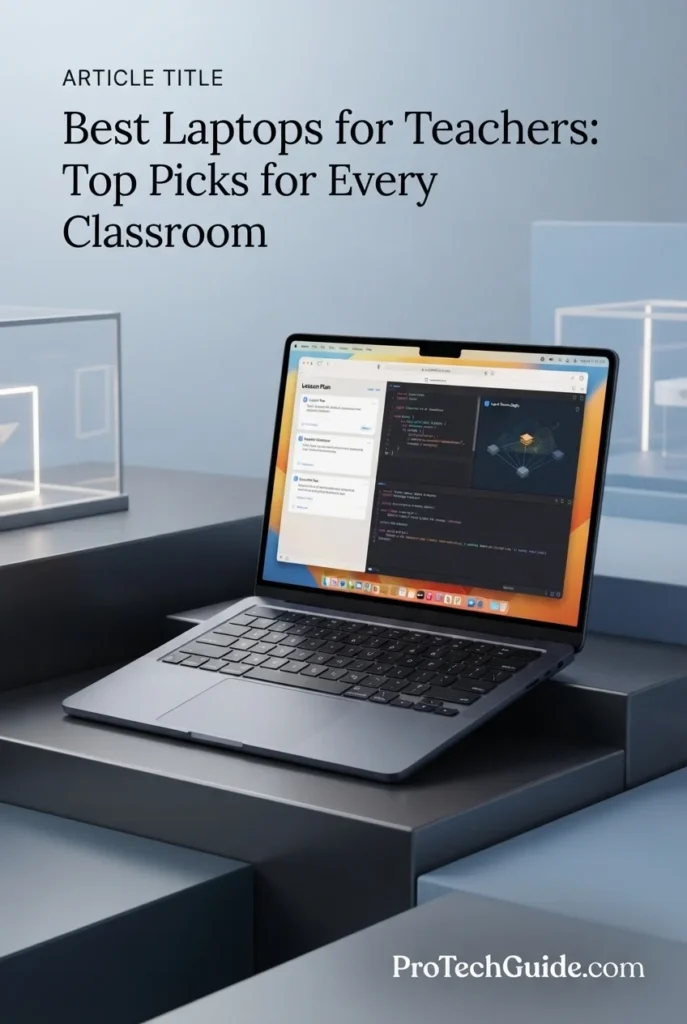
The Apple 2026 MacBook Air 13-inch with the M5 chip, 16GB of unified memory, and 1TB SSD is our Best Overall Laptop for Teachers in 2026. Its combination of M5 performance, efficient unified memory architecture, fast storage, 13.6-inch Liquid Retina display, 12MP Center Stage camera, and compact design creates a particularly well-balanced platform for lesson planning, grading, presentations, research, video conferencing, browser-based teaching platforms, and everyday classroom productivity. The 16GB memory configuration provides useful headroom for teachers who regularly work across multiple browser tabs, documents, spreadsheets, presentation software, communication tools, and educational applications simultaneously.

• Ideal for teachers, professors, instructors, academic staff, and educators who need a portable laptop for lesson planning, grading, research, presentations, and everyday classroom work
• Excellent for Microsoft 365, Google Workspace, browser-based educational platforms, document creation, spreadsheets, presentations, video conferencing, online teaching, and classroom management workflows
• Particularly well suited to educators who move frequently between classrooms, offices, meetings, home workspaces, and campus environments and want strong performance without carrying a larger professional laptop
• The Apple M5 chip provides strong everyday processing performance for multitasking across lesson plans, presentations, documents, spreadsheets, browser tabs, communication applications, and educational software
• 16GB of unified memory provides a strong balance for teachers who routinely keep multiple documents, browser tabs, video calls, productivity applications, and classroom resources open simultaneously
• The 13.6-inch Liquid Retina display provides sharp text and a spacious working area for lesson planning, grading, presentations, research, spreadsheets, educational content, and extended productivity sessions
• The fast 1TB SSD provides substantial local storage for lesson materials, presentations, documents, classroom resources, media files, applications, and other teaching-related content
• The 12MP Center Stage camera, three-mic array, and four-speaker system make the MacBook Air particularly well suited to online classes, faculty meetings, virtual office hours, and video conferencing
• The compact design, backlit keyboard, Touch ID, Thunderbolt 4 connectivity, MagSafe charging, Wi-Fi 7, and lightweight form factor make it highly practical for educators who work across multiple locations

The MacBook Air earns our Best Overall Laptop for Teachers award because it delivers an unusually strong balance of performance, portability, battery-focused mobility, storage, display quality, camera capability, and everyday usability. For educators whose workflows center on lesson planning, grading, presentations, research, video calls, cloud platforms, and general productivity, it provides more than enough capability without the size or complexity of a traditional workstation-class laptop.

Compared with Windows alternatives such as the Microsoft Surface Laptop 13.8-inch and Lenovo ThinkPad T14 Gen 7, the MacBook Air offers a particularly attractive combination of compact design, Apple Silicon performance, 16GB unified memory, 1TB storage, and macOS productivity. However, teachers who depend on Windows-specific educational, administrative, or institutional software should consider a Windows laptop instead, making the MacBook Air the strongest overall choice rather than a universal recommendation for every school or academic environment.

• Apple M5 chip• High-performance CPU architecture• Next-generation GPU• Neural Engine• Hardware-accelerated graphics• Unified memory architecture• Designed for AI-powered workflowsThe Apple M5 provides strong performance for the everyday workloads teachers encounter throughout the school or academic day. It is well suited to lesson planning, document creation, presentations, spreadsheets, browser multitasking, educational platforms, video conferencing, research, and AI-assisted productivity while maintaining the responsive experience expected from a modern premium laptop.
• 16GB unified memory• Shared CPU and GPU memory architecture• Smooth multitasking• Multiple browser tabs• Productivity applications• Video conferencing• Educational platforms• Strong everyday memory capacityThe 16GB unified memory configuration provides a strong foundation for teachers who regularly move between lesson plans, browser tabs, presentations, spreadsheets, email, video calls, research materials, and educational platforms. It gives the MacBook Air enough memory headroom for typical classroom multitasking without requiring a larger professional configuration.
• Lesson planning• Grading and assessment• Microsoft 365• Google Workspace• Google Classroom• Documents and spreadsheets• Presentations• Browser-based educational platforms• Research and online resources• Video conferencingThe MacBook Air provides an excellent environment for the software and web-based workflows commonly used by teachers. Educators can prepare lessons, grade assignments, create presentations, manage documents and spreadsheets, research educational materials, participate in virtual meetings, and work with browser-based classroom platforms while keeping multiple applications and resources open simultaneously.
• 13.6-inch Liquid Retina display• 2560 × 1664 resolution• Support for 1 billion colors• Sharp text rendering• Wide color support• Excellent for documents and presentations• Compact productivity-focused displayThe 13.6-inch Liquid Retina display provides sharp text and a comfortable working area for lesson plans, documents, spreadsheets, presentations, research, grading interfaces, and educational content. Its compact size also helps keep the MacBook Air highly portable for teachers who regularly move between classrooms, offices, meetings, and home workspaces.
• 1TB SSD• Fast application launches• Responsive file access• Local lesson materials• Presentation storage• Documents and spreadsheets• Educational resources• Media files and projectsThe 1TB SSD provides substantial local storage for teachers who maintain large collections of lesson plans, presentations, documents, classroom resources, educational applications, media files, and other teaching materials. It also provides room for everyday personal and professional files without forcing educators to depend entirely on external storage.
• macOS• Native Apple productivity environment• Microsoft 365 compatibility• Google Workspace compatibility• Browser-based teaching platforms• Video conferencing applications• Apple Intelligence• Strong security architecturemacOS provides a polished environment for teachers who use productivity applications, cloud services, browser-based educational platforms, communication tools, and Apple's built-in software ecosystem. Microsoft 365 and Google Workspace can support common teaching workflows, while browser-based platforms make it practical to access many school and institutional systems.Teachers should still verify compatibility with any school-specific Windows software, administrative platform, testing application, or specialized educational tool before choosing macOS as their primary teaching computer.
• 12MP Center Stage camera• Center Stage automatic framing• Desk View support• Three-mic array• Four-speaker sound system• Spatial Audio• Dolby Atmos support• Designed for video calls and virtual classesThe 12MP Center Stage camera is particularly useful for teachers who conduct virtual classes, faculty meetings, office hours, or hybrid teaching sessions. Center Stage can help keep the educator in frame during supported video calls, while the three-microphone array and four-speaker system provide an integrated audio and video setup without requiring external equipment for everyday conferencing.
• Compact 13.6-inch design• Lightweight form factor• Backlit keyboard• Touch ID• MagSafe charging• Two Thunderbolt 4 ports• Headphone jack• Wi-Fi 7• Bluetooth 6• Support for up to two external displaysThe MacBook Air is particularly well suited to teachers who carry their laptop throughout the day. Its compact design makes it easy to move between classrooms, meetings, offices, and home, while MagSafe charging and Thunderbolt 4 connectivity provide practical options for charging, accessories, displays, and classroom workstations. Wi-Fi 7 also provides support for modern wireless networking environments when paired with compatible infrastructure.
Ideal for:• Classroom teachers• College professors• University instructors• Lesson planning• Grading and assessment• Microsoft 365 users• Google Workspace users• Online and hybrid teaching• Video conferencing• Research and academic productivity• Teachers who prioritize portability• Educators who prefer macOSThe Apple 2026 MacBook Air 13-inch with the M5 chip, 16GB of unified memory, and 1TB SSD is an excellent choice for teachers who want a premium, highly portable laptop capable of handling the broad range of productivity, communication, research, and classroom workflows required throughout the academic day. Its balance of performance, storage, display quality, camera capabilities, connectivity, and portability makes it our strongest overall laptop recommendation for teachers in 2026.
Best Windows Laptop for Teachers

Microsoft Surface Laptop 13.8-inch

Best Windows Laptop for Microsoft 365, Touchscreen Productivity & AI
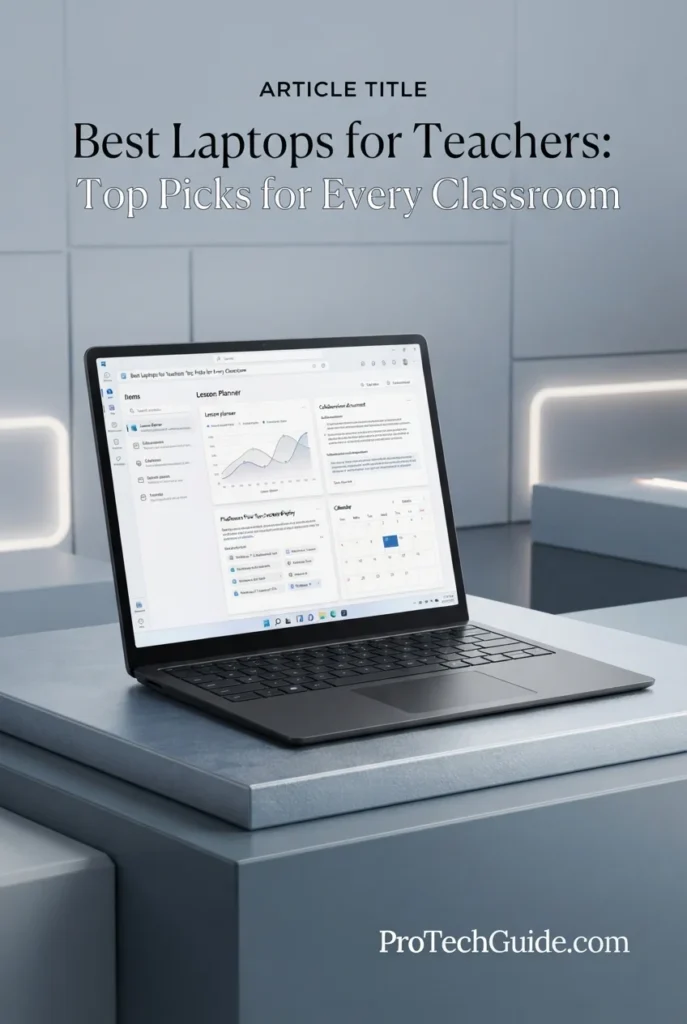
The Microsoft Surface Laptop (2026) 13.8-inch with the Snapdragon X2 Elite processor, 16GB of LPDDR5X memory, and 512GB SSD is our Best Windows Laptop for Teachers in 2026. Its 12-core Snapdragon X2 Elite platform, touchscreen display, Copilot+ PC capabilities, 16GB memory, fast SSD storage, and compact premium design create a strong Windows environment for lesson planning, grading, Microsoft 365, presentations, research, video conferencing, browser multitasking, and AI-assisted productivity. The combination is particularly attractive to educators who want a modern Windows laptop that can handle a busy teaching workflow while remaining highly portable.

• Ideal for teachers, professors, instructors, academic staff, and educators who prefer Windows for classroom productivity, administration, lesson planning, and everyday professional work
• Excellent for Microsoft Word, Excel, PowerPoint, Outlook, OneNote, browser-based educational platforms, video conferencing, research, and AI-assisted productivity workflows
• Particularly well suited to educators who value a touchscreen, compact design, long mobile working sessions, and a Windows-based environment for moving between classrooms, offices, meetings, and home
• The 12-core Snapdragon X2 Elite processor provides a strong foundation for multitasking across productivity applications, browser tabs, video calls, educational platforms, and AI-enabled Windows workflows
• 16GB of LPDDR5X memory provides sufficient capacity for typical teaching multitasking, including lesson documents, presentations, spreadsheets, browser tabs, communication applications, and classroom resources
• The 13.8-inch touchscreen with 2304 × 1536 resolution and up to 120Hz refresh rate provides a responsive interface for documents, presentations, web research, interactive content, and everyday Windows productivity
• The 512GB SSD provides responsive application launches and practical local storage for lesson plans, presentations, documents, educational resources, applications, and professional files
• Copilot+ PC capabilities and the integrated Qualcomm AI platform provide a modern foundation for supported AI-assisted Windows workflows, making the Surface Laptop particularly relevant to educators exploring AI-powered productivity
• The compact design, touchscreen, USB-C/USB4 connectivity, Wi-Fi 7, and premium anodized aluminum construction make the Surface Laptop a practical choice for teachers who frequently work across different locations

The Surface Laptop earns our Best Windows Laptop for Teachers award because it combines a modern Snapdragon X2 Elite platform, 16GB of memory, a responsive 13.8-inch touchscreen, Copilot+ PC capabilities, practical connectivity, and a highly portable design. For educators whose daily workflows revolve around Windows productivity, Microsoft 365, browser-based teaching platforms, presentations, communication, and AI-assisted tools, it offers a particularly well-balanced premium Windows experience.

Compared with the Apple 2026 MacBook Air 13-inch with M5, the Surface Laptop provides a more direct Windows environment and touchscreen experience, making it especially attractive to teachers whose schools or institutions rely heavily on Microsoft software and Windows-based systems. The Lenovo ThinkPad T14 Gen 7 is a stronger alternative for educators who prioritize business-class features, professional manageability, and a more traditional enterprise-oriented design, while the Surface Laptop is better positioned around premium mobility and everyday Windows productivity.

• Snapdragon X2 Elite processor• 12-core CPU• Up to 4GHz processor speed• Qualcomm integrated platform• Integrated Adreno graphics• Dedicated AI processing capabilities• Windows Copilot+ PC platformThe Snapdragon X2 Elite provides a strong foundation for the multitasking demands of modern educators. Teachers can work across documents, presentations, spreadsheets, browser tabs, video conferencing, educational platforms, and supported AI tools while maintaining a responsive Windows productivity environment. Its 12-core design is particularly well suited to educators who routinely combine several applications and web-based resources throughout the day.
• 16GB LPDDR5X memory• Unified system memory architecture• Strong everyday multitasking• Multiple browser tabs• Microsoft 365 applications• Video conferencing• Educational platforms• AI-assisted productivityThe 16GB memory configuration provides a solid balance for teachers who regularly keep lesson plans, presentations, spreadsheets, browser tabs, communication applications, and educational platforms open simultaneously. It is well suited to typical classroom productivity and professional teaching workflows without requiring a larger memory configuration.
• Microsoft Word• Microsoft Excel• Microsoft PowerPoint• Microsoft Outlook• Microsoft OneNote• Browser-based educational platforms• Lesson planning• Grading and assessment• Research• Video conferencingThe Surface Laptop provides a natural Windows environment for teachers whose daily work revolves around Microsoft productivity applications. Educators can prepare lesson plans in Word, manage grades and data in Excel, create classroom presentations in PowerPoint, organize communications through Outlook, and use OneNote alongside browser-based educational platforms and online resources.
• 13.8-inch touchscreen• 2304 × 1536 resolution• Up to 120Hz refresh rate• Up to 600 nits brightness• LCD display technology• Touch interaction• 3:2 productivity-oriented aspect ratio• Sharp text and interface renderingThe 13.8-inch touchscreen provides a practical workspace for lesson planning, documents, presentations, research, spreadsheets, and web-based educational platforms. The 3:2 display format provides additional vertical workspace for documents and web pages, while the touchscreen adds a more direct way to interact with supported Windows applications and content.
• 512GB SSD• Fast application launches• Responsive file access• Lesson plan storage• Presentation files• Documents and spreadsheets• Educational resources• Professional applicationsThe 512GB SSD provides practical local storage for teachers who maintain lesson plans, presentations, documents, classroom resources, applications, and other professional files. It offers enough capacity for a typical teaching workflow while cloud services and external storage can supplement local capacity when larger media collections or extensive archives are required.
• Windows 11• Copilot+ PC• Qualcomm Snapdragon X2 Elite platform• Integrated AI capabilities• Microsoft productivity ecosystem• AI-assisted workflows• Windows applications• Cloud-connected productivityWindows 11 provides a familiar environment for educators who depend on Microsoft applications and Windows-based institutional systems. The Copilot+ PC platform adds access to supported AI experiences designed around productivity and assistance, making the Surface Laptop particularly relevant to teachers who are incorporating AI tools into research, writing, organization, planning, and everyday professional workflows.Teachers should still verify compatibility with any school-specific Windows software, specialized testing platform, legacy application, or institutional system before deployment, particularly where ARM-based Windows compatibility may be relevant.
• Compact 13.8-inch design• Approximately 3-pound listed weight• Premium anodized aluminum construction• Touchscreen input• Two USB-C / USB4 ports• DisplayPort support• 3.5mm audio jack• Wi-Fi 7• Bluetooth 5.4• Support for up to three 4K monitorsThe Surface Laptop is designed for educators who need to move easily between classrooms, offices, meetings, and home workspaces. Its compact form factor, touchscreen, USB-C/USB4 connectivity, and modern wireless capabilities make it practical for both mobile teaching and desk-based setups. Microsoft also rates this configuration for up to 20 hours of video playback under its stated testing conditions, although actual battery life varies with workload, settings, applications, and network conditions.
Ideal for:• Classroom teachers• College professors• University instructors• Microsoft 365 users• Windows-based schools• Lesson planning• Grading and assessment• PowerPoint presentations• Excel-based teaching workflows• Online and hybrid teaching• AI-assisted productivity• Teachers who prefer touchscreen laptops• Educators who prioritize portabilityThe Microsoft Surface Laptop (2026) 13.8-inch with the Snapdragon X2 Elite, 16GB LPDDR5X memory, and 512GB SSD is an excellent choice for educators who want a premium Windows laptop built around portability, touchscreen productivity, Microsoft 365 workflows, and supported AI experiences. Its combination of processing capability, display quality, memory, storage, connectivity, and compact design makes it our preferred Windows laptop for teachers in 2026.
Best Professional Laptop for Teachers (2026)

Lenovo ThinkPad T14 Gen 7

Best Professional Laptop for Teaching, Administration & Academic Work
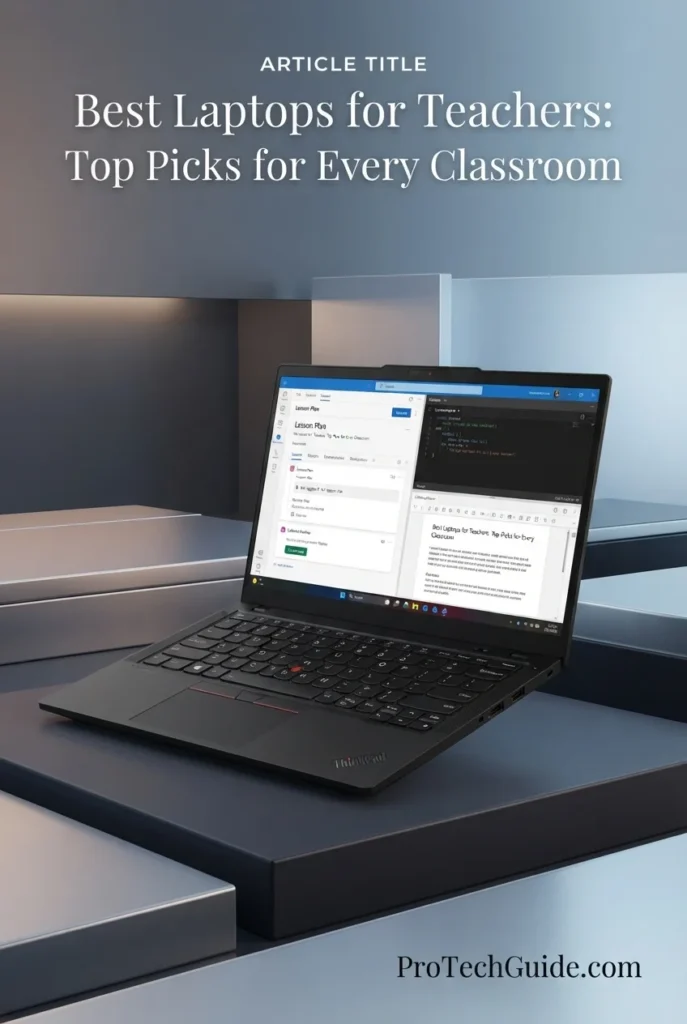
The Lenovo 2026 ThinkPad T14 Gen 7 with the Intel Core Ultra 7 365 vPro processor, 32GB LPDDR5X memory, and 1TB PCIe Gen4 SSD is our Best Professional Laptop for Teachers in 2026. Its business-focused platform, Windows 11 Pro, 14-inch WUXGA IPS touchscreen, 5MP RGB+IR camera, Thunderbolt 4 connectivity, and enterprise-oriented security and manageability make it particularly well suited to educators who combine classroom teaching with administrative, academic, research, and professional responsibilities. The 32GB memory configuration also provides substantial headroom for demanding multitasking across lesson planning, grading, presentations, browser-based educational platforms, video conferencing, Microsoft 365, research, and institutional applications.

• Ideal for teachers, professors, instructors, academic administrators, department staff, and education professionals who need a business-class Windows laptop for both teaching and professional workloads
• Excellent for Microsoft 365, lesson planning, grading, research, presentations, spreadsheets, video conferencing, browser-based learning platforms, institutional software, and administrative workflows
• Particularly well suited to educators who value professional security, Windows 11 Pro, strong multitasking capacity, a high-resolution webcam, touchscreen functionality, and flexible connectivity for classroom and office environments
• The Intel Core Ultra 7 365 vPro processor provides a strong foundation for professional teaching workflows, multitasking across productivity applications, research, video conferencing, and AI-accelerated workloads
• 32GB of LPDDR5X-7467MT/s memory provides substantial multitasking headroom for lesson plans, presentations, spreadsheets, browser tabs, communication applications, research materials, and classroom software running simultaneously
• The 14-inch WUXGA IPS touchscreen with 1920 × 1200 resolution provides a practical productivity-focused workspace for documents, presentations, research, interactive classroom content, and everyday professional use
• The 1TB PCIe Gen4 SSD provides responsive application launches, fast file access, and ample local storage for lesson materials, presentations, documents, research files, educational resources, and professional applications
• The 5MP RGB+IR camera provides high-definition video conferencing and supports face-recognition login, making the ThinkPad particularly useful for remote teaching, hybrid meetings, virtual office hours, and professional video calls
• Two Thunderbolt 4 ports with USB Power Delivery and DisplayPort 2.1, HDMI 2.1, USB-A, Ethernet, and Windows 11 Pro provide a versatile professional connectivity platform for classroom displays, projectors, peripherals, networking, and office equipment

The ThinkPad T14 Gen 7 earns our Best Professional Laptop for Teachers award because it focuses on the complete professional education workflow rather than simply maximizing consumer specifications. Its Core Ultra 7 365 vPro processor, 32GB memory, 1TB SSD, Windows 11 Pro, 5MP RGB+IR camera, touchscreen, and extensive connectivity make it especially compelling for educators who move between teaching, administration, meetings, research, and institutional work throughout the day.

Compared with the Apple 2026 MacBook Air 13-inch with M5, the ThinkPad T14 Gen 7 offers a more enterprise-oriented Windows environment, Windows 11 Pro, vPro capabilities, greater memory capacity, and a broader selection of traditional professional connectivity. Compared with the Microsoft Surface Laptop (2026) 13.8-inch, the ThinkPad is better positioned for educators who prioritize business-class manageability, professional security, wired networking, and institutional workflows, while the Surface remains an attractive choice for teachers who place greater emphasis on premium consumer mobility and touchscreen-first Windows productivity.

• Intel Core Ultra 7 365 vPro processor• Up to 4.80 GHz maximum processor speed• Performance-focused and efficiency-focused core architecture• Intel vPro platform• Integrated Intel graphics• AI-accelerated computing capabilities• Professional multitasking performanceThe Intel Core Ultra 7 365 vPro provides a strong performance foundation for demanding education and professional workflows. Teachers can comfortably combine lesson planning, large browser sessions, Microsoft 365 applications, presentations, research, video conferencing, educational platforms, and administrative software while maintaining a professional productivity-focused environment. The vPro platform also makes the ThinkPad particularly relevant to managed academic and institutional deployments.
• 32GB LPDDR5X memory• 7467 MT/s memory speed• High-capacity multitasking configuration• Suitable for large browser sessions• Strong Microsoft 365 multitasking capability• Excellent for research and academic workflows• Substantial headroom for professional applicationsThe 32GB LPDDR5X configuration gives the ThinkPad T14 Gen 7 significant multitasking headroom for educators who regularly keep numerous applications and browser tabs open. Teachers can work across lesson documents, presentations, spreadsheets, research materials, communication platforms, grading tools, video calls, and classroom applications without relying on a lower-capacity memory configuration.
• Lesson planning• Grading and assessment• Microsoft Word, Excel and PowerPoint• Research and academic writing• Browser-based learning platforms• Video conferencing• Administrative workloads• Hybrid and remote teachingThe ThinkPad T14 Gen 7 is designed around the type of multitasking that defines modern professional education. Teachers can create lesson plans, grade assignments, prepare presentations, conduct research, manage spreadsheets, attend video meetings, access institutional systems, and work with browser-based teaching platforms from a single professional Windows environment.
• 14-inch IPS display• 1920 × 1200 WUXGA resolution• 16:10 productivity-oriented workspace• Capacitive touchscreen• 60Hz refresh rate• Sharp text for documents and presentations• Practical format for classroom productivityThe 14-inch WUXGA IPS touchscreen provides a practical workspace for everyday teaching and professional tasks. Its 1920 × 1200 resolution gives educators additional vertical workspace for documents, spreadsheets, browser pages, and productivity applications, while touchscreen input can be useful when interacting directly with presentations, educational content, and supported Windows applications.
• 1TB PCIe Gen4 SSD• Fast application launches• Responsive file access• Practical capacity for teaching materials• Lesson plans and presentations• Research documents and academic files• Educational applications and resourcesThe 1TB PCIe Gen4 SSD provides substantial local storage for a teacher's everyday professional library. It can accommodate lesson plans, presentations, documents, research materials, classroom resources, applications, downloaded reference files, and other academic content while maintaining responsive access to frequently used files and software.
• Windows 11 Pro• Intel vPro platform• Enterprise-oriented manageability• Professional Windows environment• Fingerprint reader• 5MP RGB+IR camera• Face-recognition login supportWindows 11 Pro and the Intel vPro platform make the ThinkPad T14 Gen 7 particularly appropriate for professional and institutional education environments. The fingerprint reader and 5MP RGB+IR camera add convenient authentication options, while the vPro platform is designed around professional security, manageability, and deployment requirements.For teachers working within schools, universities, or other managed organizations, these professional features can make the ThinkPad a more natural fit than a consumer-oriented laptop.
• 5MP RGB+IR camera• High-definition video conferencing• Face-recognition login support• 2x Thunderbolt 4• USB Power Delivery 15–100W• DisplayPort 2.1• HDMI 2.1 up to 4K/60Hz• USB-A ports• RJ-45 Ethernet• 3.5mm headphone/microphone combo jackThe 5MP RGB+IR camera strengthens the ThinkPad T14 Gen 7's position as a professional teaching machine, particularly for video conferences, virtual office hours, hybrid instruction, and institutional meetings. Its connectivity is equally practical, with two Thunderbolt 4 ports, DisplayPort 2.1, HDMI 2.1, USB-A, Ethernet, and a 3.5mm audio jack for connecting classroom displays, projectors, peripherals, wired networks, and professional accessories.
• 75Wh lithium-polymer battery• 14-inch professional form factor• 12.35 × 8.73 × 0.63-inch dimensions• Advanced thermal design• Backlit keyboard• Premium ThinkPad productivity design• Designed for mobile professional workflowsThe ThinkPad T14 Gen 7 combines a compact 14-inch form factor with a 75Wh battery and an advanced thermal design intended to support sustained professional use. Its dimensions make it practical for moving between classrooms, offices, meetings, and home workspaces, while the backlit keyboard and familiar ThinkPad productivity design support extended typing-intensive workloads.
Ideal for:• Professional teachers• College and university professors• Academic administrators• Department staff• Researchers and educators• Microsoft 365 users• Windows 11 Pro environments• Hybrid and remote teaching• Institutional education workflows• Professionals who prioritize security and manageabilityThe Lenovo 2026 ThinkPad T14 Gen 7 with the Intel Core Ultra 7 365 vPro processor, 32GB LPDDR5X memory, and 1TB SSD is an excellent choice for educators who need a professional Windows laptop capable of handling teaching, administration, research, communication, and institutional workloads. Its combination of memory capacity, business-focused features, professional connectivity, high-resolution camera, touchscreen, Windows 11 Pro, and vPro platform makes it one of the strongest choices for teachers who need a laptop designed around professional education rather than purely consumer use.
Best 2-in-1 Laptop for Teachers (2026)

Lenovo Yoga 7i 2-in-1 14-inch

Best Convertible Laptop for Interactive Teaching & Classroom Flexibility
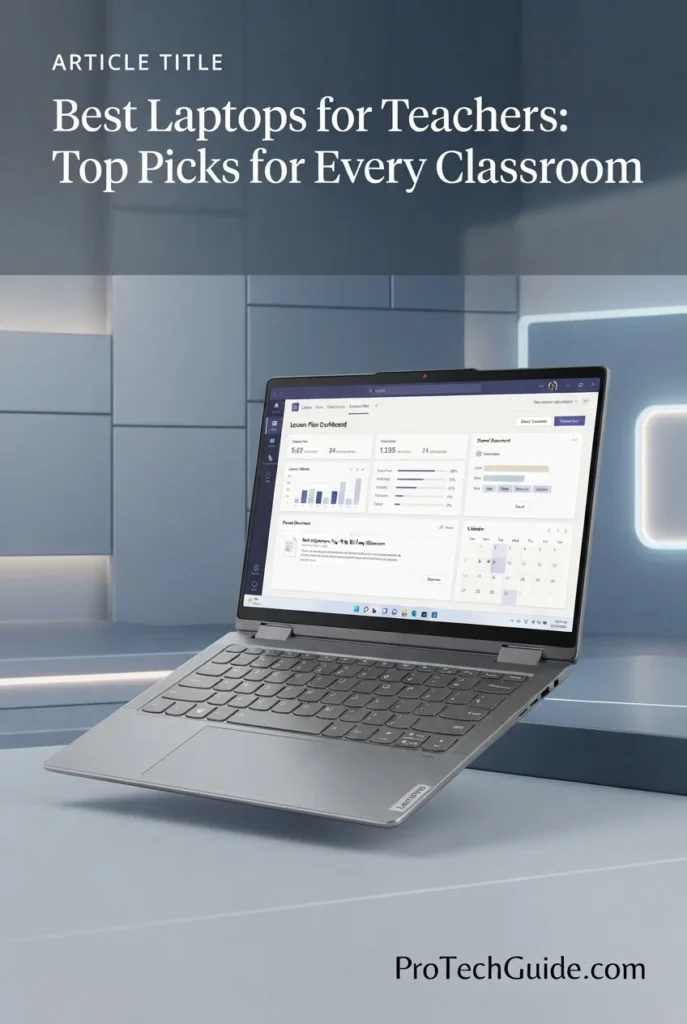
The Lenovo Yoga 7i 2-in-1 14-inch with the Intel Core Ultra 5 322 processor, 16GB LPDDR5X memory, 1TB SSD, and WUXGA OLED touchscreen is our Best 2-in-1 Laptop for Teachers in 2026. Its convertible design allows educators to move between traditional laptop productivity and more interactive touchscreen-oriented use, while the OLED display, integrated Intel graphics, backlit keyboard, fingerprint reader, and Wi-Fi 7 provide a versatile platform for lesson planning, presentations, classroom content, grading, research, video conferencing, and everyday teaching. The included docking station adds a separate 1TB storage component, giving this configuration additional flexibility without treating that accessory storage as internal laptop capacity.

• Ideal for teachers, professors, instructors, tutors, and educators who want a flexible convertible laptop for lesson planning, presentations, classroom activities, and everyday productivity
• Excellent for Microsoft 365, Google Workspace, browser-based educational platforms, interactive presentations, research, grading, video conferencing, and touchscreen-friendly teaching workflows
• Particularly well suited to educators who frequently switch between desk-based typing and more interactive touchscreen use and want a compact 14-inch 2-in-1 design for classrooms, offices, and home
• The Intel Core Ultra 5 322 processor provides a capable foundation for lesson planning, office applications, browser multitasking, presentations, research, video conferencing, and everyday teaching workloads
• 16GB of LPDDR5X memory provides a balanced configuration for running productivity applications, browser tabs, educational platforms, documents, presentations, and communication tools simultaneously
• The 14-inch WUXGA OLED touchscreen combines sharp 1920 × 1200 resolution with OLED image quality and touch interaction, creating a strong platform for presentations, interactive content, documents, and classroom activities
• The 1TB internal SSD provides responsive application launches and practical local storage for lesson plans, presentations, documents, educational resources, applications, and professional files
• The convertible 2-in-1 design, backlit keyboard, fingerprint reader, and compact form factor allow teachers to adapt the laptop to different teaching and productivity situations throughout the day
• Wi-Fi 7, USB-C, USB-A, HDMI, microSD, and the included 7-in-1 docking station provide useful flexibility for classroom displays, external storage, peripherals, presentations, and everyday teaching accessories

The Yoga 7i 2-in-1 earns our Best 2-in-1 Laptop for Teachers award because it focuses on flexibility rather than simply conventional laptop performance. Its convertible touchscreen design, OLED display, 16GB LPDDR5X memory, 1TB internal SSD, fingerprint reader, backlit keyboard, and modern connectivity make it particularly attractive to educators who want one device that can adapt between lesson preparation, presentations, interactive classroom use, and traditional productivity.

Compared with the Microsoft Surface Laptop (2026) 13.8-inch, the Yoga 7i offers a more flexible convertible form factor and OLED touchscreen experience, making it better suited to educators who want to interact more directly with classroom content. Compared with the Lenovo ThinkPad T14 Gen 7, the Yoga 7i prioritizes versatility and interactive use rather than enterprise-oriented professional features and vPro manageability. The included docking station also adds a separate 1TB storage component, but this should be considered accessory storage rather than additional internal SSD capacity.

• Intel Core Ultra 5 322 processor• 6-core processor• Up to 2.5 GHz listed processor speed• Intel integrated graphics• AI computing capabilities• Energy-efficient productivity platform• Designed for everyday professional workloadsThe Intel Core Ultra 5 322 provides a capable foundation for everyday teaching and productivity. Educators can work across lesson planning, Microsoft 365 applications, browser-based educational platforms, presentations, research, video conferencing, and general multitasking while taking advantage of the processor's integrated AI computing capabilities and efficient platform design.
• 16GB LPDDR5X memory• 6400 MHz listed memory speed• Integrated memory configuration• Smooth productivity multitasking• Suitable for browser-based teaching platforms• Microsoft 365 and Google Workspace workflows• Practical capacity for everyday education workloadsThe 16GB LPDDR5X configuration provides a balanced amount of memory for teachers who regularly combine documents, presentations, browser tabs, educational platforms, communication applications, research materials, and classroom resources. It is well matched to mainstream teaching and productivity workflows without positioning the system as a workstation-class machine.
• Convertible 2-in-1 design• Touchscreen interaction• Laptop form factor• Flexible classroom use• Interactive presentations• Touch-enabled educational content• Suitable for desk and classroom workflowsThe Yoga 7i's convertible design is one of its strongest advantages for educators. Teachers can use it as a traditional laptop for lesson planning, grading, writing, and administrative work, while the touchscreen-oriented design provides greater flexibility when interacting directly with presentations, educational content, and supported Windows applications.
• 14-inch OLED display• 1920 × 1200 WUXGA resolution• Capacitive touchscreen• Vivid OLED image quality• 16:10 productivity-oriented workspace• Touch-enabled classroom interaction• Suitable for presentations and educational contentThe 14-inch WUXGA OLED touchscreen provides a strong visual experience for everyday teaching and productivity. OLED technology can deliver deep contrast and vivid imagery, while the 1920 × 1200 resolution provides a practical workspace for documents, presentations, browser pages, and educational applications. Touch interaction adds another layer of flexibility for supported classroom and productivity workflows.
• 1TB internal SSD• Separate 1TB docking station storage• Fast local application access• Practical capacity for teaching materials• Lesson plans and presentations• Documents and educational resources• Additional storage flexibilityThe Yoga 7i configuration includes 1TB of internal SSD storage plus a separate 1TB storage component in the included docking station. The two should not be treated as a single 2TB internal SSD. The internal drive provides the primary location for Windows, applications, lesson plans, documents, and frequently used teaching resources, while the docking station adds convenient supplementary storage for additional files and materials.
• Windows 11 Home• Microsoft 365 compatibility• Browser-based educational platforms• Google Workspace workflows• Presentation and document productivity• Touch-enabled Windows applications• Fingerprint-based loginWindows 11 Home provides the software environment for the Yoga 7i's everyday teaching workflows. Educators can use Microsoft 365, Google Workspace through the browser, online learning platforms, presentation software, research tools, communication applications, and other compatible Windows programs. The integrated fingerprint reader also provides a convenient authentication method for everyday use.
Best Battery-Focused Laptop for Teachers (2026)

HP OmniBook 5 14-inch Next Gen AI PC

Best Battery-Focused Laptop for Teaching, Lesson Planning & Mobile Classroom Work
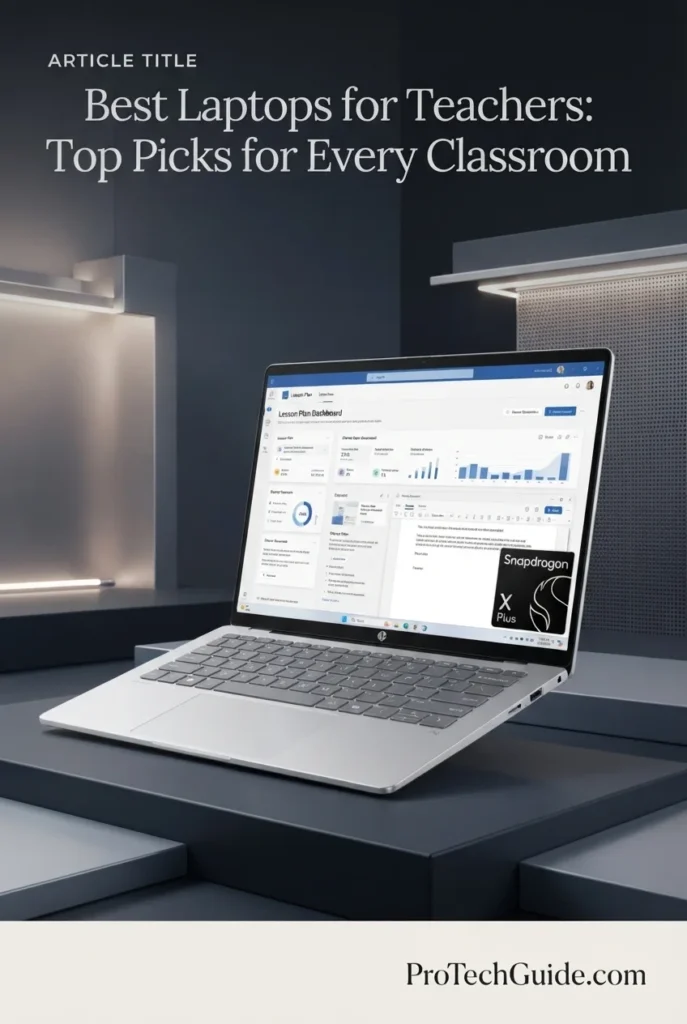
The HP OmniBook 5 14-inch Next Gen AI PC with the Snapdragon X Plus X1P-42-100 processor, 16GB of LPDDR5X memory, 1TB PCIe Gen4 NVMe SSD, and 14-inch OLED display is our battery-focused recommendation for teachers in 2026. Its 8-core Snapdragon X Plus processor, integrated Qualcomm Adreno GPU, 45 TOPS Qualcomm Hexagon NPU, 16GB memory, and efficient Windows 11 Home platform create a strong combination for lesson planning, grading, Microsoft 365, browser-based teaching tools, video conferencing, document management, and everyday classroom productivity. The configuration is particularly attractive to educators who spend long days moving between classrooms, meetings, home workspaces, and campus environments and therefore place a high priority on extended battery endurance and efficient mobile performance.

• Ideal for teachers, educators, academic staff, and school professionals who prioritize long battery life and frequently work away from a desk
• Excellent for lesson planning, grading, Microsoft 365, web-based education platforms, Google Workspace, video calls, presentations, research, and everyday classroom productivity
• Particularly well suited to educators who want a lightweight 14-inch laptop with an OLED display, 16GB memory, 1TB storage, and an efficient Snapdragon platform for mobile teaching workflows
• The Snapdragon X Plus X1P-42-100 provides an efficient 8-core platform for everyday teaching workloads, browser multitasking, documents, presentations, video calls, and productivity applications
• 16GB of LPDDR5X memory provides solid multitasking capacity for lesson plans, browser tabs, Microsoft 365 applications, educational platforms, video conferencing, and classroom resources running simultaneously
• The 14-inch OLED display with 1920 × 1200 resolution delivers rich contrast, crisp text, and vibrant visuals for lesson materials, presentations, documents, spreadsheets, and multimedia content
• The 1TB PCIe Gen4 NVMe SSD provides substantial local storage for lesson plans, presentations, teaching resources, documents, media files, applications, and professional files while maintaining responsive everyday access
• HP's efficient Snapdragon platform is designed around extended mobile use, making the OmniBook 5 particularly appealing to teachers who move throughout the school day and need a laptop that can remain productive away from a power outlet
• The compact 14-inch design, Windows 11 Home, Qualcomm Adreno graphics, integrated AI capabilities, and professional productivity features create a balanced platform for educators who value mobility and everyday usability

The HP OmniBook 5 earns our Best Battery-Focused Laptop for Teachers award because it combines an efficient Snapdragon X Plus platform, 16GB of memory, 1TB of fast storage, a high-quality OLED display, and a design built around extended mobile use. For teachers who spend the day moving between classrooms, meetings, campus locations, and home workspaces, its combination of battery endurance, portability, and everyday productivity makes it a particularly compelling choice.

Compared with more performance-oriented laptops such as the Apple MacBook Air 13-inch with M5 and Lenovo ThinkPad T14 Gen 7, the HP OmniBook 5 is positioned more specifically around efficient mobile teaching and extended battery-focused use. Its Snapdragon architecture also means teachers should verify compatibility with any specialized Windows applications they depend on before purchasing, while educators whose workflows are primarily based on Microsoft 365, browser applications, web-based education platforms, documents, presentations, and video conferencing can take strong advantage of its efficient platform.

• Qualcomm Snapdragon X Plus X1P-42-100• 8-core processor• Up to 3.4 GHz• Qualcomm Hexagon NPU• 45 NPU TOPS• Qualcomm Adreno integrated GPU• Efficient Windows productivity platformThe Snapdragon X Plus X1P-42-100 provides a responsive and efficient foundation for everyday teaching workloads. Its 8-core processor can handle lesson planning, document creation, presentations, browser-based education platforms, video conferencing, research, email, and general classroom multitasking while the integrated Qualcomm Hexagon NPU provides dedicated AI processing capabilities for supported Windows and Copilot+ experiences.
• 16GB LPDDR5X memory• 6400 MHz listed memory speed• Dual-channel memory architecture• 16GB maximum in this configuration• Strong everyday multitasking capability• Suitable for browser-heavy workflows• Ideal for Microsoft 365 and teaching applicationsThe 16GB LPDDR5X configuration provides a solid amount of memory for everyday education workflows. Teachers can keep lesson plans, browser tabs, Microsoft 365 applications, educational platforms, presentations, communication tools, and classroom resources open simultaneously without relying on a basic entry-level memory configuration.
• Lesson planning• Grading and document management• Microsoft 365• Google Workspace• Browser-based education platforms• Presentations• Video conferencing• Research and online resourcesThe HP OmniBook 5 is well suited to the practical workloads teachers perform throughout the school day. Its combination of efficient processing, 16GB memory, 1TB storage, Windows 11 Home, and a high-quality OLED display provides a strong environment for creating lesson materials, grading assignments, preparing presentations, managing documents, researching topics, attending online meetings, and working with browser-based educational platforms.
• 14-inch OLED display• 1920 × 1200 native resolution• 16:10 aspect ratio• 60Hz refresh rate• Up to 300 nits brightness• 0.2 ms response time• 95% DCI-P3 color coverage• Low Blue Light and Eyesafe display featuresThe 14-inch OLED display provides strong visual quality for everyday teaching and productivity. Its 1920 × 1200 resolution and 16:10 aspect ratio provide useful vertical workspace for documents, lesson plans, web pages, spreadsheets, and educational applications, while OLED technology delivers deep contrast and rich colors for presentations and multimedia content.
• 1TB PCIe Gen4 NVMe M.2 SSD• Fast application launches• Responsive file access• Ample space for lesson materials• Suitable for presentations and documents• Storage for educational resources• Local space for professional filesThe 1TB PCIe Gen4 NVMe SSD provides substantial local storage for a teacher's everyday digital workload. It can accommodate lesson plans, presentations, documents, PDFs, classroom resources, applications, media files, research materials, and other professional content while providing responsive access to frequently used files.
• Windows 11 Home• Copilot+ PC platform• Qualcomm Hexagon NPU• 45 NPU TOPS• HP AI Companion• Paint Cocreator• Live Captions• On-device AI experiencesWindows 11 Home provides a familiar environment for everyday teaching and productivity, while the Snapdragon X Plus platform includes a Qualcomm Hexagon NPU designed for supported AI workloads. HP also provides AI-oriented features such as HP AI Companion, while Windows offers Copilot+ experiences and tools including Live Captions and supported AI functionality. These capabilities can be useful for educators who want to incorporate AI-assisted productivity into lesson preparation and everyday work.
• Up to 34 hours of battery life claimed by HP• 59Wh battery• HP Fast Charge• 0–50% charge in approximately 30 minutes• 14-inch mobile design• Starting weight of approximately 1.35 kg• 65W USB-C power adapter• Designed for extended mobile useBattery endurance is one of the HP OmniBook 5's defining strengths for educators. HP rates this Snapdragon-powered configuration for up to 34 hours of battery life under its specified testing conditions, while Fast Charge can restore the battery from 0 to 50% in approximately 30 minutes. Actual battery life varies according to applications, settings, connectivity, display use, and other factors, but the platform is clearly designed around extended mobile productivity.
• Wi-Fi 6E• Bluetooth 5.3• 2 × USB-C ports• USB 3.2 Gen 2 connectivity• USB-C Power Delivery• DisplayPort 1.4a support• 1 × USB-A port• Headphone/microphone combo jackThe OmniBook 5 provides the connectivity needed for common classroom and professional setups. Its USB-C ports support data, charging, and DisplayPort connectivity, while USB-A remains useful for existing classroom peripherals and accessories. Wi-Fi 6E and Bluetooth 5.3 provide modern wireless connectivity for compatible networks and devices.
Ideal for:• Teachers who prioritize battery endurance• Educators who move between classrooms• Lesson planning and grading• Microsoft 365 users• Google Workspace users• Browser-based teaching platforms• Online and hybrid teaching• Presentations and research• Mobile professional work• Teachers who value an OLED displayThe HP OmniBook 5 14-inch with the Snapdragon X Plus X1P-42-100, 16GB LPDDR5X memory, 1TB SSD, and OLED display is an excellent choice for teachers who prioritize long battery endurance, portability, and efficient everyday productivity. Its strongest advantage is not maximum workstation performance, but the combination of extended mobile use, responsive classroom productivity, high-quality display technology, and AI-enabled Windows features in a compact 14-inch platform.
Best OLED Laptop for Teachers (2026)

ASUS Zenbook 14 OLED Laptop

Best OLED Laptop for Lesson Planning, Presentations & Everyday Teaching
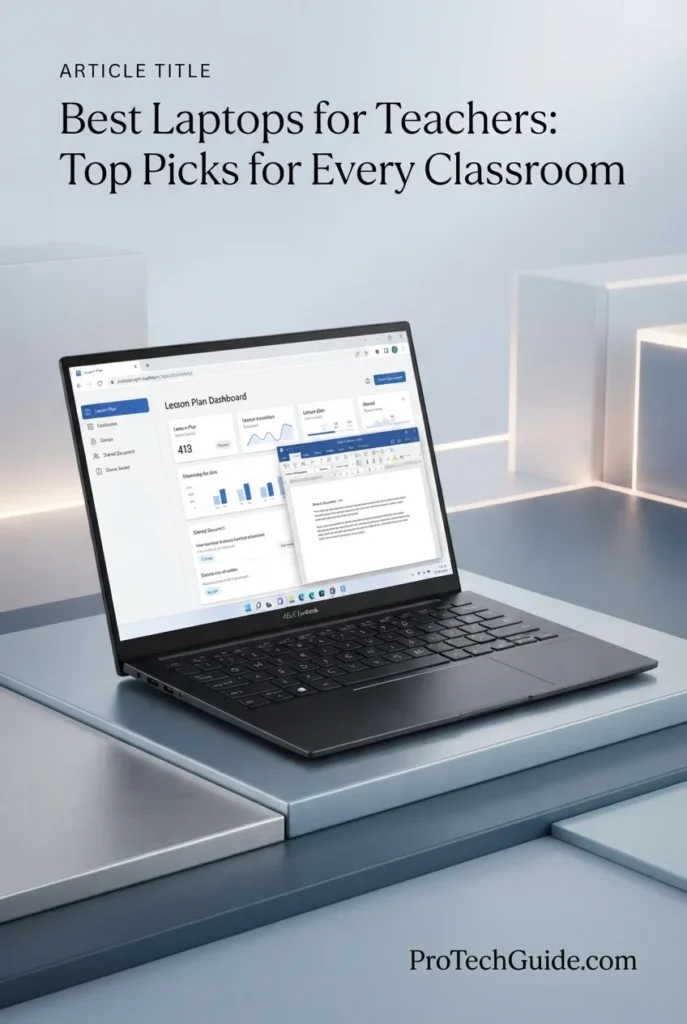
The ASUS Zenbook 14 OLED with the AMD Ryzen AI 9 465 processor, 16GB of LPDDR5X memory, 512GB PCIe Gen 4 SSD, and 14-inch WUXGA OLED touchscreen is our top OLED recommendation for teachers in 2026. Its 10-core, 20-thread Ryzen AI 9 465 processor, integrated AMD Radeon graphics, up to 50 TOPS of NPU performance, fast LPDDR5X memory, and vibrant OLED display create a versatile platform for lesson planning, grading, presentations, Microsoft 365, browser-based education tools, video conferencing, research, and everyday classroom productivity. The touchscreen and premium OLED panel are particularly valuable for educators who regularly work with visual teaching materials and presentations.

• Ideal for teachers, educators, academic staff, and school professionals who want a premium OLED display for lesson planning, presentations, documents, and everyday classroom work
• Excellent for Microsoft 365, Google Workspace, browser-based teaching platforms, video conferencing, presentations, research, grading, and AI-assisted productivity workflows
• Particularly well suited to educators who value a responsive touchscreen, strong processing performance, compact 14-inch design, and premium display quality without moving to a larger workstation
• The AMD Ryzen AI 9 465 with 10 cores and 20 threads provides strong processing capability for lesson planning, multitasking, presentations, document creation, research, and demanding everyday productivity
• 16GB of LPDDR5X memory running at 7500MHz provides responsive multitasking for browser tabs, Microsoft 365 applications, educational platforms, video calls, documents, and classroom resources
• The 14-inch WUXGA OLED touchscreen provides rich contrast, vibrant colors, sharp text, and direct touch interaction for presentations, lesson materials, documents, and visual classroom content
• The 512GB PCIe Gen 4 SSD provides fast application launches and responsive file access while offering practical local storage for lesson plans, presentations, documents, educational resources, and professional files
• The integrated AMD Ryzen AI architecture provides up to 50 TOPS of NPU performance for supported AI workloads, giving educators access to modern on-device AI capabilities within the Windows 11 Pro environment
• The compact 2.82-pound design, backlit keyboard, IR camera with privacy shutter, 75Wh battery, USB4 connectivity, and HDMI 2.1 make the Zenbook 14 a practical premium platform for teachers who work across multiple environments

The ASUS Zenbook 14 OLED earns our Best OLED Laptop for Teachers award because it combines strong Ryzen AI processing, 16GB of fast LPDDR5X memory, a responsive 14-inch OLED touchscreen, 512GB PCIe Gen 4 storage, and a compact professional design. For educators who place particular value on display quality for presentations, lesson materials, visual content, and extended productivity sessions, the OLED touchscreen gives this Zenbook a distinct advantage.

Compared with the HP OmniBook 5 14, the Zenbook 14 OLED places greater emphasis on processing performance, touchscreen interaction, and premium OLED display quality, while the HP is more specifically positioned around extended battery endurance. Compared with the Apple MacBook Air 13-inch with M5, the ASUS offers Windows 11 Pro, touchscreen interaction, and broad Windows software compatibility, making it particularly attractive to teachers who prefer Windows-based classroom and professional workflows.

• AMD Ryzen AI 9 465 processor• 10-core CPU• 20 threads• Up to 5.0GHz boost• AMD Radeon integrated graphics• Up to 50 TOPS NPU performance• Ryzen AI architectureThe AMD Ryzen AI 9 465 provides strong processing capability for demanding everyday teaching and productivity workflows. Its 10-core, 20-thread design is well suited to lesson planning, document creation, presentations, browser multitasking, research, video conferencing, grading, and other classroom workloads, while the integrated NPU enables supported AI features without relying exclusively on the CPU for AI processing.
• 16GB LPDDR5X memory• 7500MHz listed memory speed• 16GB maximum in this configuration• High-bandwidth memory• Smooth browser multitasking• Suitable for Microsoft 365• Strong everyday productivity capabilityThe 16GB LPDDR5X configuration provides a strong foundation for modern teaching workflows. Teachers can keep lesson plans, browser tabs, Microsoft 365 applications, educational platforms, presentations, communication tools, and reference materials open simultaneously while maintaining responsive everyday performance.
• Lesson planning• Grading and document management• Microsoft 365• Google Workspace• Educational web platforms• Presentations• Video conferencing• Research and online resourcesThe Zenbook 14 OLED provides a versatile environment for the practical workloads teachers handle every day. Its combination of Ryzen AI processing, 16GB memory, fast SSD storage, touchscreen interaction, and Windows 11 Pro makes it well suited to preparing lessons, creating presentations, grading assignments, managing documents, researching topics, participating in online meetings, and working with browser-based education platforms.
• 14-inch OLED display• 1920 × 1200 native resolution• 16:10 aspect ratio• Multi-touch support• 60Hz refresh rate• Up to 500 nits brightness• 0.2ms response time• OLED contrast and color reproductionThe 14-inch WUXGA OLED touchscreen is one of the Zenbook's defining features for educators. Its 1920 × 1200 resolution and 16:10 aspect ratio provide useful workspace for documents, lesson plans, browser pages, and presentations, while OLED technology delivers strong contrast and vibrant colors. Touch interaction also provides an additional way to navigate compatible applications and interact directly with visual classroom content.
• 512GB PCIe Gen 4 SSD• Fast application launches• Responsive file access• Quick document loading• Suitable for lesson plans• Storage for presentations and resources• Local space for professional filesThe 512GB PCIe Gen 4 SSD provides responsive storage for everyday teaching and professional work. It offers practical space for lesson plans, presentations, documents, PDFs, educational resources, applications, research materials, and other classroom files while maintaining fast access to frequently used content.
• Windows 11 Pro• Copilot+ PC platform• AMD Ryzen AI processor• Up to 50 TOPS NPU performance• On-device AI capabilities• AI-assisted productivity• Windows professional environmentThe Zenbook 14 combines Windows 11 Pro with AMD Ryzen AI capabilities and an NPU rated for up to 50 TOPS. This architecture enables supported on-device AI experiences and Copilot+ PC functionality while leaving the CPU available for conventional productivity workloads. For teachers, these capabilities can support modern AI-assisted workflows alongside traditional applications for lesson planning, research, communication, and classroom administration.
• 1080p IR camera• Privacy shutter• Windows Hello support• Wi-Fi 6E• Bluetooth• USB4 Type-C up to 40Gbps• HDMI 2.1• 3.5mm audio jackThe Zenbook 14 is equipped for modern hybrid and online teaching workflows. Its 1080p IR camera supports video communication and Windows Hello, while the privacy shutter provides a simple physical privacy measure. Wi-Fi 6E, USB4 Type-C, HDMI 2.1, and audio connectivity provide flexibility for classroom displays, external peripherals, projectors, monitors, and other teaching equipment.
• 75Wh battery• Up to 12.5 hours listed battery life• 2.82-pound listed weight• 14-inch compact design• Backlit keyboard• Precision touchpad• Premium mobile form factor• USB-C charging supportThe Zenbook 14 combines a relatively large 75Wh battery with a compact 14-inch chassis weighing approximately 2.82 pounds in the supplied configuration. This makes it practical for teachers who move between classrooms, meetings, home workspaces, and campus locations. ASUS also equips the system with a backlit keyboard and precision touchpad for comfortable everyday productivity.
Ideal for:• Teachers who prioritize display quality• Educators who prefer OLED screens• Lesson planning• Presentations and visual teaching materials• Microsoft 365 users• Google Workspace users• Online and hybrid teaching• Windows 11 Pro users• AI-assisted productivity• Mobile professional workThe ASUS Zenbook 14 OLED with the AMD Ryzen AI 9 465, 16GB LPDDR5X memory, 512GB SSD, and 14-inch WUXGA OLED touchscreen is an excellent choice for teachers who want a premium Windows laptop centered around display quality and versatile productivity. Its combination of processing performance, OLED touch technology, AI capabilities, portability, and professional connectivity makes it particularly strong for educators who regularly create and present visual teaching content.
Best Chromebook for Teachers (2026)

Acer Chromebook Plus Spin 514 2-in-1

Best Chromebook for Google Classroom, Cloud-Based Teaching & Flexible Classroom Work
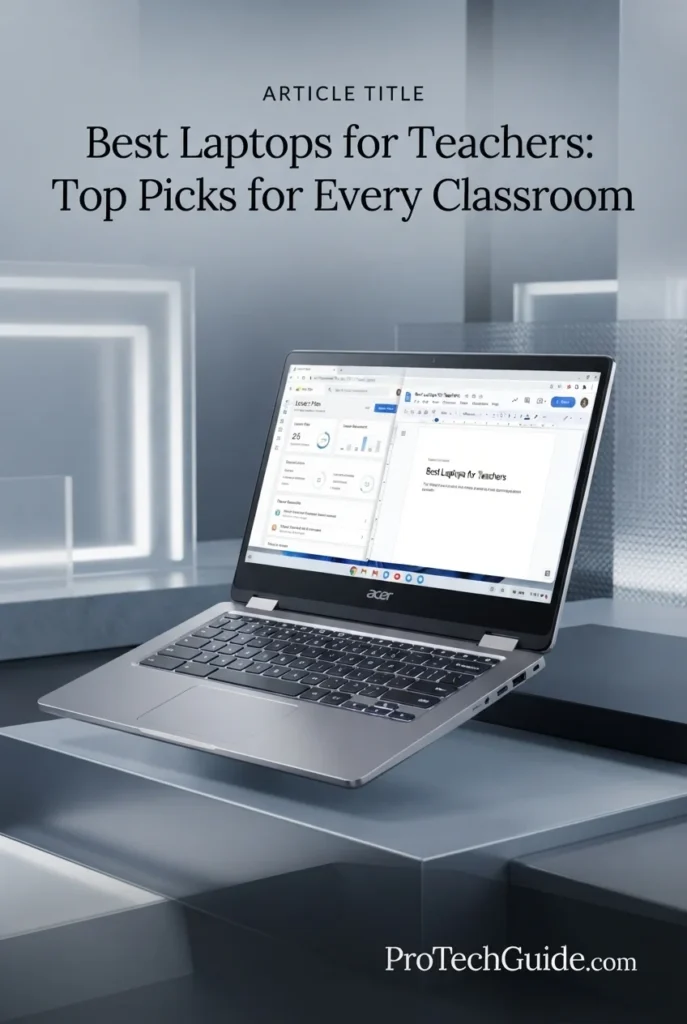
The Acer Chromebook Plus Spin 514 2-in-1 with a 10-core Intel Core i5-1334U processor, 8GB LPDDR5 memory, 512GB SSD, and 14-inch WUXGA IPS touchscreen is our Best Chromebook for Teachers in 2026. Its convertible design, ChromeOS environment, responsive Intel processor, 100% sRGB touchscreen display, FHD webcam, Wi-Fi 6E, and versatile USB-C, USB-A, and HDMI connectivity make it particularly well suited to teachers who rely on Google Classroom, web-based educational platforms, online documents, presentations, video conferencing, and cloud-centered classroom workflows. The touchscreen and 2-in-1 form factor also provide useful flexibility when moving between traditional laptop work and more interactive classroom use.

• Ideal for teachers who primarily use Google Classroom, Google Workspace, browser-based educational platforms, cloud storage, and web applications for daily classroom work
• Excellent for lesson planning, grading, presentations, email, online research, video conferencing, digital classroom management, and browser-based productivity
• Particularly well suited to educators who want a flexible 2-in-1 Chromebook with a touchscreen, comfortable backlit keyboard, strong connectivity, and enough local SSD storage for everyday teaching files
• The 10-core Intel Core i5-1334U processor with up to 4.6GHz boost provides responsive performance for everyday teaching applications, browser multitasking, documents, presentations, and online classroom platforms
• 8GB of LPDDR5 memory provides a practical configuration for ChromeOS productivity, allowing teachers to work across multiple browser tabs, Google Workspace applications, classroom tools, and communication services
• The 14-inch 1920 × 1200 IPS touchscreen with 100% sRGB coverage provides a spacious 16:10 workspace for lesson materials, presentations, documents, web applications, and interactive classroom tasks
• The 512GB SSD provides substantially more local storage than many Chromebook configurations, giving teachers room for documents, presentations, downloaded teaching resources, classroom media, and other files
• The convertible 2-in-1 design adds flexibility for classroom presentations and touchscreen interaction while retaining a conventional laptop keyboard for lesson planning, grading, and administrative work
• Wi-Fi 6E, two USB-C ports, USB-A, HDMI, an FHD webcam, DTS Audio, and a backlit keyboard provide a well-rounded setup for online teaching, external displays, peripherals, and everyday classroom productivity

The Acer Chromebook Plus Spin 514 earns our Best Chromebook for Teachers award because it combines the simplicity of ChromeOS with a capable 10-core Intel processor, 8GB LPDDR5 memory, a generous 512GB SSD, a 14-inch touchscreen, and a flexible 2-in-1 design. For educators whose workflows are centered on Google Workspace, web applications, cloud services, and online teaching platforms, it offers an unusually versatile Chromebook configuration without moving into the complexity of a traditional Windows laptop.

Compared with Windows laptops such as the Lenovo Yoga 7i 2-in-1 and HP OmniBook 5, the Acer Chromebook Plus Spin 514 is better suited to teachers who primarily work inside ChromeOS and browser-based education ecosystems. The Windows alternatives provide broader desktop software compatibility, while the Acer's strengths are its ChromeOS simplicity, touchscreen flexibility, 2-in-1 form factor, and strong connectivity for cloud-centered classroom workflows.

• Intel Core i5-1334U processor• 10-core CPU• 12 threads• Up to 4.6GHz maximum boost clock• 12MB Smart Cache• Integrated Intel Iris Xe Graphics• Responsive ChromeOS multitaskingThe Intel Core i5-1334U provides a strong foundation for everyday teaching and classroom productivity. Its 10-core design, 12 threads, and boost speeds of up to 4.6GHz are well suited to browser-based applications, Google Workspace, presentations, lesson planning, grading, video conferencing, and multitasking across common educational platforms.
• 8GB LPDDR5 memory• 8GB maximum listed memory• Efficient ChromeOS memory management• Suitable for browser-based workflows• Google Workspace multitasking• Classroom applications and web services• Practical configuration for everyday teachingThe 8GB LPDDR5 configuration provides a practical amount of memory for the Chromebook's intended classroom workloads. Teachers can work across Google Docs, Sheets, Slides, Classroom, email, educational websites, video calls, and multiple browser tabs while keeping the system focused on cloud-based productivity rather than demanding desktop applications.
• ChromeOS• Google Classroom• Google Docs• Google Sheets• Google Slides• Browser-based educational platforms• Cloud-based teaching resources• Online collaborationThe Acer Chromebook Plus Spin 514 is particularly well matched to teachers whose daily work takes place in browser-based and cloud-centered environments. ChromeOS provides straightforward access to Google Classroom, Google Workspace, online learning platforms, web-based grading systems, educational resources, email, video conferencing, and collaborative documents.For educators who depend on specialized Windows desktop software, however, a Windows laptop remains the more flexible choice. The Chromebook is strongest when the majority of teaching applications are available through ChromeOS, web applications, or supported cloud services.
• 14-inch display• 1920 × 1200 resolution• WUXGA format• IPS display technology• 16:10 aspect ratio• 100% sRGB color coverage• 60Hz refresh rate• Capacitive touchscreenThe 14-inch 1920 × 1200 IPS touchscreen provides a practical workspace for classroom productivity. Its 16:10 format offers additional vertical space for documents, browser pages, lesson plans, and educational applications, while 100% sRGB coverage provides strong color reproduction for presentations and visual teaching materials.
• 512GB SSD• Solid-state storage• Fast local file access• Space for teaching documents• Presentation storage• Downloaded classroom resources• Local media and project filesThe 512GB SSD gives this Chromebook considerably more local storage than many entry-level Chromebook configurations. Teachers can use the available space for lesson plans, presentations, downloaded educational resources, documents, classroom media, and other files while still relying on cloud storage for larger shared libraries and collaborative materials.
• ChromeOS• Google Classroom• Google Workspace• Browser-based applications• Cloud-centered workflows• Online collaboration• Automatic ChromeOS updates• Simple classroom managementChromeOS is a natural fit for educators who already work within Google's ecosystem. Teachers can access Google Classroom, Docs, Sheets, Slides, Drive, Gmail, and a wide range of browser-based educational platforms without managing the complexity of a traditional desktop operating system.The platform is less suitable for teachers who require specialized Windows-only applications or demanding desktop software. In those cases, a Windows laptop such as the Lenovo Yoga 7i 2-in-1 or HP OmniBook 5 provides broader application compatibility.
• FHD webcam• Wi-Fi 6E• 2 × USB-C ports• USB-A 3.2• HDMI 1.4b• DTS Audio• External display support• Peripheral connectivityThe Chromebook Plus Spin 514 provides the connectivity needed for modern classroom and hybrid teaching environments. Its FHD webcam supports video conferencing, while Wi-Fi 6E provides modern wireless connectivity. USB-C, USB-A, and HDMI connections also make it practical for external displays, keyboards, mice, storage devices, printers, and other classroom peripherals.
• Convertible 2-in-1 form factor• 14-inch touchscreen• Backlit keyboard• 3.32-pound listed weight• 12.6 × 9.1 × 0.82-inch dimensions• Flexible classroom interaction• Anti-glare coating• Portable teaching designThe convertible design gives teachers greater flexibility than a conventional Chromebook. The touchscreen can be useful for interactive classroom activities and presentations, while the traditional keyboard remains ready for lesson planning, grading, documentation, and administrative work. At a listed 3.32 pounds, the system remains practical for educators who regularly move between classrooms and workspaces.
Ideal for:• Teachers using Google Classroom• Google Workspace users• Cloud-based teaching• Online educators• Classroom presentations• Lesson planning and grading• Browser-based educational platforms• Hybrid teaching workflows• Teachers who want a 2-in-1 Chromebook• Educators who value touchscreen flexibilityThe Acer Chromebook Plus Spin 514 2-in-1 is an excellent choice for teachers whose work is centered on ChromeOS, Google Classroom, Google Workspace, browser-based educational platforms, and cloud collaboration. Its combination of Intel Core i5 performance, 8GB LPDDR5 memory, 512GB SSD storage, 14-inch WUXGA touchscreen, 2-in-1 design, FHD webcam, and modern connectivity makes it one of the most versatile Chromebook options for classroom productivity in 2026.
Best Budget Mac for Teachers (2026)

Apple MacBook Neo 13

Best Budget Mac for Everyday Teaching, Lesson Planning & Student Work
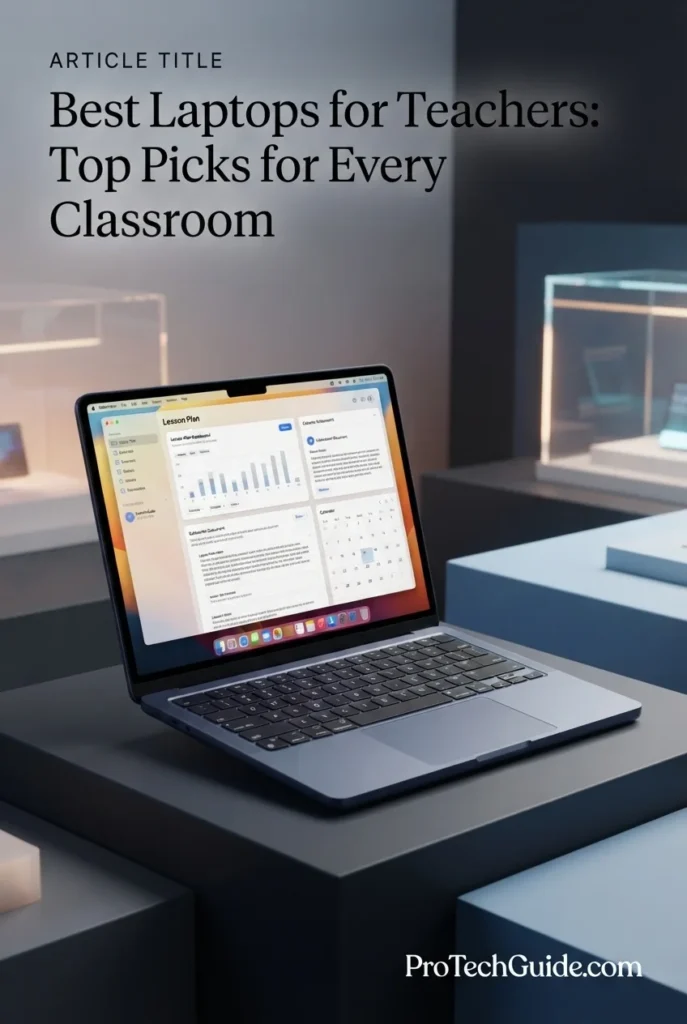
The Apple 2026 MacBook Neo 13-inch with the A18 Pro chip, 8GB of unified memory, and 512GB SSD is our Best Budget Mac for Teachers in 2026. Its compact aluminum design, Liquid Retina display, 1080p FaceTime HD camera, Touch ID, and up to 16 hours of battery life make it particularly attractive for teachers who want a straightforward Mac for lesson planning, presentations, documents, email, web research, video calls, and everyday classroom productivity. Apple Intelligence also adds AI-assisted capabilities for supported writing and productivity workflows, while the 512GB SSD provides useful local storage for teaching materials and professional files.

• Ideal for teachers who want an affordable Mac for lesson planning, documents, presentations, email, web research, and everyday classroom productivity
• Excellent for educators who use macOS, Apple Intelligence, iPhone integration, cloud services, video conferencing, and standard productivity applications
• Particularly well suited to teachers who prioritize portability, battery life, a quality display, and the Apple ecosystem over high-end professional processing or large memory configurations
• The Apple A18 Pro chip provides a capable foundation for everyday teaching workloads, including documents, presentations, web applications, communication, media, and supported AI-assisted tasks
• 8GB of unified memory provides a streamlined configuration for everyday macOS productivity, allowing teachers to work with common classroom applications, browser tabs, documents, and communication tools
• The 13-inch Liquid Retina display supports up to 1 billion colors and provides crisp text and vibrant visuals for lesson plans, presentations, educational content, and everyday classroom work
• The 512GB SSD provides useful local storage for lesson plans, presentations, documents, downloaded resources, media, and other teaching files without requiring an entry-level storage configuration
• Up to 16 hours of battery life makes the MacBook Neo particularly attractive for educators moving between classrooms, meetings, preparation periods, and home work without frequent charging
• The 1080p FaceTime HD camera, dual-mic array, Touch ID, lightweight aluminum design, and color-coordinated Magic Keyboard create a polished setup for video calls, presentations, and everyday professional use

The MacBook Neo earns our Best Budget Mac for Teachers award because it delivers the core Mac experience in a compact and more accessible configuration. The A18 Pro chip, 8GB unified memory, 512GB SSD, Liquid Retina display, long battery life, 1080p camera, and Apple Intelligence support create a balanced platform for teachers whose workloads center on everyday productivity rather than demanding professional applications.

Compared with the Apple MacBook Air 13-inch with M5, the MacBook Neo is positioned as the more budget-focused option, with less memory and a more basic overall configuration. The MacBook Air is the stronger choice for teachers who regularly multitask heavily or want greater performance headroom, while the MacBook Neo makes more sense for educators who primarily need a portable Mac for lesson planning, documents, presentations, communication, web-based teaching, and everyday classroom work.

• Apple A18 Pro chip• High-performance Apple Silicon architecture• Integrated graphics• AI-capable processing• Apple Intelligence support• Efficient macOS performance• Designed for everyday productivityThe Apple A18 Pro provides the processing foundation for everyday teaching and productivity on the MacBook Neo. It is well suited to lesson planning, documents, presentations, web applications, communication, media, and supported AI-assisted workflows, giving teachers a responsive platform for common classroom tasks without targeting workstation-class workloads.
• 8GB unified memory• Shared Apple Silicon memory architecture• macOS multitasking• Everyday productivity applications• Browser-based teaching workflows• Documents and presentations• Classroom communication toolsThe 8GB unified memory configuration is designed around everyday Mac productivity. Teachers can use common classroom applications, web browsers, documents, presentations, communication tools, and supported educational services while keeping the system focused on practical daily teaching workflows.For educators who regularly work with heavier multitasking requirements, large professional applications, or demanding creative workloads, a MacBook Air or MacBook Pro with a higher memory configuration provides greater headroom.
• Lesson planning• Documents and assignments• Presentations• Web research• Email and communication• Educational resources• Apple Intelligence• Everyday macOS applicationsThe MacBook Neo is designed around the everyday workflows teachers perform throughout the school day. Lesson planning, presentation creation, document editing, web research, email, classroom communication, and supported AI-assisted tasks can all be handled within its macOS environment.Apple Intelligence can also support compatible writing and productivity workflows, making the MacBook Neo particularly relevant for educators who want to incorporate Apple's current AI features into everyday work.
• 13-inch Liquid Retina display• Up to 1 billion colors• Crisp text rendering• Vibrant image reproduction• Compact classroom workspace• Suitable for presentations• Comfortable everyday viewingThe 13-inch Liquid Retina display provides a compact but high-quality workspace for everyday teaching. Its support for up to 1 billion colors helps presentations, photographs, videos, and educational media look vibrant, while crisp text supports lesson planning, documents, web research, and extended reading.
• 512GB SSD• Fast local storage• Lesson plan storage• Presentation files• Documents and assignments• Downloaded teaching resources• Classroom mediaThe 512GB SSD provides a practical amount of local storage for teachers who need to keep lesson plans, presentations, documents, downloaded educational resources, media, and professional files readily available. It also provides a stronger storage starting point than a basic 256GB configuration.
• macOS• Apple Intelligence• AI-assisted writing features• Built-in productivity applications• macOS application ecosystem• iPhone integration• Apple device continuity• Privacy-focused AI featuresmacOS provides the foundation for the MacBook Neo's everyday teaching experience, while Apple Intelligence adds supported AI features designed to help users write, express ideas, summarize information, and complete common tasks. The MacBook Neo also benefits from Apple's ecosystem, including features that connect Mac and iPhone workflows.Teachers who depend on Windows-only desktop applications should instead choose a Windows laptop, as application compatibility remains an important consideration when selecting a teaching computer.
• 1080p FaceTime HD camera• Dual-mic array• Clear voice capture• Side-firing speakers• Video conferencing• Online teaching• Presentation support• Everyday communicationThe 1080p FaceTime HD camera and dual-mic array make the MacBook Neo well suited to video calls, remote meetings, online teaching, and virtual collaboration. Its speakers also support presentations, instructional media, and everyday communication, giving teachers a complete built-in setup for common hybrid and remote workflows.
• Up to 16 hours of battery life• 13-inch compact form factor• Lightweight design• Aluminum enclosure• Durable construction• Portable classroom setup• Color-coordinated keyboard• Touch IDThe MacBook Neo is particularly well suited to teachers who move frequently between classrooms and workspaces. Its compact 13-inch form factor, durable aluminum enclosure, lightweight design, long battery life, and Touch ID make it convenient for carrying throughout the school day while maintaining a polished professional experience.
Ideal for:• Teachers on a budget• Lesson planning• Classroom presentations• Document and assignment work• Web-based teaching• Video conferencing• Apple Intelligence workflows• Educators using iPhone and Mac together• Teachers who prioritize portability• Everyday classroom productivityThe Apple 2026 MacBook Neo 13-inch with the A18 Pro chip, 8GB unified memory, and 512GB SSD is an excellent choice for teachers who want an accessible Mac for everyday classroom productivity. Its combination of Apple Silicon performance, Liquid Retina display, long battery life, 1080p camera, Touch ID, macOS, and Apple Intelligence support makes it a compelling budget-oriented option for teaching workflows that do not require the additional performance and memory capacity of Apple's higher-end MacBook models.
At a Glance

Best Laptops for Teachers in 2026

Ranked by Teaching Performance, Multitasking, Battery Life, Display Quality, Portability, Classroom Connectivity & Overall Value

Choosing the best laptop for teachers in 2026 requires more than comparing processor specifications. Educators need a comfortable keyboard for lesson planning and grading, enough memory for browser-based multitasking and productivity applications, reliable battery life for full school days, a quality display for presentations and classroom content, a capable webcam and microphone setup for online teaching, and dependable connectivity for projectors, displays, peripherals, and classroom networks. We evaluated these laptops around real teaching workflows including lesson planning, grading, Microsoft 365, Google Classroom, Google Workspace, presentations, video conferencing, browser multitasking, AI-assisted productivity, remote teaching, and everyday classroom work to help you choose the right laptop for your teaching environment.

LaptopCPU & Key SpecsBest ForWhy It WinsEditor's Verdict
Best OverallApple 2026 MacBook Air 13-inchCheck Price
Apple M5
16GB Unified Memory
1TB SSD
13.6" Liquid Retina Display
12MP Center Stage Camera
Wi-Fi 7
Everyday Teachers
Lesson Planning
Classroom Productivity
Hybrid Teaching
The MacBook Air combines strong everyday performance, 16GB of unified memory, 1TB of fast storage, a high-quality Liquid Retina display, a 12MP Center Stage camera, and excellent portability. It is particularly well suited to teachers who move between lesson planning, grading, presentations, browser multitasking, video calls, and everyday productivity while wanting a polished macOS experience.Best Overall Laptop for Teachers
Best Windows LaptopMicrosoft Surface Laptop 13.8-inchCheck Price
Snapdragon X2 Elite
16GB RAM
512GB SSD
13.8" Touchscreen
120Hz Display
Windows 11 Home
Windows Teachers
Microsoft 365
Mobile Educators
AI-Assisted Productivity
The Surface Laptop combines Snapdragon X2 Elite processing with 16GB of memory, a responsive 13.8-inch touchscreen, 512GB SSD storage, and a lightweight premium design. It is particularly attractive to teachers who want Windows compatibility, Microsoft 365 productivity, touchscreen interaction, strong mobility, and Copilot+ PC capabilities in one streamlined system.Best Windows Laptop for Teachers
Best ProfessionalLenovo 2026 ThinkPad T14 Gen 7Check Price
Intel Core Ultra 7 365 vPro
32GB LPDDR5X
1TB PCIe Gen4 SSD
14" WUXGA IPS Touch
5MP RGB+IR Camera
Windows 11 Pro
Professional Teachers
Academic Administration
Microsoft 365
Heavy Multitasking
The ThinkPad T14 Gen 7 provides a particularly strong professional platform for educators who combine classroom teaching with administrative and academic responsibilities. Its 32GB of memory, 1TB SSD, 14-inch WUXGA touchscreen, 5MP RGB+IR camera, business-focused Windows 11 Pro environment, and extensive connectivity make it well suited to demanding professional teaching workflows.Best Professional Laptop for Teachers
Best 2-in-1Lenovo Yoga 7i 2-in-1 14-inchCheck Price
Intel Core Ultra 5 322
16GB LPDDR5X
1TB Internal SSD
14" WUXGA OLED Touch
Wi-Fi 7
Windows 11 Home
Interactive Teaching
Presentations
Touchscreen Productivity
Flexible Classrooms
The Yoga 7i 2-in-1 combines a convertible design with a 14-inch WUXGA OLED touchscreen, 16GB LPDDR5X memory, and a 1TB internal SSD. Its flexible form factor makes it particularly useful for teachers who move between conventional laptop work, touchscreen interaction, presentations, and collaborative classroom activities. The included docking station also adds a separate 1TB storage component.Best 2-in-1 Laptop for Teachers
Best Battery-FocusedHP OmniBook 5 14-inchCheck Price
Snapdragon X Plus X1P-42-100
16GB LPDDR5X
1TB PCIe Gen4 SSD
14" OLED 1920 × 1200
Qualcomm Adreno GPU
Windows 11 Home
Full School Days
Mobile Teachers
Lesson Planning
Battery-Focused Users
The HP OmniBook 5 emphasizes mobility and endurance with its Snapdragon X Plus platform, 16GB LPDDR5X memory, 1TB SSD, and 14-inch OLED display. Its long battery-life positioning makes it particularly attractive to teachers who move throughout the school day and want a system capable of handling lesson planning, browser multitasking, communication, and classroom productivity without constantly searching for a charger.Best Battery-Focused Laptop for Teachers
Best OLEDASUS Zenbook 14 OLEDCheck Price
AMD Ryzen AI 9 465
16GB LPDDR5X
512GB PCIe Gen4 SSD
14" WUXGA OLED Touch
1080p IR Camera
Windows 11 Pro
Visual Presentations
Lesson Planning
AI Productivity
Premium Displays
The Zenbook 14 OLED combines a powerful Ryzen AI 9 465 processor with 16GB LPDDR5X memory, a 14-inch WUXGA OLED touchscreen, 512GB PCIe Gen4 SSD storage, and a 1080p IR camera. Its display quality and compact premium design make it especially appealing to teachers who create presentations, work with visual educational content, and want a high-quality screen for everyday classroom productivity.Best OLED Laptop for Teachers
Best ChromebookAcer Chromebook Plus Spin 514 2-in-1Check Price
Intel Core i5-1334U
10-Core CPU
8GB LPDDR5
512GB SSD
14" WUXGA IPS Touch
ChromeOS
Google Classroom
Google Workspace
Cloud-Based Teaching
2-in-1 Classroom Work
The Acer Chromebook Plus Spin 514 combines a 10-core Intel Core i5-1334U processor with 8GB LPDDR5 memory, 512GB SSD storage, a 14-inch WUXGA IPS touchscreen, and a convertible design. Its ChromeOS environment makes it particularly well suited to teachers who rely heavily on Google Classroom, Google Workspace, browser-based educational platforms, cloud services, and online collaboration.Best Chromebook for Teachers
Best Budget MacApple 2026 MacBook Neo 13-inchCheck Price
Apple A18 Pro
8GB Unified Memory
512GB SSD
13" Liquid Retina Display
1080p FaceTime HD Camera
Touch ID
Budget-Conscious Teachers
Everyday Teaching
Lesson Planning
Portable Productivity
The MacBook Neo delivers the core Mac experience in a more accessible configuration, combining the A18 Pro chip, 8GB unified memory, 512GB SSD storage, a 13-inch Liquid Retina display, 1080p camera, Touch ID, and up to 16 hours of battery life. It is especially attractive to teachers who primarily need a compact Mac for lesson planning, documents, presentations, communication, web-based teaching, and everyday classroom productivity.Best Budget Mac for Teachers
Keep Exploring

Recommended Next Reads

Finished comparing the best laptops for teachers? Explore our related education, remote work, Microsoft Office, business, productivity, and portable display laptop guides to better understand the hardware requirements behind lesson planning, grading, presentations, video calls, classroom multitasking, Microsoft 365, Google Workspace, and modern teaching workflows.

Whether you're preparing lessons, grading assignments, creating presentations, managing spreadsheets, teaching remotely, working across Microsoft 365 and Google Workspace, or moving between classrooms and home, these guides can help you compare the CPU performance, memory capacity, battery life, display quality, portability, connectivity, and overall value required for different education and professional productivity workflows.

01
Microsoft Office & Productivity

Best Laptops for Excel & Microsoft Office in 2026

Compare laptops for Excel, Word, PowerPoint, Microsoft 365, spreadsheets, document management, multitasking, grading, reporting, and everyday professional productivity.

Explore Office Laptops →
Education & Academic Work

Best Laptops for Students in 2026

Explore laptops selected for research, coursework, presentations, web applications, video calls, productivity, portability, and everyday academic workflows.

Explore Student Laptops →
Business & Professional Work

Best Business Laptops in 2026

Compare professional laptops for Microsoft 365, communication, multitasking, security, portability, reliability, and demanding workplace productivity workflows.

Explore Business Laptops →
Classroom Productivity Setup

Best Tech Accessories for Productivity in 2026

Explore productivity-focused technology for connectivity, organization, external displays, multitasking, and building a more effective teaching and professional workstation.

Explore Productivity Accessories →
Displays & Mobile Work

Best Portable Monitors in 2026

Compare portable USB-C displays for teachers who need extra screen space for lesson planning, grading, presentations, multitasking, and working across different classrooms or locations.

Explore Portable Monitors →
Professional Management & Productivity

Best Business Laptops for Small Business Owners in 2026

Explore laptops selected for Microsoft 365, financial management, business applications, communication, multitasking, productivity, and the technology needs of professional work.

Explore Small Business Laptops →

EDITOR'S FINAL RECOMMENDATIONS

Our Final Teacher Laptop Recommendations for 2026

After comparing laptops across classroom productivity, lesson planning, grading, Microsoft 365, Google Workspace, video conferencing, browser multitasking, battery life, display quality, portability, keyboard comfort, classroom connectivity, software compatibility, and long-term value, these are our final recommendations for teachers in 2026. Whether you need an all-around classroom laptop, a professional Windows system, a flexible 2-in-1, exceptional battery life, a Chromebook, or a more affordable Mac, there is an option here for your specific teaching workflow.

BEST WINDOWS LAPTOP

Microsoft Surface Laptop 13.8-inch

The best Windows laptop for teachers who prioritize portability, touchscreen productivity, Microsoft 365, classroom mobility, and modern AI capabilities. Its Snapdragon X2 Elite processor, 16GB of RAM, 512GB SSD, 13.8-inch 120Hz touchscreen, premium aluminum construction, and Copilot+ PC positioning make it a strong choice for teachers moving between classrooms, meetings, and home.

  • ✓ Snapdragon X2 Elite 12-Core Processor
  • ✓ 16GB RAM
  • ✓ 512GB SSD Storage
  • ✓ 13.8-inch 2304x1536 Touchscreen
Best Windows laptop for teachers who value portability and Microsoft productivity
BEST PROFESSIONAL

Lenovo 2026 ThinkPad T14 Gen 7

The professional choice for teachers who want business-class durability, extensive connectivity, strong multitasking capability, and a productivity-focused design. With 32GB of memory, a 1TB SSD, a 14-inch WUXGA touchscreen, a 5MP RGB+IR camera, Windows 11 Pro, Thunderbolt 4, HDMI 2.1, Ethernet, and a 75Wh battery, it is particularly well suited to educators who combine classroom teaching with administration and professional work.

  • ✓ Intel Core Ultra 7 365 vPro
  • ✓ 32GB LPDDR5X Memory
  • ✓ 1TB PCIe Gen4 SSD
  • ✓ 14-inch WUXGA IPS Touchscreen
Best professional laptop for teachers and education administrators
BEST 2-IN-1

Lenovo Yoga 7i 2-in-1 14-inch WUXGA OLED

The most versatile option for teachers who combine traditional laptop work with touchscreen interaction, presentations, classroom demonstrations, and flexible positioning. Its 14-inch WUXGA OLED touchscreen, 16GB of memory, 1TB internal SSD, convertible design, fingerprint reader, and included docking station make it particularly useful for educators who want more flexibility than a conventional laptop provides.

  • ✓ Intel Core Ultra 5 322
  • ✓ 16GB LPDDR5X Memory
  • ✓ 1TB Internal SSD
  • ✓ 14-inch WUXGA OLED Touchscreen
Best 2-in-1 laptop for teachers, presentations, and touchscreen productivity
BEST BATTERY-FOCUSED

HP OmniBook 5 14-inch Next Gen AI PC

The battery-focused choice for teachers who spend long days moving between classrooms, meetings, offices, and home. Its Snapdragon X Plus processor, 16GB of memory, 1TB SSD, 14-inch OLED display, Qualcomm NPU, and Windows 11 Home create a balanced platform for lesson planning, grading, browser multitasking, video conferencing, and mobile teaching workflows.

  • ✓ Snapdragon X Plus X1P-42-100
  • ✓ 16GB LPDDR5X Memory
  • ✓ 1TB PCIe Gen4 NVMe SSD
  • ✓ 14-inch 1920x1200 OLED Display
Best battery-focused laptop for teachers with mobile classroom workflows
BEST OLED

ASUS Zenbook 14 OLED Laptop

The best choice for teachers who place a premium on display quality while maintaining a compact and highly portable design. Its Ryzen AI 9 465 processor, 16GB of memory, 512GB SSD, 14-inch WUXGA OLED touchscreen, 1080p IR webcam, 75Wh battery, and Windows 11 Pro make it a strong option for presentations, visual teaching materials, video calls, lesson preparation, and everyday productivity.

  • ✓ AMD Ryzen AI 9 465
  • ✓ 16GB LPDDR5X Memory
  • ✓ 512GB PCIe Gen4 SSD
  • ✓ 14-inch WUXGA OLED Touchscreen
Best OLED laptop for teachers who value display quality and portability
BEST CHROMEBOOK

Acer Chromebook Plus Spin 514 2-in-1

The best Chromebook for teachers who primarily work with Google Classroom, Google Workspace, browser-based teaching tools, documents, presentations, email, and cloud applications. Its convertible 14-inch touchscreen, Intel Core i5 processor, 8GB of memory, 512GB SSD, backlit keyboard, and ChromeOS platform provide a practical combination for educators whose workflows are centered on Google's education ecosystem.

  • ✓ Intel Core i5-1334U 10-Core Processor
  • ✓ 8GB LPDDR5 Memory
  • ✓ 512GB SSD Storage
  • ✓ 14-inch WUXGA IPS Touchscreen
Best Chromebook for Google Classroom and browser-based teaching
BEST BUDGET MAC

Apple 2026 MacBook Neo 13-inch with A18 Pro

The budget-oriented Mac choice for teachers who want the simplicity of macOS and Apple's ecosystem without moving to the higher price tier of the MacBook Air. Its A18 Pro chip, 8GB of unified memory, 512GB SSD, 13-inch Liquid Retina display, 1080p FaceTime HD camera, Touch ID, and up to 16 hours of battery life provide a compact platform for lesson planning, documents, presentations, browsing, video calls, and everyday classroom work.

  • ✓ Apple A18 Pro Chip
  • ✓ 8GB Unified Memory
  • ✓ 512GB SSD Storage
  • ✓ 13-inch Liquid Retina Display
Best budget Mac for everyday teaching and classroom productivity
QUICK DECISION

Which teacher laptop should you buy?

Best Overall

MacBook Air M5

Best Windows

Surface Laptop

Best Professional

ThinkPad T14 Gen 7

Best 2-in-1

Lenovo Yoga 7i

Best Battery

HP OmniBook 5

Best OLED

ASUS Zenbook 14 OLED

Best Chromebook

Acer Chromebook Plus Spin 514

Best Budget Mac

MacBook Neo

Laptop prices, configurations, and availability can change frequently. Before purchasing, check Amazon for the latest price, available memory and storage configurations, warranty coverage, operating system compatibility, and current promotions.

EDITOR'S FINAL VERDICT

Final Verdict: Best Laptops for Teachers in 2026

After comparing processor performance, memory capacity, SSD storage, battery life, display quality, keyboard comfort, webcam quality, portability, classroom connectivity, Microsoft 365, Google Workspace, video conferencing, presentation workflows, multitasking, operating system compatibility, and long-term value, one conclusion stands out:The best laptop for teachers is not necessarily the most powerful computer or the laptop with the most advanced specifications. It is the system that provides the right balance of performance, battery life, portability, display quality, camera and microphone capability, connectivity, software compatibility, comfort, and reliability for the teaching workflows you actually perform every day.

Modern teachers work across lesson-planning applications, Microsoft Word and PowerPoint, Excel gradebooks, Google Classroom, Google Docs and Slides, web-based education platforms, learning management systems, video conferencing, browser tabs, digital presentations, cloud storage, email, and increasingly AI-assisted productivity tools. These workflows benefit primarily from responsive everyday performance, sufficient memory, fast storage, dependable battery life, a comfortable keyboard, a quality display, and reliable connectivity rather than from workstation-class graphics hardware.

For most teachers, 16GB of memory is the ideal target for long-term use, while 8GB can remain suitable for lighter Chromebook or basic classroom workflows. Fast SSD storage, a comfortable display, a capable webcam, reliable wireless connectivity, and all-day mobility are equally important when the laptop will be used for hours of teaching, planning, grading, and communication every day.
Best Teacher Laptop OverallApple MacBook Air M5
Best Windows LaptopMicrosoft Surface Laptop
Best Professional LaptopLenovo ThinkPad T14 Gen 7
Best 2-in-1 LaptopLenovo Yoga 7i
The simple answer:
  • Choose the Apple MacBook Air 13-inch with M5 if you want the strongest overall combination of everyday performance, portability, display quality, battery-focused design, camera capability, storage, and classroom productivity.
  • Choose the Microsoft Surface Laptop if Windows compatibility, touchscreen productivity, Microsoft 365, portability, and modern Copilot+ PC features are your priorities.
  • Choose the Lenovo ThinkPad T14 Gen 7 if you want a professional Windows laptop with 32GB of memory, extensive connectivity, Windows 11 Pro, Ethernet, a 5MP camera, and the flexibility to handle both classroom teaching and administrative work.
  • Choose the Lenovo Yoga 7i 2-in-1 if touchscreen interaction, presentations, classroom demonstrations, and flexible laptop-to-tablet use are central to your teaching workflow.

Top Teacher Laptop Recommendations (2026)

BEST OVERALL

Apple MacBook Air 13-inch with M5

Our Editor's Choice for most teachers because it delivers the strongest overall combination of everyday performance, portability, display quality, storage, camera capability, and classroom productivity. With 16GB of unified memory and a 1TB SSD, it provides substantial headroom for lesson planning, grading, presentations, browser multitasking, Microsoft 365, Google Workspace, video calls, and everyday teaching workflows.

  • ✓ Apple M5 Chip
  • ✓ 16GB Unified Memory
  • ✓ 1TB SSD Storage
  • ✓ 13.6-inch Liquid Retina Display
BEST WINDOWS LAPTOP

Microsoft Surface Laptop 13.8-inch

The strongest Windows choice for teachers who spend significant time moving between classrooms, meetings, home, and school. Its Snapdragon X2 Elite processor, 16GB of RAM, touchscreen display, lightweight premium design, and Copilot+ PC positioning provide an excellent balance of mobility, productivity, classroom interaction, and modern Windows capabilities.

  • ✓ Snapdragon X2 Elite 12-Core Processor
  • ✓ 16GB RAM
  • ✓ 512GB SSD Storage
  • ✓ 13.8-inch 2304x1536 Touchscreen
BEST PROFESSIONAL

Lenovo ThinkPad T14 Gen 7

The best professional option for educators who combine classroom teaching with administration, meetings, document-heavy workflows, and demanding multitasking. Its 32GB of memory, 1TB SSD, Windows 11 Pro, 5MP RGB+IR camera, Thunderbolt 4, HDMI 2.1, Ethernet, and 75Wh battery give it substantial flexibility for professional education environments.

  • ✓ Intel Core Ultra 7 365 vPro
  • ✓ 32GB LPDDR5X Memory
  • ✓ 1TB PCIe Gen4 SSD
  • ✓ 14-inch WUXGA IPS Touchscreen
Choose the MacBook Air M5 if:
  • ✓ You want the best overall laptop for teaching and everyday classroom productivity
  • ✓ You regularly work with lesson plans, presentations, documents, browser tabs, video calls, and cloud applications
  • ✓ You want 16GB of memory, 1TB storage, and a high-quality portable display
  • ✓ You prefer macOS and want a lightweight laptop that fits easily into a mobile teaching workflow
Choose the Surface Laptop if:
  • ✓ Windows compatibility and Microsoft 365 are major priorities
  • ✓ You want a lightweight laptop with a touchscreen for classroom and presentation use
  • ✓ You want 16GB of RAM and modern Copilot+ PC capabilities
  • ✓ You regularly move between classrooms, home, meetings, and other teaching locations
Before Buying Any Teacher Laptop:
  • ✓ Prefer 16GB of memory for comfortable long-term teaching, multitasking, and productivity
  • ✓ Consider 8GB acceptable primarily for lighter Chromebook and browser-based education workflows
  • ✓ Prioritize a fast SSD with enough capacity for lesson materials, presentations, documents, applications, and local files
  • ✓ Check operating-system compatibility if your school requires Windows-only software, specialized education applications, or Microsoft-specific tools
  • ✓ Prioritize battery life, webcam quality, keyboard comfort, and connectivity if you spend most of your day moving between classrooms or teaching remotely
Editor's Final Recommendation:

A teacher's laptop is a professional tool that may be used for thousands of hours across lesson planning, grading, presentations, video conferences, documents, spreadsheets, research, classroom management, and communication. Raw processor specifications matter, but battery life, keyboard comfort, display quality, webcam performance, storage, portability, software compatibility, and long-term reliability can have an equally important impact on everyday teaching productivity.

Among the models evaluated in this guide, the Apple MacBook Air 13-inch with M5 delivers the strongest overall combination of performance, 16GB of unified memory, 1TB storage, portability, display quality, camera capability, and everyday classroom versatility, making it our Editor's Choice for the best laptop for teachers in 2026.The Microsoft Surface Laptop is the better choice for teachers who prioritize Windows, touchscreen productivity, Microsoft 365, and mobility, while the Lenovo ThinkPad T14 Gen 7 is the stronger professional choice for educators who need more memory, extensive connectivity, Windows 11 Pro, and greater headroom for administrative workloads. The Lenovo Yoga 7i 2-in-1 stands out when touchscreen interaction, presentations, and classroom flexibility are more important than a conventional laptop design.

Editor's ChoiceSee Today's Best Teacher Laptop Deals

Compare current prices, configurations, memory, storage, warranty coverage, operating-system compatibility, and availability before choosing the laptop that best matches your teaching environment and classroom workflow.

Check Latest Deals

EDITOR'S FAQ

Frequently Asked Questions About the Best Laptops for Teachers in 2026

Choosing the best laptop for teachers requires more than comparing processor specifications. Educators need a reliable computer that can handle lesson planning, grading, presentations, Microsoft 365, Google Classroom, browser-based teaching platforms, video conferencing, cloud storage, and everyday classroom multitasking without becoming unnecessarily heavy or expensive.These frequently asked questions address the most important buying decisions for teachers in 2026, including how much RAM you need, whether Windows or macOS is better for teaching, whether a Chromebook is enough for classroom work, how important battery life is, whether a touchscreen or 2-in-1 design is worthwhile, and which laptop is best for different teaching environments.

The Apple 2026 MacBook Air 13-inch with the M5 chip is our top overall recommendation for teachers in 2026.

It offers an excellent balance of performance, portability, battery efficiency, display quality, camera capability, connectivity, and everyday usability. The 13.6-inch Liquid Retina display, 16GB of unified memory, 1TB SSD, 12MP Center Stage camera, Wi-Fi 7, and Touch ID make it particularly well suited to modern teaching workflows.

  • 16GB of unified memory for lesson planning, grading, browser multitasking, and productivity applications.
  • 1TB SSD for documents, presentations, teaching materials, applications, and local files.
  • 12MP Center Stage camera for video conferencing and remote teaching.
  • Compact 13.6-inch design that is easy to carry between classrooms, meetings, and home.
  • Strong platform for productivity, presentations, cloud applications, and everyday educational work.

For teachers who specifically need Windows and Microsoft 365 compatibility, the Microsoft Surface Laptop is our preferred Windows alternative. Teachers who need a more business-oriented professional system should consider the Lenovo ThinkPad T14 Gen 7, while the Lenovo Yoga 7i is the stronger choice for those who want touchscreen and 2-in-1 flexibility.

Check Price
16GB of RAM is the recommended target for most teachers in 2026, while 8GB can be sufficient for lighter Chromebook and browser-based workloads.

Teaching workloads often involve several applications and browser tabs at the same time. A teacher may have a learning management system, Google Classroom, Microsoft Word, PowerPoint, Excel, email, cloud storage, video conferencing, research tabs, and presentation materials open simultaneously.

  • 8GB → Suitable for lighter classroom workflows, web applications, Google Workspace, email, documents, and Chromebook-based teaching.
  • 16GB → Recommended for most teachers using Microsoft 365, Google Workspace, presentations, video calls, browser multitasking, grading, and everyday productivity.
  • 32GB → Useful for teachers who routinely run heavier multitasking workloads, advanced applications, large files, or professional workloads beyond normal classroom tasks.

For most educators buying a new laptop in 2026, 16GB provides the best balance of performance, longevity, and value. The Lenovo ThinkPad T14 Gen 7 in this guide provides 32GB for teachers who want additional professional multitasking headroom.

Yes. 16GB is enough for the vast majority of teachers and provides comfortable headroom for modern classroom productivity.

A teacher using Microsoft 365, Google Workspace, Google Classroom, presentation software, email, browser tabs, video conferencing, cloud storage, and grading tools can generally work comfortably with 16GB when the workload remains within normal classroom use.

  • 16GB works well for lesson planning and document creation.
  • 16GB is suitable for PowerPoint, Word, Excel, and Microsoft 365.
  • 16GB provides comfortable multitasking across browser tabs and classroom platforms.
  • 16GB is well suited to video conferencing and remote teaching workflows.
  • 32GB is mainly beneficial when teaching workflows involve unusually demanding professional applications or extensive multitasking.

The Apple MacBook Air, Microsoft Surface Laptop, Lenovo Yoga 7i, HP OmniBook 5, and ASUS Zenbook 14 in this guide all use 16GB-class configurations, making them strong choices for teachers who want a balanced long-term productivity laptop.

Check MacBook Air
The Microsoft Surface Laptop 13.8-inch is our top Windows recommendation for teachers who rely heavily on Microsoft 365 and Windows-based workflows.

Microsoft 365 remains central to many teaching environments, particularly for teachers who regularly use Word, Excel, PowerPoint, Outlook, Teams, OneDrive, and other Windows productivity tools. The Surface Laptop combines Windows 11 with a premium 13.8-inch touchscreen, 16GB of RAM, a 512GB SSD, and a lightweight design.

  • Windows 11 → Familiar environment for teachers using Windows-based school systems.
  • 16GB RAM → Suitable for Microsoft 365, browser multitasking, presentations, and communication tools.
  • 13.8-inch touchscreen → Useful for interactive classroom work and flexible navigation.
  • Copilot+ PC → Adds modern AI-oriented Windows capabilities to the teaching workflow.
  • Portable design → Well suited to educators who move between classrooms and work locations.

Teachers working in organizations where Windows software compatibility is a priority should generally choose the Surface Laptop, ThinkPad T14 Gen 7, or another Windows system before choosing a MacBook or Chromebook.

Check Surface Laptop
Yes. A MacBook can be an excellent choice for teachers who are comfortable with macOS and whose school software and services are compatible with Apple's platform.

The Apple MacBook Air with M5 is particularly attractive for educators who prioritize portability, battery efficiency, a high-quality display, a strong camera system, and a premium everyday productivity experience. It is well suited to lesson planning, documents, presentations, browser-based teaching platforms, video calls, email, cloud storage, and general classroom productivity.

  • Excellent portable design for moving between classrooms and home.
  • 16GB unified memory provides comfortable multitasking for teaching workflows.
  • 12MP Center Stage camera is well suited to video conferencing and remote teaching.
  • 1TB SSD provides substantial local storage for teaching materials and applications.
  • macOS provides a polished environment for teachers already invested in Apple's ecosystem.

The main consideration is software compatibility. Before choosing a MacBook, teachers should confirm that any school-specific applications, testing platforms, administrative systems, and other required software work correctly with macOS.

Check MacBook Air Price
Yes. A Chromebook can be an excellent choice for teachers whose work is primarily browser-based and centered on Google Workspace, Google Classroom, and cloud applications.

The Acer Chromebook Plus Spin 514 is the Chromebook recommendation in this guide because it combines a convertible touchscreen design with a 14-inch WUXGA display, 8GB of memory, 512GB of storage, Wi-Fi 6E, and ChromeOS. This makes it particularly practical for educators working primarily through Google's education ecosystem.

  • Google Classroom → Well suited to browser-based classroom management and assignments.
  • Google Workspace → Works naturally with Docs, Sheets, Slides, Drive, and other cloud-based tools.
  • 2-in-1 design → The convertible touchscreen provides additional flexibility in classroom environments.
  • 8GB memory → Appropriate for typical browser-focused educational workflows.
  • 512GB storage → Provides more local storage than many basic Chromebook configurations.

A Chromebook is less appropriate when a teacher depends on Windows-only desktop applications or specialized software that requires Windows or macOS. In those situations, a Windows laptop such as the Surface Laptop or ThinkPad T14 Gen 7 is the safer choice.

Check Chromebook
Yes. A 2-in-1 laptop can be especially useful for teachers who value touchscreen interaction, flexible presentation setups, and the ability to use a device in different positions.

The Lenovo Yoga 7i 2-in-1 is our top choice for teachers who want this flexibility. Its 14-inch WUXGA OLED touchscreen, convertible design, fingerprint reader, backlit keyboard, and Windows 11 Home make it a strong fit for classroom environments where interaction and portability matter.

  • Touchscreen interaction can be useful for presentations and classroom navigation.
  • Convertible design provides more flexibility than a traditional clamshell laptop.
  • 14-inch 16:10 OLED display provides a strong viewing experience for teaching content.
  • 16GB memory is well suited to everyday educational multitasking.
  • 1TB internal SSD provides substantial storage for teaching files and applications.

The included docking station adds a separate 1TB storage solution, but this should not be confused with the laptop's internal 1TB SSD. For teachers who want one device that can adapt to different classroom and home setups, the Yoga 7i is one of the most flexible options in this guide.

Check Yoga 7i
A 13- to 14-inch laptop is generally the best balance for teachers who prioritize portability, while a larger display can be preferable for educators who spend most of their time at a desk.
  • 13-inch → Best for teachers who move frequently between classrooms, meetings, home, and school.
  • 14-inch → The strongest all-around size for balancing workspace and portability.
  • 15-inch or larger → Better when screen space is more important than compactness and the laptop will spend most of its time on a desk.

The MacBook Air and MacBook Neo provide compact 13-inch-class options, while the Surface Laptop, ThinkPad T14 Gen 7, Yoga 7i, HP OmniBook 5, ASUS Zenbook 14, and Acer Chromebook Plus Spin 514 offer 14-inch-class displays. This makes the 13- to 14-inch range particularly strong for teachers who need to carry their laptop throughout the school day.

For most educators, a good 14-inch display offers the best compromise between lesson-planning workspace, presentation visibility, browser multitasking, and portability.

Check 14-Inch Option
The Apple MacBook Air M5 is our top overall choice for teachers who regularly combine remote teaching, video conferencing, lesson planning, and mobile work.

Online teachers need more than raw processing performance. A good remote-teaching laptop should combine a capable camera, reliable connectivity, comfortable multitasking, portability, battery efficiency, and enough memory for video conferencing alongside teaching materials and browser applications.

  • 12MP Center Stage camera for video calls and remote teaching.
  • 16GB unified memory for simultaneous video conferencing, browser tabs, documents, and teaching platforms.
  • 1TB SSD for lesson materials, recordings, applications, and local files.
  • Compact design for teachers who work from multiple locations.
  • Wi-Fi 7 for modern wireless connectivity.

The Microsoft Surface Laptop is another excellent option for teachers who prefer Windows, while the Lenovo ThinkPad T14 Gen 7 is particularly attractive for educators who prioritize professional connectivity, security-oriented features, and business-class hardware.

Check MacBook Air
For most teachers, the Apple MacBook Air M5 is the best overall choice, but the right laptop depends on your teaching environment, software requirements, and preferred platform.

There is no single laptop that is perfect for every educator. A teacher working primarily with Microsoft 365 may benefit more from Windows, while a Google Workspace-focused educator may prefer a Chromebook. Teachers who move constantly between classrooms may prioritize portability, while those who value interactive displays may prefer a 2-in-1.

  • Best Overall → Apple MacBook Air 13-inch with M5
  • Best Windows Laptop → Microsoft Surface Laptop 13.8-inch
  • Best Professional Laptop → Lenovo ThinkPad T14 Gen 7
  • Best 2-in-1 → Lenovo Yoga 7i 2-in-1
  • Best Battery-Focused → HP OmniBook 5 14-inch
  • Best OLED → ASUS Zenbook 14 OLED
  • Best Chromebook → Acer Chromebook Plus Spin 514 2-in-1
  • Best Budget Mac → Apple MacBook Neo 13-inch with A18 Pro

If you want the safest all-around recommendation for lesson planning, grading, presentations, browser multitasking, video calls, cloud applications, and everyday classroom productivity, the MacBook Air M5 remains our Editor's Choice. If you require Windows and Microsoft 365 compatibility, choose the Surface Laptop. If you want professional business-oriented hardware, the ThinkPad T14 Gen 7 is the stronger fit. For touchscreen flexibility, choose the Yoga 7i, while Google Workspace-focused educators can save money and simplify their workflow with the Acer Chromebook Plus Spin 514.

Check Best Overall Deal

TEACHER LAPTOP BUYING GUIDE

Common Mistakes When Choosing a Teacher Laptop in 2026

Choosing a laptop for teaching is not simply about finding the fastest processor or the most expensive configuration. Educators need a dependable system that can handle lesson planning, grading, presentations, Microsoft 365, Google Classroom, browser multitasking, video conferencing, cloud applications, classroom displays, and everyday productivity while remaining comfortable to carry and reliable throughout the school year.The wrong laptop can become a daily source of frustration through insufficient memory, poor battery life, limited connectivity, weak camera quality, incompatible software, excessive weight, or unnecessary hardware that provides little benefit for actual classroom work. Avoid these common mistakes before choosing your next teaching laptop.

Editor's Insight

The best laptop for teachers is rarely the one with the most impressive specification sheet. For educators, battery life, memory capacity, keyboard comfort, portability, display quality, webcam performance, connectivity, operating-system compatibility, and long-term reliability can have a greater impact on productivity than simply choosing the most powerful processor or GPU available.For most teachers in 2026, we recommend targeting 16GB of memory, fast SSD storage, a modern processor, a quality display, and dependable wireless connectivity. A dedicated GPU is generally unnecessary for normal teaching workloads, so educators should prioritize the features they will actually use for lesson planning, grading, presentations, video calls, classroom management, and everyday productivity.

Choosing Only 8GB of RAM for Heavy Multitasking

  • Teachers frequently have lesson plans, browser tabs, Google Classroom, Microsoft 365, email, presentations, video conferencing, and cloud storage open simultaneously.
  • Modern browser-based teaching platforms can consume significant memory when many tabs and applications remain active.
  • Insufficient memory can reduce responsiveness and become increasingly limiting as teaching workflows become more demanding.

Better decision:Choose 16GB of memory when possible for a new teacher laptop in 2026. An 8GB configuration can still work for lighter browser-based workflows, particularly on a Chromebook, while 32GB is useful for educators with unusually demanding multitasking or professional workloads beyond normal classroom use.

Buying a Dedicated GPU You Do Not Need

  • Most lesson planning, grading, Microsoft 365, Google Workspace, presentations, email, video conferencing, and classroom management applications do not require a high-end dedicated GPU.
  • Paying for unnecessary graphics performance can increase the laptop's price, weight, heat, and power consumption.
  • For ordinary teaching workflows, memory capacity, CPU responsiveness, battery life, and portability are generally more important.

Better decision:Prioritize CPU performance, RAM, SSD storage, battery life, display quality, and connectivity first. A dedicated GPU only becomes important when teaching workflows also involve demanding creative applications, 3D work, video production, engineering software, or other graphics-intensive tasks.

Ignoring Operating System and Software Compatibility

  • Teachers may depend on school-specific applications, testing platforms, administrative tools, Microsoft software, Google services, or specialized educational programs.
  • Not every operating system provides the same compatibility with professional or institution-specific software.
  • Choosing a MacBook or Chromebook without checking school requirements first can create unnecessary limitations.

Better decision:Choose Windows when your school environment depends heavily on Windows applications or Microsoft-centric software. A MacBook is an excellent option when your required applications are compatible with macOS, while a Chromebook is particularly attractive for teachers whose work is centered on Google Classroom, Google Workspace, and browser-based services.

Underestimating Battery Life

  • Teachers may spend an entire school day moving between classrooms, meetings, presentations, and administrative tasks.
  • A laptop with weak real-world battery endurance can become inconvenient when outlets are not immediately available.
  • Frequent charging can reduce the practical mobility of an otherwise excellent classroom laptop.

Better decision:Treat battery efficiency as a core buying criterion rather than an optional feature. The Apple MacBook Air M5, Microsoft Surface Laptop, and HP OmniBook 5 are particularly attractive choices for teachers who place a high priority on mobile productivity and long periods away from a power outlet.

Buying More Performance Than Your Teaching Workflow Requires

  • Most teachers do not need workstation-class processors or dedicated graphics simply to create lessons, grade assignments, browse the web, and run presentations.
  • Excess performance can increase purchase cost without providing a meaningful productivity advantage for ordinary classroom work.
  • A lighter and more efficient laptop can often provide a better overall teaching experience than a specification-heavy machine.

Better decision:Match hardware to your actual teaching workload. For most educators, a modern processor with 16GB of memory and a fast SSD provides an excellent balance of responsiveness and value. Move toward higher-end professional hardware only when your teaching responsibilities genuinely involve demanding applications beyond standard classroom productivity.

Overlooking Webcam, Keyboard, and Connectivity Quality

  • Teachers can spend hours typing lesson plans, grading assignments, communicating with students, and participating in video meetings.
  • Remote and hybrid teaching makes camera and microphone quality much more important than it was in traditional classroom-only workflows.
  • Projectors, external displays, docks, USB accessories, Ethernet, and other classroom equipment can make port selection important.

Better decision:Evaluate the complete teaching experience, not just processor specifications. Look for a comfortable keyboard, capable webcam and microphone system, useful USB and display connections, reliable Wi-Fi, and convenient compatibility with the equipment you use at school and at home.

Smart Buying Advice for Teachers

Choose a Windows laptop if:

You rely on Microsoft 365, Windows-based school systems, institution-specific applications, external displays, classroom peripherals, or software that requires Windows compatibility. The Microsoft Surface Laptop is our preferred Windows option for teachers who want a premium and portable system, while the Lenovo ThinkPad T14 Gen 7 is better suited to educators who prioritize professional business-class hardware and connectivity.

Choose a MacBook or Chromebook if:

Choose the MacBook Air M5 when you want a premium portable laptop for lesson planning, presentations, video calls, cloud applications, and everyday productivity within a macOS-compatible environment. Choose the Acer Chromebook Plus Spin 514 when your teaching workflow is primarily based on Google Classroom, Google Workspace, browser applications, and cloud services.

Key takeaway:The best teaching laptop is not necessarily the fastest or most expensive machine. It is the laptop that provides the right balance of performance, memory, battery life, display quality, keyboard comfort, camera capability, connectivity, software compatibility, portability, and reliability for the applications and teaching environment you actually use.

After evaluating the laptops featured in this guide, these are our Editor's top recommendations for teachers in 2026:

  • Best Overall Laptop for Teachers:Apple 2026 MacBook Air 13-inch with M5 — the strongest overall combination of portability, performance, battery efficiency, display quality, camera capability, 16GB unified memory, and 1TB storage for everyday teaching workflows.
  • Best Windows Laptop for Teachers:Microsoft Surface Laptop 13.8-inch — an excellent choice for educators who prioritize Windows, Microsoft 365, touchscreen interaction, portability, and modern AI-oriented features.
  • Best Professional Laptop for Teachers:Lenovo ThinkPad T14 Gen 7 — the strongest choice for educators who prioritize professional productivity, 32GB of memory, business-oriented connectivity, keyboard quality, durability, and long-term use.
  • Best 2-in-1 Laptop for Teachers:Lenovo Yoga 7i 2-in-1 — the right choice for educators who want a flexible touchscreen design, OLED display, 16GB memory, 1TB internal SSD, and the ability to adapt the laptop to different classroom and home environments.

Need help choosing your laptop?

Not sure which option fits your workflow? Get a personalized recommendation based on your budget, performance needs, and usage.

Get personalized recommendation

⚡ Usually responds within 24 hours