
Explore Our Best Laptops by Use Case
This guide to Best Laptops Under $300 in 2026: 8 Budget Picks for Students, Work & Everyday Use is part of our curated laptop recommendations by use case. Explore more expert comparisons and buying guides designed to help you choose the right laptop for students, everyday computing, work, web browsing, productivity, streaming, and other budget-conscious needs.Best Laptops Under $300 in 2026: 8 Budget Picks for Students, Work & Everyday Use
Finding the best laptop under $300 in 2026 is less about getting the most powerful hardware and more about choosing the configuration that makes the fewest compromises for your everyday needs. At this price, differences in processor class, RAM, internal storage, operating system, display size, and upgrade flexibility can have a noticeable impact on how comfortable a laptop feels in real-world use.From school assignments and Microsoft Office work to web browsing, streaming, video calls, email, cloud applications, and lightweight productivity, today's budget laptops can handle essential computing tasks surprisingly well when you choose the right platform for your workflow. The key is knowing where the compromises are and which specifications matter most at this price point.
In this guide, we've selected the best laptops under $300 in 2026 based on processor capability, RAM capacity, internal storage, storage type, display quality, operating system, portability, battery expectations, connectivity, everyday usability, and overall value. We also considered the practical needs of students, families, remote workers, and everyday users who need an affordable laptop without sacrificing the features that matter most for basic productivity.The Lenovo Slim 3 14-inch Chromebook leads our selection for everyday use with its compact design, touchscreen display, ChromeOS platform, and practical balance of features. The HP 14-inch Laptop with Intel N150 is our Windows-focused choice for buyers who specifically need Windows 11 and traditional desktop compatibility, while the Lenovo IdeaPad Slim 3i provides a larger 15.6-inch Full HD workspace for users who value screen real estate and Windows productivity.For ChromeOS users who need more comfortable multitasking, the HP Chromebook 14 with Intel N100, 8GB RAM, and 128GB UFS storage offers a particularly useful configuration at this price level. The ASUS VivoBook Go 14 Flip adds touchscreen and 2-in-1 flexibility, while the Lenovo IdeaPad 3i Chromebook 15 focuses on large-screen ChromeOS productivity. The compact ASUS CX14 Chromebook is designed for users who prioritize portability, while the Acer Aspire Go 15 Renewed provides a refurbished Windows option for buyers looking for stronger hardware value within a strict budget.
Lenovo Slim 3 14-inch IPS FHD Touchscreen Chromebook
A Well-Balanced Chromebook for Students, Browsing & Everyday Productivity
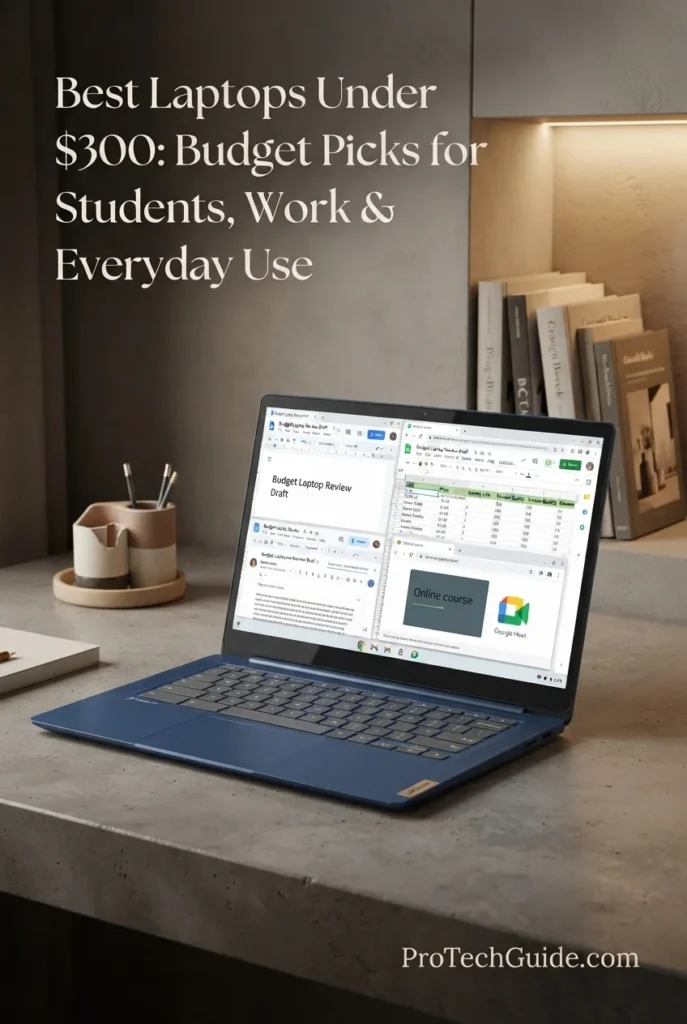
The Lenovo Slim 3 14-inch IPS FHD Touchscreen Chromebook is our Best Overall for Everyday Use under $300 in 2026, combining a 14-inch Full HD IPS touchscreen, efficient MediaTek Kompanio 520 processor, 4GB of LPDDR4X memory, ChromeOS, Wi-Fi 6, and a portable design. Its configuration is particularly well suited to students and everyday users who primarily work through web applications, Google Workspace, online coursework, email, streaming, video calls, and browser-based productivity. The advertised package also includes 512GB of external storage alongside the laptop's 64GB of internal storage, giving buyers additional space without confusing removable storage with the Chromebook's built-in capacity.
The Lenovo Slim 3 earns our Best Overall for Everyday Use designation because it brings together the features that matter most at this price: a Full HD IPS touchscreen, ChromeOS, a capable entry-level ARM processor, practical wireless connectivity, portable dimensions, and strong advertised battery life. It is especially compelling for buyers whose computing lives are centered on the browser rather than demanding Windows applications. The 512GB external storage included in the advertised package is an added convenience, but the laptop itself provides 64GB of internal storage.
Compared with the other sub-$300 options in this guide, the Lenovo Slim 3 emphasizes overall everyday balance rather than maximum multitasking or traditional Windows compatibility. The HP Chromebook 14 with 8GB RAM and 128GB UFS storage offers a more memory-focused configuration for ChromeOS multitasking, while Windows alternatives such as the HP 14 with Intel N150 provide access to the broader Windows software ecosystem. The Lenovo therefore makes the most sense for users who prioritize ChromeOS simplicity, touchscreen interaction, portability, and browser-based productivity.
Key Features
HP 14-inch Laptop
A Practical Windows Laptop for Students, Web Browsing & Everyday Productivity
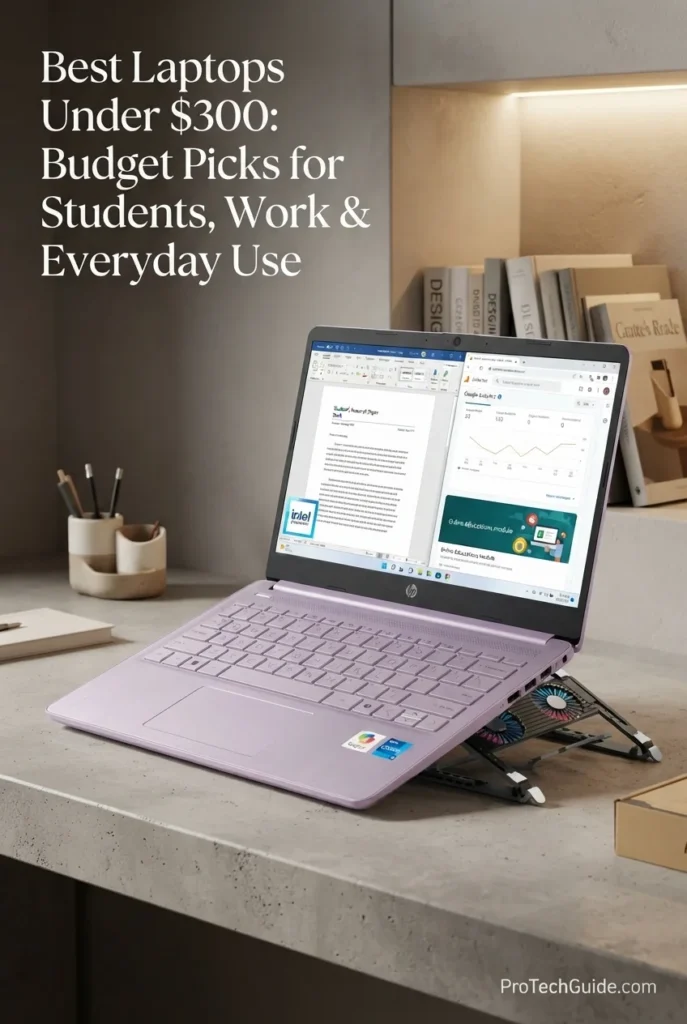
The HP 14-inch Laptop with the Intel N150 processor, 4GB of RAM, and 128GB eMMC storage is our Best Windows Laptop under $300 in 2026 for students and everyday users who specifically want the Windows ecosystem at an entry-level price. Its quad-core Intel N150 processor, compact 14-inch HD display, Wi-Fi 6 connectivity, and Windows 11 Home in S Mode provide a practical foundation for web browsing, online classes, email, document work, streaming, video calls, and cloud-based productivity. The 4GB memory and 128GB eMMC configuration are clearly entry-level, so this laptop is best suited to essential workloads rather than demanding multitasking or intensive local applications.
The HP 14-inch Laptop earns our Best Windows Laptop designation because it delivers a straightforward Windows 11 experience at the $300 price ceiling while combining the Intel N150 processor, Wi-Fi 6, a compact 14-inch chassis, and essential wired connectivity. Its main trade-offs are equally important: 4GB of RAM, 128GB eMMC storage, and a 1366 × 768 display make it a better fit for basic productivity and cloud-based workflows than demanding multitasking or intensive applications.
Compared with the Lenovo Slim 3 Chromebook, the HP provides a Windows-based software environment that can be more appropriate for users who specifically need Windows applications, while the Lenovo offers a stronger display configuration and a more cloud-focused ChromeOS experience. Compared with larger Windows alternatives in this guide, the HP's 14-inch format emphasizes everyday portability, but its 4GB memory and 128GB eMMC storage remain important limitations for users with heavier workloads.
Key Features
Lenovo IdeaPad Slim 3i
A Large FHD Windows Laptop for Students, Office Work & Everyday Productivity
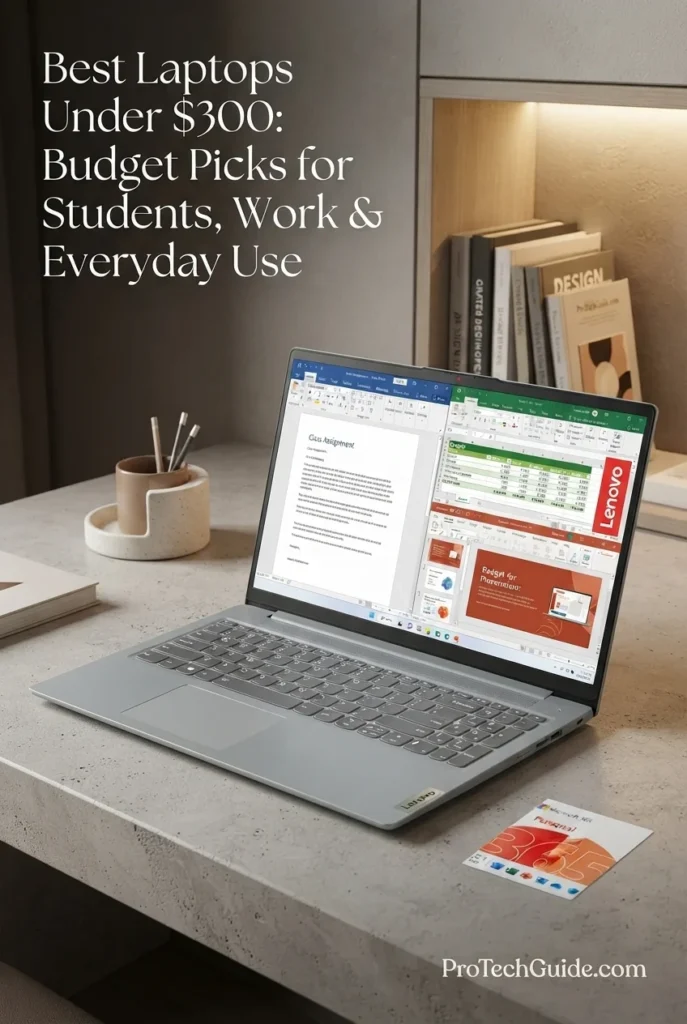
The Lenovo IdeaPad Slim 3i with a 15.6-inch FHD display, Intel N100 processor, 4GB of RAM, and 128GB PCIe SSD is our Best Large-Screen Windows Laptop under $300 in 2026 for students and everyday users who want a more spacious display without moving beyond a budget-focused price range. Its Full HD screen, Windows 11 operating system, integrated Intel UHD Graphics, numeric keypad, Wi-Fi connectivity, and included Microsoft Office 365 make it particularly practical for documents, online learning, spreadsheets, web browsing, streaming, and everyday productivity. The 4GB memory configuration remains an important limitation for heavy multitasking, so this laptop is best suited to essential Windows workloads rather than demanding applications.
The Lenovo IdeaPad Slim 3i earns our Best Large-Screen Windows Laptop designation because it combines a spacious 15.6-inch Full HD display, Windows 11, SSD storage, a numeric keypad, and Microsoft Office 365 in a budget-friendly configuration. Its larger screen makes it particularly attractive for schoolwork, documents, spreadsheets, browsing, and entertainment, while the 4GB RAM and entry-level Intel N100 platform clearly position it for basic productivity rather than demanding multitasking.
Compared with the HP 14-inch Laptop, the IdeaPad Slim 3i provides a substantially larger 15.6-inch Full HD workspace and SSD-based storage, making it particularly appealing for documents, spreadsheets, and extended productivity sessions. The HP offers a more compact 14-inch format, while the Lenovo places greater emphasis on screen size and workspace. Buyers should also note that both configurations use 4GB of memory, so neither is intended for heavy multitasking or demanding professional applications.
Key Features
HP Chromebook 14-inch 14a-nf0099nr
A Strong ChromeOS Option for Multitasking, Students & Everyday Productivity
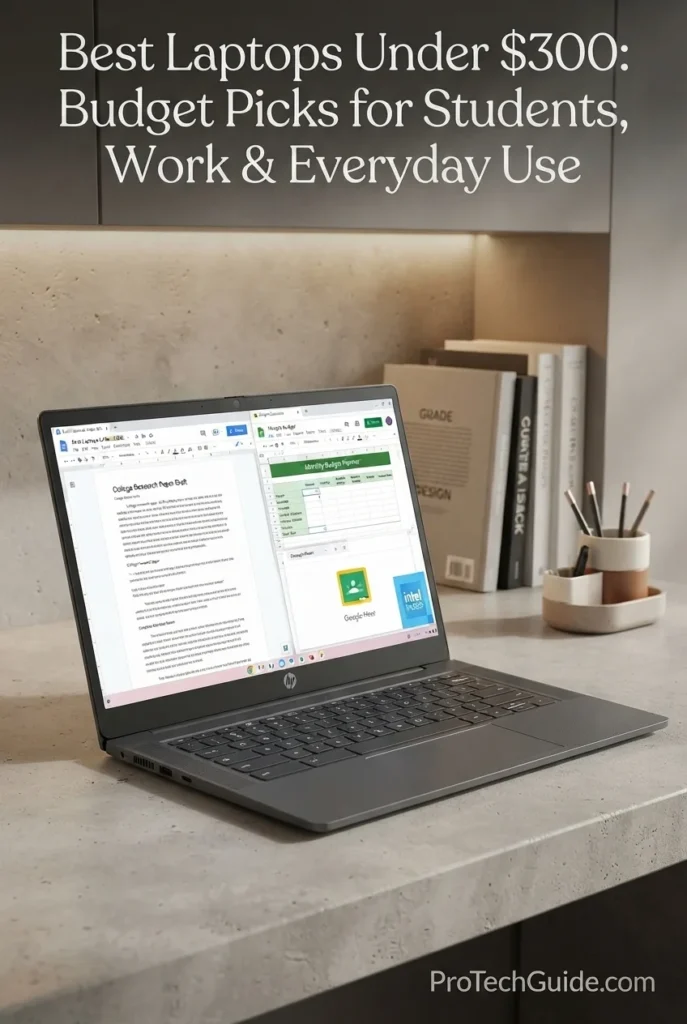
The HP Chromebook 14-inch 14a-nf0099nr with an Intel N100 processor, 8GB of RAM, and 128GB of UFS storage is our Best for Multitasking on ChromeOS under $300 in 2026. Its combination of 8GB memory, efficient Intel N100 processing, ChromeOS, and 128GB UFS storage gives it a practical advantage over many entry-level Chromebooks that still rely on 4GB of RAM. This configuration is well suited to students and everyday users who regularly keep multiple browser tabs, web applications, documents, email, streaming services, and communication tools open at the same time. The main compromise is its 14-inch 1366 × 768 HD display, which provides a lower-resolution workspace than the FHD panels found on some competing budget laptops.
The HP Chromebook 14 earns our Best for Multitasking on ChromeOS distinction because its 8GB of RAM and 128GB of UFS storage give it a stronger everyday configuration than many entry-level Chromebooks built around 4GB of memory. For students and users who regularly work across multiple browser tabs, documents, web applications, streaming services, and communication tools, the additional memory provides useful headroom. Its 14-inch HD display is less impressive than an FHD alternative, but the overall configuration remains well aligned with practical ChromeOS productivity under $300.
Compared with the Lenovo Slim 3 14-inch Chromebook, this HP configuration offers a meaningful multitasking advantage through its 8GB of RAM and provides 128GB of UFS storage, while the Lenovo offers a higher-resolution FHD IPS touchscreen. Compared with the Lenovo IdeaPad 3i Chromebook 15, the HP is more compact and has twice the listed memory capacity, while the Lenovo provides a larger 15.6-inch FHD display. This makes the HP particularly compelling for buyers who prioritize multitasking capacity over screen resolution or size.
Key Features
ASUS VivoBook Go 14 Flip Thin and Light 2-in-1 Laptop
A Flexible Windows 2-in-1 for Students, Browsing & Everyday Use
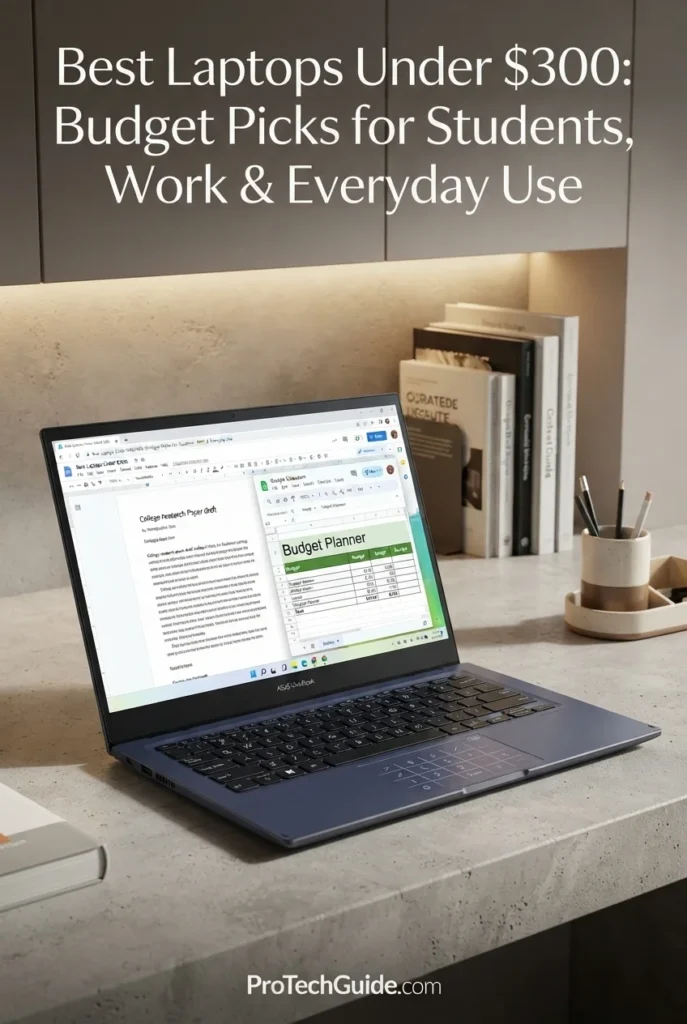
The ASUS VivoBook Go 14 Flip Thin and Light 2-in-1 with an Intel Celeron N4500 processor, 4GB of RAM, and 64GB of eMMC storage is our Best 2-in-1 Laptop Under $300 in 2026. Its convertible design, 14-inch HD touchscreen, compact form factor, fingerprint sensor, NumberPad touchpad, and four viewing modes give it a level of flexibility that is uncommon at this price. The configuration is best suited to students and everyday users who value touch interaction and tablet-style versatility for web browsing, documents, online learning, streaming, and light productivity. Its main limitations are equally important: 4GB of RAM and 64GB of eMMC storage make this an entry-level system, so it is better suited to focused everyday workloads than heavy multitasking or demanding desktop applications.
The ASUS VivoBook Go 14 Flip earns our Best 2-in-1 Laptop Under $300 distinction because its biggest advantage is flexibility rather than raw performance. The touchscreen and four-mode convertible design give students and everyday users functionality that many conventional budget laptops do not offer, while the fingerprint sensor and NumberPad add useful premium touches. The trade-off is the entry-level 4GB RAM and 64GB eMMC configuration, which limits its suitability for demanding multitasking. For buyers who prioritize versatility, portability, and basic Windows productivity, however, the design makes a strong case at this price.
Compared with traditional budget laptops such as the HP 14-inch Laptop and Lenovo IdeaPad Slim 3i, the ASUS stands out primarily through its convertible 2-in-1 design and touchscreen functionality. The HP and Lenovo configurations provide more conventional laptop experiences, while the VivoBook Go 14 Flip can transition between laptop, tablet, tent, and stand modes. The ASUS is therefore better aligned with buyers who value flexibility and touch interaction, while users who prioritize multitasking capacity or larger storage should look toward configurations with more than 4GB of RAM and 64GB of eMMC storage.
Key Features
Lenovo IdeaPad 3i Chromebook 15
A Spacious FHD Chromebook for Students, Home & Everyday Productivity
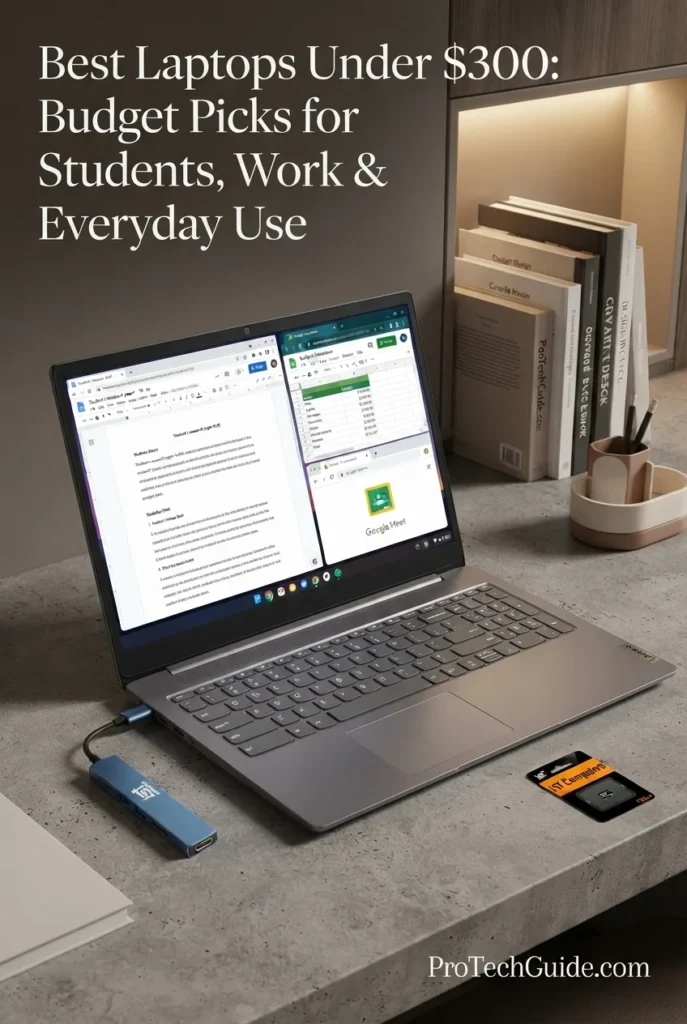
The Lenovo IdeaPad 3i Chromebook 15 with an Intel Celeron N4500 processor, 4GB of RAM, and 64GB of eMMC storage plus a bundled 128GB SD card is our Best Large-Screen Chromebook Under $300 in 2026. Its 15.6-inch Full HD anti-glare display provides substantially more workspace than the smaller 14-inch Chromebooks common in this price range, making it particularly practical for students, documents, online learning, spreadsheets, streaming, and everyday browser-based productivity. The configuration also includes Wi-Fi 6, a numeric keypad, a 720p webcam with privacy shutter, USB-C connectivity, HDMI, and a bundled USB-C hub. The main limitation is its 4GB RAM and entry-level Celeron N4500 processor, so its strengths are centered on ChromeOS productivity and a larger display rather than demanding multitasking.
The Lenovo IdeaPad 3i Chromebook 15 earns our Best Large-Screen Chromebook Under $300 distinction because its 15.6-inch FHD display is the defining advantage of this configuration. Compared with smaller budget Chromebooks, the larger 1920 × 1080 workspace is better suited to documents, online classes, spreadsheets, browser-based applications, and media consumption. The numeric keypad and broad connectivity further strengthen its everyday productivity credentials, while the 4GB RAM and Celeron N4500 keep its role firmly within basic ChromeOS computing rather than demanding multitasking.
Compared with the HP Chromebook 14-inch 14a-nf0099nr, the Lenovo provides a significantly larger 15.6-inch FHD display and a numeric keypad, while the HP offers 8GB of RAM and 128GB of UFS internal storage. Compared with the Lenovo Slim 3 14-inch Chromebook, the IdeaPad 3i favors screen size and FHD resolution, while the smaller Lenovo offers a 14-inch FHD IPS touchscreen. The IdeaPad 3i is therefore particularly well suited to buyers who want a larger workspace for ChromeOS productivity rather than prioritizing maximum multitasking capacity.
Key Features
ASUS CX14 14-inch FHD Chromebook Laptop
A Practical FHD Chromebook for Students, Browsing & Everyday Productivity
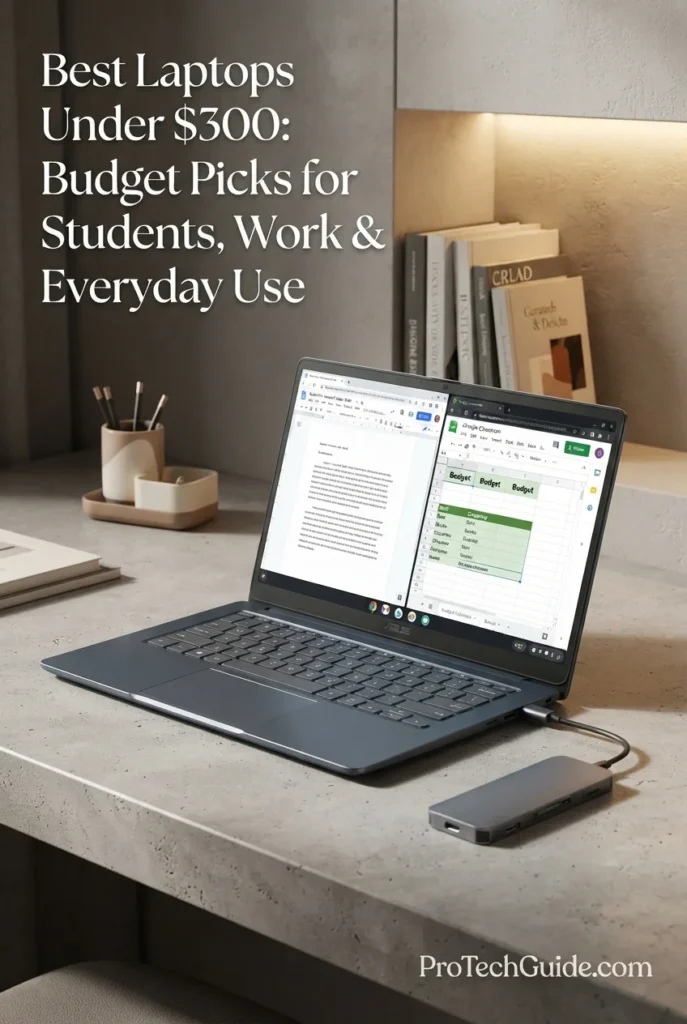
The ASUS CX14 14-inch FHD Chromebook with an Intel Celeron N50 processor, 4GB LPDDR5 memory, and 64GB eMMC internal storage is a practical choice for buyers looking for a ChromeOS laptop under $300 in 2026. Its 14-inch 1920×1080 anti-glare display, Wi-Fi 6-class connectivity, integrated Intel UHD Graphics, 720p webcam, and compact notebook design make it well suited to everyday activities such as web browsing, Google Workspace, online learning, email, video calls, streaming, and lightweight productivity. The listing also includes a docking station storage package, but this supplemental storage should not be confused with the Chromebook's 64GB of internal eMMC storage.
The ASUS CX14 earns its Best Chromebook Under $300 for Everyday Use positioning by combining a 14-inch FHD display, modern LPDDR5 memory, ChromeOS, Wi-Fi 6-class connectivity, and a useful selection of ports at a sub-$300 price point. Its strongest advantage is not raw performance, but the balance between display quality, everyday usability, connectivity, and the simplicity of ChromeOS. Buyers should keep expectations realistic, however, because the 4GB memory limit and 64GB internal eMMC storage make it primarily an everyday Chromebook rather than a system for demanding workloads.
Compared with other budget Chromebooks such as the HP Chromebook 14 and Lenovo IdeaPad 3i Chromebook 15, the ASUS CX14 stands out with its 14-inch FHD 1920×1080 display and compact form factor. The Lenovo offers a larger 15.6-inch FHD workspace, while the HP provides 8GB of RAM and 128GB of UFS storage in its listed configuration. The ASUS therefore makes the most sense for buyers who prioritize a sharper 14-inch display and everyday portability over higher memory capacity or a larger screen.
Key Features
Acer Aspire Go Laptop AG15-32P-352Z (Renewed)
A Large-Screen Windows Laptop with 8GB RAM and FHD IPS Display
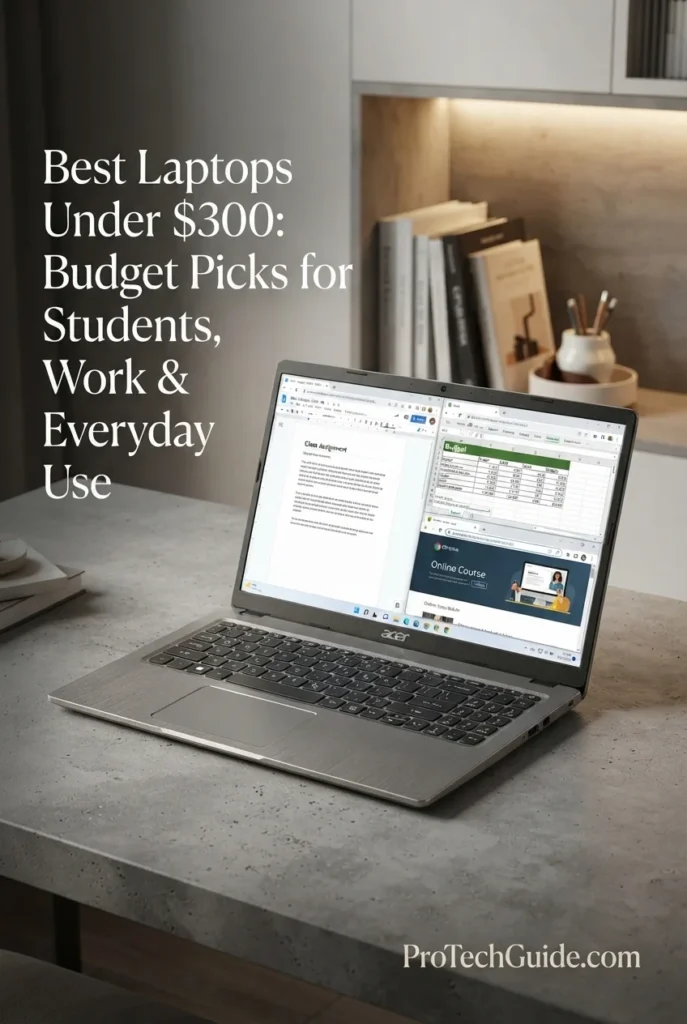
The Acer Aspire Go Laptop AG15-32P-352Z (Renewed) is a compelling option for buyers seeking a Windows laptop under $300 in 2026 without dropping to 4GB of memory. Its Intel Core 3 N355 processor, 8GB of DDR5 memory, 128GB UFS storage, and 15.6-inch 1920×1080 IPS display create a well-balanced platform for everyday productivity, studying, web browsing, streaming, email, and home computing. As a renewed laptop, its sub-$300 pricing also makes it possible to access a larger FHD Windows system at a lower cost than comparable new configurations, although buyers should consider the shorter 90-day limited warranty listed for this specific offer.
The Acer Aspire Go AG15-32P-352Z earns its Best Renewed Windows Laptop Under $300 positioning by combining 8GB of DDR5 memory, an Intel Core 3 N355 processor, and a 15.6-inch FHD IPS display in a renewed configuration priced below $300. It offers a more capable everyday Windows platform than many entry-level systems in this price range, particularly for users who value screen size and multitasking. The main compromises are its 128GB UFS storage and renewed status, including the 90-day limited warranty listed for this offer.
Compared with new budget Windows laptops such as the HP 14-inch Laptop and Lenovo IdeaPad Slim 3i, the Acer Aspire Go provides a combination of 8GB DDR5 memory, a 15.6-inch FHD IPS display, and an Intel Core 3 N355 processor that is particularly well suited to everyday multitasking. The HP configuration uses 4GB of memory and 128GB eMMC, while the Lenovo offers a 15.6-inch FHD display with 4GB RAM and a 128GB PCIe SSD. The Acer's renewed condition and 128GB UFS storage are important trade-offs to consider alongside its stronger memory configuration.
Key Features
Best Laptops Under $300 in 2026
Ranked by Everyday Performance, RAM, Storage, Display Quality, Windows & ChromeOS Usability, Portability & Overall Value
Choosing the best laptop under $300 in 2026 requires more than finding the lowest price. At this budget, differences in processor performance, memory, storage technology, display quality, operating system, portability, and upgrade limitations can have a major impact on the everyday experience. We evaluated these laptops based on realistic workloads including web browsing, online learning, Microsoft 365 and Google Workspace, email, video calls, streaming, document creation, light multitasking, and general productivity to identify which models make the most sense for students, home users, remote workers, and everyday computing.
| Laptop | CPU & Key Specs | Best For | Why It Wins | Editor's Verdict |
|---|---|---|---|---|
Best OverallLenovo Slim 3 14" IPS FHD Touchscreen ChromebookCheck Price | MediaTek Kompanio 520 8-Core CPU 4GB LPDDR4X 64GB eMMC + 512GB External Storage 14" FHD IPS Touchscreen ChromeOS | Students Browsing Streaming Everyday Use | The Lenovo Slim 3 combines a responsive ChromeOS experience with a high-quality 14-inch FHD IPS touchscreen, modern wireless connectivity, and a compact design. Its 8-core MediaTek Kompanio 520 is well suited to web-based productivity, Google Workspace, streaming, email, and everyday computing. The listing also includes 512GB of supplemental external storage, although the laptop itself has 64GB of internal eMMC storage. | Best Overall Laptop Under $300 |
Best Windows LaptopHP 14" Laptop with Intel N150Check Price | Intel N150 Up to 3.6GHz 4GB LPDDR4 RAM 128GB eMMC 14" HD Display Windows 11 Home in S Mode | Students Windows Users Web Browsing Basic Productivity | The HP 14 provides a straightforward Windows 11 experience at the entry level, with the newer Intel N150 processor, 128GB of internal eMMC storage, Wi-Fi 6, and a familiar 14-inch form factor. It is particularly appropriate for students and users who specifically need Windows for everyday applications, web-based work, documents, email, and streaming. Its 4GB of RAM and eMMC storage are important limitations for heavier multitasking. | Best Windows Laptop Under $300 |
Best Large-Screen Windows LaptopLenovo IdeaPad Slim 3iCheck Price | Intel Celeron N100 4GB RAM 128GB PCIe SSD 15.6" FHD IPS Windows 11 Intel UHD Graphics | Students Office Work Large-Screen Productivity Home Users | The Lenovo IdeaPad Slim 3i stands out with a spacious 15.6-inch FHD IPS display and a 128GB PCIe SSD, giving it a practical advantage for users who want a larger workspace and faster internal storage at this price point. Its numeric keypad, anti-glare screen, Wi-Fi 6, spill-resistant design, and Windows 11 make it particularly suitable for documents, spreadsheets, browsing, schoolwork, and everyday productivity. | Best Large-Screen Windows Laptop Under $300 |
Best for MultitaskingHP Chromebook 14-inch 14a-nf0099nrCheck Price | Intel N100 8GB RAM 128GB UFS 14" HD Display Wi-Fi 6E ChromeOS | ChromeOS Multitasking Students Cloud Workflows Everyday Productivity | The HP Chromebook 14 differentiates itself with 8GB of memory and 128GB of UFS storage, giving ChromeOS users more multitasking headroom than typical 4GB budget configurations. Its 14-inch anti-glare display, backlit keyboard, Wi-Fi 6E connectivity, and compact design make it well suited to Google Workspace, browser-based applications, online learning, streaming, and everyday cloud computing. | Best Chromebook Under $300 for Multitasking |
Best 2-in-1ASUS VivoBook Go 14 Flip Thin and Light 2-in-1 LaptopCheck Price | Intel Celeron N4500 2-Core CPU 4GB DDR4 RAM 64GB eMMC 14" HD Touchscreen Windows 11 Home in S Mode | 2-in-1 Productivity Students Touchscreen Users Light Everyday Use | The ASUS VivoBook Go 14 Flip brings genuine convertible flexibility to the sub-$300 category with laptop, tablet, tent, and stand modes. Its 14-inch capacitive touchscreen, compact 3.3-pound design, fingerprint sensor, NumberPad, and Windows 11 make it useful for students and users who value flexible interaction. The 4GB RAM and 64GB eMMC configuration, however, keep it firmly in the light-use category. | Best 2-in-1 Laptop Under $300 |
Best Large-Screen ChromebookLenovo IdeaPad 3i Chromebook 15Check Price | Intel Celeron N4500 4GB LPDDR4X 64GB eMMC + 128GB SD Card 15.6" FHD TN ChromeOS Wi-Fi 6 | Students Google Workspace Large-Screen Browsing Streaming | The Lenovo IdeaPad 3i Chromebook 15 pairs a spacious 15.6-inch FHD display with ChromeOS and a practical desktop-style layout that includes a numeric keypad. Its Wi-Fi 6 connectivity, USB-C, HDMI, microSD support, privacy-shutter webcam, and listed 10-hour battery life make it well suited to schoolwork, documents, browsing, video calls, and streaming. The bundled 128GB SD card is supplemental storage rather than internal SSD storage. | Best Large-Screen Chromebook Under $300 |
Best FHD ChromebookASUS CX14 14" FHD Chromebook LaptopCheck Price | Intel Celeron N50 4GB LPDDR5 64GB eMMC 14" FHD 1920×1080 Wi-Fi 6 ChromeOS | Students Browsing Streaming Everyday ChromeOS Use | The ASUS CX14 provides one of the more useful display configurations in this price range with a 14-inch 1920×1080 anti-glare panel. Its 4GB LPDDR5 memory, 64GB internal eMMC storage, Wi-Fi 6-class connectivity, USB-C, USB-A, HDMI, and ChromeOS create a straightforward platform for web browsing, schoolwork, streaming, and cloud-based productivity. The bundled docking accessories add flexibility but should not be counted as internal storage. | Best FHD Chromebook Under $300 |
Best Renewed Windows LaptopAcer Aspire Go Laptop AG15-32P-352Z (Renewed)Check Price | Intel Core 3 N355 8GB DDR5 RAM 128GB UFS 15.6" FHD IPS Windows 11 Home in S Mode Wi-Fi 6 | Windows Productivity Students Multitasking Large-Screen Everyday Use | The renewed Acer Aspire Go provides a stronger memory configuration than most new laptops in this price range, with 8GB of DDR5 RAM and an Intel Core 3 N355 processor. Its 15.6-inch FHD IPS display, Wi-Fi 6, USB-C connectivity, HDMI 2.1, and Windows 11 make it a capable platform for everyday productivity and multitasking. Because this is a renewed configuration, buyers should also consider the included 90-day limited warranty and renewed condition when evaluating the offer. | Best Renewed Windows Laptop Under $300 |
Recommended Next Reads
Finished comparing the best laptops under $300? Explore our related budget, student, work, and productivity laptop guides to see what changes as your needs and budget grow.
Whether you're buying your first laptop for school, need a more capable Windows machine for work, want better performance without spending too much, or simply want to understand what additional features become available at higher price points, these guides can help you choose the right laptop for your needs and budget.
Best Laptops Under $500 in 2026
Explore more capable laptops with stronger processors, additional memory, faster storage, and broader options for students, work, productivity, and everyday computing.
Explore Laptops Under $500 →Best Laptops for Students in 2026
Compare laptops for students across different budgets, with options for schoolwork, research, online learning, productivity, portability, and everyday use.
Explore Student Laptops →Budget & PerformanceBest Laptops Under $600 in 2026
Discover laptops with more capable hardware, better displays, additional memory, and stronger overall performance than typical entry-level models.
Explore Laptops Under $600 →Remote Work & ProductivityBest Laptops for Remote Work in 2026
Find laptops designed for productivity, video calls, multitasking, portability, battery life, and working efficiently from home or anywhere.
Explore Remote Work Laptops →Performance & ValueBest Laptops Under $700 in 2026
Explore the next step in laptop performance with stronger processors, better displays, more memory, and broader options for work, school, and everyday use.
Explore Laptops Under $700 →Professional WorkBest Business Laptops in 2026
Compare laptops designed around professional productivity, multitasking, portability, reliability, security, and long-term business use.
Explore Business Laptops →Higher PerformanceBest Laptops Under $1000 in 2026
See what becomes possible with a larger budget, including substantially stronger performance and more versatile laptops for work, school, creation, and entertainment.
Explore Laptops Under $1000 →EDITOR'S FINAL RECOMMENDATIONS
After comparing these laptops across processor performance, RAM capacity, internal storage, display quality, Windows and ChromeOS usability, portability, connectivity, multitasking capability, and overall value, these are our final recommendations for laptops under $300 in 2026. At this price point, choosing the right configuration matters more than simply choosing the cheapest laptop, particularly when deciding between Windows and ChromeOS or between 4GB and 8GB of memory.
Lenovo Slim 3 14" IPS FHD Touchscreen Chromebook
The Lenovo Slim 3 provides the strongest overall balance for everyday users who want a compact Chromebook with a high-quality FHD IPS touchscreen, modern wireless connectivity, and a lightweight design. Its MediaTek Kompanio 520 and ChromeOS are well suited to browsing, Google Workspace, online learning, streaming, email, and everyday productivity. The laptop includes 64GB of internal eMMC storage, while the listing's additional 512GB storage is supplemental rather than internal.
- ✓ MediaTek Kompanio 520 8-Core Processor
- ✓ 4GB LPDDR4X Memory
- ✓ 64GB eMMC Internal Storage
- ✓ 14-inch FHD IPS Touchscreen
HP 14" Laptop with Intel N150
The HP 14 is the straightforward choice for buyers who specifically need Windows at this price point. Its Intel N150 processor, 128GB of internal eMMC storage, Wi-Fi 6, and 14-inch display provide a practical platform for browsing, documents, online learning, email, streaming, and cloud-based productivity. Its 4GB of RAM and eMMC storage are entry-level limitations, so it is better suited to light workloads than demanding multitasking.
- ✓ Intel N150 Processor up to 3.6GHz
- ✓ 4GB LPDDR4 RAM
- ✓ 128GB eMMC Storage
- ✓ Windows 11 Home in S Mode
Lenovo IdeaPad Slim 3i
The Lenovo IdeaPad Slim 3i is the practical choice for users who want a larger Windows workspace without moving beyond the $300 budget. Its 15.6-inch FHD IPS display, 128GB PCIe SSD, numeric keypad, anti-glare finish, Wi-Fi 6, and Windows 11 configuration make it particularly useful for students, documents, spreadsheets, browsing, and everyday productivity. The 4GB RAM remains the main constraint for heavier multitasking.
- ✓ Intel Celeron N100 Processor
- ✓ 4GB RAM
- ✓ 128GB PCIe SSD
- ✓ 15.6-inch FHD IPS Display
HP Chromebook 14-inch 14a-nf0099nr
The HP Chromebook 14 stands apart with 8GB of memory and 128GB of UFS storage, giving ChromeOS users more multitasking headroom than the typical 4GB configurations in this price category. Its 14-inch anti-glare display, backlit keyboard, Wi-Fi 6E connectivity, and compact design make it well suited to Google Workspace, browser-based applications, online learning, video calls, streaming, and everyday cloud productivity.
- ✓ Intel N100 Processor
- ✓ 8GB RAM
- ✓ 128GB UFS Storage
- ✓ 14-inch HD Anti-Glare Display
ASUS VivoBook Go 14 Flip Thin and Light 2-in-1 Laptop
The ASUS VivoBook Go 14 Flip brings a genuine convertible design to the sub-$300 category, allowing users to switch between laptop, tablet, tent, and stand modes. Its 14-inch capacitive touchscreen, compact 3.3-pound design, fingerprint sensor, NumberPad, and Windows 11 Home in S Mode make it particularly useful for students and users who value flexible interaction. The 4GB RAM and 64GB eMMC configuration make it best suited to light everyday workloads.
- ✓ Intel Celeron N4500 Processor
- ✓ 4GB DDR4 RAM
- ✓ 64GB eMMC Storage
- ✓ 14-inch HD Touchscreen
Lenovo IdeaPad 3i Chromebook 15
The Lenovo IdeaPad 3i Chromebook 15 is designed for users who prefer a spacious screen and ChromeOS simplicity. Its 15.6-inch FHD display, numeric keypad, Wi-Fi 6, USB-C, HDMI, privacy-shutter webcam, and listed 10-hour battery life make it particularly useful for students, Google Workspace, browsing, streaming, documents, and online learning. The configuration includes 64GB of internal eMMC storage plus a bundled 128GB SD card, which should not be treated as internal SSD storage.
- ✓ Intel Celeron N4500 Processor
- ✓ 4GB LPDDR4X Memory
- ✓ 64GB eMMC + 128GB SD Card
- ✓ 15.6-inch FHD Display
ASUS CX14 14" FHD Chromebook Laptop
The ASUS CX14 is a practical Chromebook for buyers who place particular importance on having a Full HD display at this price. Its 14-inch 1920x1080 anti-glare panel, 4GB LPDDR5 memory, 64GB internal eMMC storage, Wi-Fi 6-class connectivity, USB-C, USB-A, HDMI, and ChromeOS provide a straightforward platform for browsing, streaming, schoolwork, and cloud-based productivity. The bundled docking accessories provide additional flexibility but are not internal laptop storage.
- ✓ Intel Celeron N50 Processor
- ✓ 4GB LPDDR5 Memory
- ✓ 64GB eMMC Internal Storage
- ✓ 14-inch FHD 1920×1080 Display
Acer Aspire Go Laptop AG15-32P-352Z (Renewed)
The renewed Acer Aspire Go is notable for combining an Intel Core 3 N355 processor with 8GB of DDR5 memory and a large 15.6-inch FHD IPS display at a price below $300. Its Windows 11 Home in S Mode configuration, Wi-Fi 6, USB-C connectivity, HDMI 2.1, and 128GB of UFS storage create a capable platform for everyday productivity and multitasking. Because this is a renewed laptop, buyers should consider the renewed condition and its 90-day limited warranty alongside the hardware configuration.
- ✓ Intel Core 3 N355 Processor
- ✓ 8GB DDR5 RAM
- ✓ 128GB UFS Storage
- ✓ 15.6-inch FHD IPS Display
Which budget laptop should you buy?
Lenovo Slim 3 14" Chromebook
HP 14" Intel N150
Lenovo IdeaPad Slim 3i
HP Chromebook 14
ASUS VivoBook Go 14 Flip
Lenovo IdeaPad 3i Chromebook 15
ASUS CX14
Acer Aspire Go AG15
- Choose the Lenovo Slim 3 14" Chromebook if you want the strongest overall balance of display quality, ChromeOS usability, portability, connectivity, and everyday value under $300. Remember that its 512GB supplemental storage is external and separate from the laptop's 64GB internal eMMC storage.
- Choose the HP 14" with Intel N150 if you specifically need Windows and your workload centers on browsing, documents, online learning, email, streaming, and other basic productivity tasks. Its 4GB RAM and 128GB eMMC storage limit heavier multitasking.
- Choose the Lenovo IdeaPad Slim 3i if you want a larger 15.6-inch FHD workspace, Windows 11, and the responsiveness advantage of a 128GB PCIe SSD. Its 4GB RAM makes it better suited to lighter workloads than demanding multitasking.
- Choose the HP Chromebook 14 if multitasking within ChromeOS is a priority. Its 8GB RAM and 128GB UFS storage provide a stronger memory and storage configuration than many entry-level Chromebooks, although its 1366x768 display is not Full HD.
- Choose the ASUS VivoBook Go 14 Flip if you specifically want a convertible 2-in-1 design with a touchscreen and multiple usage modes. Its 4GB RAM and 64GB eMMC storage mean it should be considered primarily for light everyday computing.
- Choose the Lenovo IdeaPad 3i Chromebook 15 if a large 15.6-inch FHD screen is more important than compact portability. Its 64GB internal eMMC storage is supplemented by a bundled 128GB SD card, rather than a larger internal SSD.
- Choose the ASUS CX14 if having a 14-inch FHD display is a priority within this budget. Its 4GB RAM and 64GB internal eMMC storage keep it best suited to browsing, streaming, schoolwork, and cloud-based productivity.
- Choose the Acer Aspire Go AG15-32P-352Z (Renewed) if you want 8GB of DDR5 memory, an Intel Core 3 processor, and a 15.6-inch FHD IPS display at a sub-$300 price. As a renewed product, its condition and 90-day limited warranty should be considered before purchase.
EDITOR'S FINAL VERDICT
After comparing processor performance, RAM capacity, internal storage technology, display quality, operating system, portability, connectivity, multitasking capability, and everyday usability, one conclusion stands out:The best laptop under $300 is not necessarily the model with the longest specification sheet. At this price, the smartest choice is the laptop that makes the right compromises for your actual workload, whether that means prioritizing Windows compatibility, ChromeOS simplicity, 8GB of memory, a Full HD display, a larger screen, or a more flexible 2-in-1 design.
Laptops under $300 are primarily designed for practical everyday computing rather than demanding professional workloads. Students, parents, remote learners, casual users, and light productivity users can find capable systems for web browsing, online classes, documents, email, Google Workspace, Microsoft 365, streaming, video calls, and cloud-based applications. The biggest differences at this price come from processor capability, RAM, storage technology, display resolution, and the choice between Windows and ChromeOS.
For most buyers, 8GB of RAM is the preferred target when available, especially for heavier browser multitasking. However, 4GB can still be appropriate for basic schoolwork, browsing, streaming, and lighter everyday use. Buyers should also pay close attention to storage: eMMC and UFS are not the same as a PCIe SSD, and bundled SD cards, USB storage, or docking-station storage should never be mistaken for additional internal laptop storage.- Choose the Lenovo Slim 3 14" Chromebook if you want the most balanced everyday package, with a 14-inch FHD IPS touchscreen, ChromeOS, modern connectivity, and a compact design for school, browsing, streaming, and cloud productivity.
- Choose the HP 14 with Intel N150 if Windows compatibility is your priority. It is well suited to basic productivity, schoolwork, browsing, streaming, and everyday applications, although its 4GB RAM and 128GB eMMC configuration are better suited to lighter workloads than demanding multitasking.
- Choose the HP Chromebook 14 if multitasking is more important than display resolution. Its 8GB RAM and 128GB UFS storage provide more headroom for browser tabs, Google Workspace, online learning, and everyday ChromeOS workloads, although its 1366x768 display is not Full HD.
- Choose the Lenovo IdeaPad Slim 3i if you want a larger Windows workspace and faster internal storage. Its 15.6-inch FHD IPS display and 128GB PCIe SSD make it particularly relevant for users who prefer a traditional Windows laptop with a larger screen.
Top Budget Laptop Recommendations (2026)
Lenovo Slim 3 14" Chromebook
Our Editor's Choice for everyday users who want a well-balanced laptop under $300. The combination of an 8-core MediaTek Kompanio 520 processor, 14-inch FHD IPS touchscreen, ChromeOS, Wi-Fi 6, and compact design makes it a practical platform for schoolwork, browsing, streaming, video calls, and cloud-based productivity. The configuration includes 64GB of internal eMMC storage; the additional 512GB storage advertised with the listing is supplemental rather than internal laptop storage.
- ✓ MediaTek Kompanio 520 8-Core Processor
- ✓ 4GB LPDDR4X Memory
- ✓ 64GB eMMC Internal Storage
- ✓ 14-inch FHD IPS Touchscreen
HP 14" Laptop with Intel N150
A practical Windows option for students and everyday users who need Microsoft's operating system while staying within the $300 budget. Its Intel N150 processor, 128GB eMMC storage, Wi-Fi 6, and 14-inch display are appropriate for basic productivity, browsing, online learning, streaming, and cloud workflows. The 4GB memory configuration remains the main limitation for heavier multitasking.
- ✓ Intel N150 Processor up to 3.6GHz
- ✓ 4GB LPDDR4 RAM
- ✓ 128GB eMMC Storage
- ✓ Windows 11 Home in S Mode
HP Chromebook 14-inch 14a-nf0099nr
The strongest fit in this group for buyers who want more memory headroom in an affordable Chromebook. Its 8GB RAM and 128GB UFS storage are better suited to multiple browser tabs, Google Workspace, online learning, streaming, and everyday ChromeOS multitasking than typical 4GB configurations. Its 14-inch 1366x768 display is functional, but it does not provide the workspace or sharpness of the FHD alternatives.
- ✓ Intel N100 Processor
- ✓ 8GB RAM
- ✓ 128GB UFS Storage
- ✓ 14-inch HD Anti-Glare Display
- ✓ You want a balanced everyday laptop under $300
- ✓ Most of your work happens in a browser or through Google Workspace
- ✓ You value a 14-inch FHD IPS touchscreen
- ✓ You want a compact laptop for school, browsing, streaming, and cloud productivity
- ✓ Windows compatibility is important for your applications
- ✓ You need traditional Windows software rather than a ChromeOS-first workflow
- ✓ You primarily work with documents, browsing, email, online learning, and basic productivity
- ✓ You understand that entry-level 4GB RAM and eMMC configurations are intended for lighter workloads
- ✓ Prefer 8GB of RAM when your budget allows, especially for heavier browser multitasking
- ✓ Verify whether advertised storage is internal or bundled external/removable storage
- ✓ Prioritize a Full HD display when screen clarity and workspace matter to you
- ✓ Choose ChromeOS when your workflow is primarily browser-based and cloud-focused
- ✓ Choose Windows when compatibility with Windows applications is more important than ChromeOS simplicity
A laptop under $300 should be evaluated according to what it can realistically accomplish rather than by specifications that look impressive in isolation. At this budget, the most useful systems are designed for everyday computing: school assignments, web browsing, documents, email, streaming, video calls, cloud applications, and lightweight productivity. Buyers should expect compromises in areas such as RAM, storage capacity, processor performance, display resolution, or upgradeability depending on the configuration.
Among the models evaluated in this guide, the Lenovo Slim 3 14" Chromebook provides the most balanced overall package for everyday use, combining a 14-inch FHD IPS touchscreen, ChromeOS, modern connectivity, and a compact design. The HP 14 with Intel N150 is the practical Windows alternative for buyers who need Windows compatibility, while the HP Chromebook 14 provides more memory headroom for multitasking within ChromeOS.The Lenovo IdeaPad Slim 3i is particularly compelling for buyers who want a larger 15.6-inch FHD Windows display and 128GB PCIe SSD, while the ASUS VivoBook Go 14 Flip serves a different audience with its convertible 2-in-1 design and touchscreen flexibility. The Lenovo IdeaPad 3i Chromebook 15 and ASUS CX14 offer additional ChromeOS options for buyers who prioritize a larger FHD display or an affordable 14-inch FHD Chromebook, respectively. Finally, the Acer Aspire Go AG15-32P-352Z (Renewed) provides an 8GB DDR5 Windows configuration and large FHD IPS display for buyers comfortable with a renewed laptop and its associated warranty terms.
Compare current prices, exact configurations, RAM, internal storage, display specifications, operating system, warranty coverage, and product condition before choosing the laptop that best matches your everyday computing needs.
Check Latest DealsEDITOR'S FAQ
Choosing one of the best laptops under $300 requires more than finding the lowest price. At this budget, differences in RAM, processor performance, internal storage technology, display resolution, operating system, portability, and upgradeability can have a noticeable impact on everyday usability.These frequently asked questions address the most important buying decisions, from choosing between Windows and ChromeOS to understanding whether 4GB or 8GB of RAM is enough, whether eMMC and UFS storage are suitable for everyday use, what students should expect, and whether a laptop under $300 can handle work, streaming, multitasking, and other common workloads.
It provides a strong balance of everyday usability, display quality, portability, connectivity, and ChromeOS simplicity. Its MediaTek Kompanio 520 processor, 4GB LPDDR4X memory, 64GB internal eMMC storage, and 14-inch FHD IPS touchscreen make it well suited to browsing, schoolwork, streaming, video calls, Google Workspace, email, and other cloud-based productivity tasks.
- 14-inch 1920 × 1080 FHD IPS touchscreen.
- 8-core MediaTek Kompanio 520 processor.
- ChromeOS for browser-based and cloud productivity.
- Wi-Fi 6 and modern USB connectivity.
- Compact design suited to students and everyday mobility.
The additional 512GB storage included with the listing should be considered supplemental external storage rather than internal laptop storage. Buyers who specifically need Windows should instead consider the HP 14 with Intel N150 or Lenovo IdeaPad Slim 3i.
Check PriceA 4GB laptop can handle web browsing, email, documents, online classes, streaming, and lightweight cloud applications. However, the experience becomes more limited when many browser tabs, productivity applications, video calls, and other programs are active at the same time.
- 4GB → Suitable for basic browsing, schoolwork, streaming, documents, and lighter everyday workloads.
- 8GB → Better for multitasking, larger numbers of browser tabs, Google Workspace, online learning, and everyday productivity.
- 16GB → Uncommon at this price and generally outside the typical configurations in this guide.
The HP Chromebook 14 stands out in this comparison because it provides 8GB of RAM and 128GB of UFS storage. The Acer Aspire Go AG15-32P-352Z (Renewed) also provides 8GB of memory, although buyers should remember that it is a renewed Windows laptop rather than a new unit.
Students frequently move between browser tabs, research websites, online learning platforms, documents, presentations, video calls, email, and cloud storage. More memory can help the laptop remain responsive when several of these activities are active at the same time.
- 8GB is better suited to heavier browser multitasking.
- 8GB provides more headroom for Google Workspace and web applications.
- 4GB remains usable for lighter schoolwork and basic browsing.
- RAM capacity is only one part of performance; processor and storage technology also matter.
For this reason, the HP Chromebook 14 with 8GB of RAM is particularly relevant to students who prioritize multitasking, while the 4GB models can still make sense for buyers whose workloads are relatively light.
The operating system should be one of the first decisions you make when shopping below $300. Hardware at this price is generally designed for everyday productivity, but Windows and ChromeOS approach that workload differently.
- Windows → Better when you need traditional Windows applications, broader desktop software compatibility, or specific Windows-only programs.
- ChromeOS → Excellent for web browsing, Google Workspace, online learning, streaming, email, cloud storage, and browser-based applications.
- Windows 11 in S Mode → Several affordable Windows laptops in this guide use S Mode, which restricts app installation primarily to Microsoft Store applications unless the user switches out of S Mode.
The HP 14, Lenovo IdeaPad Slim 3i, ASUS VivoBook Go 14 Flip, and Acer Aspire Go are Windows-based options in this guide. The Lenovo Slim 3, HP Chromebook 14, Lenovo IdeaPad 3i Chromebook 15, and ASUS CX14 use ChromeOS.
The HP 14 is a straightforward Windows option for students and everyday users who need Windows compatibility while staying within the budget. Its Intel N150 processor, 4GB RAM, 128GB eMMC storage, Wi-Fi 6, and 14-inch display are appropriate for basic productivity, browsing, streaming, online learning, and cloud-based workflows.
- HP 14 → Best suited to basic Windows productivity and everyday use.
- Lenovo IdeaPad Slim 3i → Adds a larger 15.6-inch FHD IPS display and 128GB PCIe SSD.
- ASUS VivoBook Go 14 Flip → Adds a convertible 2-in-1 touchscreen design for buyers who value flexibility.
- Acer Aspire Go Renewed → Provides 8GB DDR5 and a 15.6-inch FHD IPS display, but it is a renewed product.
The best choice therefore depends on whether you prioritize Windows simplicity, screen size, SSD storage, convertible functionality, or higher memory capacity.
Check HP 14 PriceChromeOS is designed around web applications, Google services, cloud storage, and browser-based workflows. This makes Chromebooks well suited to students, home users, casual browsing, streaming, email, online classes, and lightweight productivity.
- ChromeOS is optimized for browser-based workflows.
- Google Workspace applications work naturally within the platform.
- Chromebooks can be simple to manage for students and everyday users.
- Automatic ChromeOS updates provide an important long-term consideration.
- Traditional Windows desktop applications may not be available natively.
The Lenovo Slim 3 14, HP Chromebook 14, Lenovo IdeaPad 3i Chromebook 15, and ASUS CX14 demonstrate different approaches to the sub-$300 Chromebook category. The Lenovo Slim 3 emphasizes an FHD touchscreen, the HP Chromebook 14 emphasizes 8GB RAM, the Lenovo IdeaPad 3i provides a larger 15.6-inch FHD display, and the ASUS CX14 combines an FHD display with a compact 14-inch design.
Storage technology matters at this price because not all “128GB” or “64GB” configurations perform the same way. eMMC is common in inexpensive laptops and Chromebooks, while some models use UFS or PCIe SSD storage.
- eMMC → Common in entry-level laptops and suitable for basic browsing, documents, streaming, and cloud-focused use.
- UFS → Used in some affordable Chromebooks and can provide a modern storage solution without being a traditional PCIe SSD.
- PCIe SSD → Generally provides faster storage performance and is preferable when available within the budget.
The Lenovo IdeaPad Slim 3i is notable because its configuration includes a 128GB PCIe SSD. The HP Chromebook 14 uses 128GB UFS, while several other models in this guide use eMMC. Storage capacity and storage technology should therefore be evaluated separately.
At this budget, display quality varies considerably. Some models provide 1920 × 1080 FHD panels, while others use 1366 × 768 HD displays. A higher resolution generally provides more workspace and sharper text.
- FHD 1920 × 1080 → Better suited to documents, web browsing, streaming, multitasking, and general productivity.
- HD 1366 × 768 → Functional for basic computing but provides less workspace and lower pixel density.
- IPS → Often desirable for more consistent viewing angles.
- Touchscreen → Useful when supported by the operating system and when interaction flexibility is important.
The Lenovo Slim 3, Lenovo IdeaPad Slim 3i, Lenovo IdeaPad 3i Chromebook 15, and ASUS CX14 all provide FHD displays. The HP Chromebook 14 and ASUS VivoBook Go 14 Flip use 1366 × 768 displays, making resolution one of their compromises.
The important distinction is between basic productivity and demanding professional workloads. Affordable laptops are designed primarily for lighter applications, browser-based productivity, and cloud services rather than heavy desktop multitasking.
- Word processing and document creation are realistic workloads.
- Basic spreadsheet work is realistic on Windows and ChromeOS-compatible applications.
- Presentations, email, web research, and video calls are common use cases.
- Google Docs, Sheets, Slides, and other web applications are particularly well suited to Chromebooks.
- Large spreadsheets and heavy multitasking can expose the limitations of 4GB RAM and entry-level processors.
Windows laptops provide access to the Windows software ecosystem, while Chromebooks are better suited to browser-based versions of productivity applications. Buyers should verify the exact software they need before choosing the operating system.
The eight models in this guide use entry-level processors and integrated graphics rather than dedicated gaming GPUs. They can handle browser games, lightweight titles, older games, and some less demanding applications, but they are not designed to compete with dedicated gaming laptops.
- Integrated graphics are suitable for lightweight and casual gaming.
- Modern AAA games can exceed the capabilities of these entry-level configurations.
- 4GB RAM can further restrict gaming and multitasking performance.
- 8GB configurations provide more practical headroom for supported lightweight games.
- Display resolution and refresh rate should not be confused with graphics performance.
If gaming is a primary requirement, increasing the budget significantly opens access to laptops with dedicated graphics and stronger cooling systems. A sub-$300 laptop should be purchased primarily for everyday computing rather than as a gaming machine.
For students using Google Workspace, online learning platforms, web research, email, streaming, and cloud storage, the Lenovo Slim 3 14" Chromebook offers a balanced configuration with an FHD IPS touchscreen and compact design.
- Lenovo Slim 3 14 → Strong everyday student option with FHD touchscreen and ChromeOS.
- HP Chromebook 14 → More attractive when 8GB RAM and multitasking are priorities.
- Lenovo IdeaPad Slim 3i → Useful for students who want a larger 15.6-inch FHD Windows workspace.
- HP 14 N150 → Practical for students who specifically require Windows.
- ASUS VivoBook Go 14 Flip → Useful for students who value a convertible touchscreen form factor.
Before purchasing, students should verify whether their school requires Windows-only applications. This can be more important than small differences in processor specifications.
Check Student PickA larger display can make documents, spreadsheets, browser windows, and educational content more comfortable to view. A 14-inch laptop is often easier to transport between school, home, work, and other locations.
- 14-inch → Better suited to portability, commuting, school bags, and mobile everyday use.
- 15.6-inch → Better suited to users who prefer a larger workspace and spend more time working from one location.
- FHD resolution → Particularly valuable on larger screens because it provides more usable workspace and sharper text.
The Lenovo IdeaPad Slim 3i and Lenovo IdeaPad 3i Chromebook 15 provide 15.6-inch displays for buyers who prioritize screen size. The Lenovo Slim 3, HP Chromebook 14, ASUS CX14, and ASUS VivoBook Go 14 Flip use 14-inch-class designs for a more compact footprint.
The Acer Aspire Go AG15-32P-352Z (Renewed) uses an Intel Core 3 N355 processor, 8GB DDR5 memory, 128GB UFS storage, and a 15.6-inch 1920 × 1080 IPS display. This gives it a different hardware profile from the 4GB entry-level Windows laptops in this guide.
- Intel Core 3 N355 processor.
- 8GB DDR5 memory.
- 128GB UFS internal storage.
- 15.6-inch FHD IPS display.
- Windows 11 Home in S Mode.
- Dedicated Copilot key and Wi-Fi 6 connectivity.
The key distinction is that this is a renewed product. The current listing should therefore be checked for condition, included accessories, warranty coverage, and return terms before purchase. Its listed 90-day limited warranty is also different from the longer warranty coverage available on some new products.
Check Renewed PriceEntry-level laptops are more sensitive to increasing software requirements than higher-end systems. A configuration that feels adequate for browsing and schoolwork today may become limiting sooner if your workload expands to heavy multitasking, demanding desktop applications, or large local files.
- 8GB RAM generally provides more multitasking headroom than 4GB.
- More capable processors provide greater room for future software requirements.
- SSD or UFS storage can provide a different experience from basic eMMC configurations.
- ChromeOS update support should be checked for Chromebook purchases.
- Battery health becomes increasingly important as a laptop ages.
The best way to extend the useful life of a sub-$300 laptop is to buy a configuration that already matches your expected workload rather than purchasing the cheapest model and expecting it to handle significantly more demanding tasks later.
At this budget, small specification differences can have a meaningful effect on everyday usability. The advertised product name alone is not enough because the same laptop family can be sold in several configurations.
- Processor → Check the exact CPU rather than relying only on the laptop model name.
- RAM → Prefer 8GB when available for stronger multitasking.
- Storage → Identify whether the internal drive is eMMC, UFS, or PCIe SSD.
- Display → Look for FHD resolution and IPS when possible.
- Operating system → Choose Windows or ChromeOS according to your required applications.
- Connectivity → Check USB-C, USB-A, HDMI, Wi-Fi, Bluetooth, and card-reader requirements.
- Condition → Confirm whether the laptop is new, renewed, or refurbished.
- Warranty → Verify the actual warranty attached to the exact listing.
Most importantly, check the exact configuration at the time of purchase. Prices, storage bundles, promotions, warranties, and availability can change, and accessory storage should not be confused with internal storage.
BUDGET LAPTOP BUYING GUIDE
Choosing a laptop under $300 is not simply about finding the lowest price or the longest list of included accessories. At this budget, small differences in RAM, processor performance, storage technology, display resolution, operating system, and product condition can have a significant impact on everyday usability.The wrong configuration can become frustrating when you try to run too many browser tabs, install applications, work with large documents, or use the laptop for several years. Avoid these common mistakes before choosing your next budget laptop.
The best laptop under $300 is rarely the one with the most impressive-looking specification sheet. At this price, buyers should prioritize the fundamentals: a processor appropriate for the intended workload, enough RAM for multitasking, useful internal storage, a comfortable display, the correct operating system, and a configuration that matches how the laptop will actually be used.For most buyers, 8GB of RAM is the preferred target when available, while 4GB remains appropriate for lighter workloads. A Full HD display is also worth prioritizing when possible, but buyers should pay particular attention to storage technology and exact configuration because inexpensive laptops frequently combine modest internal storage with external accessories or bundled storage.
Buying the Cheapest Laptop Without Checking the Configuration
- Two laptops with similar prices can have very different processors, RAM capacities, storage technologies, displays, and operating systems.
- A slightly cheaper configuration can become a poor value if it includes only 4GB RAM, limited internal storage, or a low-resolution display that does not match your needs.
- Product titles can emphasize bundled accessories or combined storage numbers that do not represent the laptop's actual internal hardware.
Better decision:Compare the exact configuration rather than the headline price. Check the processor model, RAM, internal storage type and capacity, display resolution, operating system, and product condition before deciding which laptop provides the right fit for your workload.
Confusing External Storage With Internal Storage
- Some budget laptop listings advertise a large total storage figure that includes an SD card, USB drive, docking station, or other external storage.
- External storage does not increase the laptop's built-in storage capacity in the same way as an internal SSD, eMMC drive, or UFS storage.
- Removable storage can also have different performance and convenience characteristics from the laptop's primary internal storage.
Better decision:Always identify the laptop's actual internal storage first. For example, the Lenovo Slim 3 includes 64GB of internal eMMC storage while the additional 512GB advertised with the listing is supplemental storage. The Lenovo IdeaPad 3i Chromebook 15 similarly uses 64GB of internal eMMC storage with a bundled 128GB SD card.
Assuming 4GB of RAM Is Enough for Everything
- 4GB can handle basic browsing, documents, streaming, online classes, and lighter cloud-based workloads.
- Heavy browser multitasking becomes more restrictive when numerous tabs, applications, video calls, and documents are active simultaneously.
- RAM capacity is particularly important for students and remote workers who frequently switch between several applications.
Better decision:Prefer 8GB of RAM when your budget allows, especially if multitasking is important. The HP Chromebook 14 and Acer Aspire Go Renewed both provide 8GB configurations, while several other models in this guide use 4GB and are better suited to lighter workloads.
Ignoring the Difference Between eMMC, UFS, and SSD Storage
- Storage capacity alone does not tell you how the laptop's storage technology will behave.
- eMMC is common in inexpensive laptops and Chromebooks, while UFS appears in some newer affordable systems and PCIe SSDs are used in certain Windows configurations.
- A 128GB PCIe SSD should not automatically be treated as equivalent to 128GB eMMC simply because the capacity is identical.
Better decision:Check both storage capacity and storage technology. The Lenovo IdeaPad Slim 3i is notable for its 128GB PCIe SSD, while the HP Chromebook 14 uses 128GB UFS. Several other models use eMMC, which is appropriate for their intended entry-level workloads but should not be described as an SSD.
Choosing Windows or ChromeOS Without Checking Software Requirements
- Windows and ChromeOS are designed around different software ecosystems.
- Chromebooks are particularly effective for browser-based applications, Google Workspace, cloud storage, online learning, email, and streaming.
- Windows provides access to a broader traditional desktop software ecosystem, which can matter for school, work, or specialized applications.
Better decision:Choose ChromeOS when most of your work happens in the browser and cloud. Choose Windows when you need traditional Windows applications. If a school or employer requires specific software, verify compatibility before purchasing rather than assuming every application will work on every operating system.
Ignoring Display Resolution and Screen Quality
- A 1366 × 768 HD display provides less workspace and lower pixel density than a 1920 × 1080 FHD display.
- Screen resolution becomes particularly noticeable when working with documents, spreadsheets, websites, and multiple windows.
- A larger 15.6-inch display can benefit from FHD resolution because it provides a more useful workspace for everyday productivity.
Better decision:Prioritize an FHD display when possible. The Lenovo Slim 3, Lenovo IdeaPad Slim 3i, Lenovo IdeaPad 3i Chromebook 15, and ASUS CX14 provide 1920 × 1080 displays, while models such as the HP Chromebook 14 and ASUS VivoBook Go 14 Flip use 1366 × 768 panels.
Assuming a Bundle Makes the Laptop More Powerful
- Budget listings sometimes include SD cards, USB drives, docking stations, hubs, cooling accessories, or other extras.
- These accessories can increase convenience but do not improve the laptop's processor, RAM, display, or internal storage technology.
- A large advertised storage figure can therefore make a configuration appear more capable than the underlying laptop actually is.
Better decision:Evaluate the laptop itself first. Treat bundled accessories as secondary benefits. The ASUS CX14, Lenovo IdeaPad 3i Chromebook 15, Lenovo Slim 3, and HP 14 listings demonstrate why buyers should separate the built-in hardware from included accessories and supplemental storage.
Forgetting to Check Whether the Laptop Is Renewed
- A renewed laptop can offer stronger hardware within a limited budget, but its condition is different from purchasing a new unit.
- Warranty coverage and return conditions can vary depending on the exact listing and seller.
- Buyers should not compare a renewed laptop and a new laptop solely by processor, RAM, or screen specifications.
Better decision:If you choose the Acer Aspire Go AG15-32P-352Z (Renewed), verify the current condition, included accessories, return policy, and warranty coverage before purchasing. The renewed configuration provides 8GB DDR5 RAM and a 15.6-inch FHD IPS display, but the product's renewed status should remain part of the buying decision.
Buying a 2-in-1 When You Do Not Need the Flexibility
- A convertible touchscreen can be useful for presentations, tablet-style use, reading, and flexible positioning.
- However, a 2-in-1 does not automatically provide better performance than a conventional laptop at the same price.
- Entry-level convertible configurations can still have limitations in RAM, storage, and display resolution.
Better decision:Choose the ASUS VivoBook Go 14 Flip when the convertible design and touchscreen are genuinely useful to your workflow. If you simply need the strongest everyday performance within the budget, compare its processor, 4GB RAM, 64GB eMMC storage, and HD display against conventional laptops before deciding.
Expecting a $300 Laptop to Perform Like a Premium PC
- Laptops under $300 are designed primarily for browsing, schoolwork, streaming, documents, cloud productivity, and other light workloads.
- Modern AAA gaming, professional video editing, 3D rendering, advanced CAD, large-scale local data processing, and other demanding workloads can exceed the capabilities of these configurations.
- Trying to use an entry-level laptop for workloads it was not designed to handle can lead to poor performance and frustration.
Better decision:Define your workload before buying. A sub-$300 laptop can be an excellent tool for everyday computing when expectations match the hardware. If your primary requirement is demanding gaming, professional content creation, engineering software, or advanced workstation workloads, increasing the budget is usually necessary.
Smart Buying Advice for Laptops Under $300
Most of your work happens in a browser or through cloud services such as Google Workspace, web-based Microsoft 365, email, online learning platforms, streaming services, and cloud storage. ChromeOS can provide a straightforward experience for these everyday workloads without requiring traditional Windows desktop software.
You need traditional Windows applications, broader desktop software compatibility, or a specific program required by school or work. The HP 14, Lenovo IdeaPad Slim 3i, ASUS VivoBook Go 14 Flip, and Acer Aspire Go Renewed provide different Windows configurations within or around this budget range.
Key takeaway:The best laptop under $300 is not necessarily the cheapest model or the one with the largest advertised storage number. It is the configuration that provides the right balance of processor performance, RAM, internal storage, display quality, operating system, portability, and reliability for the tasks you actually perform.
After evaluating the eight laptops featured in this guide, these are the key recommendations to keep in mind when choosing among them:
- Best Overall for Everyday Use:Lenovo Slim 3 14" IPS FHD Touchscreen Chromebook — a balanced ChromeOS option with an 8-core MediaTek Kompanio 520 processor, 14-inch FHD IPS touchscreen, and compact design. Its 64GB eMMC is the internal storage; the additional 512GB included with the listing is supplemental.
- Best Windows Laptop:HP 14 with Intel N150 — a practical Windows 11 Home in S Mode configuration for browsing, schoolwork, streaming, documents, and basic productivity, with 4GB RAM and 128GB eMMC storage.
- Best Large-Screen Windows Laptop:Lenovo IdeaPad Slim 3i — a 15.6-inch FHD IPS Windows laptop with Intel N100, 4GB RAM, and a 128GB PCIe SSD, making it particularly relevant to buyers who prioritize screen size and faster internal storage.
- Best Chromebook for Multitasking:HP Chromebook 14-inch 14a-nf0099nr — its 8GB RAM and 128GB UFS storage provide more multitasking headroom than the 4GB configurations found on several competing budget models, although its display is 1366 × 768 HD.
- Best 2-in-1:ASUS VivoBook Go 14 Flip — a convertible Windows laptop with a touchscreen and four usage modes, aimed at buyers who value flexibility. Its 4GB RAM and 64GB eMMC storage make it better suited to light everyday workloads.
- Best Large-Screen Chromebook:Lenovo IdeaPad 3i Chromebook 15 — a 15.6-inch FHD Chromebook with 4GB RAM and 64GB internal eMMC storage, plus a bundled 128GB SD card that should be treated as supplemental removable storage.
- Best FHD Chromebook:ASUS CX14 14-inch FHD Chromebook — a compact ChromeOS option with a 14-inch 1920 × 1080 display, 4GB LPDDR5 memory, and 64GB eMMC internal storage. Its bundled docking-station storage is supplemental rather than internal.
- Best Renewed Windows Laptop:Acer Aspire Go AG15-32P-352Z (Renewed) — a 15.6-inch FHD IPS Windows laptop with Intel Core 3 N355, 8GB DDR5, and 128GB UFS storage. Its renewed condition and current warranty terms should be verified before purchase.
Need help choosing your laptop?
Not sure which option fits your workflow? Get a personalized recommendation based on your budget, performance needs, and usage.
Get personalized recommendation⚡ Usually responds within 24 hours