
Explore Our Best Laptops by Budget
This guide to Best Laptops Under $900 in 2026: 8 Expert Picks for Performance & Value is part of our curated laptop recommendations by budget and category. Explore more expert comparisons and buying guides designed to help you find the right laptop for productivity, work, school, gaming, content creation, everyday use, and other demanding workloads without overspending.Best Laptops Under $900 in 2026: 8 Expert Picks for Performance & Value
The best laptop under $900 in 2026 does not necessarily need to be the fastest or most expensive model you can find. At this price point, the right choice depends on how you work, study, create, play, and multitask, as well as which combination of processor performance, memory, storage, display quality, battery life, portability, and features matters most to you.From premium ultraportables and AI-ready laptops to large-screen productivity machines, versatile 2-in-1 designs, and dedicated gaming systems, today's sub-$900 market offers significantly more capable hardware than previous generations. The challenge is identifying which models deliver meaningful performance and features without compromising too heavily on build quality, usability, or long-term value.
In this guide, we've selected the best laptops under $900 in 2026 based on processor performance, RAM capacity, storage, display quality, battery life, portability, thermals, connectivity, software experience, AI capabilities, gaming performance, and overall value. We also considered the practical needs of students, professionals, remote workers, everyday users, and gamers who want the most capable laptop possible while staying within a $900 budget.The ASUS Zenbook 14 UX3405CA takes our top position for its combination of Core Ultra 7 performance, 16GB of memory, fast 512GB storage, Intel Arc graphics, touchscreen functionality, and premium ultraportable design. The Dell XPS 13 provides a more premium compact experience for buyers who prioritize portability and design, while the HP OmniBook 5 Flip adds 2-in-1 flexibility for work, school, presentations, and everyday productivity.For users who want a larger workspace, the Acer Aspire Go 16 AI combines a 16-inch touchscreen with 16GB of DDR5 memory and a modern Intel processor. The Apple MacBook Neo brings Apple's ecosystem and Apple Intelligence to a lower price point, while the Lenovo IdeaPad Slim 5 offers strong everyday performance with an AMD Ryzen 7 processor. Gamers can turn to the Acer Nitro V for dedicated RTX 4050 graphics and a high-refresh-rate display, while the HP OmniBook X Flip provides a premium OLED 2-in-1 experience with modern AMD Ryzen AI hardware.
ASUS Zenbook 14 UX3405CA
Best Overall for Performance, Portability & Value
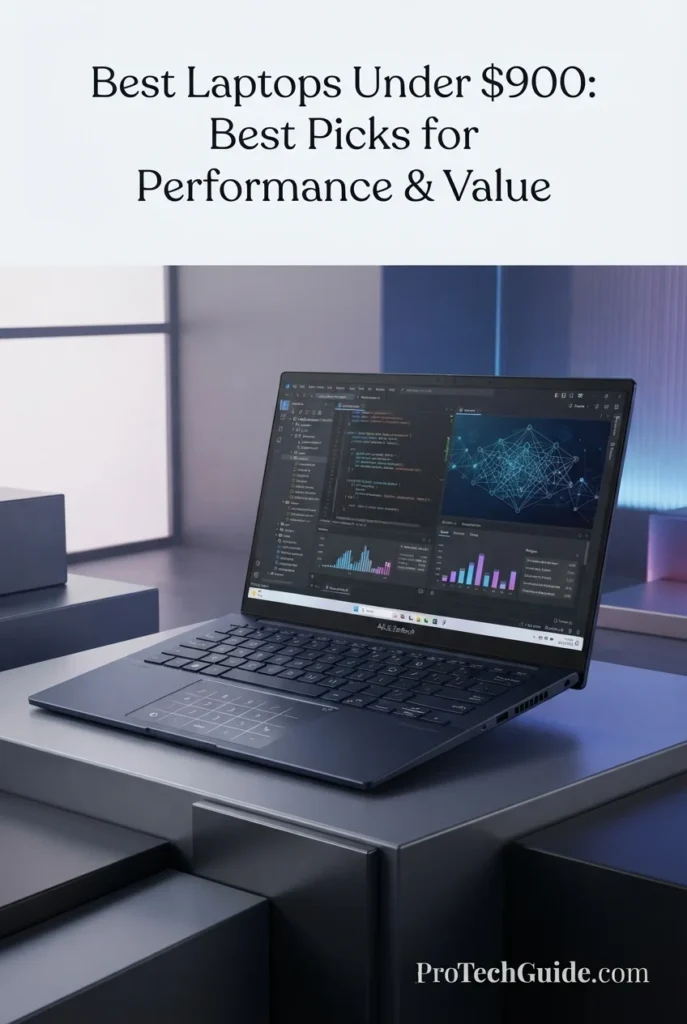
The ASUS Zenbook 14 UX3405CA with the Intel Core Ultra 7 255H, 16GB of memory, 512GB SSD, and Intel Arc Graphics is our Best Overall Laptop Under $900 in 2026. It combines strong multi-core processing, integrated graphics capable of handling demanding everyday workloads, a compact 14-inch touchscreen design, and Windows 11 Home in a package that prioritizes both performance and portability. The Core Ultra 7 255H features 16 cores and 16 threads, while its integrated Intel AI Boost NPU provides up to 13 TOPS of AI processing capability, making the Zenbook 14 a particularly well-rounded choice for productivity, multitasking, AI-enhanced applications, content consumption, and everyday professional workloads. ASUS also lists 16GB LPDDR5X memory and PCIe 4.0 SSD configurations for the UX3405CA platform.
The Zenbook 14 UX3405CA earns our Best Overall Laptop Under $900 award because it delivers one of the strongest combinations of CPU performance, integrated graphics capability, memory, storage, portability, and modern AI hardware in this price category. The Core Ultra 7 255H gives it considerably more processing headroom than typical entry-level laptops, while the 14-inch touchscreen design keeps the system compact enough for everyday mobile productivity.
Compared with larger productivity-focused laptops such as the Acer Aspire Go 16 AI and performance-oriented systems such as the Acer Nitro V, the Zenbook 14 places greater emphasis on the balance between performance and portability. It does not have the dedicated RTX graphics of the Nitro V or the larger workspace of a 16-inch laptop, but its combination of a powerful Core Ultra 7 processor, Intel Arc Graphics, 16GB memory, touchscreen functionality, and compact design makes it the more versatile choice for buyers who want one laptop for work, school, productivity, and everyday use.
Key Features
Dell XPS 13 DX13260
Premium Ultraportable for Students, Business & Everyday Productivity
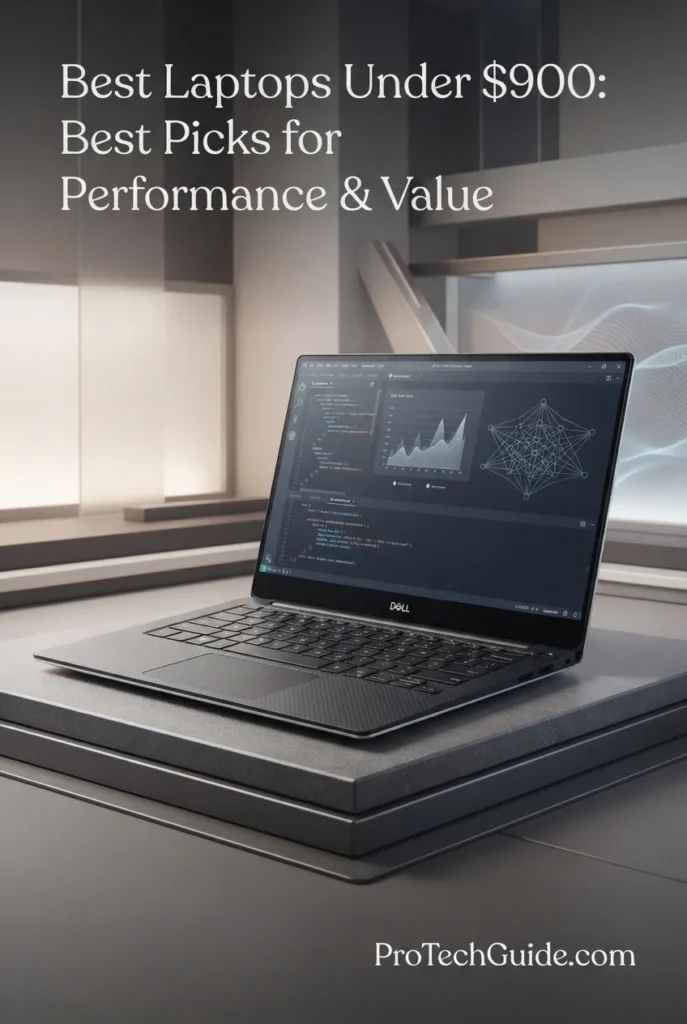
The Dell XPS 13 DX13260 with the Intel Core 5 320, 8GB LPDDR5X memory, 512GB SSD, and integrated Intel Graphics earns our Best Premium Value Laptop Under $900 in 2026 designation for buyers who prioritize premium design, portability, display quality, and everyday productivity. Its six-core Intel Core 5 320 processor reaches up to 4.6GHz, while the 13.4-inch 2.5K touchscreen provides a sharp 2560x1600 workspace with up to 500 nits of brightness and a 30–120Hz variable refresh rate. Dell also combines the system with a CNC-machined aluminum chassis, a starting weight of just 2.2 pounds, Wi-Fi 7, Bluetooth 6.0, and Windows 11 Home, making it particularly attractive to students, professionals, remote workers, and frequent travelers.
The XPS 13 earns our Best Premium Value award because it focuses on the areas that matter most to buyers seeking a premium ultraportable under $900: build quality, portability, display quality, connectivity, and a refined Windows experience. It is not designed to compete with dedicated gaming laptops or workstation-class systems, but its compact aluminum chassis and high-quality touchscreen make it one of the most compelling choices for users who carry their laptop everywhere.
Compared with the ASUS Zenbook 14 UX3405CA, our Best Overall pick, the Dell XPS 13 places greater emphasis on premium construction, extreme portability, and its compact 13.4-inch form factor. The Zenbook offers more memory in our selected configuration and a stronger overall performance balance, while the XPS 13 is the better fit for buyers who prioritize a lighter premium design, high-resolution touchscreen, and mobile Windows experience. Against larger systems such as the Acer Aspire Go 16 AI, the XPS 13 sacrifices screen size and workspace in exchange for significantly greater portability and a more premium chassis.
Key Features
The Dell XPS 13 DX13260 uses the Intel Core 5 320, a six-core processor with six threads, a 15W base power rating, up to 35W maximum turbo power, and boost speeds reaching up to 4.6GHz. Its design emphasizes efficient everyday performance rather than high-power workstation workloads, making it well suited to office applications, research, web-based productivity, programming, communication, and general multitasking.
The selected configuration includes 8GB of LPDDR5X memory running at 7467 MT/s. This capacity is appropriate for everyday productivity, Microsoft Office, web browsing, video conferencing, research, streaming, and moderate multitasking. Buyers regularly working with heavier creative applications, large datasets, virtual machines, or extensive multitasking should consider the 16GB XPS 13 configuration instead.
The 13.4-inch 2.5K touchscreen provides a 2560x1600 native resolution, 500-nit typical brightness, and a 30–120Hz variable refresh rate. Dell also specifies 100% DCI-P3 typical color coverage, a 1600:1 minimum contrast ratio, 225 PPI, and an anti-glare finish. The combination gives the XPS 13 a sharp, spacious-feeling workspace despite its compact physical footprint.
The XPS 13 uses integrated Intel Graphics with shared system memory. This solution is designed for productivity, media playback, web applications, office software, light graphics work, and casual entertainment rather than demanding gaming or professional 3D workloads. Buyers seeking dedicated GPU performance should consider the Acer Nitro V in this guide.
The 512GB PCIe NVMe SSD provides responsive application launches, quick file access, and practical storage for documents, applications, school projects, work files, photos, and everyday media. It provides a considerably more useful starting point than entry-level storage configurations while maintaining the XPS 13's compact design.
One of the XPS 13's strongest advantages is its CNC-machined aluminum chassis and compact 13.4-inch form factor. Dell lists a starting weight of approximately 2.2 pounds and a thickness of only 0.5 inches, making it particularly attractive for students, commuters, business travelers, and professionals who carry their laptop throughout the day.
Wireless connectivity includes Intel Wi-Fi 7 and Bluetooth 6.0. The Core 5 320 configuration provides two USB 3.2 Gen 2 Type-C ports with DisplayPort and power delivery. The system also includes a backlit keyboard and a 1080p FHD camera with IR support and Windows Hello compatibility, making it well prepared for modern remote work, video conferencing, and external-display setups.
The Dell XPS 13 is best suited for students, professionals, business users, remote workers, consultants, programmers, researchers, frequent travelers, and productivity-focused users who prioritize portability and premium design. It is especially attractive for users who want a compact Windows laptop for office applications, research, programming, cloud workflows, video conferencing, presentations, and everyday computing rather than dedicated gaming or workstation workloads.
HP OmniBook 5 Flip 14
Best 2-in-1 for Work, Students & Flexible Productivity
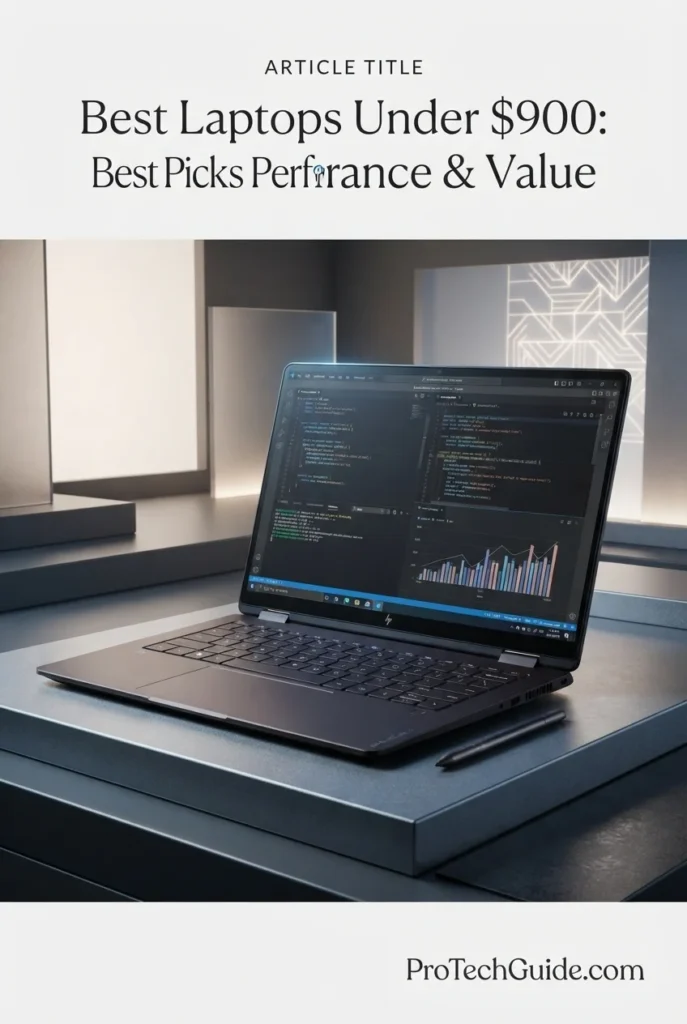
The HP OmniBook 5 Flip 14 with the Intel Core 5 120U, 16GB LPDDR5 memory, 512GB PCIe Gen4 SSD, and 14-inch 2K touchscreen earns our Best 2-in-1 Laptop Under $900 in 2026 designation for users who want the flexibility of a traditional laptop and tablet in one system. Its 10-core, 12-thread Intel Core 5 120U reaches up to 5.0GHz, while the 16GB memory configuration provides a strong foundation for everyday multitasking. The 360-degree convertible design, touchscreen, included Active Pen, backlit keyboard, 5MP IR camera, Wi-Fi 6, Bluetooth 5.4, and Windows 11 Pro make it particularly well suited to students, professionals, remote workers, and users who frequently switch between typing, touch interaction, presentations, and digital note-taking.
The OmniBook 5 Flip earns our Best 2-in-1 award because it provides one of the most flexible configurations in this price range. The combination of a 10-core Core 5 processor, 16GB memory, 512GB SSD, 14-inch touchscreen, 360-degree hinge, and Active Pen makes it more versatile than a conventional laptop for users who regularly switch between productivity, presentations, note-taking, and touch-based interaction.
Compared with the Dell XPS 13 DX13260, the OmniBook 5 Flip offers substantially more flexibility through its 360-degree convertible design, touchscreen functionality, and Active Pen, while also providing 16GB of memory in this selected configuration. The Dell remains the more premium choice for buyers prioritizing an ultra-light aluminum chassis and high-end ultraportable design. Compared with the ASUS Zenbook 14 UX3405CA, the HP focuses more strongly on versatility and pen-based interaction, making it particularly compelling for students, educators, and professionals who want tablet-style functionality without giving up Windows desktop productivity.
Key Features
The HP OmniBook 5 Flip uses the Intel Core 5 120U, a 10-core, 12-thread processor capable of reaching up to 5.0GHz with Intel Turbo Boost Technology. Its combination of performance and efficiency makes it well suited to office applications, research, web browsing, online learning, video conferencing, document creation, programming, and everyday multitasking.
This configuration includes 16GB of onboard LPDDR5-5200 memory. The capacity provides a strong foundation for students and professionals who regularly keep multiple browser tabs, productivity applications, communication tools, documents, and media running simultaneously. HP's platform supports onboard memory configurations up to 24GB depending on the specific model.
The 14-inch 1920x1200 IPS touchscreen uses a 16:10 aspect ratio and supports multitouch interaction. HP specifies a 300-nit panel with 62.5% sRGB coverage for this display configuration. The taller 16:10 workspace is useful for documents, websites, spreadsheets, research, and productivity applications, while the touchscreen adds a more direct interaction method.
The OmniBook 5 Flip's 360-degree hinge allows the laptop to transition between conventional laptop, tent, stand, and tablet-style positions. This flexibility makes it particularly useful for presentations, classroom work, watching content, touchscreen navigation, and situations where a traditional keyboard-and-screen configuration is not the most convenient option.
The included HP Active Pen expands the OmniBook 5 Flip beyond conventional laptop interaction. Users can write notes, annotate documents, mark up presentations, sketch diagrams, and interact directly with compatible applications. For students and professionals who frequently take handwritten notes or work with visual material, this adds meaningful flexibility.
The 512GB PCIe Gen4 NVMe SSD provides responsive application launches, quick file access, and practical storage for school projects, documents, applications, photos, presentations, and everyday media. It offers a strong balance between capacity and performance for a laptop in this price range.
HP equips the OmniBook 5 Flip platform with a 5MP IR camera with HDR capabilities and integrated dual-array microphones. Wireless connectivity includes Wi-Fi 6 and Bluetooth 5.4, while the system provides USB-C connectivity, USB ports, HDMI, and a headphone/microphone combination jack for common peripherals and external displays.
The HP OmniBook 5 Flip is best suited for college students, professionals, teachers, remote workers, business users, researchers, and productivity-focused users who want the flexibility of a convertible Windows laptop. It is especially well suited to note-taking, presentations, online learning, office work, video conferencing, research, document editing, and touch-based workflows where the combination of a physical keyboard, touchscreen, and Active Pen provides a practical advantage.
Acer Aspire Go 16 AG16-71PT-783C
Best Large-Screen Laptop for Productivity, Students & Everyday Work
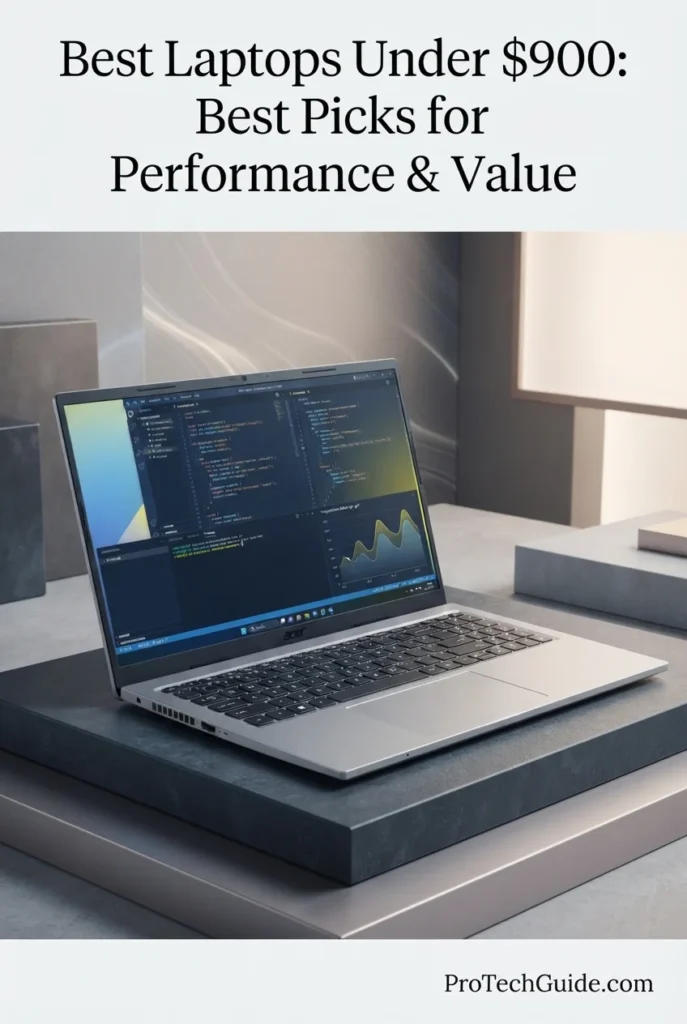
The Acer Aspire Go 16 AG16-71PT-783C with the Intel Core 7 150U, 16GB DDR5 memory, 512GB PCIe Gen4 SSD, and 16-inch WUXGA touchscreen earns our Best Large-Screen Productivity Laptop Under $900 in 2026 designation. Its 16-inch 1920x1200 IPS display provides a substantially larger workspace than compact 13- and 14-inch laptops, while the 10-core, 12-thread Core 7 150U provides efficient performance for office applications, research, multitasking, web browsing, remote work, and everyday computing. Combined with 16GB DDR5 memory, a 512GB PCIe Gen4 SSD, Wi-Fi 6, HDMI 2.1, USB-C connectivity, a backlit keyboard, and Windows 11 Home, the Aspire Go 16 is particularly compelling for buyers who value screen real estate and practical productivity over premium ultraportable design or dedicated graphics performance.
The Aspire Go 16 earns our Best Large-Screen Productivity award because it prioritizes the feature many productivity users notice immediately: usable screen space. Its 16-inch touchscreen gives spreadsheets, documents, research pages, timelines, and multiple windows considerably more room than compact 13- and 14-inch alternatives, while the Core 7 150U and 16GB DDR5 configuration provide enough performance for a broad range of everyday workloads.
Compared with the ASUS Zenbook 14 UX3405CA, the Aspire Go 16 offers a larger workspace and a more productivity-oriented form factor, while the Zenbook delivers a stronger premium ultraportable experience and more advanced processor architecture. Compared with the Dell XPS 13 DX13260, Acer sacrifices compactness and premium construction in exchange for substantially more screen real estate and a stronger memory configuration. For buyers who spend most of their time working with documents, spreadsheets, browser windows, research, or presentations, the Aspire Go 16's larger display can be the more practical choice.
Key Features
The Aspire Go 16 AG16-71PT-783C uses the Intel Core 7 150U, a 10-core, 12-thread processor with a 1.8GHz base frequency and boost speeds reaching up to 5.4GHz. Its efficient design is well suited to office applications, research, web browsing, communication, presentations, streaming, programming, and everyday multitasking rather than dedicated gaming or workstation workloads.
The selected configuration includes 16GB of DDR5 memory, providing a strong capacity for productivity-focused multitasking. Users can comfortably work with multiple browser tabs, documents, spreadsheets, communication applications, research resources, and other everyday software without being restricted to an entry-level memory configuration. Acer's specifications list support for up to 32GB on this platform.
The 16-inch WUXGA IPS touchscreen provides a 1920x1200 native resolution and 60Hz refresh rate. Its large physical size makes the Aspire Go 16 particularly useful for spreadsheets, documents, research, presentations, and side-by-side application windows. The touchscreen also adds a more direct interaction method for navigation, media, and compatible productivity applications.
The system uses Intel integrated graphics with shared system memory. This solution is designed for productivity, video playback, streaming, office applications, web workloads, and light graphics tasks. It is not intended to replace a dedicated GPU for demanding gaming, 3D rendering, or professional GPU-accelerated creative workloads.
The 512GB PCIe Gen4 NVMe SSD provides fast storage performance for launching applications, opening files, transferring data, and managing everyday documents and media. The capacity offers a practical balance for students, professionals, and home users who need room for applications, projects, presentations, photos, and other local files.
The Aspire Go 16 includes Wi-Fi 6, Bluetooth, HDMI 2.1, two USB 3.2 Gen 1 Type-A ports, and a USB-C port. Acer also includes a backlit keyboard, Microsoft Precision Touchpad, numeric keypad, and a 53Wh battery. These features make the laptop particularly practical for home offices, classrooms, external displays, peripherals, and everyday professional setups.
Windows 11 Home provides the standard modern Windows productivity environment, while Acer includes access to Copilot in Windows through the system's dedicated Copilot key. Acer also provides its AcerSense software for managing system settings, applications, storage, and performance-related controls. The laptop should not, however, be confused with a Copilot+ PC because the Core 7 150U does not include the dedicated NPU required for that platform classification.
The Acer Aspire Go 16 is best suited for students, professionals, remote workers, home-office users, researchers, teachers, and productivity-focused buyers who value a large display. It is particularly effective for spreadsheets, documents, research, presentations, web-based applications, video conferencing, streaming, online learning, and multitasking across multiple windows.
Apple MacBook Neo 13-inch
Best Mac for Students, Everyday Productivity & Apple Intelligence
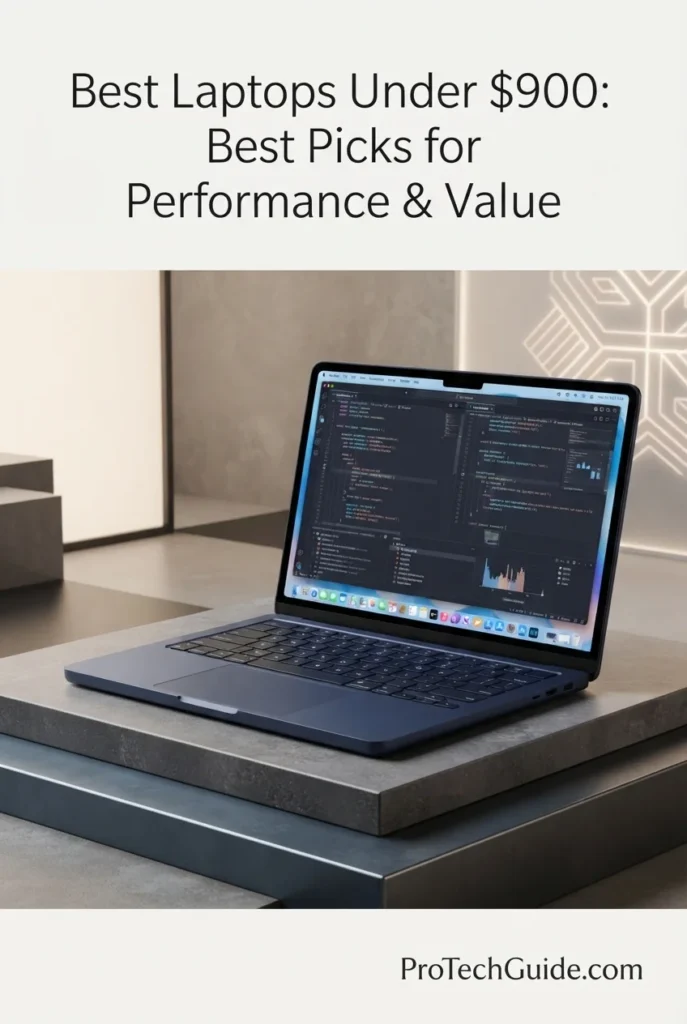
The Apple MacBook Neo 13-inch with the A18 Pro chip, 8GB of unified memory, and 512GB SSD is our top Mac recommendation for value under $900 in 2026. Its 6-core CPU, 5-core GPU, 16-core Neural Engine, Liquid Retina display, long battery life, and seamless integration with macOS and Apple Intelligence create an exceptionally polished platform for students, everyday productivity, communication, research, content consumption, and light creative work. The 512GB configuration is particularly attractive because it doubles the storage of the entry-level model while retaining the compact, lightweight design and premium Apple experience that make the MacBook Neo stand out in this price range.
The MacBook Neo earns our Best Mac for the Money award because it brings Apple's A18 Pro platform, Apple Intelligence, a high-resolution Liquid Retina display, long battery life, premium aluminum construction, and macOS to a significantly lower price point than Apple's traditional MacBook Air and MacBook Pro lineup. For students and everyday users who want a compact, efficient, premium Mac rather than a professional workstation, the 512GB configuration offers an especially strong combination of performance, portability, storage, and value.
Compared with Windows laptops such as the ASUS Zenbook 14 UX3405CA and Dell XPS 13 DX13260, the MacBook Neo offers a particularly strong combination of Apple Silicon efficiency, silent fanless operation, battery life, ecosystem integration, and macOS experience. However, its 8GB of unified memory, limited two-port USB-C connectivity, and macOS software ecosystem make it less suitable for users who need substantial memory headroom, extensive physical connectivity, or Windows-only professional applications.
Key Features
Lenovo IdeaPad Slim 5 16-inch
Best Everyday Performance for Work, Students & Multitasking
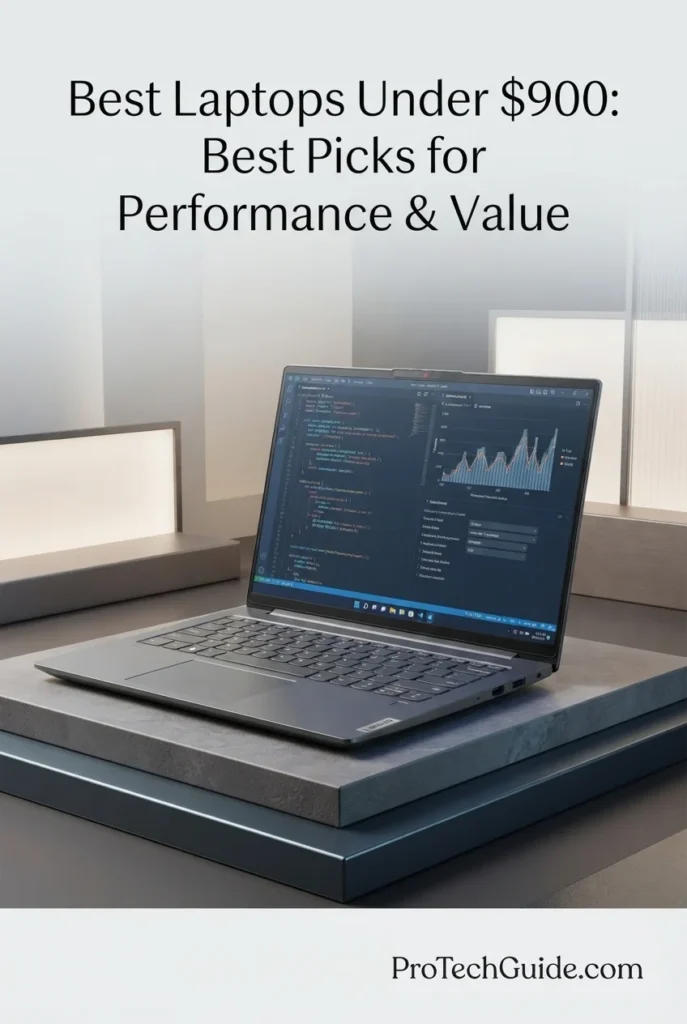
The Lenovo IdeaPad Slim 5 16-inch with the AMD Ryzen 7 8845HS, 16GB of LPDDR5X memory, and 512GB PCIe Gen4 SSD is our top recommendation for everyday performance under $900 in 2026. Its 8-core, 16-thread Ryzen 7 processor, integrated Radeon 780M graphics, Ryzen AI engine, 16GB of fast memory, and spacious 16-inch WUXGA display create an excellent platform for productivity, multitasking, schoolwork, business applications, research, media consumption, and light creative workloads. The combination delivers considerably more processing headroom than basic everyday laptops while maintaining the practical design and value that make the IdeaPad Slim 5 one of Lenovo's strongest mainstream options.
The IdeaPad Slim 5 earns our Best Everyday Performance Laptop Under $900 award because it delivers an unusually strong combination of CPU performance, 16GB LPDDR5X memory, Radeon 780M integrated graphics, Ryzen AI capabilities, fast PCIe 4.0 storage, and a spacious 16-inch display. It is a particularly well-rounded choice for users who need more performance than an entry-level laptop but do not need the cost, weight, or dedicated graphics hardware of a gaming or professional workstation.
Compared with laptops such as the Acer Aspire Go 16 AG16-71PT-783C and Apple MacBook Neo 13-inch, the IdeaPad Slim 5 offers significantly more CPU performance headroom than the Acer's Core 7 150U and a more powerful integrated Radeon 780M graphics solution, while providing a larger 16-inch workspace than the MacBook Neo. However, its 60Hz IPS display is less premium than higher-end OLED panels, and the integrated graphics are not a substitute for a dedicated GPU when gaming or professional 3D workloads become a priority.
Key Features
Acer Nitro V Gaming Laptop
Best Gaming Laptop for 1080p Performance, High Refresh Gaming & Upgradeability
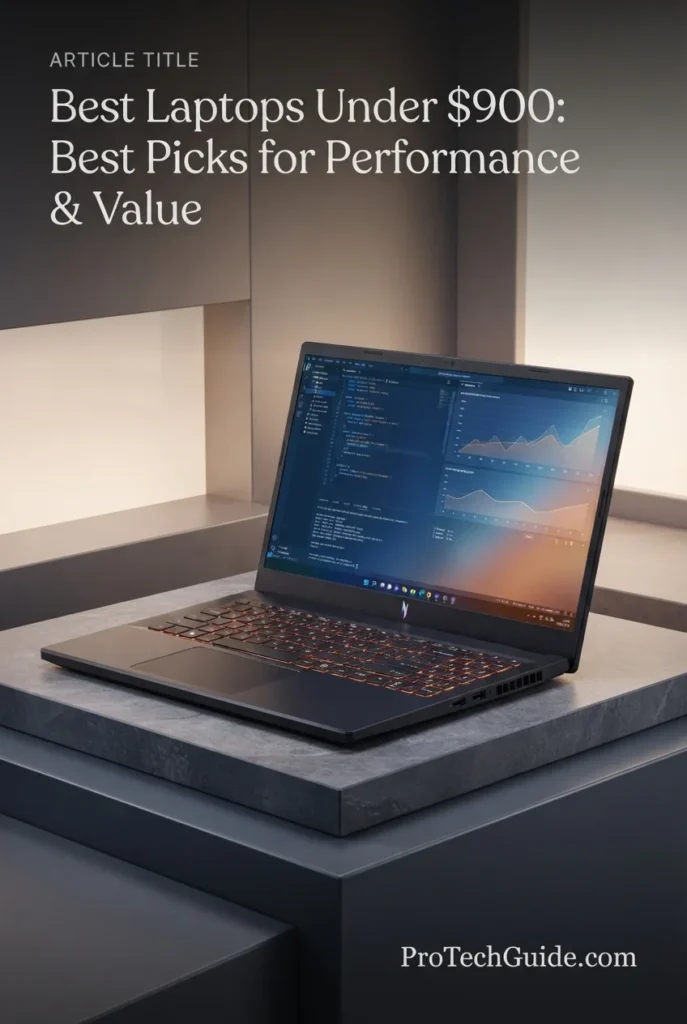
The Acer Nitro V Gaming Laptop ANV15-52-586Z with the Intel Core i5-13420H, NVIDIA GeForce RTX 4050 Laptop GPU, 8GB DDR5 memory, and 512GB PCIe Gen4 SSD is our top gaming recommendation in the under-$900 category for 2026. Its dedicated RTX 4050 graphics, 6GB of GDDR6 VRAM, 15.6-inch Full HD IPS display with a 165Hz refresh rate, fast PCIe 4.0 storage, and gaming-focused cooling platform give it substantially more graphics capability than mainstream productivity laptops. The 8GB memory configuration is the main limitation, but the system supports memory expansion up to 32GB, making it a particularly attractive platform for gamers who are willing to upgrade RAM for heavier modern games and multitasking.
The Acer Nitro V earns our Best Gaming Laptop Under $900 award because it puts dedicated RTX 4050 graphics, a high-refresh 165Hz IPS display, a capable 13th-generation Intel Core i5 processor, and fast PCIe Gen4 storage into a gaming-oriented chassis. Its biggest weakness is the factory 8GB RAM configuration, but the upgrade path to 32GB significantly improves its long-term value. For buyers focused primarily on 1080p gaming and willing to add memory, it offers substantially more gaming capability than the integrated-graphics laptops elsewhere in this guide.
Compared with mainstream laptops such as the Lenovo IdeaPad Slim 5 16-inch and Acer Aspire Go 16, the Nitro V is considerably better suited to gaming because its GeForce RTX 4050 provides dedicated graphics hardware and 6GB of GDDR6 VRAM rather than relying on integrated graphics. The trade-off is greater weight, a more gaming-oriented chassis, and higher power consumption. The initial 8GB RAM configuration is also weaker for modern gaming than the 16GB configurations found elsewhere in this guide, making a memory upgrade one of the most worthwhile improvements for this system.
Key Features
HP OmniBook X Flip 2-in-1
Best Premium 2-in-1 for AI, OLED Display & Flexible Productivity
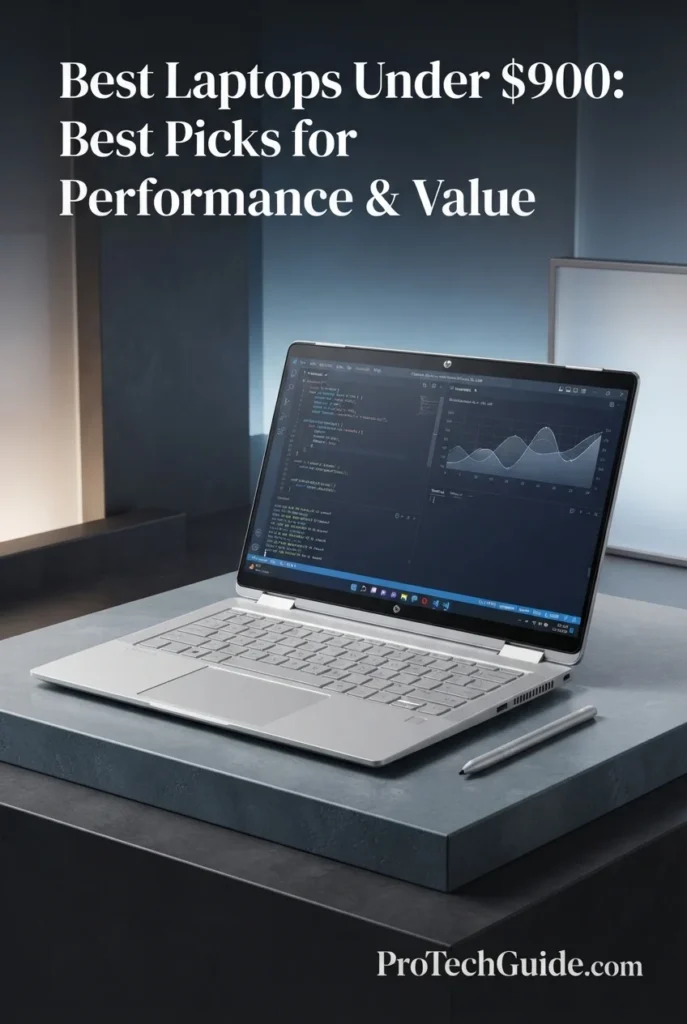
The HP OmniBook X Flip 2-in-1 with the AMD Ryzen AI 5 430, 16GB LPDDR5X memory, 512GB PCIe Gen4 SSD, and 14-inch 2K OLED touchscreen is our top premium 2-in-1 recommendation under $900 in 2026. Its four-core, eight-thread Ryzen AI processor, dedicated 50 TOPS NPU, Radeon 840M integrated graphics, premium OLED touchscreen, Wi-Fi 7 connectivity, and convertible design create a versatile platform for productivity, students, creative work, entertainment, and AI-assisted computing. The included stylus in this specific marketplace configuration further expands its usefulness for handwritten notes, annotation, drawing, and touch-based workflows.
The HP OmniBook X Flip earns our Best Premium 2-in-1 Laptop Under $900 award because it combines a high-quality OLED touchscreen, modern AMD Ryzen AI hardware, 50 TOPS of NPU performance, 16GB LPDDR5X memory, fast PCIe Gen4 storage, Wi-Fi 7, and a flexible convertible design. It is not the fastest laptop in this guide for CPU-intensive workloads or gaming, but it offers one of the most complete premium experiences for users who value versatility, display quality, portability, and AI capabilities.
Compared with the HP OmniBook 5 Flip 14, the OmniBook X Flip offers a more modern Ryzen AI platform with a 50 TOPS NPU, Radeon 840M graphics, OLED display technology, and Wi-Fi 7, making it the more premium choice for AI-ready productivity and display quality. Compared with traditional laptops such as the Lenovo IdeaPad Slim 5 16-inch, it sacrifices some CPU performance and screen size in exchange for a substantially more flexible 2-in-1 design, touchscreen functionality, OLED image quality, and a more compact form factor.
Key Features
Best Laptops Under $900 in 2026
8 Expert Picks Ranked by Performance, Display Quality, Portability, AI Capabilities, Gaming, Productivity & Overall Value
Choosing the best laptop under $900 in 2026 requires more than comparing processor names and memory capacity. The right choice depends on how the laptop will actually be used, whether that means productivity and schoolwork, professional applications, multitasking, AI-assisted workflows, content creation, gaming, or everyday computing. We evaluated these eight laptops based on CPU performance, RAM, storage, display quality, graphics capability, portability, battery considerations, connectivity, upgrade potential, operating system, and overall value to help you identify the model that best matches your priorities.
| Laptop | CPU & Key Specs | Best For | Why It Wins | Editor's Verdict |
|---|---|---|---|---|
Best OverallASUS Zenbook 14 UX3405CACheck Price | Intel Core Ultra 7 255H 16GB RAM 512GB SSD Intel Arc Graphics 14" Touchscreen Windows 11 Home | Students Professionals Everyday Productivity Mobile Users | The Zenbook 14 delivers the strongest overall balance in this lineup, combining a powerful Core Ultra 7 processor, 16GB of memory, fast SSD storage, Intel Arc graphics, a premium compact design, and modern AI capabilities. Its 14-inch form factor provides an excellent combination of performance and portability for users who need one laptop for work, school, productivity, and everyday computing. | Best Overall Laptop Under $900 |
Best Premium ValueDell XPS 13 DX13260Check Price | Intel Core 5 320 8GB LPDDR5X 512GB SSD 13.4" 2.5K Touch Intel Graphics Windows 11 Home | Premium Portability Students Business Users Frequent Travelers | The XPS 13 stands out for its premium compact design, exceptionally light 2.2-pound starting weight, high-resolution 2.5K touchscreen, and modern wireless connectivity. It is particularly attractive to users who value build quality and portability while still wanting a responsive Windows laptop for productivity, school, business, and everyday work. | Best Premium Value Laptop Under $900 |
Best 2-in-1HP OmniBook 5 Flip 14Check Price | Intel Core 5 120U 16GB LPDDR5 512GB PCIe Gen4 SSD 14" 1920×1200 Touch 5MP IR Camera Windows 11 Pro | Students Presentations Note-Taking Flexible Productivity | The OmniBook 5 Flip combines a capable Core 5 processor, 16GB of memory, fast PCIe Gen4 storage, touchscreen functionality, and a flexible convertible design. Its 360-degree form factor makes it particularly useful for students and professionals who move between traditional laptop work, presentations, touchscreen interaction, and note-taking. | Best 2-in-1 Laptop Under $900 |
Best Large-ScreenAcer Aspire Go 16 AG16-71PT-783CCheck Price | Intel Core 7 150U 16GB DDR5 512GB PCIe Gen4 SSD 16" WUXGA IPS Touch Intel Graphics Windows 11 Home | Office Productivity Students Spreadsheets Large-Screen Work | The Aspire Go 16 provides an unusually practical combination of a large 16-inch 1920×1200 touchscreen, 16GB DDR5 memory, a 512GB PCIe Gen4 SSD, and a capable Core 7 processor. Its spacious display makes it particularly effective for spreadsheets, documents, research, multitasking, and users who prefer a larger workspace without moving to a premium flagship laptop. | Best Large-Screen Productivity Laptop Under $900 |
Best MacApple MacBook Neo 13-inchCheck Price | Apple A18 Pro 8GB Unified Memory 512GB SSD 13" Liquid Retina 5-Core GPU macOS | Students Mac Users Everyday Productivity Apple Intelligence | The MacBook Neo brings Apple's ecosystem, silent fanless operation, excellent portability, long battery life, and a sharp Liquid Retina display into a much more accessible price category. Its A18 Pro chip provides strong everyday performance while the 512GB SSD gives this configuration substantially more practical storage than entry-level 256GB models. | Best Mac for the Money Under $900 |
Best Everyday PerformanceLenovo IdeaPad Slim 5 16-inchCheck Price | AMD Ryzen 7 8845HS 16GB LPDDR5X 512GB PCIe Gen4 SSD Radeon 780M Graphics 16" WUXGA IPS Windows 11 Home | Multitasking Students Business Users Light Creative Work | The IdeaPad Slim 5 offers one of the strongest combinations of CPU performance and everyday usability in this lineup. Its 8-core Ryzen 7 processor, 16GB LPDDR5X memory, Radeon 780M graphics, Ryzen AI capabilities, fast PCIe Gen4 storage, and large 16-inch display make it an excellent choice for demanding productivity without the size and cost of a dedicated gaming workstation. | Best Everyday Performance Laptop Under $900 |
Best GamingAcer Nitro V Gaming LaptopCheck Price | Intel Core i5-13420H RTX 4050 6GB GDDR6 8GB DDR5 512GB PCIe Gen4 SSD 15.6" FHD IPS 165Hz Windows 11 Home | 1080p Gaming Esports Game Development GPU-Accelerated Workloads | The Nitro V is the clear gaming specialist in this lineup. Its dedicated GeForce RTX 4050 graphics, 6GB of GDDR6 VRAM, 165Hz Full HD IPS display, H-series Intel processor, and gaming-oriented cooling provide dramatically more graphics capability than the integrated-GPU laptops in this guide. The 8GB RAM configuration is its main weakness, but support for up to 32GB gives buyers a strong upgrade path. | Best Gaming Laptop Under $900 |
Best Premium 2-in-1HP OmniBook X Flip 2-in-1Check Price | AMD Ryzen AI 5 430 16GB LPDDR5X 512GB PCIe Gen4 SSD Radeon 840M Graphics 14" 1920×1200 OLED Touch 50 TOPS NPU | AI Productivity Students Creative Work Premium 2-in-1 Use | The OmniBook X Flip combines premium OLED display quality, a modern Ryzen AI processor with a 50 TOPS NPU, 16GB LPDDR5X memory, fast PCIe Gen4 storage, Wi-Fi 7, and a flexible convertible design. Its combination of touchscreen functionality and stylus support makes it particularly versatile for presentations, digital notes, creative applications, and AI-assisted productivity. | Best Premium 2-in-1 Laptop Under $900 |
Recommended Next Reads
Finished comparing the best laptops under $900? Explore our related buying guides for students, business users, AI workloads, content creation, premium displays, and higher-budget laptop options.
Whether you are trying to stretch your budget toward a $1,000 laptop, choosing a system for school or professional work, exploring AI and creative workloads, or looking for a better display, these guides can help you narrow down your next laptop with greater confidence.
Best Laptops Under $1000 in 2026
Explore laptops that step above the $900 range with additional performance, better configurations, and more premium features for work, school, productivity, gaming, and everyday use.
Explore Laptops Under $1000 →Best Laptops for Students in 2026
Compare student-focused laptops for school, college, research, productivity, portability, battery life, and everyday academic workloads.
Explore Student Laptops →Professional WorkBest Business Laptops in 2026
Explore laptops designed around professional productivity, multitasking, portability, reliability, security, and demanding business workflows.
Explore Business Laptops →AI & Machine LearningBest Laptops for AI & Machine Learning in 2026
Compare laptops for Python, TensorFlow, local AI, machine learning, GPU-accelerated workloads, and increasingly demanding AI development.
Explore AI & ML Laptops →Content CreationBest Laptops for Video Editing in 2026
Find powerful laptops for video editing, creative applications, high-resolution media, content creation, and demanding creator workloads.
Explore Video Editing Laptops →Display QualityBest OLED Laptops in 2026
Explore the best OLED laptops for productivity, content creation, visual work, entertainment, and users who want a premium display experience.
Explore OLED Laptops →Performance & ValueBest Laptops Under $1500 in 2026
Looking for more performance and premium features? Compare stronger laptops around the $1,500 price point for demanding productivity, gaming, and professional workloads.
Explore Laptops Under $1500 →EDITOR'S FINAL RECOMMENDATIONS
After comparing these eight laptops across processor performance, RAM capacity, storage, display quality, portability, battery considerations, graphics capability, AI features, connectivity, operating systems, upgrade potential, and overall value, these are our final recommendations for 2026. Whether you need a dependable laptop for school and work, a premium ultraportable, a large-screen productivity machine, a Mac, a gaming laptop, or a flexible 2-in-1, there is a strong option here for your specific priorities.
ASUS Zenbook 14 UX3405CA
The ASUS Zenbook 14 is our best overall laptop under $900 for 2026 because it delivers the strongest balance of performance, portability, premium design, display quality, connectivity, and everyday versatility in this lineup. Its Core Ultra 7 255H processor, 16GB of memory, 512GB SSD, Intel Arc graphics, and compact 14-inch design make it an excellent choice for students, professionals, remote workers, and everyday users who want one laptop capable of handling a wide range of workloads without moving into workstation territory.
- ✓ Intel Core Ultra 7 255H
- ✓ 16GB RAM
- ✓ 512GB SSD
- ✓ Intel Arc Graphics
Dell XPS 13 DX13260
The Dell XPS 13 is the premium-value choice for users who prioritize portability, build quality, display resolution, and a refined Windows experience. Its compact 13.4-inch design, 2.5K touchscreen, lightweight chassis, modern Core 5 320 processor, and 512GB SSD make it particularly attractive for students, business users, frequent travelers, and professionals who value mobility. The main compromise is its 8GB memory configuration, which is better suited to everyday productivity than heavy professional multitasking.
- ✓ Intel Core 5 320
- ✓ 8GB LPDDR5X Memory
- ✓ 512GB SSD
- ✓ 13.4-inch 2.5K Touchscreen
HP OmniBook 5 Flip 14
The HP OmniBook 5 Flip 14 is the best conventional 2-in-1 in this lineup for students and professionals who want flexibility without sacrificing everyday productivity. Its Core 5 120U processor, 16GB memory, 512GB PCIe Gen4 SSD, 14-inch 1920×1200 touchscreen, 360-degree convertible design, and active-stylus support make it particularly useful for presentations, note-taking, touchscreen interaction, schoolwork, and flexible office productivity.
- ✓ Intel Core 5 120U
- ✓ 16GB LPDDR5 Memory
- ✓ 512GB PCIe Gen4 SSD
- ✓ 14-inch 1920×1200 Touchscreen
Acer Aspire Go 16 AG16-71PT-783C
The Acer Aspire Go 16 is our large-screen productivity specialist for users who spend much of their day working with documents, spreadsheets, research, browser tabs, reports, and multiple applications. Its 16-inch 1920×1200 IPS touchscreen, 16GB DDR5 memory, 512GB PCIe Gen4 SSD, and Core 7 150U processor create a practical productivity platform with considerably more workspace than a typical 14-inch laptop.
- ✓ Intel Core 7 150U
- ✓ 16GB DDR5 Memory
- ✓ 512GB PCIe Gen4 SSD
- ✓ 16-inch WUXGA IPS Touchscreen
Apple MacBook Neo 13-inch
The MacBook Neo is our choice for users who specifically want macOS in this price range. Its A18 Pro chip, 8GB of unified memory, 512GB SSD, fanless design, sharp 13-inch Liquid Retina display, long battery life, and compact 2.7-pound chassis make it particularly attractive for students, everyday productivity, Apple users, and anyone who values a quiet and highly portable laptop. The 8GB memory configuration is best suited to everyday workloads rather than demanding professional applications.
- ✓ Apple A18 Pro Chip
- ✓ 8GB Unified Memory
- ✓ 512GB SSD
- ✓ 13-inch Liquid Retina Display
Lenovo IdeaPad Slim 5 16-inch
The Lenovo IdeaPad Slim 5 16-inch is the performance-focused everyday choice in this lineup. Its Ryzen 7 8845HS processor, 16GB LPDDR5X memory, Radeon 780M integrated graphics, 512GB PCIe Gen4 SSD, and large 16-inch WUXGA display provide an unusually capable combination for multitasking, productivity, schoolwork, business applications, light creative workloads, and demanding everyday computing. It also brings Ryzen AI capabilities without requiring a dedicated GPU.
- ✓ AMD Ryzen 7 8845HS
- ✓ 16GB LPDDR5X Memory
- ✓ 512GB PCIe Gen4 SSD
- ✓ Radeon 780M Graphics
Acer Nitro V Gaming Laptop
The Acer Nitro V is the clear gaming specialist in this guide. Its Core i5-13420H processor, dedicated GeForce RTX 4050 with 6GB of GDDR6 memory, 15.6-inch 165Hz Full HD IPS display, gaming-oriented cooling, and upgradeable DDR5 memory provide substantially more graphics performance than the integrated-GPU laptops in this lineup. The 8GB RAM configuration is the main weakness, but support for up to 32GB gives buyers a meaningful upgrade path for gaming and GPU-accelerated workloads.
- ✓ Intel Core i5-13420H
- ✓ NVIDIA GeForce RTX 4050 6GB
- ✓ 8GB DDR5 Memory
- ✓ 15.6-inch FHD IPS 165Hz Display
HP OmniBook X Flip 2-in-1
The HP OmniBook X Flip is our premium 2-in-1 recommendation for users who want a more advanced combination of AI capability, OLED display quality, portability, and flexible productivity. Its Ryzen AI 5 430 processor with a 50 TOPS NPU, 16GB LPDDR5X memory, 512GB PCIe Gen4 SSD, 14-inch 1920×1200 OLED touchscreen, Wi-Fi 7, and convertible design make it particularly compelling for AI-assisted productivity, presentations, digital note-taking, creative applications, and everyday professional work.
- ✓ AMD Ryzen AI 5 430
- ✓ 16GB LPDDR5X Memory
- ✓ 512GB PCIe Gen4 SSD
- ✓ 14-inch 1920×1200 OLED Touchscreen
Which laptop under $900 should you buy?
ASUS Zenbook 14
Dell XPS 13
HP OmniBook 5 Flip 14
Acer Aspire Go 16
MacBook Neo 13-inch
Lenovo IdeaPad Slim 5
Acer Nitro V
HP OmniBook X Flip
- Choose the ASUS Zenbook 14 UX3405CA if you want the strongest overall balance of performance, portability, premium design, connectivity, and everyday versatility in this lineup.
- Choose the Dell XPS 13 DX13260 if portability, premium construction, a high-resolution touchscreen, and a refined Windows experience matter more than maximum multitasking capacity. Its 8GB memory configuration is best suited to lighter workloads.
- Choose the HP OmniBook 5 Flip 14 if you want a flexible 360-degree laptop for school, presentations, touchscreen productivity, note-taking, and everyday professional work.
- Choose the Acer Aspire Go 16 if you prefer a large 16-inch workspace for spreadsheets, documents, research, multitasking, and everyday productivity while keeping the configuration practical and affordable.
- Choose the Apple MacBook Neo 13-inch if you specifically want macOS, Apple Intelligence, silent fanless operation, excellent portability, and strong everyday performance in a compact design. Its 8GB unified memory makes it better suited to everyday workloads than demanding professional applications.
- Choose the Lenovo IdeaPad Slim 5 16-inch if performance and multitasking are your priorities. Its Ryzen 7 8845HS, 16GB LPDDR5X memory, Radeon 780M graphics, and large 16-inch display make it one of the strongest productivity-oriented configurations in this guide.
- Choose the Acer Nitro V Gaming Laptop if gaming and dedicated graphics performance are your priority. Its RTX 4050 and 165Hz display give it a major graphics advantage over the integrated-GPU laptops in this guide, while its upgradeable memory provides useful long-term flexibility.
- Choose the HP OmniBook X Flip 2-in-1 if you want the most advanced combination of AI capability, OLED display quality, touchscreen flexibility, portability, and convertible productivity. Its 50 TOPS NPU makes it the strongest AI-focused 2-in-1 in this lineup.
EDITOR'S FINAL VERDICT
After comparing processor performance, memory capacity, SSD storage, display quality, portability, graphics capability, AI features, connectivity, operating systems, upgrade potential, productivity performance, gaming capability, and overall value, one conclusion stands out:The best laptop under $900 is not necessarily the one with the most powerful processor, the largest display, or the most impressive specification sheet. It is the laptop that provides the right balance of performance, memory, storage, display quality, portability, usability, software compatibility, and long-term value for the way you actually intend to use it.
The $900 price range is one of the most competitive segments of the laptop market in 2026. Buyers can now choose between premium ultraportables, large-screen productivity laptops, capable 2-in-1 systems, modern AI-enabled machines, entry-level Macs, and dedicated gaming laptops. That variety makes the buying decision more complicated, because the strongest choice for a student may not be the strongest choice for a gamer, professional, frequent traveler, or power user.
For most buyers, 16GB of memory should be the preferred target at this price, while 8GB configurations are best reserved for lighter everyday workloads. A fast 512GB SSD provides a strong baseline for applications, documents, projects, and media, while dedicated graphics become particularly valuable when gaming or GPU-accelerated workloads are a priority.- Choose the ASUS Zenbook 14 UX3405CA if you want the best overall balance of performance, portability, premium design, modern connectivity, Intel Arc graphics, and everyday versatility. It is the safest recommendation for buyers who want one laptop that can handle work, school, productivity, multitasking, and general computing without becoming unnecessarily large or expensive.
- Choose the Lenovo IdeaPad Slim 5 16-inch if performance and multitasking are your priorities. Its Ryzen 7 8845HS, 16GB LPDDR5X memory, Radeon 780M graphics, 512GB PCIe Gen4 SSD, and large 16-inch display make it one of the strongest productivity-focused configurations in this guide.
- Choose the Apple MacBook Neo 13-inch if you specifically want macOS, Apple Intelligence, silent fanless operation, strong battery life, and a compact design. Its 8GB unified memory makes it best suited to everyday productivity, school, browsing, office work, and moderate workloads rather than demanding professional applications.
- Choose the Acer Nitro V Gaming Laptop if gaming and dedicated graphics performance are your priorities. Its RTX 4050 6GB GPU and 165Hz display give it a major graphics advantage over the integrated-GPU laptops in this guide. However, its 8GB RAM configuration is a limitation worth addressing through an upgrade, and marketplace pricing can place this configuration above the $900 target.
Top Laptop Recommendations Under $900 (2026)
ASUS Zenbook 14 UX3405CA
Our Editor's Choice for most buyers because it provides the strongest overall combination of performance, portability, premium design, modern connectivity, 16GB memory, fast SSD storage, and Intel Arc graphics. The Core Ultra 7 255H configuration gives it enough performance headroom for demanding productivity while its compact 14-inch form factor keeps it highly portable.
- ✓ Intel Core Ultra 7 255H
- ✓ 16GB RAM
- ✓ 512GB SSD
- ✓ Intel Arc Graphics
Lenovo IdeaPad Slim 5 16-inch
The strongest performance-oriented everyday choice in the lineup. Its Ryzen 7 8845HS processor, 16GB LPDDR5X memory, Radeon 780M graphics, and large 16-inch display provide excellent headroom for multitasking, productivity, schoolwork, business applications, and light creative workloads.
- ✓ AMD Ryzen 7 8845HS
- ✓ 16GB LPDDR5X Memory
- ✓ 512GB PCIe Gen4 SSD
- ✓ Radeon 780M Graphics
Acer Nitro V Gaming Laptop
The gaming specialist of this guide. Its dedicated RTX 4050 graphics, 6GB GDDR6 VRAM, 165Hz Full HD display, H-series Intel processor, and upgradeable DDR5 memory give it substantially more gaming capability than the integrated-GPU systems evaluated here.
- ✓ Intel Core i5-13420H
- ✓ NVIDIA GeForce RTX 4050 6GB
- ✓ 8GB DDR5 Memory
- ✓ 15.6-inch FHD IPS 165Hz Display
- ✓ You want the strongest overall balance in this guide
- ✓ You need a portable laptop for work, school and everyday productivity
- ✓ You want 16GB of memory and dedicated Intel Arc graphics without moving to a gaming laptop
- ✓ Premium design, connectivity and portability are important to you
- ✓ Performance and multitasking are major priorities
- ✓ You want a powerful Ryzen 7 processor with 16GB of memory
- ✓ You prefer a large 16-inch workspace for productivity
- ✓ You need stronger integrated graphics for light creative and GPU-assisted workloads
- ✓ Prefer 16GB of RAM when possible for better long-term usability
- ✓ Treat 8GB configurations as better suited to lighter workloads
- ✓ Prioritize a 512GB SSD or larger when you store applications, files, projects and media locally
- ✓ Choose a dedicated GPU if gaming or GPU-accelerated workloads are important to you
- ✓ Check the exact configuration before purchasing because RAM, display, storage, ports and pricing can vary between marketplace listings
A laptop under $900 can now serve as a surprisingly capable primary computer, but the best purchase depends on where you place the greatest value. Some buyers will benefit from a premium lightweight design, others will prioritize CPU performance and multitasking, while gamers need dedicated graphics and a high-refresh-rate display. Students and professionals may also value touchscreen functionality, convertible designs, battery life, or a larger workspace more than raw benchmark performance.
Among the eight laptops evaluated in this guide, the ASUS Zenbook 14 UX3405CA delivers the strongest overall combination of performance, 16GB memory, storage, portability, premium design, graphics capability, connectivity, and everyday versatility, making it our Editor's Choice for the best laptop under $900 in 2026.The Lenovo IdeaPad Slim 5 16-inch is the better choice for buyers who prioritize CPU performance, multitasking, and a large productivity workspace. The Apple MacBook Neo 13-inch is the strongest option for buyers specifically seeking an affordable Mac experience, while the HP OmniBook X Flip 2-in-1 is the more advanced choice for users who want AI capability, OLED quality, touchscreen interaction, and convertible flexibility.For gaming, the Acer Nitro V is the clear performance specialist because its RTX 4050 provides a level of graphics capability that integrated-GPU laptops cannot match. Meanwhile, the Dell XPS 13, HP OmniBook 5 Flip 14, and Acer Aspire Go 16 each serve more specialized priorities around premium portability, flexible 2-in-1 productivity, and large-screen everyday work.
Compare current prices, configurations, memory, storage, display options, warranty coverage, and availability before choosing the laptop that best matches your needs and budget.
Check Latest DealEDITOR'S FAQ
Choosing the best laptop under $900 in 2026 requires more than comparing processor names or looking for the largest amount of storage. Buyers need to consider RAM capacity, CPU performance, graphics capability, display quality, battery life, portability, operating system, upgrade potential, connectivity, and the type of work, school, creative, or gaming workloads they expect to perform.These frequently asked questions address the most important buying decisions in this price range, including how much RAM and storage you need, whether an $800 or $900 laptop is worth the upgrade, which laptops are best for students and productivity, whether you need a dedicated GPU, and how to choose between Windows, macOS, and a 2-in-1 design.
It provides one of the strongest combinations of performance, portability, premium design, 16GB of memory, fast SSD storage, Intel Arc graphics, modern connectivity, and everyday versatility in this guide.
- Intel Core Ultra 7 255H processor.
- 16GB of RAM for stronger multitasking.
- 512GB SSD for applications, documents, and projects.
- Intel Arc integrated graphics for additional graphics capability.
- Compact 14-inch design suited to mobile productivity.
The ASUS Zenbook 14 is particularly compelling for students, professionals, remote workers, and everyday users who want one well-balanced laptop rather than a specialized gaming or workstation system.
Check PriceThe main advantage of moving toward the $900 level is that buyers can often obtain better processors, 16GB of memory, faster PCIe SSD storage, higher-quality displays, premium chassis designs, and additional features that are less common at lower price points.
- Under $600 → Best for basic work, school, browsing, and everyday computing.
- $600–$700 → Stronger configurations for students and general productivity.
- $700–$800 → Better processors, displays, memory, and overall value.
- $800–$900 → Premium ultraportables, stronger productivity systems, 2-in-1s, and more capable hardware.
- Gaming models → Dedicated GPUs can provide substantially more graphics performance, although configurations and prices fluctuate.
For many buyers, $900 represents a particularly attractive point where performance and premium features begin to converge without requiring the price of a flagship laptop.
Sixteen gigabytes provides substantially more multitasking headroom than 8GB and is a better long-term starting point for Windows productivity, schoolwork, professional applications, browser-heavy workflows, and moderate creative work.
- 8GB → Acceptable for browsing, documents, streaming, schoolwork, and lighter everyday workloads.
- 16GB → Recommended for most buyers under $900 and better for multitasking, productivity, school, and professional use.
- 32GB or more → Ideal when available at the right price for heavier professional workloads, large projects, virtual machines, advanced creative work, or long-term power-user requirements.
Several laptops in this guide use 16GB configurations, including the ASUS Zenbook 14, HP OmniBook 5 Flip 14, Acer Aspire Go 16, Lenovo IdeaPad Slim 5, and HP OmniBook X Flip. The Dell XPS 13 and Apple MacBook Neo configurations reviewed here use 8GB, making them better suited to lighter workloads.
An 8GB laptop can handle web browsing, email, documents, streaming, schoolwork, video calls, and other moderate workloads. The limitation becomes more noticeable when many browser tabs, productivity applications, creative tools, or larger projects are active simultaneously.
- Good for browsing, Office applications, email, streaming, and lighter schoolwork.
- Acceptable for moderate everyday productivity when multitasking requirements are limited.
- Less ideal for demanding professional applications and heavy multitasking.
- 16GB provides a more comfortable long-term configuration.
- 32GB is preferable when demanding professional workloads justify the additional capacity.
This is particularly important with the Dell XPS 13 and MacBook Neo configurations in this guide. Both are attractive laptops for their respective strengths, but their 8GB memory configurations should be considered when evaluating them against 16GB alternatives.
Integrated graphics are sufficient for web browsing, Microsoft Office, schoolwork, programming, business applications, media consumption, and many everyday creative workloads.
- Integrated graphics → Best for everyday productivity, school, business, programming, and general computing.
- Intel Arc / Radeon integrated graphics → Provide stronger graphics capability than basic integrated solutions and can handle additional light creative and graphical workloads.
- RTX 4050 → A major step up for gaming, 3D applications, GPU-accelerated workloads, and demanding graphics tasks.
This is why the Acer Nitro V is the gaming specialist in this guide. Its RTX 4050 provides dramatically more graphics performance than the integrated-GPU laptops, although its 8GB RAM configuration is a limitation that buyers should consider upgrading.
Check Gaming LaptopStudents usually benefit from a combination of portability, battery efficiency, comfortable keyboards, sufficient memory, fast storage, a good display, and enough performance for research, Office applications, browser-heavy multitasking, video calls, and academic software.
- ASUS Zenbook 14 → Best overall combination of performance, portability, and premium design.
- HP OmniBook 5 Flip 14 → Best for touchscreen interaction, presentations, note-taking, and convertible flexibility.
- Apple MacBook Neo → Best for students who specifically want macOS and Apple's ecosystem.
- Lenovo IdeaPad Slim 5 16-inch → Best for students who prioritize performance and a larger display.
For most students, 16GB of memory is preferable because it provides more headroom for multiple browser tabs, documents, research tools, video calls, and applications running simultaneously.
Check Student-Friendly OptionThe OmniBook X Flip stands out with its Ryzen AI 5 430 processor, 50 TOPS NPU, 16GB LPDDR5X memory, 512GB PCIe Gen4 SSD, OLED touchscreen, Wi-Fi 7, and convertible design.
- HP OmniBook X Flip → Best for AI features, OLED quality, premium 2-in-1 productivity, and flexible touchscreen use.
- HP OmniBook 5 Flip 14 → Best for students, presentations, note-taking, and everyday convertible productivity.
- Both provide touchscreen functionality and flexible form factors for users who want more than a conventional clamshell laptop.
The exact stylus bundle can vary by configuration. For the OmniBook X Flip configuration evaluated in this guide, the marketplace package includes a stylus, while HP may list pen support or availability differently across configurations.
Check OmniBook X FlipThe difference becomes particularly noticeable when working with spreadsheets, documents, research, multiple browser windows, or applications side by side. A larger display can reduce the need to constantly switch between windows.
- 14-inch → Better for frequent travel, university, commuting, and mobile productivity.
- 16-inch → Better for spreadsheets, multitasking, documents, dashboards, and users who prefer a larger workspace.
- 16:10 displays → Particularly useful for productivity because they provide additional vertical workspace compared with traditional 16:9 panels.
The ASUS Zenbook 14 and Dell XPS 13 are strong choices for mobility, while the Acer Aspire Go 16 and Lenovo IdeaPad Slim 5 16-inch are better suited to users who want a larger productivity workspace.
Check Large-Screen OptionThe configuration evaluated in this guide combines Apple's A18 Pro chip with 8GB of unified memory and a 512GB SSD. Its 13-inch Liquid Retina display, compact 2.7-pound design, long battery life, and fanless operation make it especially attractive for students and everyday users.
- Excellent portability at approximately 2.7 pounds.
- A18 Pro provides strong everyday CPU and graphics performance.
- 512GB SSD provides useful storage capacity for this price category.
- Fanless design provides completely silent operation.
- macOS and Apple Intelligence make it attractive to users already invested in the Apple ecosystem.
The main limitation is the 8GB unified memory configuration. Buyers performing demanding professional workloads should consider a higher-memory laptop where available. For users who want Windows compatibility, the ASUS Zenbook 14 or Lenovo IdeaPad Slim 5 are stronger alternatives within this guide.
Check MacBook NeoThere is no single laptop that is perfect for every buyer. The strongest recommendation depends on the workload and features that matter most to you.
- Best Overall → ASUS Zenbook 14 UX3405CA.
- Best Premium Value → Dell XPS 13 DX13260.
- Best 2-in-1 → HP OmniBook 5 Flip 14.
- Best Large-Screen → Acer Aspire Go 16.
- Best Mac → Apple MacBook Neo 13-inch.
- Best Everyday Performance → Lenovo IdeaPad Slim 5 16-inch.
- Best Gaming → Acer Nitro V Gaming Laptop.
- Best Premium 2-in-1 → HP OmniBook X Flip 2-in-1.
If you want the safest all-around recommendation, the ASUS Zenbook 14 is our Editor's Choice. If raw everyday productivity performance is more important, the Lenovo IdeaPad Slim 5 is particularly compelling. Gamers should choose the Acer Nitro V, while buyers who want a premium convertible experience should look at the HP OmniBook X Flip.
Check Best Overall DealLAPTOP BUYING GUIDE
Choosing a laptop under $900 in 2026 is not simply about finding the fastest processor or the longest specification list. At this price level, buyers can choose between premium ultraportables, large-screen productivity laptops, 2-in-1 convertibles, AI-capable systems, affordable Macs, and dedicated gaming laptops.The wrong choice can become frustrating through insufficient RAM, limited storage, an unsuitable display, poor portability, unnecessary graphics hardware, operating system limitations, or an attractive marketplace configuration that does not match the buyer's actual workload. Avoid these common mistakes before choosing your next laptop under $900.
The best laptop under $900 is rarely the model with the most impressive specification sheet. The strongest purchase is the one that provides the right balance of processor performance, memory, storage, display quality, graphics capability, portability, software compatibility, and long-term usability for the way you actually work, study, create, or play.For most buyers in 2026, we recommend targeting 16GB of memory and a 512GB SSD whenever the budget allows. Buyers who need gaming or GPU-intensive workloads should prioritize a dedicated graphics card, while students, professionals, and everyday users can often get better value from a lighter system with integrated graphics.
Choosing 8GB of RAM When 16GB Is Available
- Eight gigabytes can still handle browsing, documents, streaming, schoolwork, and lighter everyday workloads.
- Modern multitasking can quickly consume available memory when many browser tabs, productivity applications, communication tools, and other programs are open.
- A 16GB configuration generally provides more comfortable long-term headroom for a laptop approaching the $900 price range.
Better decision:Target 16GB of RAM whenever possible. An 8GB configuration can still make sense when portability, price, or a specific premium design is more important than heavy multitasking. The Dell XPS 13 and Apple MacBook Neo in this guide are examples where the 8GB configuration is a limitation worth considering.
Buying a Dedicated GPU You Do Not Need
- A dedicated GPU can significantly increase gaming and graphics performance, but it is unnecessary for many office, school, business, and everyday workloads.
- Dedicated graphics can also increase system size, heat, power consumption, and purchase cost.
- Buyers who never play demanding games or use GPU-accelerated applications may benefit more from additional memory, storage, display quality, or portability.
Better decision:Prioritize CPU performance, RAM, SSD storage, and display quality first for general productivity. Choose the Acer Nitro V when gaming, 3D applications, or GPU-intensive workloads are a genuine priority because its RTX 4050 provides a major graphics advantage over the integrated-GPU laptops in this guide.
Ignoring the Operating System and Software You Actually Use
- Windows, macOS, and ChromeOS provide different software ecosystems and compatibility considerations.
- Some professional, academic, business, or specialized applications may be designed primarily for Windows.
- Choosing a Mac or Chromebook without checking application compatibility first can create unnecessary limitations.
Better decision:Choose Windows when broad software compatibility is important. Consider the Apple MacBook Neo when you specifically want macOS, Apple Intelligence, silent fanless operation, and Apple's ecosystem. ChromeOS can be appropriate for browser-based school and everyday workflows, but buyers should verify that their required applications are available before choosing a Chromebook.
Choosing Too Little SSD Storage
- Modern applications, games, photos, videos, documents, and project files can consume storage much faster than expected.
- A 256GB SSD can become restrictive when a laptop is used as a primary computer.
- Gaming libraries and creative projects can consume hundreds of gigabytes on their own.
Better decision:Target 512GB of SSD storage as a practical baseline under $900. Choose 1TB or more when you store large applications, games, media libraries, creative projects, or substantial local files. In this guide, the 512GB configurations provide a stronger balance of capacity and value, while the 256GB systems are better suited to lighter users who rely more heavily on cloud storage.
Buying Performance You Will Never Use
- Not every buyer needs a high-performance H-series processor or a dedicated gaming GPU.
- Excess performance can increase price, weight, heat, and power consumption without providing a meaningful benefit for everyday workloads.
- A well-balanced laptop can provide a better overall experience than a specification-heavy system designed for workloads you never perform.
Better decision:Match the hardware to your actual workload. The ASUS Zenbook 14 is the strongest balanced choice for most buyers, while the Lenovo IdeaPad Slim 5 is better suited to users who prioritize CPU performance and multitasking. Move to the Acer Nitro V when dedicated graphics are genuinely required.
Ignoring Display Size and Workspace
- Students and professionals can spend hours working with documents, spreadsheets, research, browser windows, and productivity applications.
- A smaller display improves portability but can make split-screen multitasking less comfortable.
- A 16-inch display provides substantially more physical workspace for users who work primarily at a desk.
Better decision:Choose a 14-inch laptop when portability is a priority and a 16-inch model when workspace and multitasking matter more. The ASUS Zenbook 14 and Dell XPS 13 are excellent mobile choices, while the Acer Aspire Go 16 and Lenovo IdeaPad Slim 5 16-inch are better suited to larger-screen productivity.
Choosing a Laptop Without Checking the Exact Configuration
- The same laptop family can be sold with different processors, memory capacities, displays, SSDs, operating systems, and graphics options.
- Marketplace listings can sometimes combine specifications from different configurations.
- A laptop model name alone does not always tell you exactly what hardware you are buying.
Better decision:Check the exact CPU, RAM, SSD, display resolution, refresh rate, GPU, operating system, ports, and included accessories before purchasing. This is especially important with marketplace listings, where configurations and pricing can change independently of the laptop family's official specifications.
Choosing a Gaming Laptop When You Actually Need Portability
- Gaming laptops can deliver substantially more graphics performance, but they are typically heavier and less focused on mobility than premium ultraportables.
- Dedicated GPU hardware can increase power consumption and make a system less convenient for frequent travel.
- Users who primarily work, study, browse, and attend meetings may gain more from a lighter 14-inch laptop.
Better decision:Choose the Acer Nitro V when gaming or GPU-intensive workloads are central to your needs. Choose the ASUS Zenbook 14, Dell XPS 13, or another productivity-focused system when portability, battery efficiency, and everyday usability matter more.
Smart Buying Advice for Laptops Under $900
You prioritize portability, premium construction, everyday productivity, school, business work, and a laptop that is comfortable to carry regularly. The ASUS Zenbook 14 is our strongest overall recommendation, while the Dell XPS 13 is particularly attractive when compact premium design is the priority.
You regularly multitask, work with demanding productivity applications, or want more CPU and integrated graphics headroom. The Lenovo IdeaPad Slim 5 16-inch combines a Ryzen 7 8845HS processor, 16GB LPDDR5X memory, Radeon 780M graphics, and a large 16-inch display for this type of workload.
You need dedicated graphics for gaming and GPU-intensive workloads, choose the Acer Nitro V. If AI processing, OLED quality, touchscreen functionality, and a premium convertible design are more important, the HP OmniBook X Flip provides a stronger fit with its Ryzen AI platform and 50 TOPS NPU.
Key takeaway:The best laptop under $900 is not necessarily the fastest, largest, or most expensive model. It is the laptop that provides the right balance of processor performance, memory, storage, display quality, graphics capability, portability, software compatibility, and long-term usability for your actual needs.
After evaluating the eight laptops featured in this guide, these are our Editor's leading recommendations for buyers in 2026:
- Best Overall Laptop Under $900:ASUS Zenbook 14 UX3405CA — the strongest overall combination of performance, portability, 16GB memory, fast storage, Intel Arc graphics, premium design, and everyday versatility.
- Best Premium Value:Dell XPS 13 DX13260 — an exceptionally compact premium Windows laptop with a 2.5K touchscreen, modern Core 5 processor, 8GB LPDDR5X memory, and 512GB SSD.
- Best 2-in-1:HP OmniBook 5 Flip 14 — a flexible convertible designed for students, presentations, touchscreen interaction, note-taking, and everyday productivity.
- Best Large-Screen Productivity Laptop:Acer Aspire Go 16 AG16-71PT-783C — a practical combination of a 16-inch WUXGA touchscreen, Core 7 processor, 16GB DDR5 memory, and 512GB PCIe Gen4 storage.
- Best Mac for the Money:Apple MacBook Neo 13-inch — the strongest choice for buyers specifically seeking macOS, Apple Intelligence, silent fanless operation, portability, and strong everyday performance.
- Best Everyday Performance:Lenovo IdeaPad Slim 5 16-inch — a powerful productivity choice built around the Ryzen 7 8845HS, 16GB LPDDR5X memory, Radeon 780M graphics, and a large 16-inch display.
- Best Gaming Laptop:Acer Nitro V Gaming Laptop — the clear gaming specialist thanks to its RTX 4050 6GB GPU and 165Hz Full HD display, although its 8GB RAM configuration should be considered for an upgrade.
- Best Premium 2-in-1:HP OmniBook X Flip 2-in-1 — a premium convertible combining a Ryzen AI 5 430 processor, 50 TOPS NPU, 16GB LPDDR5X memory, 512GB SSD, OLED touchscreen, and flexible 2-in-1 functionality.
Need help choosing your laptop?
Not sure which option fits your workflow? Get a personalized recommendation based on your budget, performance needs, and usage.
Get personalized recommendation⚡ Usually responds within 24 hours